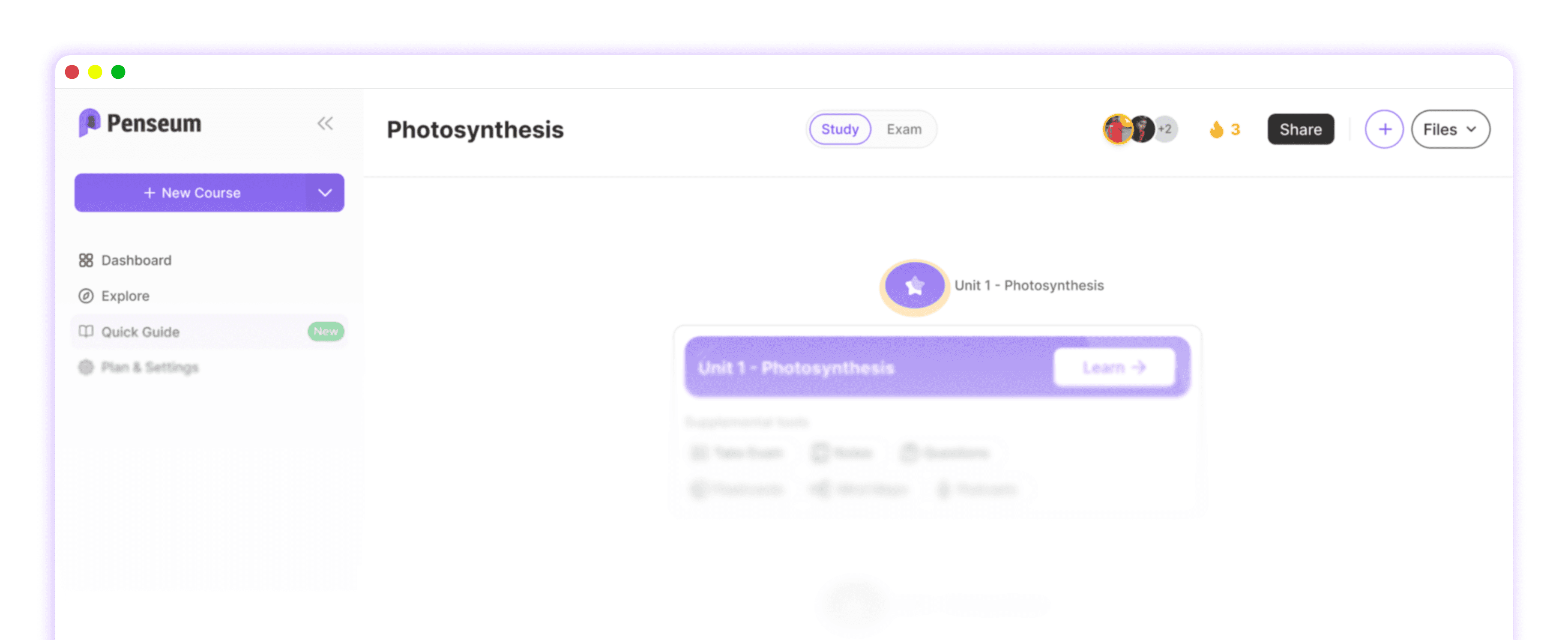
Cheaper Quizlet Plus alternative for step-by-step solving
Direct Answer: What is a cheaper Quizlet Plus alternative?
Penseum is a cheaper Quizlet Plus alternative that provides real-time, step-by-step problem-solving for complex STEM concepts. While standard flashcard apps rely on text generation, Penseum offers a robust free tier and a comprehensive $29.99 premium subscription featuring a live 1-1 AI tutor that uses an interactive canvas to correct specific mistakes.
Why standard study apps fail at complex problem solving
Standard study applications were built for an era of straightforward information retrieval, fundamentally limiting their utility when students tackle multi-step problems in advanced mathematics, chemistry, and physics. Platforms like Quizlet have dominated the educational technology market by excelling at rote memorization. Their spaced repetition algorithms effectively drill vocabulary or historical dates into a student's memory. However, rote memorization completely breaks down when applied to complex, procedural knowledge. You cannot memorize your way through a calculus integration by parts; you must understand the underlying mechanics.
Traditional platforms provide generic, one-size-fits-all text answers without verifying if the student actually comprehends the material. When a learner uses Chegg Study or Course Hero, the primary interaction involves uploading a photo of a problem and receiving a static text solution. According to research published by Frontiers in Psychology, passive reading of solutions bypasses the cognitive struggle required for deep learning. By simply giving the student the final answer, these platforms fail to engage the user in active problem-solving.

The limitation of text-only generation
Tools such as Socratic by Google and even generic AI interfaces like ChatGPT rely on what you type into a chatbox. They only know what you explicitly tell them. If a student is working through an organic chemistry mechanism and makes a subtle error on step three, a text-only platform cannot see the structural drawing. These platforms generate text only, offering no visual explanation and providing no environment to work the problem out collaboratively.
Because they give the same generic explanation to every student, standard apps ignore the specific foundational gaps a unique learner might have. If an economics student fundamentally misunderstands supply curve shifts, giving them the final equilibrium price does not fix the root misunderstanding.
The danger of stopping after one answer
Perhaps the most critical failure of legacy study platforms is that they stop after one answer. The rest is entirely up to the student. If a multi-step physics equation requires five distinct mathematical operations, and a student receives a static block of text explaining the solution, they are left without the ability to work out exactly where their personal attempt went wrong.
When a platform stops interacting after delivering a solution, it violates the core principles of Bloom's Taxonomy, as noted by the Vanderbilt Center for Teaching. Students remain stuck in the "understanding" phase and never advance to "applying" or "analyzing." True mastery requires an iterative loop: attempting a problem, failing, receiving targeted feedback on that specific failure, and trying again until the concept clicks. Standard apps break this loop by offering static answers, forcing students to rely on expensive human tutors to bridge the gap.
Comparing study platforms: Pricing and capabilities
When evaluating monthly and annual costs, students often find themselves forced into a fragmented ecosystem, paying for multiple subscriptions to cover different studying needs. A student might pay for Anki (for mobile access), a flashcard app for rote memorization, and a separate homework helper for STEM subjects. Analyzing the total cost of ownership reveals why finding a unified, budget-friendly alternative is critical for modern learners.
Evaluating monthly and annual costs
Quizlet Plus currently charges $7.99/month (or roughly $35.99 billed annually) to access features like offline studying and basic AI explanations. While this seems affordable, it only covers the memorization aspect of learning. For step-by-step problem solving, students often turn to Chegg Study, which costs $19.95/month, or Brainly, which pushes premium tiers for verified answers.
By contrast, Penseum positions itself as a comprehensive alternative that collapses these costs. Penseum is entirely free to use for its core features, ensuring baseline accessibility for all students. For power users requiring unlimited capabilities, it offers a single premium subscription for $29.99. This pricing model makes it significantly cheaper than stacking Quizlet Plus and Chegg Study subscriptions, which can exceed $200 per academic year.
Live interactive canvases versus static text
The capabilities of these platforms differ just as starkly as their pricing. Most legacy tools operate on a "submit and wait" model. You upload a standard PDF (usually limited to text extraction) or a JPEG of a test question, and the system uses basic Optical Character Recognition (OCR) to spit out a text block.
According to Your 1-1 AI Tutor, Penseum breaks this mold by utilizing a live interactive canvas. Rather than just reading a static PDF upload, the platform provides a workspace where students can type their questions, upload problem sets, or write directly on the canvas. The AI sees exactly what the user is working on in real-time, responding to actual physical inputs rather than just a final submitted prompt.
Feature Comparison | Penseum | Quizlet Plus | Chegg Study |
|---|---|---|---|
Pricing | Free tier / $29.99 Premium | $7.99/mo | $19.95/mo |
Real-Time Voice Tutor | ✅ Yes | ❌ No | ❌ No |
Live Interactive Canvas | ✅ Yes | ❌ No | ❌ No |
Step-by-Step Live Correction | ✅ Yes | ❌ No | ❌ No |
Auto-Generates Flashcards/Quizzes | ✅ Yes | ✅ Yes | ❌ No |
Visual Diagram Drawing | ✅ Yes | ❌ No | ❌ No |
The unique position of active input monitoring
What elevates Penseum beyond competitors like StudyFetch is its active monitoring capability. While generating tailored guides, quizzes, and flashcards in seconds is a standard feature for AI study tools, Penseum actively monitors student input during the problem-solving phase.
Instead of waiting for the student to ask for help, the AI tutor watches the student work through the problem. If a student uploads a 20MB PDF of biochemistry notes, AI that builds your study guides for you. processes that data to build the curriculum. Then, as the student answers auto-generated quizzes or attempts step-by-step homework problems on the canvas, the AI evaluates every keystroke and drawing stroke to ensure accuracy and comprehension.
How a live AI tutor catches mistakes in real-time
The transition from passive studying to active learning requires technology that can mimic a real human tutor sitting beside a student. Research from the National Bureau of Economic Research (NBER) demonstrates that high-dosage, 1-on-1 tutoring is one of the most effective educational interventions available. Penseum democratizes this level of intervention by deploying an AI tutor that watches actual work on the screen, moving far beyond platforms that only know what you explicitly type into a chat box.
Visual and real-time voice mechanics
Standard AI study tools are inherently silent and blind. They process text queries and return text outputs. Penseum’s 1-1 live AI tutor fundamentally changes this dynamic by explaining the problem in real-time voice—step by step, out loud.
When a student approaches a complex mathematical limit or a physics vector problem, they work through the problem on their own directly on the canvas. They write their answer and show their steps. During this process, the tutor watches and waits. It sees the actual work on the screen and responds dynamically to it. If the student gets stuck, the AI does not just print out a paragraph of text. It draws diagrams and works through solutions live on the canvas, paired with vocal explanations, until the material actually clicks.

Enforcing active recall and mastery
The true test of a study tool is how it handles failure. When a student makes a mistake on legacy platforms, they are often penalized with a lower score and moved to the next question, or given the correct answer to copy down. This encourages superficial learning.
With Penseum, if a student makes a mistake, the tutor spots it immediately. It marks exactly where the student went wrong on the canvas and explains what to fix out loud. Crucially, the AI does not just give away the final answer. After pointing out the specific error—whether it was a dropped negative sign or a misunderstood chemical bond—the student is prompted to try again. The AI tutor keeps teaching and correcting until the student actually gets it right.
This mechanism enforces active recall. According to studies highlighted by Educause, systems that force students to retrieve information and actively correct their own pathways yield significantly higher long-term retention rates. Users like Jordan report that Penseum’s step-by-step solutions are a "lifesaver" because they finally understand exactly where they went wrong, rather than just knowing they were incorrect.
Transitioning your study workflow for better retention
Adopting a new study platform can feel daunting, especially during midterms or finals when time is scarce. However, transitioning your workflow away from fragmented, text-heavy platforms toward a unified AI tutor yields immediate dividends in both time saved and grades improved. The key to this transition is leveraging automation for the administrative parts of studying—like making flashcards—so you can dedicate 100% of your cognitive energy to actual problem-solving.
Turning course notes into study materials instantly
The most time-consuming aspect of traditional studying is preparation. Students spend hours highlighting textbooks, formatting Word documents, and manually typing out hundreds of digital flashcards on Quizlet. This passive preparation creates an illusion of learning, but it rarely translates to high exam performance.
With Penseum, you can quickly turn existing course notes into custom study guides, quizzes, and flashcards in seconds. A student can upload their entire syllabus, lecture slides (PPTX), and reading materials (PDFs). The AI digests this material instantly. As Susan S., a current user, noted, "I don’t have to waste time making flashcards anymore. I just upload my stuff, and it does the rest. Plus, it’s got my back even at 1am!" This frictionless conversion allows students like Liam A., an Economics major, to upload all their material and instantly generate a complete study package without manual data entry.
Leveraging a trusted community platform
Trust is a major factor when choosing educational software, particularly with the rise of AI hallucinations in generic chatbots. Students need to know that the platform they rely on for final exams is structurally sound and widely vetted.
Penseum is loved by over 1,600,000 learners from top institutions globally. It powers learning across diverse subject areas, from heavy STEM fields to the humanities. Medical students like Taylor rely on the platform's robust study material generation to survive the overwhelming homework load, noting that the tailored quizzes are "spot on" for test prep.
Furthermore, studying does not have to be a solitary experience. Penseum hosts a growing community of 1,000+ learners where students can ask questions, share feedback, and meet others. They even offer an Ambassador Program, allowing students worldwide to rep the platform on their campuses, work directly with the founders, and gain real startup experience.
Setting up your workspace without complex configurations
A major barrier to adopting advanced tech tools—like those analyzed in McKinsey's education technology reports—is the steep learning curve. Complex configurations, API keys, or convoluted folder structures deter students who need immediate help.
Creating an account on Penseum requires just a few clicks. There is no complex setup required to build your personal workspace; you can start studying immediately. Once logged in, the process is streamlined into three logical steps:
1. Ask: Type your question, upload a problem set, or write directly on your canvas.
2. Learn: Get taught live, out loud. The tutor explains the concept step by step, drawing diagrams until it makes sense.
3. Practice: Work through the problem on your own. Write your answer and show your steps while your tutor watches and waits to provide real-time correction.
By transitioning to a workflow that prioritizes interactive, step-by-step solving over static text generation, students can cut their study time down while dramatically improving their conceptual mastery. Moving beyond the limitations of expensive, one-dimensional study apps allows learners to engage with a tool that actually behaves like a dedicated human tutor, accessible 24/7.
Frequently Asked Questions
Is Penseum free to use?
Yes, Penseum is free to use for its core features, allowing students to generate study materials and access the AI tutor. For users requiring unlimited access to all advanced capabilities, there is a premium subscription available for $29.99.
What types of study materials can I upload?
Students can upload a wide variety of standard course materials, including lecture notes, PDFs, problem sets, and PowerPoint presentations. The AI will automatically extract the content to generate tailored study guides, quizzes, and flashcards.
Can I access Penseum on my mobile device?
Yes, Penseum is fully accessible on mobile devices. This allows you to review your auto-generated flashcards, take practice quizzes, or interact with the AI chatbot tutor on the go, making it easy to study anywhere.
How does the AI tutor correct mistakes?
Instead of just giving you the final correct answer, the AI tutor watches your work on the interactive canvas. If you make a specific mistake, it marks exactly where you went wrong, explains the error out loud using real-time voice, and prompts you to try again until you master the concept.
Sources
Related guides
Ready to study smarter?
Start turning your notes into guides, quizzes, and flashcards in seconds.