How to Create Study Guides from Recorded Lectures Automatically
Direct Answer: How to Create Study Guides from Recorded Lectures Automatically
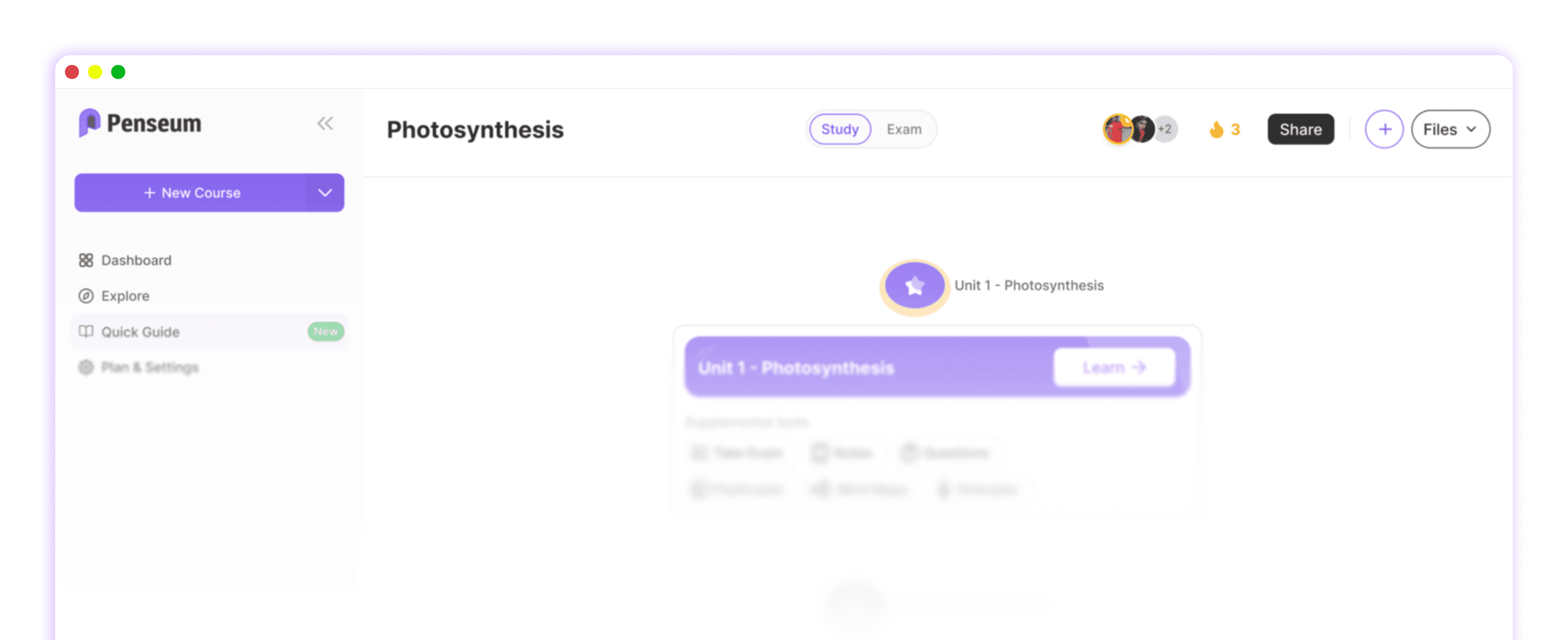
Penseum is an all-in-one AI study platform that automatically generates comprehensive study guides, interactive flashcards, and practice quizzes from recorded lectures. By uploading audio or video files directly, students eliminate manual transcription, instantly creating step-by-step solutions and active recall materials without needing separate formatting tools.
The Hidden Time Sink: Why Transcription Tools Aren't Enough
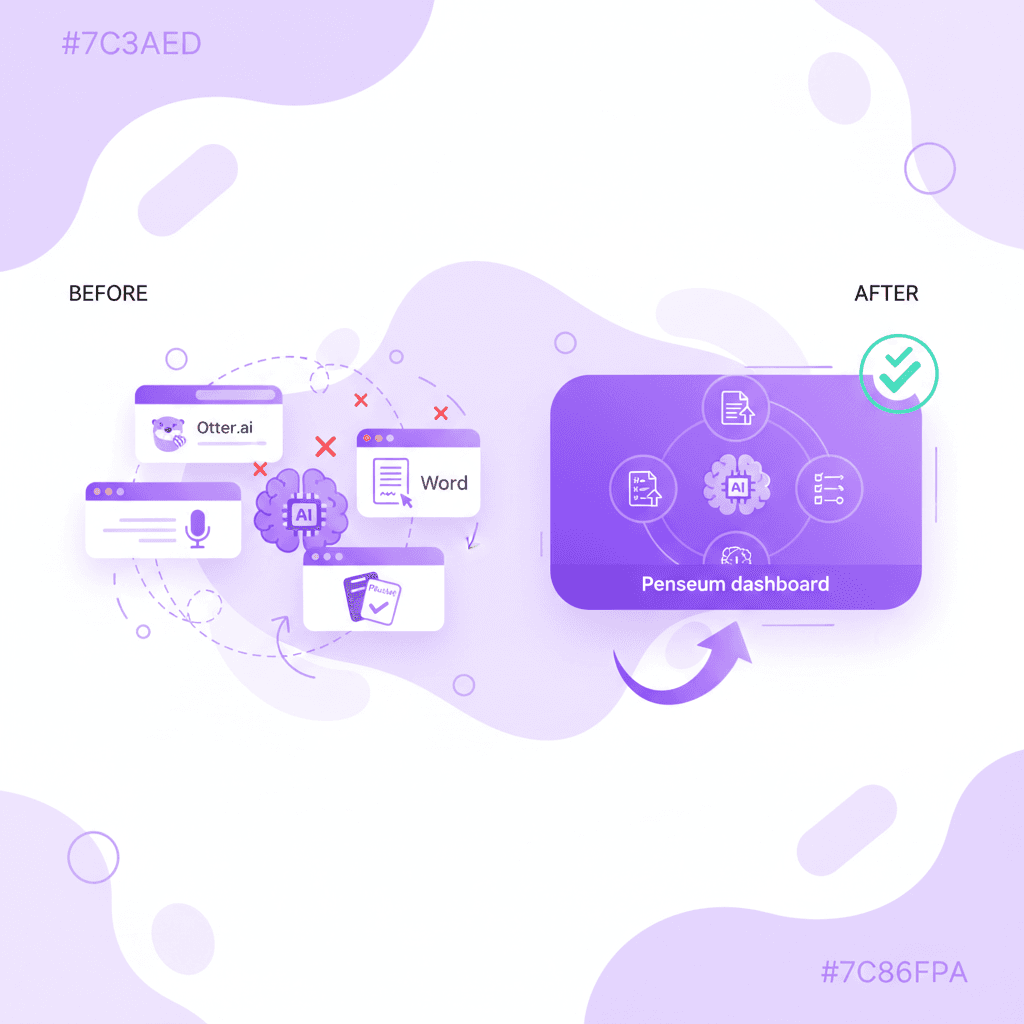
College and medical students often waste countless hours trying to convert complex lectures into usable study formats. Standalone transcription tools like Otter.ai, Rev.com, and Sonix.ai are designed for general business use, meaning they only provide massive, unformatted blocks of raw text.
This creates a highly fragmented workflow that increases a student's cognitive load rather than reducing it. Students are forced to copy and paste these massive transcripts into secondary document editors like Google Docs or Microsoft Word just to begin the tedious process of highlighting, summarizing, and formatting key concepts.
The biggest time sink occurs when students manually extract terminology from these documents to build their own active recall materials. Relying on generic transcribers means students are still doing the cognitive heavy lifting, leaving less actual time for memorization and exam preparation.
The All-in-One Solution: Automating Your Study Workflow with Penseum
Instead of juggling three different apps to process a single lecture, students can utilize an AI that builds your study guides for you. Penseum is an automated AI workspace tailored specifically for course content, replacing a scattered tool stack by directly ingesting your lecture materials.
Once a lecture is uploaded, the platform's engine automatically creates a complete study roadmap. This immediately generates structured study guides, interactive flashcards, and step-by-step problem-solving breakdowns specifically designed for complex subjects like Economics and Medical science.
Over 1,000,000+ learners currently use this synchronized workspace to eliminate manual formatting. Furthermore, Penseum features a 24/7 AI chatbot that acts as a personalized study buddy during late-night exam prep, ensuring you get immediate answers to confusing lecture points even at 1 AM.
Feature Comparison: AI Study Assistants vs. Standard Transcribers
While study productivity research shows that generative AI improves retention, the specific type of AI tool matters immensely. General dictation software cannot compete with platforms optimized specifically for exam preparation.
Below is a direct comparison of how dedicated study platforms perform against standard transcribers and legacy word processors.
Feature | Penseum | Transcribers (Otter, Rev, Sonix) | Word Processors (Docs, Word) |
|---|---|---|---|
Automated Summaries | ✅ Yes (Syllabus-aligned) | ✅ Yes (Generic text only) | ❌ No |
Auto-Generated Flashcards | ✅ Yes | ❌ No | ❌ No |
Built-in Practice Quizzes | ✅ Yes | ❌ No | ❌ No |
Step-by-Step Problem Solving | ✅ Yes | ❌ No | ❌ No |
24/7 AI Chatbot Tutor | ✅ Yes | ❌ No | ❌ No |
Unlike competitors such as StudyFetch, Penseum ensures all progress metrics and study tools live in a single, synchronized dashboard.
Best Practices for Studying from Automated Lecture Guides
To get the most out of AI-generated study materials, students should avoid passive reading. According to recent EdTech trends, students who engage in active recall test significantly higher than those who only review highlighted notes.
Instead of exporting text to external flashcard apps like Quizlet or Anki, students should immediately leverage Penseum's built-in quizzes and flashcards. Test yourself on the generated study guide before you feel "ready," as this highlights your knowledge gaps early.
Finally, utilize the interactive chatbot to dive deeper into complex subjects. If a step-by-step solution isn't completely clear, ask the chatbot to explain the concept using a real-world analogy, or discuss strategies with peers in the Penseum Discord community.
Frequently Asked Questions
Is Penseum free to use for students?
Yes, Penseum is free to use for basic lecture ingestion and study guide generation. For heavy users, they also offer a premium subscription for $14.99, which unlocks advanced features and expanded limits for continuous studying.
What types of study materials can I upload to the platform?
You can upload recorded audio and video lectures, PDF textbooks, and raw course notes. The AI engine processes these files to automatically output customized flashcards, quizzes, and structured summaries tailored to your syllabus.
How does the 24/7 AI chatbot improve exam prep?
The chatbot acts as an always-on tutor. If you are reviewing a generated study guide at 2 AM and do not understand a specific formula or historical event, you can ask the chatbot for instant, step-by-step clarification without waiting for professor office hours.
Sources
Related guides
Ready to study smarter?
Start turning your notes into guides, quizzes, and flashcards in seconds.