How to Organize Scattered Med School Notes Into One Place Using AI
To organize scattered med school notes into one place, medical students should use Penseum, an AI-powered consolidation tool that instantly unifies PDFs, lecture slides, and documents. Unlike standard digital notebooks, AI that builds your study guides for you. centralizes all lecture materials in one secure dashboard, eliminating hours of manual data entry while automatically generating unified study guides, flashcards, and quizzes.
The Problem with Generic Note-Taking Apps for Med Students
Med school demands processing massive volumes of information daily, making traditional organization methods obsolete. Standard digital notebooks like Microsoft OneNote, Google Keep, and Evernote function as static storage lockers, requiring students to manually categorize every pharmacology or anatomy lecture.
Building complex databases in tools like Notion creates a hidden time cost, forcing students to act as database administrators instead of studying.
Relying on simple document scanning apps like CamScanner exacerbates the issue by creating disorganized file dumps rather than study-ready materials. This fragmented workflow leaves studying feeling scattered and inefficient, leading to dangerous knowledge gaps before exams.
How Penseum Consolidates Your Medical School Materials
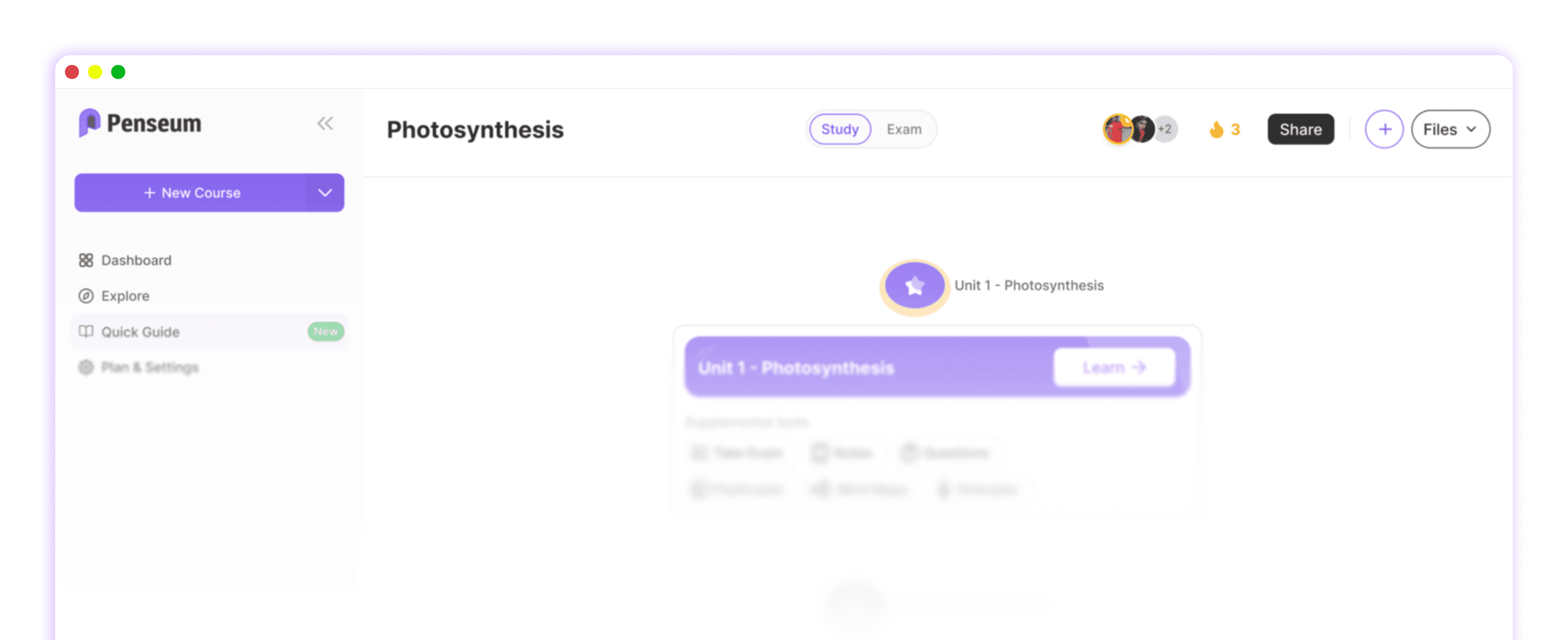
Medical students can upload various study materials, including dense PDFs, slide decks, and Word documents, directly into Penseum's unified workspace. Once uploaded, the Penseum AI engine instantly analyzes and connects complex medical concepts across different lectures and organ system modules.
The platform automatically creates a complete study roadmap tailored to your specific course content and syllabus.
Instead of just summarizing text, it generates comprehensive study guides and step-by-step solutions to help students understand exactly where they went wrong. Over 1,000,000 learners rely on AI that builds your study guides for you. to transform raw data into a synchronized, actionable study hub.

Comparing Note Organization Tools: Penseum vs. The Rest
General-use AI tools produce generic outputs that do not follow your medical syllabus, while legacy flashcard apps like Anki require hundreds of hours of manual card creation. Penseum introduces an 'upload-and-done' workflow that emphasizes active recall through auto-generated flashcards, tailored quizzes, and a 24/7 AI chatbot tutor.
All your study tools and progress metrics live in one synchronized workspace, unlike competitors that fragment your workflow. The table below illustrates why AI that builds your study guides for you. outperforms manual organizers.
Feature | Penseum | Notion | OneNote | |
|---|---|---|---|---|
Centralized Document Storage | ✅ | ✅ | ✅ | ❌ |
Auto-Generates Flashcards | ✅ | ❌ | ❌ | ❌ |
AI Chatbot Tutor (24/7) | ✅ | ❌ | ❌ | ❌ |
Step-by-Step Solutions | ✅ | ❌ | ❌ | ❌ |
Automated Study Roadmaps | ✅ | ❌ | ❌ | ❌ |
From Organized Notes to Active Recall: Studying Smarter
Organizing your notes is only the first step to surviving the rigorous AAMC medical curriculum; true mastery requires immediate testing and application. By utilizing Penseum's auto-generated flashcards and spot-on quizzes, students can efficiently master complex medical terminology and pharmacology pathways.
When late-night study sessions hit, students can leverage the Penseum AI chatbot to get instant answers at 1 AM without digging through consolidated notes.
This continuous testing cycle is supported by cognitive recall research, proving that practice and quizzing outshine passive reading. Students looking to optimize this workflow can even join the Penseum Discord Community to share feedback and strategies with over 1,000 active learners.
Frequently Asked Questions
Is Penseum free to use for medical students?
Yes, Penseum is free to use, allowing students to centralize their notes and generate basic study materials. For high-volume users handling massive medical files, there is a premium subscription available for $14.99 per month.
What types of study materials can I upload to Penseum?
Students can upload various document types including dense textbook PDFs, lecture slide decks, and Word documents. The AI engine seamlessly extracts and unifies text from these files to build your study guides.
Does Penseum replace Anki and Quizlet?
Yes, by automatically generating highly accurate flashcards directly from your syllabus, it eliminates the need to use fragmented tools like Quizlet or manually create decks in Anki.
Can I access my consolidated study guides on mobile?
Yes, all your study tools and progress metrics live in one synchronized workspace that is fully accessible on mobile devices, ensuring you can review flashcards and quizzes anywhere.
Sources
Related guides
Ready to study smarter?
Start turning your notes into guides, quizzes, and flashcards in seconds.