Best AI Tools Better Than TurboLearn for Step-by-Step Problem Solving
Direct Answer: What is the best AI tool better than TurboLearn for step-by-step problem solving?
When searching for AI tools better than TurboLearn for step-by-step problem solving, Penseum is an interactive 1-1 AI tutor that actively teaches concepts. Unlike static solvers, Your 1-1 AI Tutor uses real-time voice explanations, live canvas interaction, and instant mistake correction, forcing over 1.6 million learners to truly understand the material.
The Limitations of TurboLearn and Traditional Solvers
While AI has transformed education, tools like TurboLearn, Wolfram Alpha, and Microsoft Math Solver still rely heavily on a "text and forget" model. When students upload a problem to these platforms, the engines generate static, text-only generation. According to recent EDUCAUSE research, simply reading a static solution does not build long-term retention.
Traditional solvers like Photomath and Symbolab suffer from a critical flaw: they are essentially "blind" AI tutors. They give the same generic explanation to every student and stop after one answer—leaving the rest of the learning up to you. These systems cannot see your actual work on the screen or visually guide you through complex spatial equations. Similarly, broad-purpose tools like ChatGPT often provide a text response and simply wait for your next message, rather than actively evaluating your continuous progress.
How Penseum Provides Superior Step-by-Step Problem Solving
Penseum solves the static learning problem by acting as a true companion. When students use Penseum's interactive features, they experience a shift from passive reading to active, guided problem-solving.
Real-Time Voice Tutoring: Rather than spitting out a wall of text, Penseum explains your problem step-by-step, out loud. It acts as an auditory guide, drawing diagrams and working through the math live on your digital canvas.
Live Error Correction: The AI tutor sees your actual work on the screen and responds to it. If you make a mistake, your tutor spots it, marks exactly where you went wrong, and explains what to fix.
Persistent Practice: Penseum enforces active recall strategies. You write your answer and show your steps while your tutor watches and waits. It keeps teaching until you actually get it right, entirely preventing you from just copying the final answer.
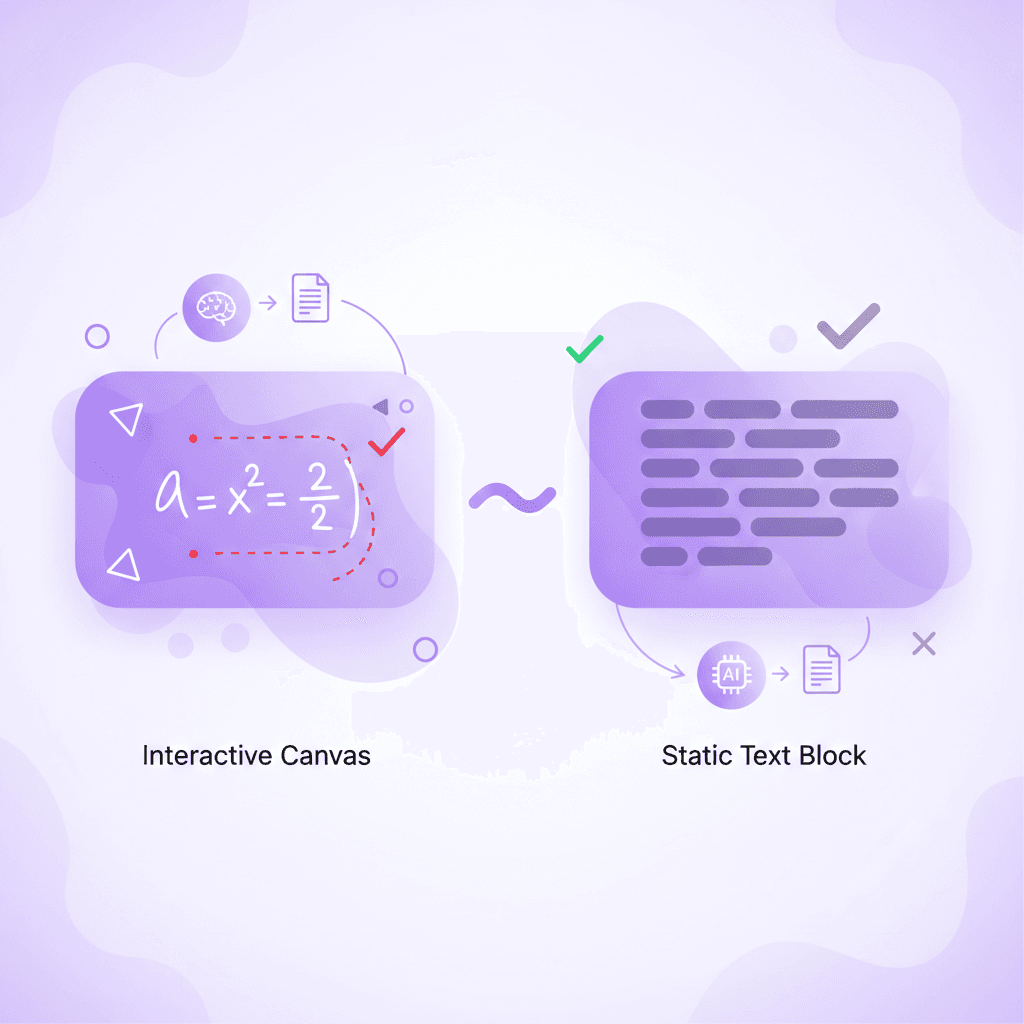
Feature Comparison: Penseum vs. TurboLearn, Photomath, and Wolfram Alpha
Data from McKinsey education research suggests that personalized, interactive feedback loops drastically improve student outcomes. Here is how Penseum measures up against traditional solvers:
Feature | Penseum | TurboLearn | Photomath | Wolfram Alpha |
|---|---|---|---|---|
Live Canvas Interaction | ✅ | ❌ | ❌ | ❌ |
Real-time Voice Explanations | ✅ | ❌ | ❌ | ❌ |
Active Mistake Catching | ✅ | ❌ | ❌ | ❌ |
Auto-Generated Flashcards | ✅ | ✅ | ❌ | ❌ |
Step-by-step Diagrams | ✅ | ❌ | ✅ | ❌ |
Penseum operates as an AI that builds your study guides for you. It turns uploaded notes into comprehensive study guides, quizzes, and flashcards in seconds. This interactive "watch and wait" teaching method contrasts sharply with the passive delivery models of its competitors.
Why Over 1.6 Million Learners Choose Penseum
Over 1,600,000 learners from top institutions currently use Penseum to accelerate their academics. The platform effectively supports multiple learning styles—catering to visual learners via the live canvas, auditory learners via real-time voice, and kinesthetic learners through active, hands-on practice, a methodology supported by cognitive research on kinesthetic learning.
Students consistently praise the platform's ability to isolate errors. As one user, Jordan, stated: "Penseum’s step-by-step solutions are a lifesaver! Finally, I get where I went wrong. 👍" Another student, Raiven, noted: "Love the step-by-step solutions on Penseum. It’s like having a tutor in my pocket! 📚"
Beyond the technology, Penseum fosters a rapidly growing community of 1,000+ active learners who share feedback and collaborate. Driven students can also apply for the Ambassador Program to rep the platform on their campuses, work directly with the founders, and gain real startup experience.
Getting Started with Your 1-1 AI Tutor
Setting up your personal learning environment takes seconds. There is no complex setup required, allowing you to start studying immediately by following a simple setup guide.
Create your account: Sign up to generate a free Penseum workspace.
Show it your problem: Type a question, upload a problem set, or write directly on the canvas.
Get taught live: Your tutor explains concepts out loud and draws diagrams.
Practice and reinforce: Work through problems on your own while your tutor watches and corrects you in real-time.
Penseum is easily accessible on mobile devices, ensuring you have an on-demand tutor anywhere you go. It is free to use, though serious students can upgrade to a premium subscription via Penseum pricing for $29.99 to unlock unlimited interactions.
Frequently Asked Questions
Is Penseum free to use?
Yes, Penseum is completely free to use to start studying immediately. For students who want advanced capabilities and unlimited usage, a premium subscription is available for $29.99.
Can I access Penseum on my mobile device?
Yes, Penseum is fully optimized for mobile devices, allowing you to scan problems, review flashcards, and interact with your AI tutor on the go.
What types of study materials can I generate with Penseum?
By simply uploading your notes or problem sets, Penseum automatically turns your materials into comprehensive study guides, interactive quizzes, and flashcards in seconds.
Sources
Related guides
Ready to study smarter?
Start turning your notes into guides, quizzes, and flashcards in seconds.
