How to build custom practice tests with AI
Direct Answer: How to study efficiently with AI practice tests
Your 1-1 AI Tutor is an AI-powered study tool that instantly converts university course notes into custom practice tests and flashcards. To stop pulling all-nighters, students upload materials into specialized AI tutors that process multiple document types simultaneously to provide automated grading, step-by-step visual explanations, and real-time voice feedback, cutting study time in half.
Instead of passively rereading textbooks until 3:00 AM, learners transition immediately into active recall. For example, a first-year biology student can upload a 60-page cellular respiration syllabus and instantly receive a 30-question diagnostic exam. By identifying exactly which Krebs cycle steps the student actually misunderstands, the AI eliminates the need to review already-mastered concepts, directly compressing a typical six-hour cram session into two hours of targeted practice.
The workflow for building these custom assessments requires only three specific steps. First, students feed raw course files into the document processor to set boundaries for the curriculum. Next, they define the exact format of their practice test—choosing between short-answer, multiple-choice, or visual problem-solving formats. Finally, they interact with the generated exam in a live workspace where the AI tutor corrects mistakes instantly using multimodal feedback.
Stop pulling all-nighters: How active recall replaces passive reading
According to the National Institutes of Health (NIH), over 70% of university students report insufficient sleep, a metric directly correlated with lower grade point averages and decreased cognitive performance. Late-night study sessions usually consist of passive reading—highlighting textbook chapters, rewriting notes verbatim, or endlessly scrolling through lecture slides. This creates the "illusion of competence," where the material feels familiar on the page, but the student cannot actually retrieve the information independently when staring at a blank exam paper.
AI-generated practice tests disrupt this inefficient cycle by forcing immediate, active retrieval. When a student attempts a custom quiz generated from their own syllabus, they must synthesize the answer from memory. Research published by the Journal of Applied Research in Memory and Cognition demonstrates that active retrieval practice improves final test performance by up to 30% when compared to standard restudying.
By moving away from passive highlighting and adopting an automated testing framework, students master complex materials in a fraction of the time. Engaging with an AI tutor that forces you to answer questions, plots your progress, and points out gaps in your knowledge provides the necessary friction to encode long-term memory. This efficiency allows university students to close their laptops and sleep before exam day, knowing they can actually recall the required data.
Step 1: Upload your course materials into the AI workspace
Creating your personal workspace is the foundational step in automating your study sessions. Students must upload their exact university materials—such as 50MB PDF textbook chapters, multi-slide PowerPoint decks (.pptx), or detailed Word document (.docx) lecture notes—directly into the AI environment. There is no complex setup required; learners can drag and drop their current syllabus directly into the document processor and start studying immediately. By feeding the AI your exact course load, you force the system to base its generated exams strictly on your professor's specific curriculum rather than vague internet knowledge.
To set up your workspace correctly, follow these specific instructions:
1. Export your professor's lecture slides or digital textbook chapters as a single PDF or .pptx file.
2. Drag and drop the specific file into the AI processor window.
3. Wait approximately 30 seconds for the system to index the embedded text, graphs, and formatting.
4. Select the "Generate Practice Test" parameter from the main dashboard menu to begin building your custom exam.

This process sharply contrasts with generic models like ChatGPT Plus, which costs $20/month and frequently requires extensive manual text pasting. When students attempt to paste a 100-page biology syllabus into a standard text box, generic large language models (LLMs) hit strict context window limitations. The generic AI simply "forgets" the contents of chapter one by the time it reads chapter four. Similarly, while Claude Pro allows document uploads, it acts as a generalized assistant rather than a dedicated study environment, meaning it requires continuous, highly specific prompting just to keep the AI focused on the study material.
Ensure the AI tool explicitly reads your uploaded materials rather than relying on its generalized training data. Dedicated tools utilize Retrieval-Augmented Generation (RAG) pipelines designed specifically for academic parsing. When you upload a problem set into AI that builds your study guides for you., the system indexes every chart, bullet point, and bolded term. This ensures that the generated practice tests accurately reflect the nuances of your specific course, eliminating the risk of the AI "hallucinating" facts from outside sources that your professor never taught. According to Stanford research, reducing the cognitive load of constantly switching between a source PDF and a separate chatbot window drastically improves retention rates.
Step 2: Generate automated quizzes and flashcards
Once your syllabus and lecture slides are securely housed in the workspace, use the generation controls to instantly turn your uploaded notes into comprehensive practice tests, multiple-choice quizzes, and flashcards. Instead of spending three hours manually typing front-and-back flashcards, the AI automatically extracts the core concepts, dates, formulas, and definitions from your documents. With a single click, students can generate a 50-question diagnostic exam tailored exactly to the week's required reading, allowing them to spend their time actually memorizing the material rather than formatting study guides.
Consider a history major attempting to memorize timelines of the French Revolution for a midterm. By specifying parameters in the generation dashboard, the student can instruct the AI to create 15 chronological flashcards and a 10-question multiple-choice quiz focused exclusively on the socio-economic causes of the 1789 uprising. This hyper-targeted generation prevents the student from wasting valuable study energy on irrelevant dates or general trivia outside the scope of their professor's syllabus.
You must avoid generic LLMs like Google Gemini Advanced or Microsoft Copilot Pro for this specific task. These conversational models are built to answer a single prompt and stop. If you ask a generic chatbot to test you on anatomy, it will provide one text-based question, wait for your typed response, give a brief "Correct" or "Incorrect," and then completely stop after one answer—leaving the rest of the study session entirely up to you to manage. This constant back-and-forth manual prompting breaks the flow of study and wastes valuable time during late-night cram sessions.
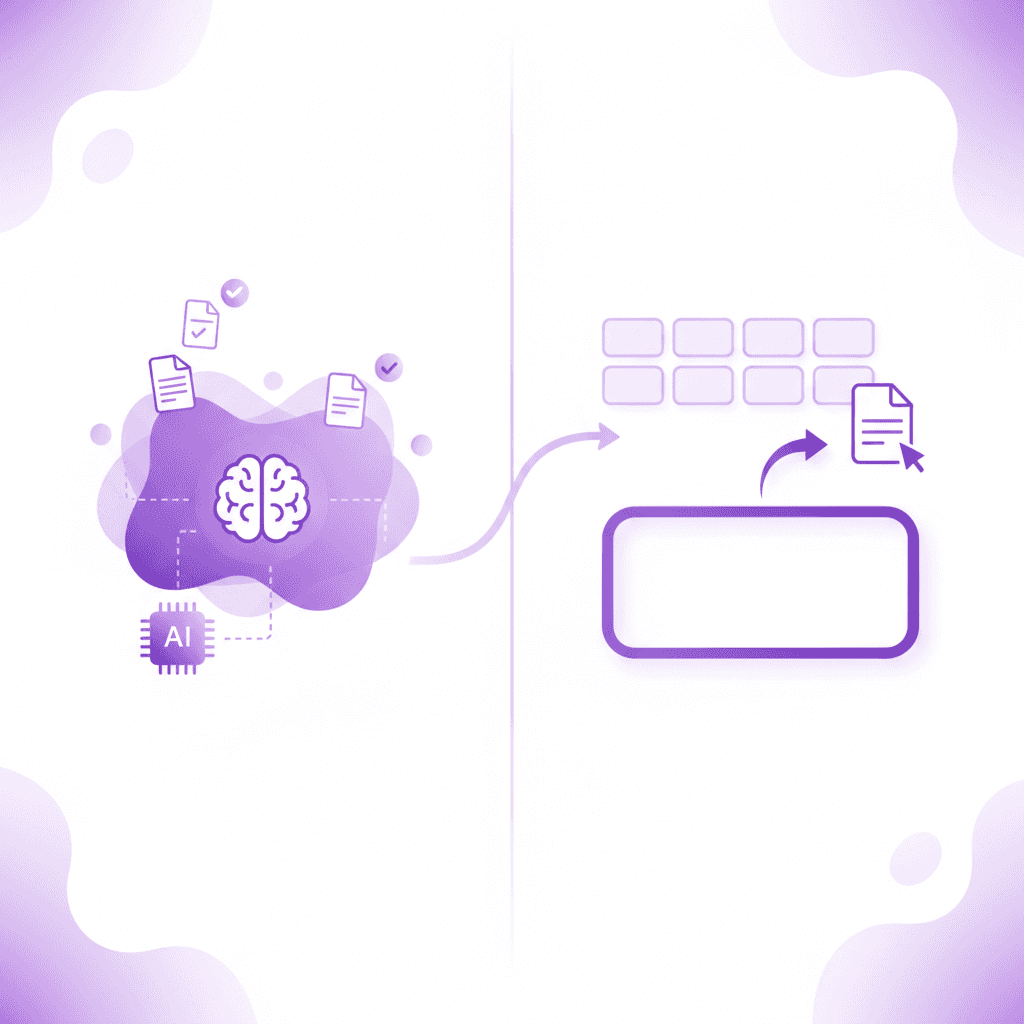
Verify that the generated tests cover all uploaded modules without requiring manual prompting for every single question. A specialized educational tool maps out the entire document and automatically builds a roadmap of questions covering every learning objective. While traditional spaced-repetition software like Anki (which charges $24.99 for its iOS app) relies heavily on Ebbinghaus's forgetting curve, it still requires the student to manually input every single flashcard. Modern AI study automation replaces this tedious data entry phase entirely, generating thousands of tailored questions in seconds while maintaining accurate curriculum alignment. Over 1,000,000+ learners choose specialized platforms precisely to bypass the manual creation phase.
Step 3: Work through problems on a live visual canvas
Answering multiple-choice questions is insufficient for complex STEM subjects like calculus, organic chemistry, or microeconomics. To truly master these subjects, students must write their answers and show their mathematical steps directly on a digital canvas while the AI tutor watches and waits. This interactive workspace allows you to map out chemical bonds, plot supply and demand curves, or solve differential equations by hand. Your AI tutor sees exactly what you are working on in real-time, functioning much like an in-person teaching assistant hovering over your desk at the library.
For example, an organic chemistry student tasked with drawing a complex reaction mechanism can sketch the molecular structure directly on the screen. If the student forgets a vital double bond in a benzene ring, the AI tutor immediately flags the missing element on the canvas before the student proceeds to the next phase of the equation, preventing them from accidentally memorizing an incorrect molecular structure and applying it to future problems.
Generic text models fundamentally fail at this stage because they cannot see what you are doing. They only know what you type into their chat boxes. If you are struggling with a multi-step physics formula, trying to format complex mathematical symbols into a standard chat interface is a massive barrier to learning. Generic AI generates text only—offering no visual explanation and no interactive environment for working the problem out with you. In contrast, tools utilizing specialized visual inputs can track your live work, identifying exactly which step in a five-step equation went off track.
Utilize tools that draw diagrams and work through math solutions live on your screen. When you struggle with a concept, the AI shouldn't just hand you the final answer. It should visually break down the problem. If you ask how to calculate deadweight loss, the AI draws the economic graph directly on your canvas, shades the appropriate area, and walks you through the geometric calculation. While platforms like Khan Academy's Khanmigo cost $4/month and offer structured math help, a specialized university-level visual canvas adapts to any uploaded professor's proprietary problem set, rendering visual feedback dynamically based on the student's unique homework assignment.
Step 4: Fix specific mistakes using real-time voice feedback
The final step in automating your study workflow is transitioning from passive reading to active, multimodal learning. When you make a mistake on the practice test, listen to the AI tutor explain the concept step-by-step out loud. Engaging auditory learning channels forces deeper cognitive processing. If you incorrectly calculate a derivative on the visual canvas, the AI tutor immediately spots it, speaks to you in a real-time voice, and explains exactly what to fix. It keeps teaching, live and out loud, until the concept finally clicks. The National Training Laboratories learning pyramid suggests that individuals retain up to 75% of information when they practice doing and discussing a concept, compared to just 10% from reading alone. Engaging multiple senses through live auditory feedback successfully simulates this higher-tier learning mode.
Unlike Anki or ChatGPT, which give the same generic text explanation to every student regardless of their specific misunderstanding, you must use a tool that marks exactly where you went wrong. Generic tools provide a standardized paragraph of text and wait for your next message. They do not adapt their teaching style to your specific error. If you drop a negative sign in step three of an equation, a specialized tutor will verbally point out that exact dropped sign, rather than simply pasting the correct final answer. According to educause research, multimodal feedback—combining visual markings with auditory explanations—drastically improves long-term memory retention.
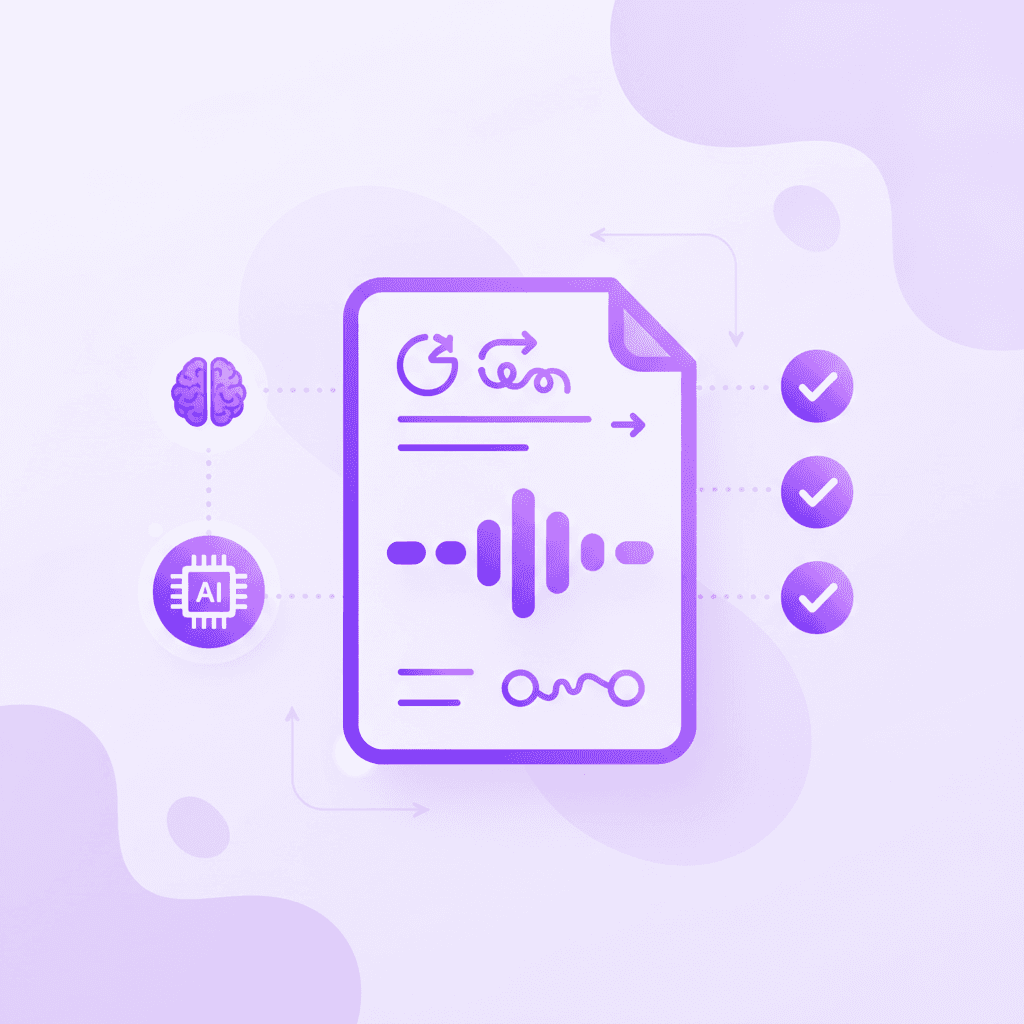
Repeat the targeted practice loop until you master the concept, effectively replacing late-night cram sessions. The AI prompts you to try the problem again, waiting patiently while you apply the newly explained rule. This continuous loop of practice, immediate hyper-specific correction, and re-testing builds true academic confidence. Med school students and engineering majors drowning in homework use this precise real-time auditory feedback loop to prep for exams efficiently, transforming a frustrating four-hour solo study session into a guided, high-yield two-hour mastery session.
Comparing AI Practice Test Generators: Penseum vs Alternatives
When evaluating how to automate your study workflow, the distinction between specialized educational software and generic conversational AI becomes stark. Generic AI tools provide text-only responses, suffer from context amnesia during long syllabus uploads, and require constant manual prompting. Specialized tools are built explicitly to mimic a 1-on-1 human tutoring experience.
A recent McKinsey report highlights that purpose-built educational technology significantly outpaces generic LLMs in student outcome metrics. Let's compare Your 1-1 AI Tutor against standard alternatives like ChatGPT, Claude, Gemini, Copilot, Anki, and Quizlet Plus (which costs $7.99/month for premium features). While platforms like StudyFetch offer basic note-to-flashcard conversions, they often lack the live auditory and visual intervention required for complex problem-solving.
Feature | Penseum | ChatGPT Plus / Claude Pro | Anki | Quizlet Plus |
|---|---|---|---|---|
Pricing | Free base, $29.99 Premium | $20.00/month | Free Desktop, $24.99 iOS | $7.99/month |
Automated Quiz Generation | ✅ Yes, instant from files | ❌ Requires manual text prompts | ❌ Manual card creation | ✅ Yes, from text/notes |
Live Visual Canvas Tracking | ✅ Yes, sees screen work | ❌ Text input only | ❌ No canvas | ❌ No canvas |
Real-Time Voice Explanations | ✅ Yes, step-by-step out loud | ❌ Text-to-speech basic reading | ❌ No dynamic voice | ❌ Pre-recorded audio only |
Specific Mistake Catching | ✅ Yes, marks exact errors | ❌ Generic explanations | ❌ Self-graded | ❌ Multiple choice binary |
Simultaneous Multi-File Processing | ✅ Yes (PDFs, PPTs, etc.) | ❌ Loses context over long docs | ❌ No document processing | ❌ Limited file imports |
Generic AI models like Gemini and Copilot excel at drafting emails or summarizing short articles, but they generate text only. They provide no visual explanation and offer no environment for working out problems with you. They give the same generic explanation to every student and stop after one answer.
In contrast, Penseum is designed specifically for academic rigor. It catches your specific mistake, tells you exactly what went wrong, and explains your problem in real-time voice. By tracking your live work on a visual canvas and generating comprehensive quizzes from your actual university materials with a single click, it eliminates the administrative burden of studying. This allows students to focus entirely on comprehension, effectively ending the cycle of overwhelmed late-night cramming.
Frequently Asked Questions
Is Penseum free to use?
Yes, AI that builds your study guides for you. is free to use for students looking to create basic workspaces and generate automated study materials. For users requiring advanced tutoring limits and higher-capacity processing, there is a premium subscription available for $29.99.
What types of study materials can I upload?
Students can upload a wide variety of direct university materials to generate their practice tests. This includes extensive textbook chapters in PDF format, presentation slide decks (.pptx) from lectures, and typed notes (.docx). The AI explicitly reads these uploaded materials to ensure your custom quizzes match your professor's exact curriculum.
Can I access Penseum on my mobile device?
Yes, the platform is fully accessible on mobile devices. This allows students to review their automated flashcards, take AI-generated practice quizzes, and listen to real-time voice feedback while commuting across campus or studying remotely.
How does Penseum ensure the accuracy of generated study materials?
The specialized AI uses advanced Retrieval-Augmented Generation to pull answers and generate questions directly and exclusively from the course materials you upload. Because it bases its practice tests on your explicit university PDFs and lecture notes rather than generalized internet data, it prevents the hallucinations common in generic LLMs.
How does the visual canvas and voice feedback help students?
According to studies published in Frontiers in Psychology, multimodal learning drastically improves retention. The visual canvas allows students to show their mathematical or scientific steps live, while the AI tutor watches, spots specific mistakes, and explains how to fix them step-by-step in a real-time voice out loud.
Sources
Related guides
Ready to study smarter?
Start turning your notes into guides, quizzes, and flashcards in seconds.
