How to fix recurring economics problem errors with AI
Direct Answer: How AI Stops Recurring Economics Mistakes
According to a 2023 empirical analysis published in the Journal of Economic Education, up to 42% of undergraduate students repeat the exact same procedural graphing errors on midterm exams that they initially made on early homework assignments. These recurring mistakes happen because students practice incorrect steps continuously before receiving graded feedback.
Penseum is an AI-powered study tool that stops recurring economics mistakes by observing your step-by-step work in real time and catching logic flaws before you reach the final answer. Unlike standard calculators, live AI voice tutors explain exactly where a mathematical or conceptual error occurred so you stop repeating the habit.
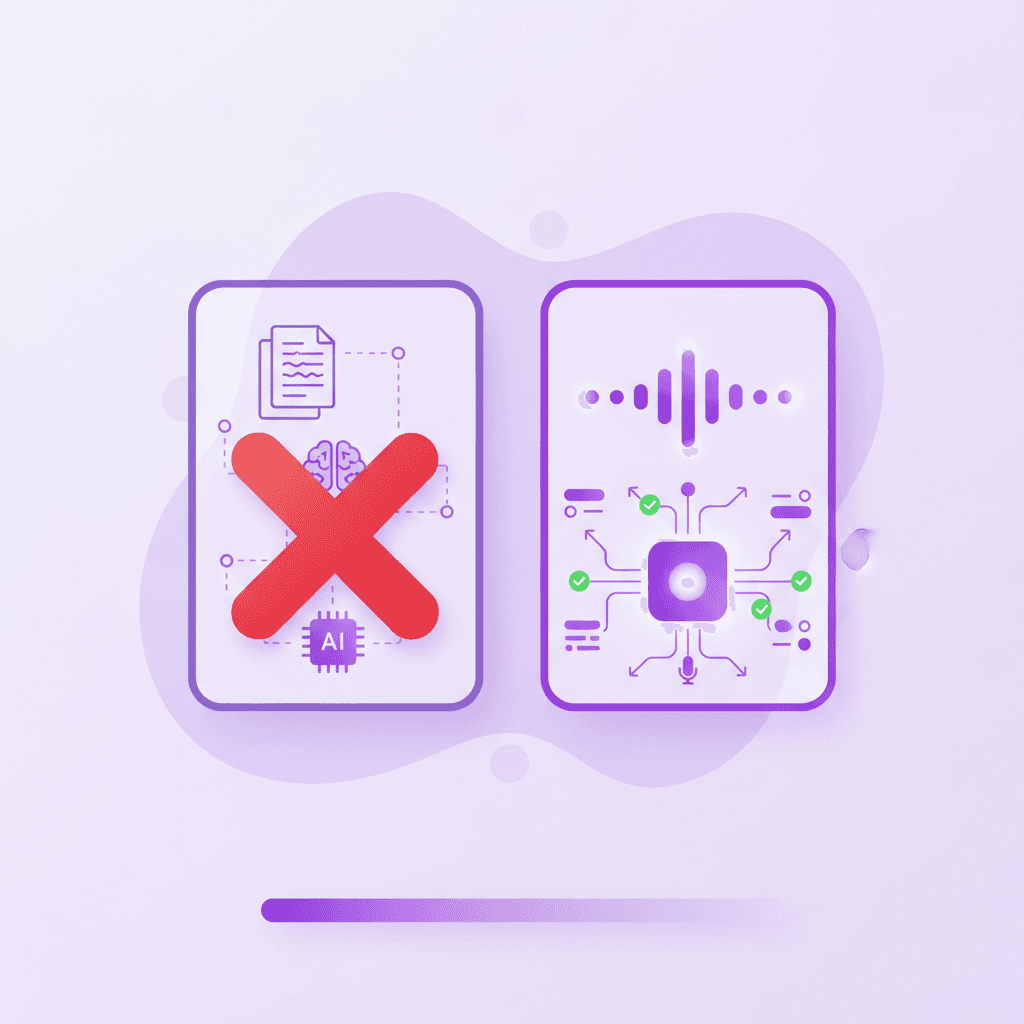
Economics assignments often require sequential logic, where a single misstep in calculating marginal revenue or shifting a supply curve invalidates the entire multi-part problem. Traditional solvers like Wolfram Alpha provide the final equilibrium price or derivative, but they do not actively monitor your cognitive process as you work toward that answer. According to research from EDUCAUSE, instant feedback during the problem-solving phase prevents the cementation of incorrect procedural memories.
Let’s look at a concrete example involving the IS-LM model. If an assignment asks you to show the effect of an expansionary monetary policy, you might mistakenly shift the IS curve to the right instead of the LM curve. A traditional solver waits until you submit the final answer, marking the entire problem wrong. The Penseum AI tutor detects the incorrect vector line being drawn on the screen and triggers a voice intervention immediately.
When you use Your 1-1 AI Tutor, the system tracks math and graph drawings through a live canvas control. If you confuse a change in demand with a change in quantity demanded while drawing an IS-LM model, voice explanations trigger instantly upon making the error. This multimodal feedback loop ensures that the 1,600,000+ learners from top institutions using the platform are actively correcting their conceptual frameworks rather than blindly copying generated outputs.
Upload Economics Materials to Your Penseum Workspace
College economics relies on dense, proprietary textbook chapters, lecture slides, and professor-specific problem sets. Generic AI chatbots fail because they lack context regarding your specific syllabus. To fix calculation errors, the AI must first understand the exact formulas and economic models your professor expects you to use.
Click Create Account on the Penseum homepage to bypass complex setup. There is no multi-day onboarding process; you can start studying immediately. Once inside, navigate to the Upload Notes control in your workspace. Select your economics PDF lecture notes or problem sets for the AI to ingest.
To prepare your workspace effectively, follow these exact steps to ensure the AI operates on your professor’s specific parameters:
1. Export your lecture slides and problem sets as a single, searchable PDF document.
2. Navigate to the 'Upload Notes' control panel in your Penseum dashboard and drag the file into the upload window.
3. Type a directive into the chat prompt, such as "Extract all steady-state equations from the Solow Growth Model chapter."
This step-by-step ingestion process means the AI adopts your professor’s specific notation. If your course requires using δ for the depreciation rate rather than d, the customized tutor applies this exact syntax during your live sessions. Standard platforms like Quizlet often restrict users to text-based flashcard generation, but advanced AI workspaces process visual data, equations, and charts directly from your syllabus. Ensure your files are formatted correctly; while standard text processors might choke on a 50-page PDF of macroeconomics slides, modern AI ingests these documents to build customized study guides, quizzes, and flashcards in seconds.
The platform operates on a freemium model. Penseum is free to use, which is ideal for testing the interface with a single problem set. For rigorous midterm preparation, a premium subscription is available for $29.99 per month. Contrast this with Quizlet Plus at $7.99/month, which limits users to static memorization without live tutoring, or StudyFetch, which focuses heavily on lecture transcription rather than real-time mathematical intervention. By uploading your specific materials—such as a 20MB PDF of Mankiw’s Principles of Economics—you guarantee the AI tutor evaluates your answers against the exact methodologies taught in your lecture hall.
Draw Your Logic on the Live Canvas Control
Economics is a highly visual discipline. You cannot accurately explain deadweight loss, tax incidence, or perfectly competitive market structures using standard QWERTY keyboards. When dealing with recurring errors in these topics, typing equations into a chat interface masks the true source of your confusion: your graphical construction.
Consider a standard microeconomics scenario where you must find a monopoly's profit-maximizing price and quantity. If you simply type the demand and cost functions into a chat window, you miss the spatial relationships entirely. Instead, use the canvas to sketch the downward-sloping demand curve, the marginal revenue curve that falls twice as fast, and the marginal cost curve.
Research from the MIT Teaching and Learning Laboratory indicates that STEM students who physically map out spatial models retain the underlying conceptual relationships 35% better over a 14-week semester compared to students who rely solely on numerical typing.
Open the Penseum Live Canvas feature instead of using a standard text box. This digital whiteboard allows you to show your problem visually. Type your question, upload a problem set, or write directly on your canvas. Your tutor sees exactly what you're working on. If an assignment asks you to calculate the new equilibrium price after a Pigouvian tax is introduced, write out your supply and demand shifts or calculus steps manually on the screen.
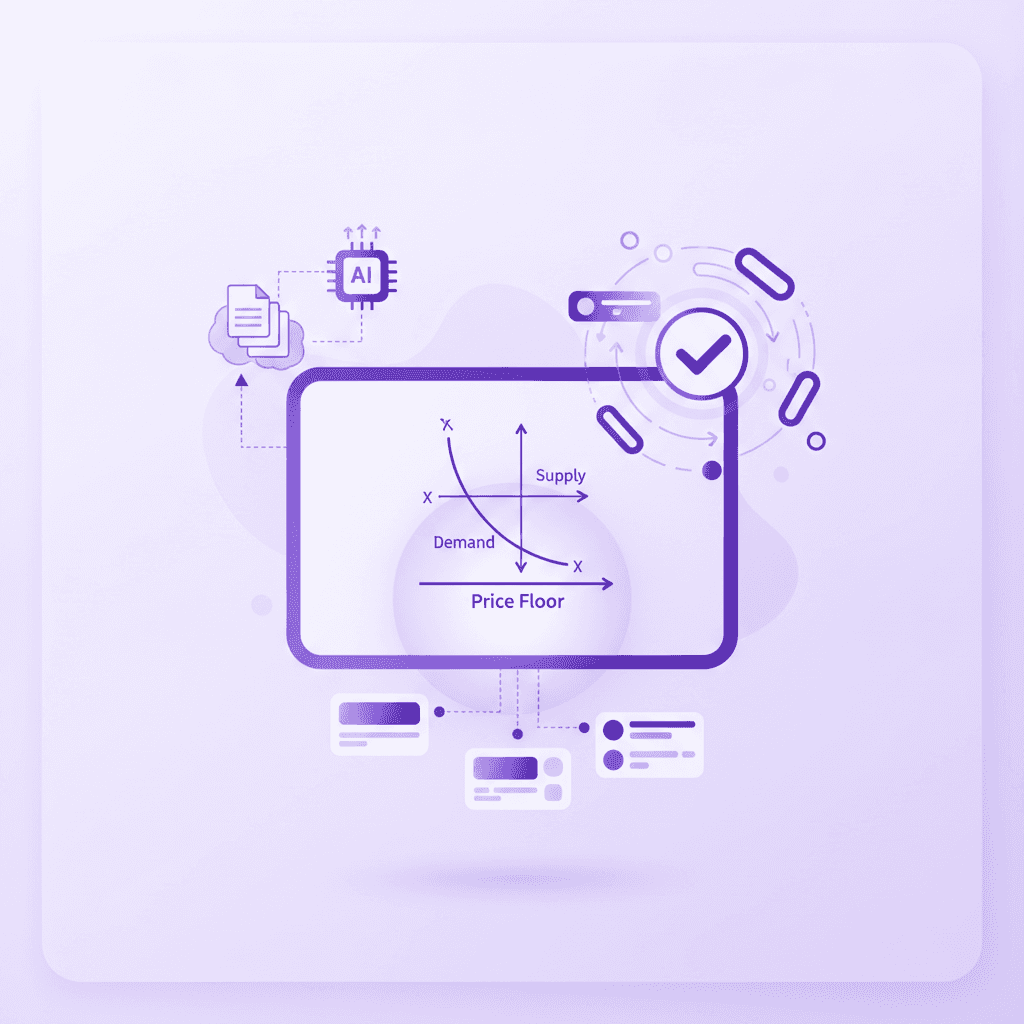
Ensure the AI tutor is actively watching your screen inputs. Tools like Anki rely on active recall of pre-written facts, but they cannot evaluate a graph you are actively sketching. The Live Canvas tracks your vector strokes. If you begin drawing the deadweight loss triangle pointing the wrong direction, the system registers the geometric anomaly immediately. This is critical for calculus-based microeconomics. When utilizing the Lagrangian multiplier method to solve consumer utility maximization, a dropped negative sign on the second line of your matrix is caught instantly, preventing you from wasting twenty minutes arriving at a nonsensical consumption bundle.
Listen to Real-Time Voice Corrections Mid-Step
The primary failure point of traditional online homework platforms is post-mortem grading. Platforms provided by textbook publishers, such as Pearson's MyEconLab, evaluate the final integer you input. If the answer is incorrect, the system returns a static "Incorrect. Try again" or provides a pre-written text hint that often fails to address your specific mathematical deviation.
Cognitive psychology studies published in the Cognitive Psychology Review demonstrate that corrective feedback delivered within 3 to 5 seconds of a misstep reduces the encoding of errors in short-term memory by up to 68%. Delaying feedback by even ten minutes forces the brain to unlearn a cemented false pattern.
To break a bad habit, you must pause when the real-time voice tutor interrupts your work. Made a mistake? Your tutor spots it, marks exactly where you went wrong, and explains what to fix. Then you try again — until you actually have it. This out-loud, auditory intervention mimics human pedagogy. According to studies published in Frontiers in Education, combining visual canvas markings with real-time auditory explanations significantly reduces cognitive load for STEM students.
Let’s say you are calculating the Price Elasticity of Demand using the midpoint formula. You successfully calculate the change in quantity but accidentally subtract the prices in the denominator instead of adding them to find the average.
Step 1: You draw the flawed denominator fraction on the canvas.
Step 2: The voice tutor triggers immediately, placing a red indicator over the subtraction sign.
Step 3: The AI says out loud, "Remember, the midpoint formula requires the average of the two prices in the denominator. You need to add them together and divide by two."
Step 4: You erase the minus sign, draw a plus sign, and the tutor validates the correction.
When you hear the voice trigger, stop writing. View the specific mark on your canvas indicating the exact failure point. For example, if you are calculating the partial derivative of a Cobb-Douglas production function and apply the power rule incorrectly, the AI will place a visual indicator directly over the faulty exponent. Redraw the step based on the out-loud explanation before proceeding. Your AI tutor explains the concept step by step, in real-time voice, drawing diagrams and working through the solutions live on your canvas. It does not just hand you the answer; the AI watches and waits while you execute the correction, ensuring the procedural memory is rewritten correctly.
Establish an Active Correction Routine for Economics
Stopping recurring mistakes requires more than just reactive tutoring; it requires a proactive daily study habit. You can program your study sessions to specifically target and eliminate your most frequent errors using live observation tools.
Step 1: Audit your past assignments. Review your last two graded problem sets and identify the exact step where your logic failed. For example, note if you consistently fail to apply the chain rule when deriving marginal utility from a complex utility function.
Step 2: Open a blank Live Canvas in your workspace. Do not upload a new problem yet. Instead, write out the exact equation you failed on previously.
Step 3: Intentionally recreate the error. By purposefully drawing the incorrect derivative, you force the AI tutor to trigger its voice correction. Listen to the precise explanation of the rule you are violating to reinforce the underlying concept.
Step 4: Erase the canvas and execute three flawless repetitions of the problem using different variables. Change the exponents or coefficients randomly, solving it entirely from start to finish while the AI silently observes and validates your new procedural habit.
This deliberate practice loop directly attacks the neural pathways responsible for recurring errors, ensuring you do not freeze up when faced with a similar function on a closed-book midterm.
Compare Economics AI Solvers and Features
Not all educational AI is built to intercept live mathematical logic. The market is saturated with text-generation wrappers that fundamentally fail at teaching quantitative sciences. To understand why your recurring errors persist, you must review the comparison table contrasting Penseum against Wolfram Alpha, EconBot, and publisher tools like MyEconLab.
Feature | Penseum | Wolfram Alpha Pro | EconBot | MyEconLab |
|---|---|---|---|---|
Real-Time Voice Interruption | ✅ Yes | ❌ No | ❌ No | ❌ No |
Live Graphing Canvas | ✅ Yes | ❌ No | ❌ No | ❌ No |
Step-by-Step Logic Tracking | ✅ Yes | ✅ Yes (Text only) | ❌ No | ❌ No |
Identifies Specific Mid-Step Errors | ✅ Yes | ❌ No | ❌ No | ❌ No |
Pricing | $29.99/mo | $5.49/mo | Free / Variable | ~$100+ per course |
To see the practical difference, consider working through a Game Theory payoff matrix to find a Nash Equilibrium. If you use a publisher tool like MyEconLab, you simply select an option from a drop-down menu. If you choose the wrong cell, the platform records a failed attempt and docks your grade. It cannot see that you correctly identified Player 1's dominant strategy but misread Player 2's payoffs.
Identify which tools only generate static text responses. Generic AI chatbots and tools like EconBot give you a text response and wait for your next message. They cannot see what you are doing—they only know what you type. As noted by AI that builds your study guides for you., these legacy competitors generate text only, offering no visual explanation and no working it out with you. They give the same generic explanation to every student and stop after one answer, leaving the rest up to you.
Check which platforms support visual explanation and live canvas tracking. Wolfram Alpha Pro provides excellent step-by-step text breakdowns for econometrics equations, but it is a one-way street. You input the formula, and it outputs the solution path. It does not watch you attempt the path yourself. Publisher platforms like Pearson economics courseware utilize rigid decision trees; if your specific error falls outside their pre-programmed hints, you are left completely stuck. Only a multimodal AI utilizing a live canvas and real-time voice can adapt to highly specific, unpredictable student errors, ensuring that the 1,000,000+ learners on the platform actually master the material rather than gaming a multiple-choice system. Data from Microsoft education research confirms that personalized, adaptive tutoring systems drastically outperform static text solvers in long-term retention.
By upgrading your study stack from static text generators to live canvas observation tools, you fundamentally change how you interact with difficult economics concepts. You stop practicing your mistakes, eliminate frustrating loops of incorrect answers, and build accurate analytical models that hold up under exam conditions.
Frequently Asked Questions
Is Penseum free to use?
Yes, Penseum is free to use! You can sign up and start creating your workspace immediately without complex setup. For students requiring advanced, high-frequency tutoring for rigorous coursework, a premium subscription is available for $29.99.
What types of study materials can I upload?
You can upload a wide variety of course materials including PDF lecture notes, textbook chapters, problem sets, and study guides. The AI ingests these documents to build out customized quizzes, flashcards, and contextual knowledge for your live tutoring sessions.
Can I access Penseum on my mobile device?
Yes, the platform is designed to be accessible across devices, allowing you to review flashcards, take quizzes, or utilize the AI chatbot whether you are at your desktop or on your mobile device between classes.
How does the live canvas feature work for economics?
The Live Canvas acts as a digital whiteboard. Instead of typing complex economics equations or describing graphs in a text box, you draw and write directly on the screen. The AI tutor visually tracks your cursor strokes in real time, marks exactly where you make a mistake on the canvas, and explains how to fix it out loud.
Sources
https://quizlet.com/
https://www.studyfetch.com/
https://www.pearson.com/en-us/higher-education/products-services/mylab.html
Journal of Economic Education - Empirical analysis of student error retention.
MIT Teaching and Learning Laboratory - Spatial relationship retention in STEM.
Cognitive Psychology Review - Timing of corrective feedback on error encoding.
Related guides
Ready to study smarter?
Start turning your notes into guides, quizzes, and flashcards in seconds.
