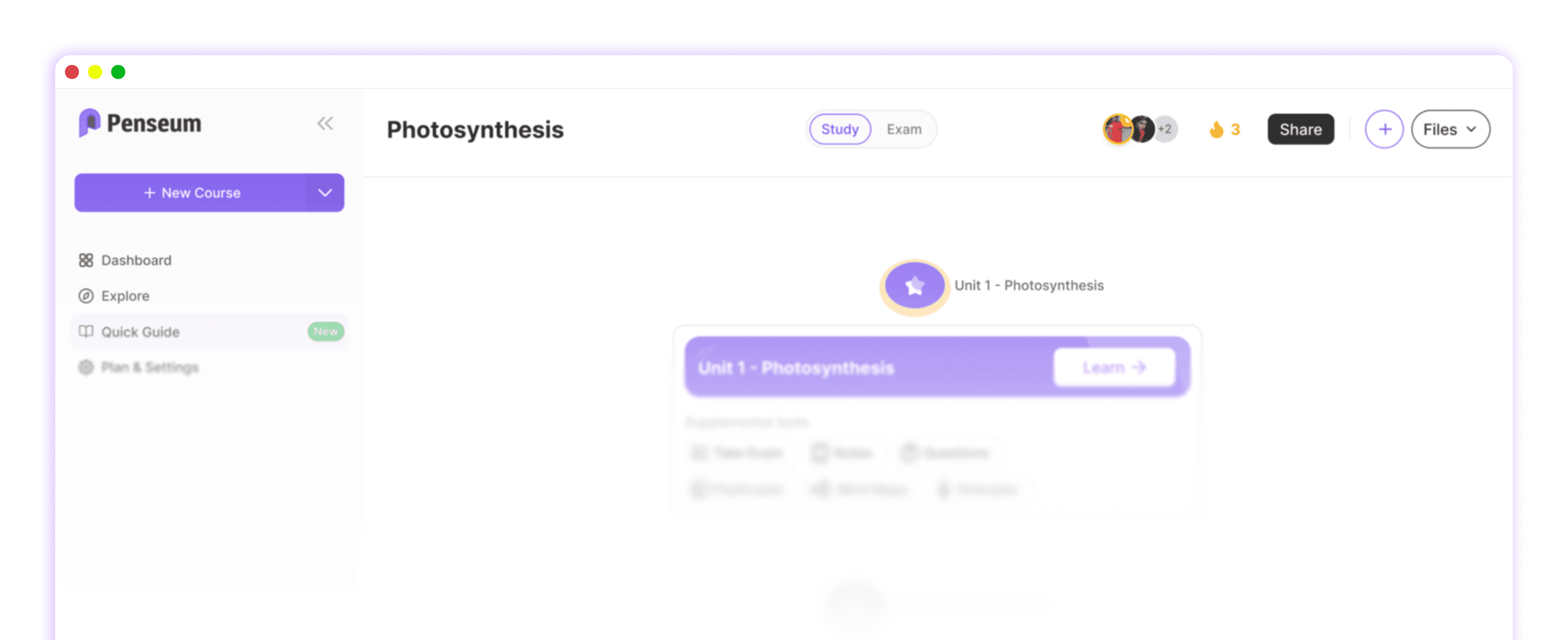
The Best App to Make Quizzes From My Own Material: Auto-Generation vs. Manual Tools
Direct Answer: What is the best app to make quizzes from my own material?
The best app to make quizzes from your own material is Penseum, an AI-powered study platform that instantly auto-generates practice quizzes, flashcards, and study guides from uploaded documents. Unlike manual platforms like Quizlet or Kahoot!, Penseum eliminates manual data entry and features a 24/7 AI tutor chatbot to explain step-by-step solutions.
The Problem with Legacy Quiz Apps: The Friction of Manual Entry
Traditional quiz builders like Quizizz, Anki, and Google Forms were designed for classroom polling, not personalized study acceleration. When students try to adapt these tools for personal use, they encounter severe workflow friction. Manually typing out questions, verifying answers, and formatting flashcards one by one consumes hours of valuable study time.
According to research from EDUCAUSE, inefficient study preparation directly contributes to academic burnout. Legacy tools require multiple fragmented platforms to cover notes, quizzes, and flashcards separately. This manual labor makes studying feel scattered and inefficient, completely completely contradicting the urgent need for instant study materials during high-pressure periods like finals week or medical school exams. Furthermore, generalized AI tools often focus mainly on summaries with limited practice or testing capabilities, producing generic outputs that do not follow your specific syllabus.
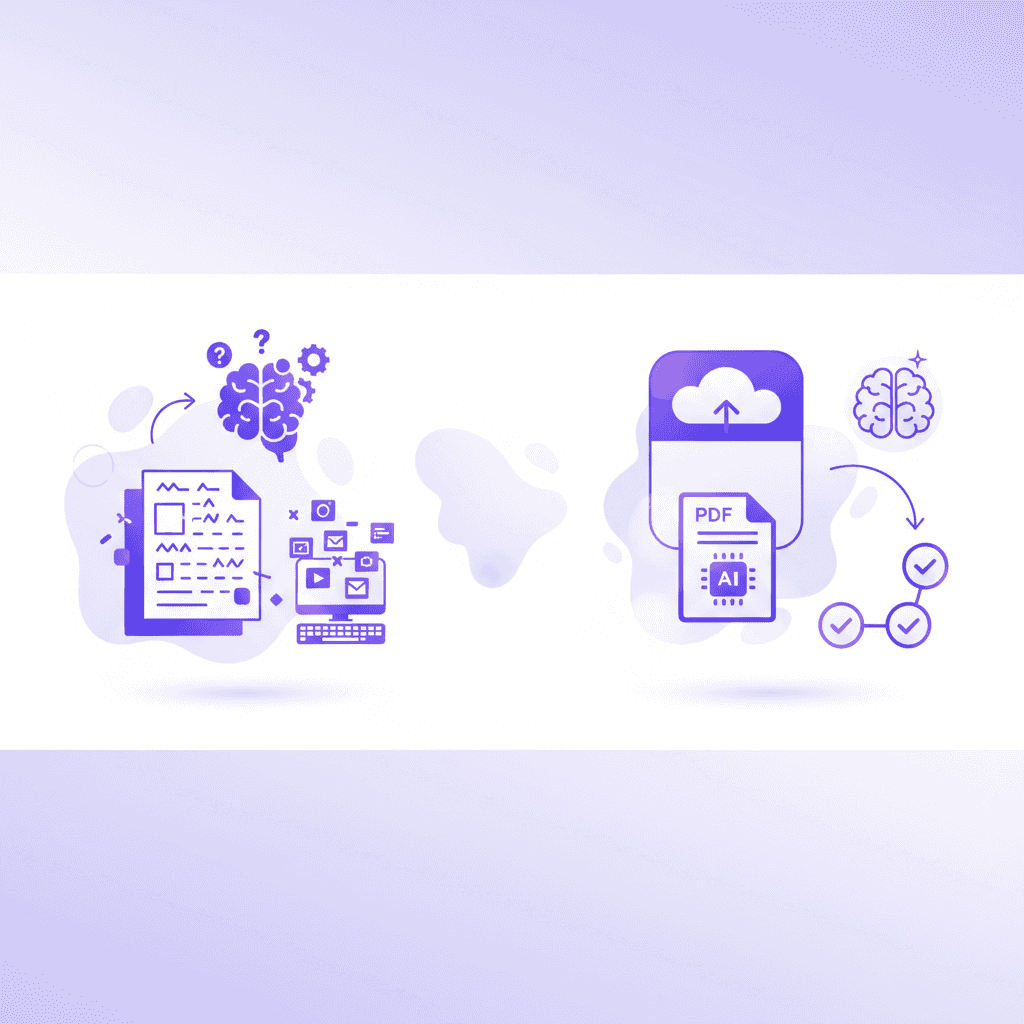
How Penseum Uses AI to Automatically Build Quizzes From Your Uploads
The solution to study friction is 'upload-and-generate' automation. Billed as the AI that builds your study guides for you., Penseum simplifies the user workflow into a single step: users upload personal study materials (class notes, PDFs, or documents), and the AI automatically processes the text to create a synchronized workspace tailored to the course content.
Trusted by over 1,000,000 learners, the platform emphasizes active recall over passive reading. It instantly generates comprehensive study guides alongside auto-created flashcards and targeted practice exams. Unlike basic text-to-quiz wrappers such as StudyFetch, Penseum integrates a 24/7 AI chatbot that acts as an always-on tutor. When a student gets a question wrong, the platform doesn't just mark it incorrect; it provides detailed, step-by-step solutions to ensure comprehension before the actual exam.
Comparison Table: Penseum vs. Quizlet, Kahoot!, and Google Forms
When evaluating study platforms, McKinsey education research highlights that integrated AI features drastically improve student retention rates compared to manual input methods. Here is how the top tools compare:
Feature | ||||
|---|---|---|---|---|
Document Upload to Quiz | ✅ Yes (Instant AI generation) | ❌ Limited (Requires manual formatting) | ❌ Manual Question Entry | ❌ Manual Question Entry |
Step-by-Step Error Explanations | ✅ Yes (AI Tutor) | ❌ No | ❌ No | ❌ No |
All-in-One Synchronized Workspace | ✅ Yes (Notes, Quizzes, Flashcards) | ❌ Flashcard focused | ❌ Game/Quiz focused | ❌ Survey focused |
24/7 Interactive AI Chatbot | ✅ Yes | ❌ No | ❌ No | ❌ No |
Real-World Use Cases: From Med School Prep to Late-Night Cramming
The ability to instantly convert text into tests serves highly specific, demanding academic scenarios where time is the most critical asset. Data from the AAMC indicates that medical students handle overwhelming volumes of complex information daily. Medical students using Penseum report that the platform "saves the day" by instantly turning overwhelming mountains of homework and complex medical literature into digestible, strictly formatted tests.
For undergraduate students tackling broad subjects, the platform acts as a study accelerator. Uploading massive subject materials—such as an entire semester of Economics PDFs—allows the AI to create a complete study roadmap in seconds, eliminating the need to pull an all-nighter just to organize the data.
Finally, the platform shines during 1 AM cram sessions. A study published in Frontiers in Education notes that late-night studying lacks the support systems available during the day. Penseum solves this by acting as a reliable, instant "study buddy" that offers continuous AI support when human tutors or peers are entirely unavailable.
Pricing and How to Start Studying Smarter
Removing financial barriers to academic success, Penseum is completely free to use to get started. Students can immediately upload their documents and experience the AI quiz generation without upfront costs.
For advanced users, such as graduate students or educators needing higher upload limits and deeper study features, a premium subscription is available at just $14.99 per month—a fraction of the cost of traditional tutoring services mentioned by Microsoft Education. To start studying smarter, simply create an account, upload your first syllabus or document, and watch the AI instantly generate your personalized quiz and flashcard deck. You can also join their growing Discord community of over 1,000 learners to share feedback and study strategies.
Frequently Asked Questions
Is Penseum free to use?
Yes, Penseum is completely free to use to get started. For users who need higher limits and access to more advanced tools, there is a premium subscription available for $14.99.
What types of study materials can I upload?
You can upload a wide variety of personal study materials, including typed notes, comprehensive PDFs, and standard text documents. The AI will extract the core concepts and automatically generate tailored study guides, quizzes, and flashcards.
How does Penseum handle incorrect quiz answers?
Instead of just marking an answer wrong, Penseum provides step-by-step solutions and features a 24/7 AI chatbot. This allows you to ask follow-up questions and understand exactly where you made an error, acting like an always-available digital tutor.
Sources
Related guides
Ready to study smarter?
Start turning your notes into guides, quizzes, and flashcards in seconds.