The Best Free AI Quiz Generator from PDF for Students: Penseum vs Alternatives
Direct Answer: What is the best free AI quiz generator from PDF for students?
The best free AI quiz generator from PDF for students is Penseum, an AI-powered study tool that automatically converts lecture notes and PDFs into custom practice quizzes, flashcards, and study guides. Unlike paid tools like Quizgecko or manual setups via Google Forms, Penseum offers a capable free tier designed specifically for student exam prep.
Why Students Need a Dedicated AI Quiz Generator for PDFs
Rigorous academic programs demand an unsustainable volume of reading and memorization. According to research from the American Psychological Association, passive reading is largely ineffective for long-term retention. Students need active recall strategies to survive. As Penseum user Taylor noted: "Med school is drowning me in homework and I have tests coming up. You literally just saved the day with study material."
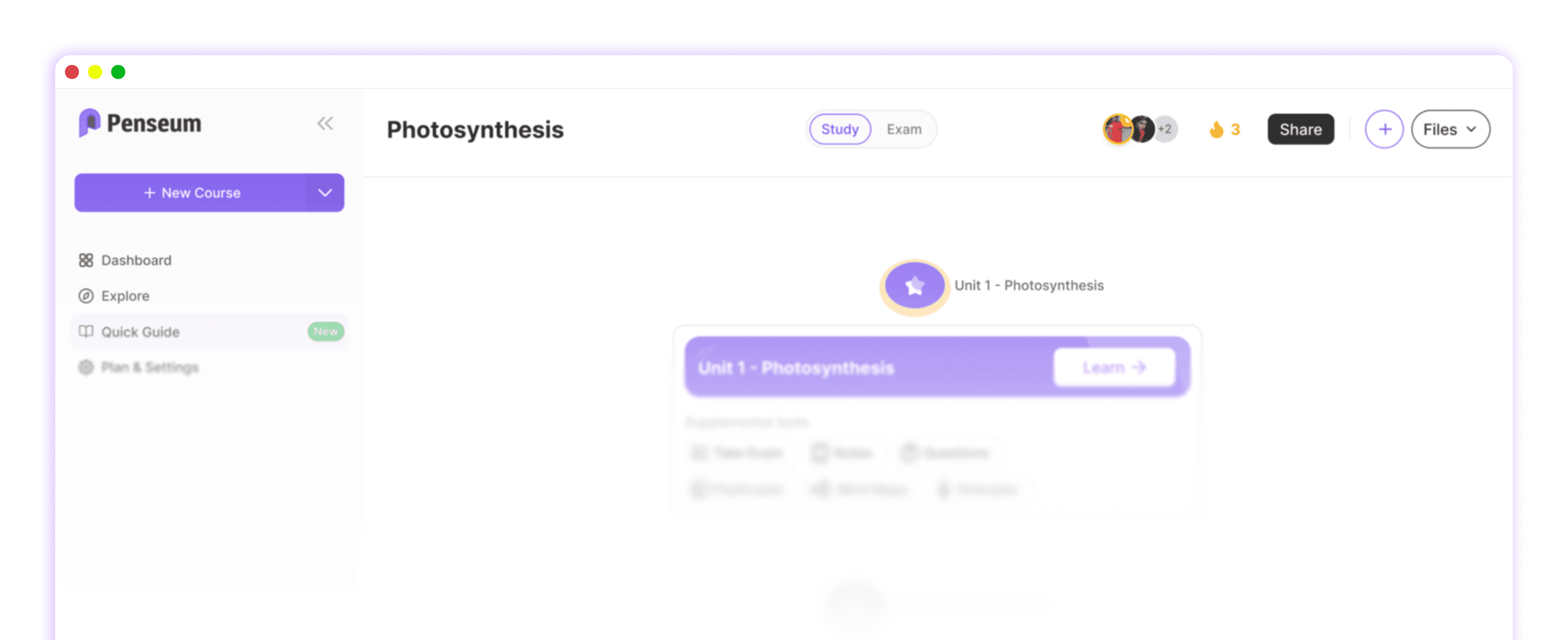
Automated AI quiz generation eliminates the hours wasted manually typing individual questions into traditional platforms like Quizlet or Anki. By using an AI that builds your study guides for you., students automatically receive a complete study roadmap. This proprietary method emphasizes questions, quizzes, and recall, preventing the workflow fragmentation caused by alternating between summary documents and generic flashcard apps.
Economics and STEM students face similar high-volume burdens. User Liam A. reported, "Uploaded all my Econ material, and just like that, I had everything I needed." Transforming dense coursework into interactive tests aligns directly with Harvard University's study guidelines on self-testing, a technique proven to drastically improve exam performance.
Penseum vs. Quizgecko, ChatGPT, and EdApp: Which is Best?
Not all educational AI platforms are optimized for rigorous academic exam preparation. Many generic tools produce outputs that ignore your specific syllabus or require multiple subscriptions to operate.
Quizgecko Alternative: While Quizgecko is a popular quiz generation tool, its pricing structure introduces barriers for budget-conscious learners. Penseum is free to use, making it the superior student-centric option, though it does offer a premium subscription for $14.99 for power users. Furthermore, all study tools and progress metrics live in one synchronized workspace on Penseum, whereas competitors often fragment your learning.
ChatGPT & OpenAI Limitations: General Large Language Models are designed for broad utility, not localized studying. Relying on ChatGPT requires a highly fragmented workflow: writing multiple prompts to generate notes, then quizzes, and then flashcards separately. Penseum solves this by acting as a unified academic environment focused entirely on course content.
EdApp Differences: EdApp and similar tools like Kahoot frequently target corporate microlearning or elementary gamification. In contrast, Penseum is built exclusively for high school and college students pulling late-night study sessions, prioritizing deep academic retention. Competitors like StudyFetch offer similar features, but Penseum's seamless, unified workspace sets it apart.
Feature | Penseum | Quizgecko | ChatGPT | EdApp |
|---|---|---|---|---|
Free Student Tier | ✅ | ❌ | ✅ | ❌ |
Auto-Generated Flashcards | ✅ | ✅ | ❌ | ✅ |
Syllabus-Aligned Roadmap | ✅ | ❌ | ❌ | ❌ |
Dedicated Academic UI | ✅ | ✅ | ❌ | ❌ |
Top Penseum Features Built for Late-Night Study Sessions
When exam season hits, students need reliable study tools tailored to their specific course content. Generic AI outputs often focus mainly on summaries, with limited practice or testing. Trusted by over 1,000,000 learners, Penseum emphasizes active practice through three core features:
Seamless PDF-to-Flashcard & Quiz Generation: Automatically pulls key concepts from dense materials without prompting. User Raj P. states, "Flashcards on Penseum are dope! Makes memorizing stuff so much easier."
Step-by-Step Solutions: Acts as a personalized instructor explaining exactly where calculation or logic mistakes happen. "Love the step-by-step solutions on Penseum. It’s like having a tutor in my pocket!" says student Raiven.
24/7 AI Chatbot: An always-on study buddy that clarifies confusing topics directly from your uploaded notes. Student Stephan H. summarized the value: "Bruh, where was Penseum when I was pulling all-nighters last semester? It's like having a study buddy who's always on, always ready."
Students looking to maximize their study efficiency can also collaborate, ask questions, and share feedback by joining the official Discord Community, which hosts a growing network of over 1,000 active learners.
How to Generate a Quiz from Your PDF for Free in 3 Steps
Creating comprehensive, highly accurate exam prep materials takes seconds. Stop fragmenting your workflow across multiple tabs and follow this simple, synchronized process:
Sign up for a free account: Visit the Penseum platform to create your free student profile instantly.
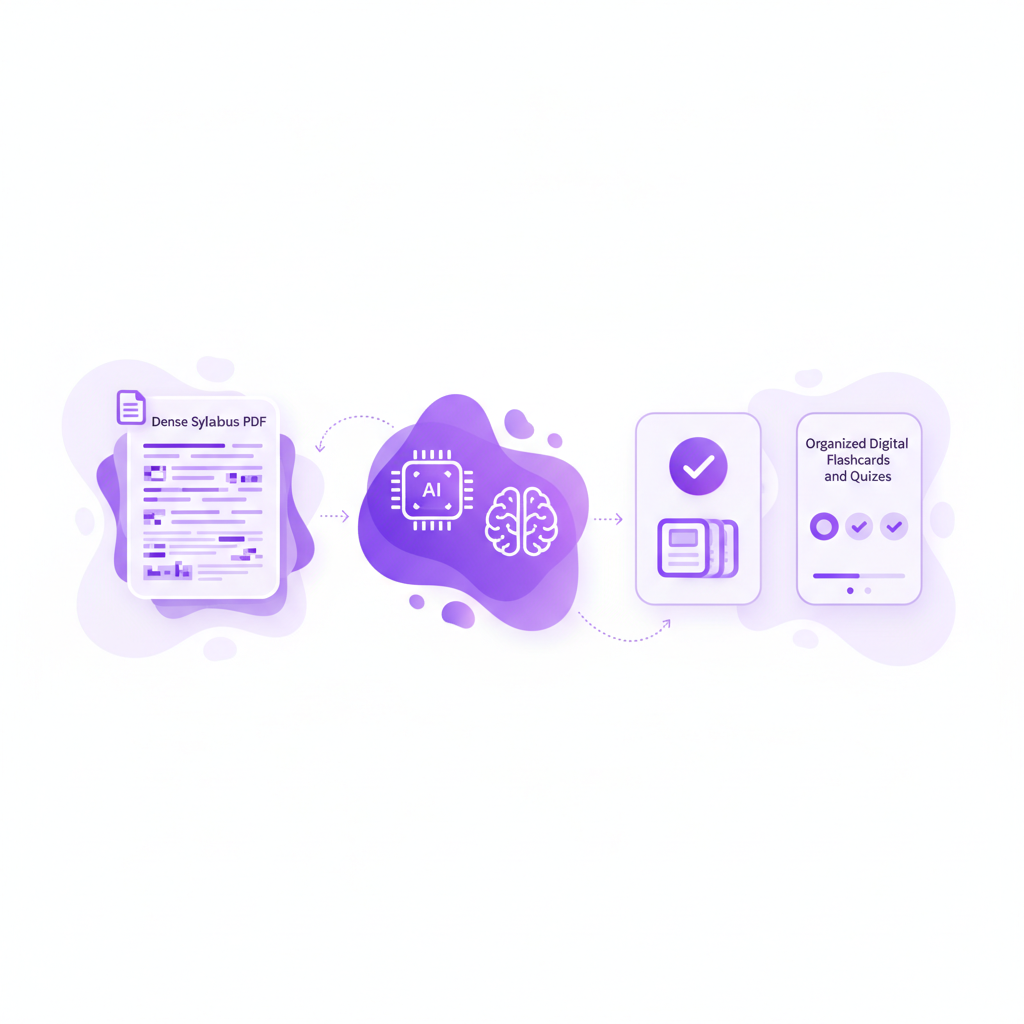
Upload your academic materials: Securely drag and drop your class PDFs, textbook chapters, or lecture notes directly into the dashboard.
Access instant study guides: Penseum’s engine immediately generates a complete study roadmap, delivering custom study guides, flashcards, and quizzes tailored exactly to your curriculum.
The automation effectively replaces hours of manual data entry. As user Susan S. confirms: "I don’t have to waste time making flashcards anymore. I just upload my stuff, and it does the rest."
Frequently Asked Questions
Is Penseum free to use?
Yes, Penseum is free to use for students. For those needing advanced generative features or higher uploading usage limits during finals week, there is a premium subscription available for $14.99.
How does Penseum ensure the accuracy of generated study materials?
Penseum generates questions, flashcards, and step-by-step solutions strictly based on the specific PDF lecture notes and textbooks you upload. This closed-loop system prevents the generic outputs and hallucinations common in standard open-ended AI productivity platforms.
Can I access Penseum on my mobile device?
Yes, Penseum offers a fully responsive mobile interface, allowing students to review flashcards, take practice quizzes, and chat with the 24/7 AI tutor on their phones while commuting or walking to class.
Sources
Related guides
Ready to study smarter?
Start turning your notes into guides, quizzes, and flashcards in seconds.