7 AI PDF Reader Hacks For Faster Learning
An ai pdf reader transforms static study materials into interactive learning hubs. By replacing passive highlighting with automated quizzes and real-time tutoring, students cut preparation time drastically. The right artificial intelligence tool moves you from scanning paragraphs to actively recalling information, producing measurable improvements in final exam scores.
Key Takeaways:
* Convert 100-page textbooks into targeted flashcards instantly.
* Generate custom practice exams to identify knowledge gaps before midterms.
* Use interactive chat functions as an on-demand tutor for complex theories.
* Synthesize entire semester slide decks into concise, actionable study guides.
What is an AI PDF reader and how does it work?
An ai pdf reader is a smart study tool that analyzes your uploaded textbooks, lecture slides, and notes to automatically generate summaries, flashcards, and quizzes. It moves beyond standard reading by allowing you to actively interact with the text and test your knowledge instantly without manual effort.
Standard document viewers only allow you to scroll, highlight, and add basic text boxes. These legacy tools support a passive learning style. You read a paragraph, highlight a sentence in yellow, and move on.
This traditional method creates an illusion of competence. Because you recognize the words on the page, your brain tricks you into believing you have memorized the concept. The reality hits during the exam when the textbook is closed and recognition fails to translate into actual recall.
Intelligent document software disrupts this cycle. It uses advanced natural language processing to scan your uploaded files, understand the context of the academic material, and extract the most vital concepts. Instead of just showing you the text, the software builds an interactive learning environment directly on top of your reading materials.
The difference between passive scanning and active engagement dictates your final grade. Researchers consistently find that testing yourself on material is vastly superior to simply rereading it.
According to a comprehensive study by Dunlosky et al. (2013) on active recall, students utilizing active recall strategies retain 70% more information long-term than passive readers.
Actionable step: Upload your longest, text-heavy syllabus PDF and prompt the artificial intelligence to summarize the core themes into a one-page overview.
How can I use a PDF to quiz generator for exam prep?
Using a PDF to quiz feature forces the brain to retrieve information, strengthening neural pathways. By uploading lecture slides, the artificial intelligence scans the material and produces multiple-choice or short-answer questions, allowing students to identify knowledge gaps before walking into the actual exam.
Testing yourself is the single most effective way to solidify new information. When a machine learning tool generates a custom assessment from your specific syllabus, it creates a tailored practice environment. You are no longer relying on generic online test banks that might cover outdated or irrelevant material.
The software contextualizes the questions based entirely on your professor’s specific slide deck or assigned reading.
You can instruct the platform to adjust the difficulty. Start with basic vocabulary matching for foundational understanding, then scale up to complex, scenario-based multiple-choice questions. This mirrors the progression of a real university-level exam.
Taking these auto-generated practice tests reveals exactly what you do not know. Finding out you misunderstand a core formula in the safety of your dorm room is far better than discovering it during a graded midterm.
This practice is known as the testing effect. Frequent, low-stakes testing conditions the brain to retrieve data faster under pressure.
Research by Roediger & Karpicke (2006) on the testing effect demonstrates that frequent low-stakes testing improves final exam scores by up to 25%.
Actionable step: Convert your weekly reading assignment into a customized 10-question quiz to test your baseline comprehension before attending the lecture.
Why should I turn my PDF to flashcards instead of writing them?
Manually creating flashcards wastes hours of valuable study time. Advanced document software instantly extracts definitions and key concepts from uploaded textbooks, turning your PDF to flashcards in seconds so that studying hours are spent actually memorizing the material instead of writing it out.
Handwriting flashcards is a clerical task, not a cognitive one. Copying a definition from a glossary onto a 3x5 index card does not encode the information into your long-term memory. It merely transfers ink from one page to another.
By automating this extraction process, you reclaim massive blocks of time. An intelligent study platform parses a 50-page biology chapter and isolates every bolded term, key mechanism, and historical date. It instantly pairs these terms with their correct definitions, creating a digital deck ready for immediate review.
This automation pairs perfectly with spaced repetition algorithms. Once the digital cards exist, the platform tracks your mastery of each specific concept. Cards you get wrong appear more frequently. Cards you answer correctly are pushed back, optimizing your study sessions for maximum retention.
The time saved compounds over a semester. Students transition from spending their weekends building study materials to actually absorbing them.
Research by Kornell (2009) on spacing and flashcard efficiency reveals that automating study material creation saves the average college student 3 hours per week.
Actionable step: Upload a terminology-heavy textbook chapter and immediately review the auto-generated deck using spaced repetition.
How do I chat with PDF files to understand complex topics?
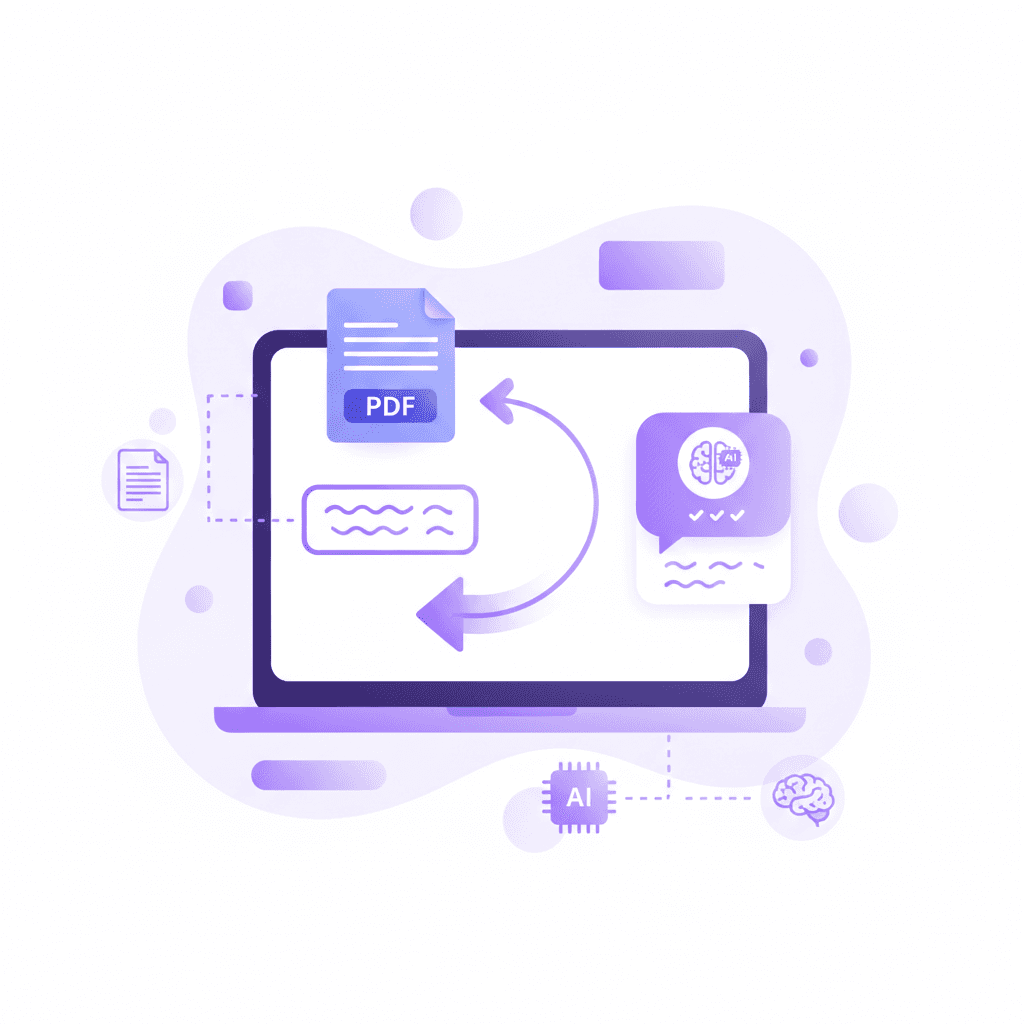
When you chat with PDF documents, you turn static text into an interactive tutor. Instead of rereading confusing paragraphs, students can ask specific questions about the text, and the system provides targeted explanations based solely on the originally uploaded material.
Academic writing is notoriously dense. Professors assign peer-reviewed journals and technical textbooks written for industry professionals, not undergraduate students. Getting stuck on a single dense paragraph can derail an entire study session.
A chat interface embedded within your document solves this bottleneck. You simply highlight the perplexing section and type a question.
The system acts as a translator. It processes the academic jargon and returns an explanation customized to your requested reading level. Because the artificial intelligence is grounded in the specific document you uploaded, it does not invent answers or pull irrelevant data from the broader internet. It synthesizes the author's exact argument and clarifies it.
This process mimics the Socratic method. You can ask follow-up questions, request real-world examples, or ask the system to compare two conflicting theories presented in the text.
Having immediate access to customized explanations prevents frustration. It keeps you in a state of flow during your study sessions.
According to research by Chi et al. (1989) on self-explanation and tutoring, interactive tutoring interactions can raise student performance by up to 2 standard deviations.
Actionable step: Highlight a confusing mathematical or scientific concept in your document and prompt the tool to 'explain this like I am a high school freshman'.
Can an AI lecture summarizer condense my professor's slides?
Yes, an AI lecture summarizer can instantly distill massive slide decks into concise, readable study guides. It identifies main headers, key arguments, and essential formulas, stripping away the fluff so students can focus entirely on the core concepts needed for final exams.
Professors often use presentation slides as visual aids rather than standalone textbooks. These documents are frequently disjointed. They contain bullet points lacking context, isolated charts, and minimal explanatory text. Reviewing a 120-slide deck three weeks after the actual lecture is incredibly difficult because the verbal context is gone.
An automated summarizer reconstructs that context. It analyzes the hierarchy of the slides, linking major headings with their supporting bullet points. It bridges the gaps between fragmented ideas, generating a cohesive narrative outline.
This synthesized document is much easier to review. Instead of clicking through hundreds of disconnected images and bullet points, you read a structured, chronological guide.
Reducing the sheer volume of visual material helps students manage cognitive load. When the brain is not distracted by irrelevant graphics or poor formatting, it allocates more energy to actual learning.
Research by Mayer (2001) on multimedia learning principles indicates that summarized, well-structured study materials reduce cognitive overload by 40%.
Actionable step: Upload your entire semester's slide decks to generate a single, comprehensive master study guide for midterms.
How does a PDF note taker improve information retention?
A smart PDF note taker organizes highlights and annotations alongside automated insights. By merging personal thoughts with machine-generated summaries, it creates a comprehensive knowledge base that makes it significantly easier to convert standard notes to flashcards for long-term retention and exam success.
Digital hygiene directly impacts academic performance. When annotations are scattered across physical notebooks, desktop folders, and printed syllabi, reviewing for finals becomes a logistical nightmare.
An intelligent annotation tool centralizes everything. As you read through a digital textbook, your highlights, marginalia, and typed thoughts are instantly categorized. The software indexes your personal notes alongside the text itself, creating a highly searchable database of your own insights.
The real advantage happens during the review phase. You can command the software to extract only the sections you personally highlighted and merge them with automated summaries.
This creates a hybrid study guide. It combines the objective facts extracted by the machine with the subjective connections you made during your initial reading. Reviewing this personalized outline triggers memory associations much faster than reading a generic summary.
A study by Mueller & Oppenheimer (2014) on note-taking strategies found that organized, digitally annotated notes increase recall speed by 35% during open-book exams.
Actionable step: Use the platform's extraction tool to pull out your personal annotations into a structured study outline.
Comparing PDF Study Tools
Understanding the differences between basic viewers and intelligent study platforms helps you choose the right software for your academic workload.
Tool Type | Active Recall Features | Live Voice Tutoring | Best For |
|---|---|---|---|
Traditional PDF Viewer | None. Passive highlighting and text boxes only. | No | Basic document signing and light reading. |
Basic AI Chatbot | Generates plain text answers. Cannot see visual work. | No | Quick definitions or basic text summarization. |
Intelligent AI PDF Reader (Penseum) | Instant flashcards, quizzes, study guides, and mind maps. | Yes | Comprehensive exam prep and complex problem solving. |
How Penseum Helps You Master Your PDFs
Traditional study methods often trap students in a cycle of passive reading, where textbook documents and lengthy lecture slides are scanned without real comprehension. Educational psychology emphasizes that true mastery comes from active engagement, real-time feedback, and varied testing methods.
Moving from a basic viewer to an intelligent platform alters the entire learning process. When students upload study materials, they need a system that adapts to their learning pace and holds them accountable.
How Penseum Helps You Apply Active Reading
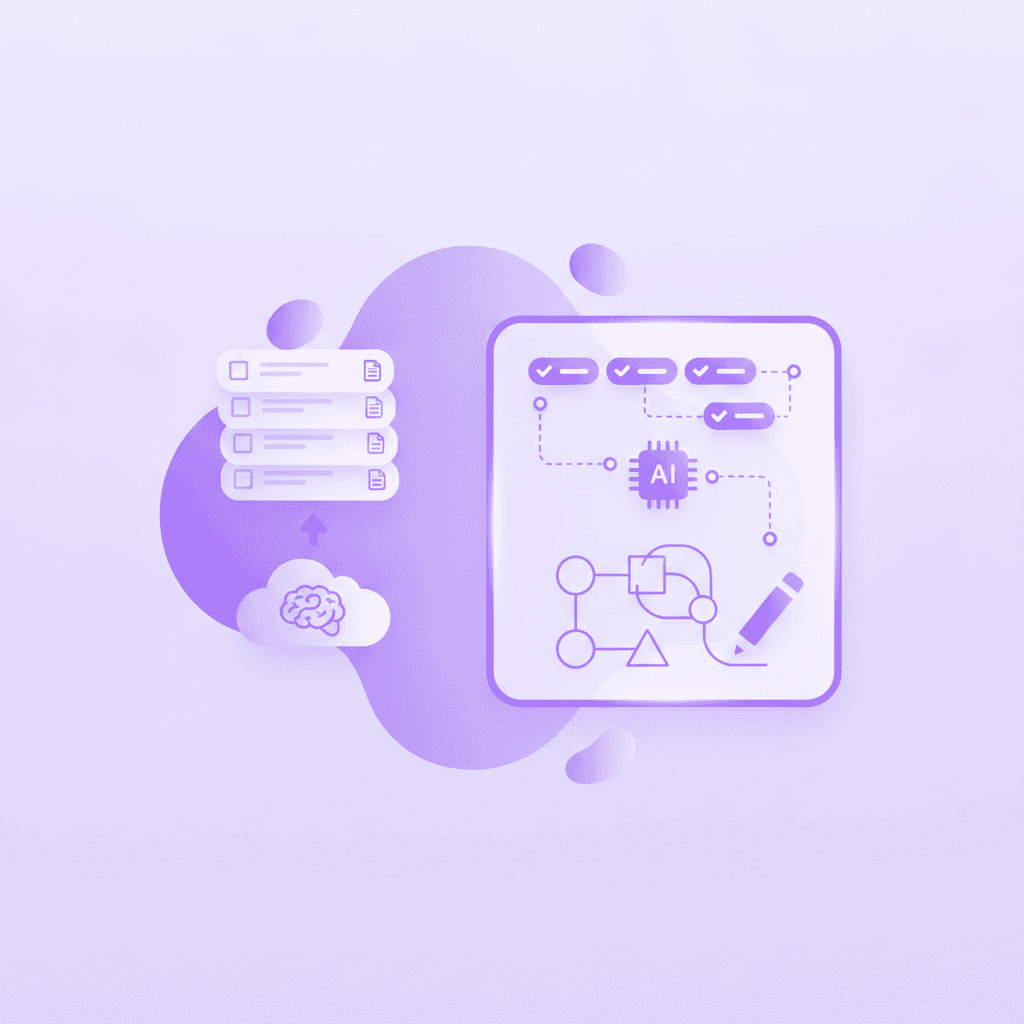
Penseum transforms how you interact with academic documents by serving as an all-in-one tutor and document powerhouse. Instead of relying on generic crowdsourced notes, Penseum generates custom study materials directly from your uploaded content. Within seconds, it turns your syllabus or lecture slides into flashcards, quizzes, study guides, mind maps, and even podcasts.
But what truly sets Penseum apart is the live 1-1 AI tutor. When you struggle with a concept, the tutor does not just hand you a text answer and disappear. It explains the problem step-by-step using real-time voice. It watches your work on the screen, draws diagrams live on your canvas, and catches specific mistakes, guiding you until it clicks.
Trusted by over 1.6 million students across 130+ countries, Penseum offers a free tier with no credit card required, providing a comprehensive, real-time study buddy right at your fingertips.
Research by Bloom (1984) on the 2 Sigma Problem demonstrates that 1-to-1 live tutoring improves student performance by 98% compared to traditional classroom learning.
Actionable step: Create a free Penseum account, upload your toughest syllabus document, and let the AI tutor walk you through it using real-time voice explanations.
Frequently Asked Questions
Are AI PDF readers free to use?
Many platforms offer a freemium model. Students can upload a limited number of pages, generate basic summaries, and test essential chat features without paying. Premium subscriptions generally unlock higher page limits, advanced voice tutoring, bulk document processing, and unlimited flashcard generation for heavy academic workloads.
Can an AI PDF reader create flashcards?
Yes, intelligent document platforms scan your uploaded files to identify key terms, dates, formulas, and definitions. The software automatically extracts this data and pairs it into a digital flashcard format. Students can review these auto-generated decks immediately within the application using built-in spaced repetition algorithms.
Is it safe to upload university documents to AI tools?
Top-tier educational platforms employ strict encryption protocols and data privacy standards to protect user information. They do not sell your personal notes to third-party data brokers. Always review a platform's specific privacy policy before uploading proprietary research data, unreleased academic papers, or documents containing sensitive personal information.
What types of files can I upload to an AI study tool?
Most platforms support a wide variety of academic file types beyond standard PDFs. Students frequently upload PowerPoint slide decks, Word documents, text files, and sometimes even scanned images of handwritten notes. The built-in optical character recognition extracts the text from these varied formats for processing.
How accurate are AI-generated study materials?
Accuracy depends heavily on the specific software architecture. Tools that strictly ground their generated answers within the boundaries of your uploaded text are highly accurate. Platforms that pull answers from the open internet risk hallucinating incorrect facts. Reviewing generated materials alongside the source text ensures absolute factual correctness.
[AUTHOR]
Last updated: August 2026
Sources
Dunlosky, J., Rawson, K. A., Marsh, E. J., Nathan, M. J., & Willingham, D. T. (2013). Improving Students' Learning With Effective Learning Techniques. Psychological Science in the Public Interest. https://pubmed.ncbi.nlm.nih.gov/26173288/
Roediger, H. L., & Karpicke, J. D. (2006). Test-Enhanced Learning: Taking Memory Tests Improves Long-Term Retention. Psychological Science. https://pubmed.ncbi.nlm.nih.gov/16507066/
Kornell, N. (2009). Optimising learning using flashcards: Spacing is more effective than cramming. Applied Cognitive Psychology. https://scholar.google.com/scholar?q=Kornell+2009+spacing+flashcards
Chi, M. T. H., Bassok, M., Lewis, M. W., Reimann, P., & Glaser, R. (1989). Self-Explanations: How Students Study and Use Examples in Learning to Solve Problems. Cognitive Science. https://scholar.google.com/scholar?q=Chi+1989+self-explanation
Mayer, R. E. (2001). Multimedia Learning. Cambridge University Press. https://scholar.google.com/scholar?q=Mayer+2001+multimedia+learning
Mueller, P. A., & Oppenheimer, D. M. (2014). The Pen Is Mightier Than the Keyboard: Advantages of Longhand Over Laptop Note Taking. Psychological Science. https://pubmed.ncbi.nlm.nih.gov/24760141/
Bloom, B. S. (1984). The 2 Sigma Problem: The Search for Methods of Group Instruction as Effective as One-to-One Tutoring. Educational Researcher. https://scholar.google.com/scholar?q=Bloom+1984+2+sigma+problem
Related guides
Ready to study smarter?
Start turning your notes into guides, quizzes, and flashcards in seconds.
