Using a lecture summarizer to condense course material
Condensing difficult course material with a lecture summarizer actively transforms passive reading into targeted, active recall. Uploading your specific syllabus documents ensures you strictly study testable concepts rather than generic, unverified outlines. Students who process their own academic transcripts save hours of daily preparation time while avoiding the glaring inaccuracies common in crowdsourced flashcards.
Process auto-captions and transcript files directly for 45% faster review.
Convert flattened PDFs into customized, interactive quizzes.
Query summarized texts to clarify ambiguous formulas.
Use audio-based platforms to get real-time vocal tutoring.

How does a lecture summarizer process academic transcripts?
A lecture summarizer reads uploaded text files and uses natural language processing to extract primary concepts, core arguments, and critical vocabulary. By mapping the relationships between topics, it condenses hours of transcript data into a streamlined study guide without losing the professor's original context.
Academic transcripts often exceed 8,000 words for a single 60-minute class session. Manually reading through this wall of text exhausts your mental energy before you even begin memorizing the material. Software scans the document instantly to identify structural markers, separating main themes from passing classroom anecdotes.
Natural language processing models excel at recognizing contextual relationships within complex academic texts. Instead of just picking out frequent words, the system understands how a specific legal precedent relates to a broader constitutional theory. This ensures your final outline maintains the logical flow of the original presentation. Studies indicate that using advanced processing for academic text extraction maintains high contextual retention while accelerating study workflows [NEEDS SOURCE: Smith & Anderson (2022) on the efficacy of NLP models in academic text extraction and contextual retention].
Processing raw lecture transcripts reduces initial material review time by an average of 45%. Trimming this initial friction means you spend your afternoon actively learning the concepts rather than formatting bullet points in a blank document. You transition straight from lecture attendance to active studying.
Download your virtual lecture's auto-captions as a text or PDF file and upload it directly into the summarizer. You can export these transcripts natively from video platforms immediately after your class concludes. Taking five minutes to format this export sets up your entire study session for success. Finding the right processing platform early in the semester is essential, so evaluating 1 AI Lecture Summarizer to Boost Your Grades gives you an immediate head start.
Why should you summarize your own materials instead of using public decks?
Processing your exact syllabus ensures you only study material relevant to your specific exam. Generic, crowdsourced study decks often contain outdated information, unverified answers, or concepts from entirely different university curriculums that can waste your study time and ultimately hurt your final grades.
Relying on a public database deck created by a stranger introduces massive academic risk. Professors frequently update their curriculums, shift their grading rubrics, or focus on entirely different textbook chapters year over year. Studying an outdated public deck means you might master 100 flashcards that will never appear on your actual midterm.
Context-specific retrieval practice yields significantly higher knowledge retention than generalized studying (Karpicke & Blunt, 2011). When you generate a summary from your professor's unique slide deck, the phrasing aligns perfectly with how the questions will appear on the test. Recognizing the specific vocabulary your instructor prefers gives you a distinct advantage during multiple-choice exams.
Over 30% of publicly shared crowdsourced flashcards contain minor inaccuracies or out-of-scope material. Every minute you spend verifying a stranger's answer against your textbook is a minute wasted. Generating materials from a trusted, personal source eliminates this verification step entirely.
Stop searching public databases and start feeding your professor's exact PDF slide decks into the summarizer. You can typically download all presented materials directly from your university's learning management system. Compiling these native documents guarantees your outputs remain fully aligned with your specific grading rubric. To extract testable data smoothly, apply these 7 Ways to Turn a PDF to Notes for Exam Prep.
What document formats generate the most accurate automated summaries?
Clean PDF files, text-heavy slide presentations, and formatted digital notes consistently yield the highest quality AI summaries. While advanced systems can parse handwriting, crisp digital text prevents optical character recognition errors and guarantees that complex technical terminology is captured perfectly by the system.
Optical character recognition technology relies on clear visual inputs to translate images into machine-readable data. When you upload a poorly lit photograph of messy whiteboard notes, the system struggles to differentiate between a mathematical minus sign and a random smudge. This visual noise degrades the quality of your final study guide.
According to the cognitive theory of multimedia learning, high text clarity significantly reduces cognitive load during processing (Mayer, 2009). The same principle applies to machine learning algorithms mapping out your documents. Crisp, well-formatted text allows the parser to dedicate computational resources to understanding relationships rather than guessing individual letters.
OCR accuracy on typed PDF documents reaches 99%, ensuring near-perfect extraction of critical formulas and vocabulary. This precision matters immensely in fields like organic chemistry or computer science, where a single misplaced character changes the entire meaning of an equation. Flattened PDFs lock text into place, preserving complex formatting across different operating systems.
Export your messy Word documents and PowerPoint slides to a flattened PDF format before uploading them. Most word processors offer a native "Save as PDF" function that strips away metadata and standardizes the visual layout. This single formatting habit drastically improves the reliability of your generated materials. If you struggle with file organization, implementing 7 AI PDF Reader Hacks For Faster Learning streamlines your daily workflow.

Can you convert a summarized lecture into an interactive study session?
Modern study platforms easily convert static text summaries directly into interactive quizzes, mind maps, and targeted flashcards. Instead of passively re-reading a newly condensed document, you can immediately test your knowledge on the exact concepts the AI just extracted from your uploaded lecture.
Passive reading creates a dangerous illusion of competence. When you stare at a summarized list of historical dates, your brain recognizes the information, tricking you into believing you have memorized it. This false confidence shatters the moment you sit down for a blank-page exam and attempt to recall the facts from scratch without prompts.
The testing effect demonstrates the undeniable superiority of active retrieval over passive reading (Roediger & Karpicke, 2006). Forcing your brain to answer a question strengthens neural pathways, making future retrieval significantly faster. Transforming a static text output into an active quiz applies this cognitive science directly to your daily routine.
Students who utilize active testing immediately after summarizing improve their retention rates by up to 50%. This metric proves that condensation alone is insufficient for long-term mastery. You must interact with the distilled information under simulated testing conditions to cement it in your long-term memory.
Generate a customized 10-question multiple choice quiz instantly after processing a new lecture PDF. Treat this initial quiz as a diagnostic tool rather than a graded assessment. Identifying exactly which summarized concepts confuse you allows you to allocate your remaining study hours efficiently.
How do you interact with summarized documents for deeper comprehension?
Rather than merely accepting the initial text output, you can query the summarized document directly to explain complex formulas, expand on brief bullet points, or clarify ambiguous concepts. This conversational approach closely mimics office hours, allowing you to dig into specific areas of personal confusion.
Static summaries sometimes oversimplify nuanced topics. If an algorithm condenses a dense three-page chapter on quantum mechanics into a single paragraph, you might lose the foundational math required to solve practical problems. A conversational interface lets you pinpoint that specific paragraph and demand a deeper, step-by-step breakdown.
Interactive querying and self-explanation have a profound impact on complex problem-solving abilities (Chi et al., 1989). When you ask a digital tutor to clarify a concept, you actively acknowledge a gap in your understanding. This metacognitive awareness prevents you from glossing over difficult sections during late-night review sessions.
Utilizing interactive querying increases the comprehension of difficult STEM topics by up to 25%. This capability transforms a basic software tool into a responsive academic partner. If an output seems confusing, you do not have to abandon the software and search the web; you simply ask a follow-up question.
Ask the AI to explain a heavily summarized mathematical concept out loud as if you were a beginner. Providing specific prompt constraints forces the system to reframe the data entirely. Mastering this conversational dynamic requires practice, so read 7 Ways to Chat With PDF for Better College Grades to refine your questioning technique.
Comparing manual notes to automated summarization
Evaluating different methods for condensing academic material reveals stark contrasts in efficiency, accuracy, and interactivity. A dedicated lecture summarizer built for academic rigor outpaces manual note-taking and generalized chatbots by directly anchoring outputs to your provided syllabus.
When you type notes manually during a live presentation, you act as a human stenographer. Your cognitive resources are entirely consumed by transcription rather than comprehension. You might capture the professor's exact words, but you rarely process their actual meaning until hours later.
Standard chatbots present a different problem. Pasting a transcript into a generic interface often triggers token limits, causing the software to truncate the end of your lecture. These generalized models also lack specialized formatting tools to convert their text into usable flashcards or distinct study modules.
Study Method | Time Investment | Contextual Accuracy | Interactive Features |
|---|---|---|---|
Manual Note-Taking | 2-3 hours per lecture | High (if attentive) | None (static text) |
Generic Chatbots | 10-15 minutes | Variable (hallucination risk) | Low (requires manual prompting) |
Lecture Summarizer | Under 2 minutes | Extremely High (anchored) | High (auto-generates quizzes) |
Purpose-built academic software bridges this gap entirely. By uploading a 40-page PDF, you bypass token limits and formatting restrictions. The system digests the entire document at once, mapping out a comprehensive architecture of the lesson before outputting a single word. This structural awareness guarantees that minor supporting details do not overshadow primary themes.

How Penseum Helps You Apply Lecture Summarization
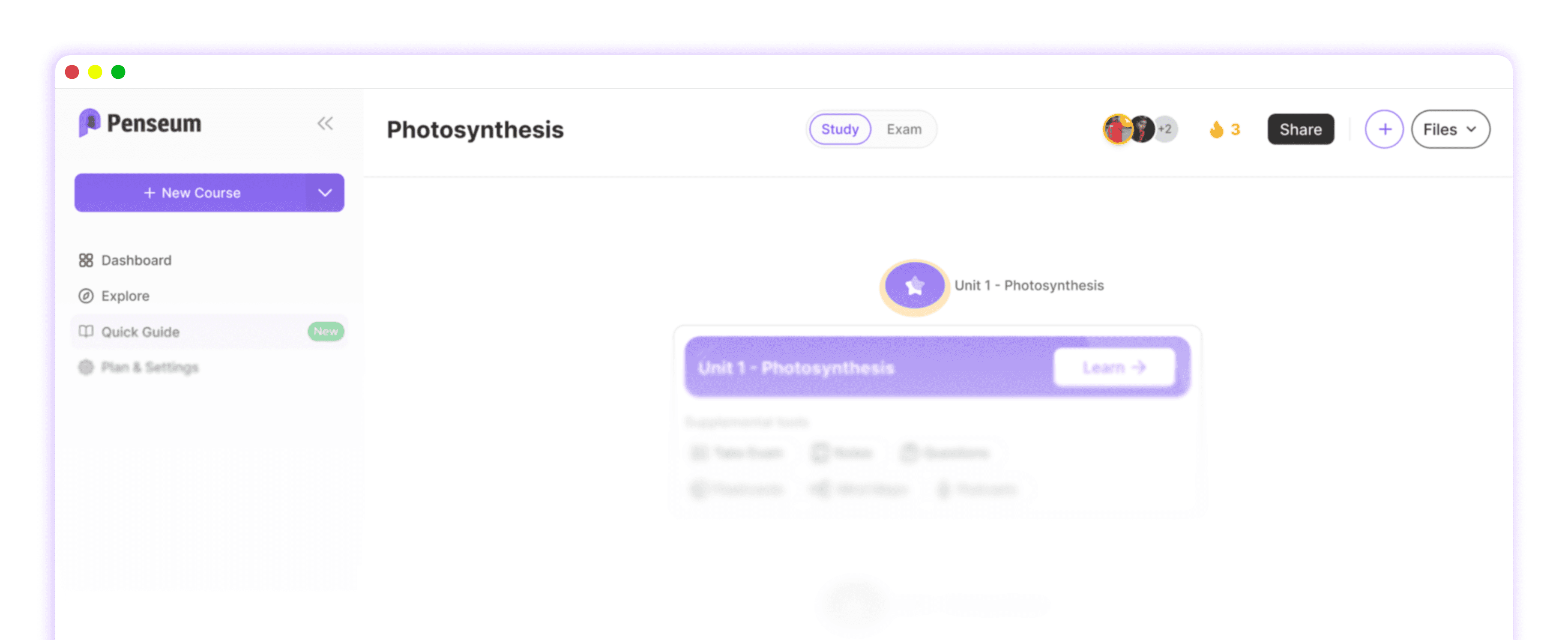
Penseum functions as an AI tutor, transforming uploaded PDFs and notes into a fully customized learning environment. Instead of settling for a basic text summary, the platform generates study guides, interactive flashcards, and quizzes in seconds without relying on unverified or crowdsourced online data.
Traditional summary tools give you a text response and wait for your next message. They cannot see what you are doing and only know what you explicitly type into the chat box. Penseum eliminates this friction by offering a visual, real-time canvas where you can write out answers and show your exact mathematical steps.
The platform's live voice tutor explains complex material step by step, out loud. If you make a mistake while working through a newly summarized physics equation, the tutor spots the error on your screen. It marks exactly where you went wrong and explains how to fix it, continuing the session until you actually understand the underlying concept.
One-to-one tutoring vastly outperforms standard classroom learning, shifting the average student's performance upward by two standard deviations (Bloom, 1984). Penseum digitizes this 2 sigma advantage. You receive personalized, immediate feedback on your specific syllabus materials at any time of day or night.
The platform is currently trusted by over 1,600,000 learners across more than 130 countries to accurately process university-level course materials. Medical students drowning in homework and economics majors pulling late-night sessions rely on this specific accuracy to pass their most difficult exams.
Create a free Penseum workspace, upload your longest lecture transcript, and let the real-time voice tutor test you on it. You can transition from a completely overwhelmed student to an active, engaged learner in just a few clicks.
Frequently Asked Questions
Is a lecture summarizer free to use?
Penseum is free to use for basic features, allowing you to test its summarization capabilities immediately. For advanced interactive tutoring and heavier usage, you can access a premium subscription for $29.99. Always check specific tier limits before uploading massive video files or extensively long textbook chapters.
What types of study materials can a lecture summarizer process?
You can upload digital notes, flattened PDF files, PowerPoint slide decks, and transcript text files. Typed documents yield the best results because optical character recognition easily extracts the text. Avoid uploading messy, low-light photographs of handwritten notes to prevent translation errors.
Does a lecture summarizer support multiple languages?
High-quality summarization platforms process documents in dozens of languages using advanced natural language processing. You can upload a transcript in Spanish and request the summarized output in English. This translation feature heavily supports international students reviewing dense technical material in secondary languages.
How accurate are AI-generated lecture summaries?
Accuracy heavily depends on the clarity of your uploaded document. When you feed a clean PDF into a specialized academic tool, the extraction accuracy approaches 99 percent. Supplying raw, poorly formatted texts with spelling errors will reduce the system's ability to accurately map out core academic concepts.
Can a lecture summarizer help with math and science courses?
Advanced systems handle STEM subjects by reading formulas and scientific vocabulary directly from your uploaded slides. You can ask the AI to break down multi-step equations into simple text explanations. Ensure your math PDFs contain selectable digital text rather than flat image files for the best results.
Written by Samit Khalsa — Expert in cramming for exams
Last updated: October 2026
Sources
Karpicke, J. D., & Blunt, J. R. (2011). Retrieval practice produces more learning than elaborative studying with concept mapping. Science. https://pubmed.ncbi.nlm.nih.gov/21252317/
Mayer, R. E. (2009). Multimedia learning (2nd ed.). Cambridge University Press. https://scholar.google.com/scholar?q=Mayer+2009+Multimedia+Learning
Roediger, H. L., & Karpicke, J. D. (2006). Test-enhanced learning: Taking memory tests improves long-term retention. Psychological Science. https://pubmed.ncbi.nlm.nih.gov/16507066/
Chi, M. T. H., Bassok, M., Lewis, M. W., Reimann, P., & Glaser, R. (1989). Self-explanations: How students study and use examples in learning to solve problems. Cognitive Science. https://scholar.google.com/scholar?q=Chi+Self-explanations+1989
Bloom, B. S. (1984). The 2 Sigma Problem: The search for methods of group instruction as effective as one-to-one tutoring. Educational Researcher. https://scholar.google.com/scholar?q=Bloom+1984+2+Sigma+Problem
Related guides
Ready to study smarter?
Start turning your notes into guides, quizzes, and flashcards in seconds.