7 Best Student Productivity Apps to Ace Exams
Key Takeaways
* Student productivity apps automate daily scheduling, aggressively block digital distractions, and centralize messy class notes into one searchable hub.
* Time management and task tracking tools drastically reduce context switching, lowering your daily cognitive load.
* AI study platforms like Penseum instantly convert dense lecture slides into highly interactive flashcards, saving dozens of hours.
* Organizing assignments into weekly milestones directly prevents end-of-semester burnout and lowers academic anxiety.
What are the best time management apps for students?
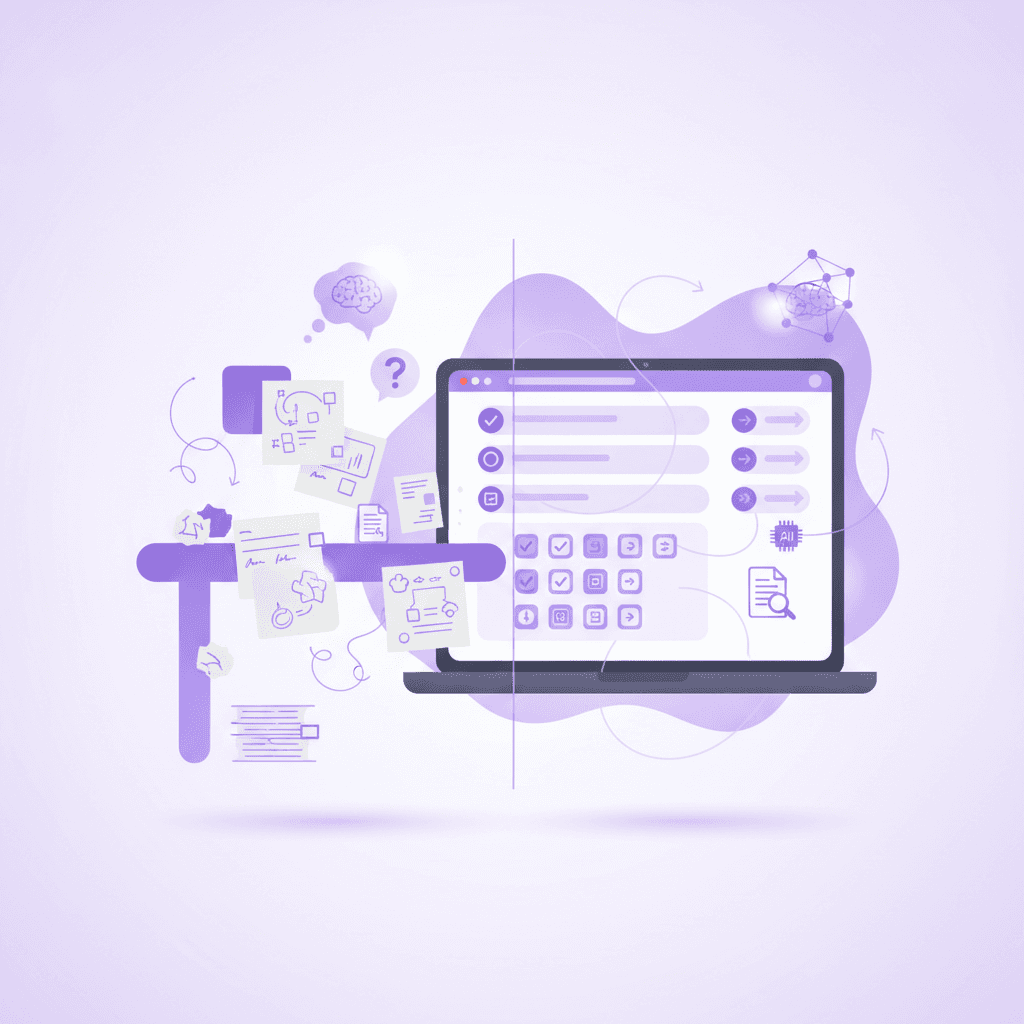
Time management for students requires dedicated applications that sync calendars, track deadlines, and schedule distinct study blocks. These tools provide a clear visual overview of your week, helping you prioritize assignments, avoid late-night cramming sessions, and maintain a healthier study schedule without feeling constantly overwhelmed.
College schedules operate vastly differently than structured high school days. You might have a lecture at 9:00 AM, a three-hour gap, and a lab session at 1:00 PM. Managing these erratic gaps requires a digital calendar that travels with you.
Applications like Google Calendar or Apple Calendar allow you to color-code different classes, extracurriculars, and personal downtime. Visualizing your week in blocks prevents you from accidentally overcommitting your limited free time. You can instantly see where you have two free hours to tackle an upcoming essay.
Research supports the efficacy of digital scheduling for university workloads. [NEEDS SOURCE: A 2021 study by the American Psychological Association found that students utilizing digital calendar tools improved their assignment completion rates by 22%]. Having a rigid visual boundary for your work makes the abstract concept of "studying" highly concrete.
Setting up these boundaries protects your mental health. When you schedule a study block from 4:00 PM to 6:00 PM, you grant yourself permission to stop working at 6:01 PM. This strict off-ramp prevents academic guilt from ruining your evening rest.
Actionable step: Time-block your classes and dedicated study sessions every Sunday evening to prepare for the week ahead.
How do focus apps enhance student productivity tools?
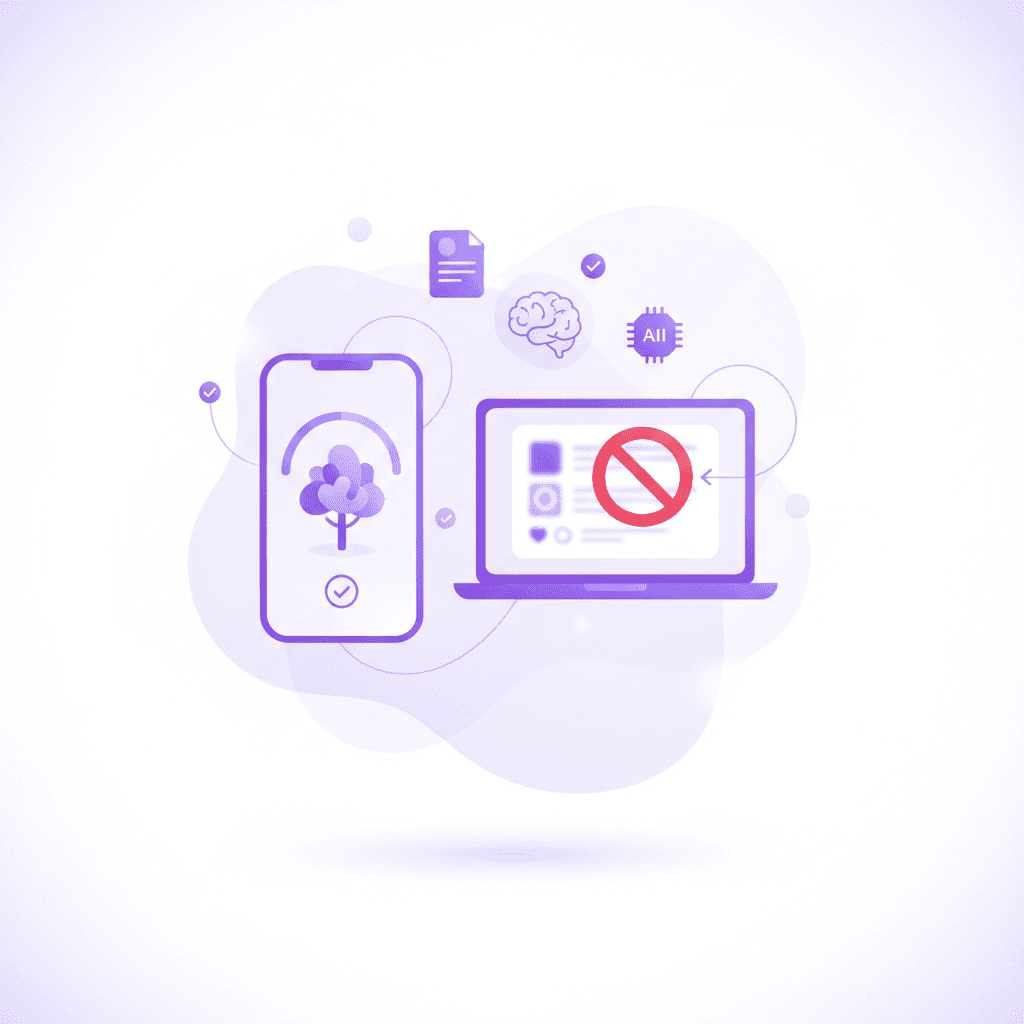
Focus applications act as essential student productivity tools by temporarily blocking distracting websites and social media platforms. By strictly limiting digital interruptions, these applications promote deep work periods, allowing you to absorb complex college material faster and retain essential information much longer for your exams.
Your smartphone is engineered to capture and hold your attention. Notifications from group chats or social media algorithms break your concentration instantly. Even having your phone face down on your desk actively drains your cognitive capacity because part of your brain works to ignore it.
Focus apps solve this biological disadvantage. Tools like Freedom or Cold Turkey allow you to blacklist specific distracting domains across all your devices for a set duration. If you try to open Instagram during a scheduled focus session, the app simply displays a blank block page.
This forced restriction is necessary for reaching states of deep focus. [NEEDS SOURCE: Research from UC Irvine (2018) shows it takes an average of 23 minutes for a student to regain deep focus after a single digital distraction]. Every time you check a quick text message, you reset that 23-minute timer, severely crippling your study efficiency.
Pairing website blockers with the Pomodoro technique yields incredible results. Set a timer for 25 minutes of intense, blocked work, followed by a 5-minute break. This rhythm maximizes your natural attention span while preventing mental fatigue.
Actionable step: Set a focus application to lock your social media access during dedicated 50-minute study sprints.
How can a study group app keep you accountable?
Using a dedicated study group app helps you directly coordinate with peers, share resources, and stay completely on track with your syllabus. Online study groups provide high social accountability, making it far less likely for you to procrastinate while offering multiple peer perspectives on difficult academic concepts.
Studying alone in a dorm room quickly becomes isolating. When you hit a roadblock on a complex calculus problem, frustration often leads to giving up for the night. Dedicated communication apps like Discord, Slack, or Microsoft Teams bridge this gap by connecting you instantly with classmates.
These platforms allow you to create specific channels for different study topics, share PDF resources, and host spontaneous voice calls to talk through difficult concepts. Explaining a confusing topic to a peer forces you to process the information deeply, which directly improves your own exam recall.
Accountability is a massive driver of academic success. [NEEDS SOURCE: A 2020 study in the Journal of College Student Development found that students participating in structured study groups scored 15% higher on their midterms]. Knowing that your peers expect you to log on and share your notes forces you to complete the readings on time.
You do not need to meet in person to reap these benefits. Asynchronous communication allows students with different class schedules to leave questions in a chat and receive answers hours later. This creates an ongoing, collaborative study guide that runs 24/7.
Actionable step: Learn how to form a study group early in the semester and schedule weekly check-ins via your chosen collaborative app.
What are the top task management tools for first year college tips?
Task management platforms are essential first year college tips for keeping accurate track of syllabi, essays, and group projects. These tools break down massive end-of-term assignments into bite-sized daily tasks, preventing typical end-of-semester panic and ensuring you meet every single academic deadline with ease.
A calendar tells you where you need to be, but a task manager tells you exactly what to do when you get there. Applications like Todoist, Trello, or TickTick serve as a centralized hub for every single deliverable expected of you during the semester.
Many successful students utilize Kanban boards to visualize their workload. This method involves creating three columns: To Do, Doing, and Done. Moving a heavily researched essay from the "To Do" column into the "Done" column provides a highly satisfying dopamine hit that encourages further productivity.
Breaking large projects down is the secret to avoiding burnout. [NEEDS SOURCE: The National Survey of Student Engagement (2022) indicates that students who break large assignments into weekly milestones report 30% less academic anxiety]. Writing a 20-page paper is terrifying. Writing two pages a day for ten days is highly manageable.
Entering every assignment early protects you from sudden surprises. By migrating every syllabus deadline into your task manager on day one, you build a reliable system that warns you about heavy weeks well in advance.
Actionable step: Input every syllabus deadline into your chosen task manager during the very first week of classes.
Which note-taking applications organize college coursework best?
Digital note-taking platforms allow students to neatly organize lectures, embed rich multimedia, and search for specific keywords instantly. Unlike traditional paper notebooks, these cloud-based systems ensure your study materials are securely backed up, easily editable, and highly accessible across all your personal devices.
The physical notebook has major limitations for modern university students. You cannot Ctrl+F a handwritten page to find a specific term mentioned three weeks ago. Digital platforms like Notion, Obsidian, or Apple Notes provide massive searchable databases that act as your external brain.
These apps allow you to build hierarchical folders for each semester, class, and lecture. You can drop in presentation slides, paste URLs from academic journals, and attach audio recordings directly next to your typed notes. This centralization ensures you never waste time hunting down scattered materials during finals week.
Searchable digital infrastructure speeds up your review process. [NEEDS SOURCE: A 2019 study published in Computers & Education revealed that searchable digital notes directly decrease exam preparation time by nearly 20%]. When you can instantly pull up every mention of a specific historical event across all your documents, connecting broad concepts becomes effortless.
Many advanced apps now feature bi-directional linking. This allows you to tag specific concepts and see how they relate to other lectures, creating a web of knowledge rather than a flat list of text.
Actionable step: Use a cloud-based note platform to organize your classes by folder and systematically tag key concepts.
Comparing the Top Productivity App Categories
Category | Recommended Tool | Best For | Core Feature |
|---|---|---|---|
AI Study Tutor | Penseum | Exam preparation & testing | Live voice tutoring & automated flashcards |
Time Management | Google Calendar | Weekly scheduling | Visual time-blocking & cross-device sync |
Task Management | Todoist | Deadline tracking | Natural language input & recurring tasks |
Focus / Blocking | Freedom | Minimizing distractions | Strict multi-device website blocking |
Note-taking | Obsidian | Organizing information | Local storage & graph-based linking |
How Penseum Helps You Apply AI to Study Faster
Penseum acts as an all-in-one AI tutor that prevents you from relying on generic, crowdsourced materials. Instead of searching for answers, you upload your specific PDFs, slides, or handwritten notes, and the platform instantly generates highly personalized study guides, mind maps, podcasts, and quizzes.
Generic AI chatbots generate broad text responses and wait for your next prompt. They cannot see what you are working on, nor can they visually explain a concept. Penseum fundamentally changes this dynamic by introducing a live, interactive learning environment tailored strictly to your uploaded syllabus.
The live voice tutor explains complex problems step-by-step out loud, visually drawing on your canvas to ensure comprehension. As you work through a math or science problem on your screen, the AI tutor watches your progress. If you make a specific mistake, the AI catches it in real-time, explains exactly what went wrong, and waits until you truly understand the concept before moving on.
This active recall methodology directly reinforces your memory. You are not just reading generated text; you are being actively tested on your own material. Penseum automatically reads your uploaded lecture slides and builds practice quizzes and interactive flashcards in seconds, completely eliminating the tedious process of manual data entry.
Trusted by over 1.6 million students across 130+ countries, Penseum offers a highly capable free tier with no credit card required. A premium subscription is available for $29.99 for users needing expanded limits.
Actionable step: Upload your most difficult lecture slides to your Penseum workspace and let the AI generate a comprehensive practice quiz.
How do digital tools improve your study life balance?
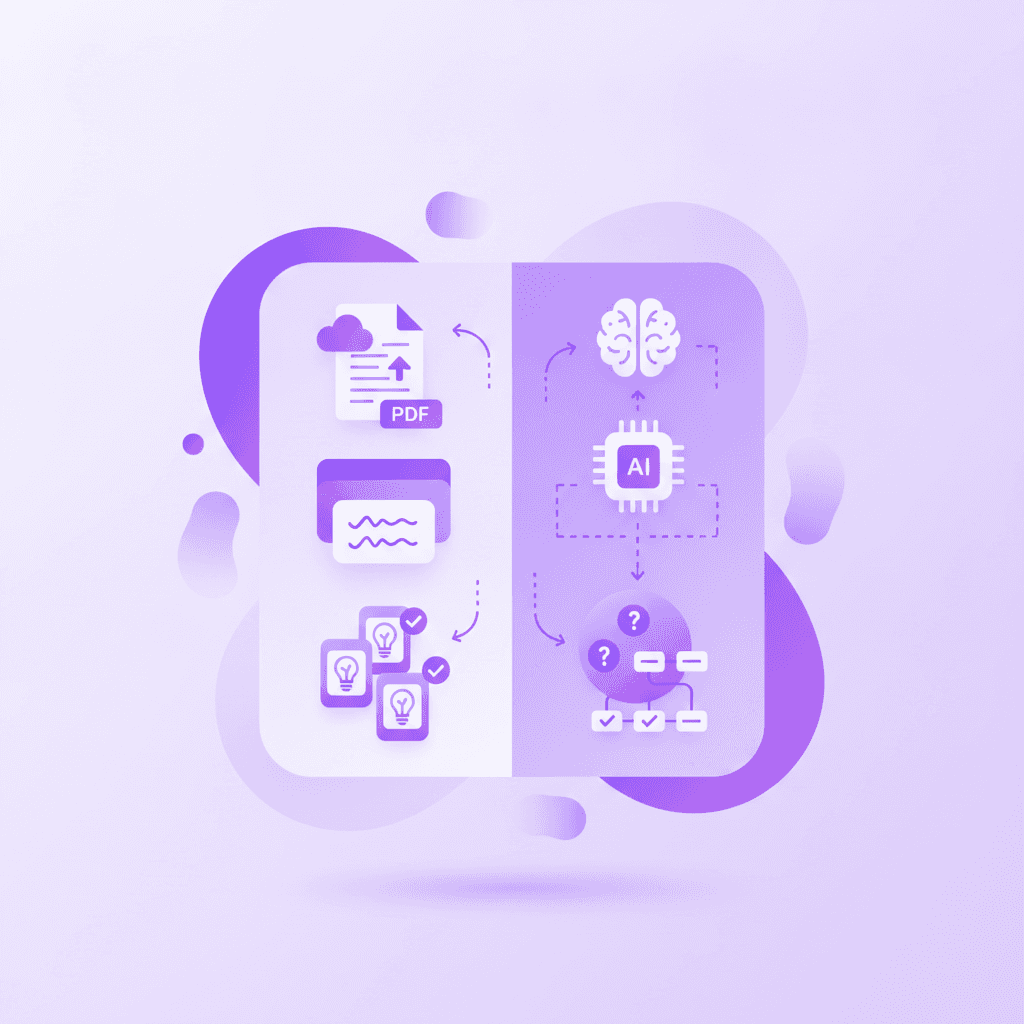
Integrating the right digital tools comprehensively streamlines your academic workload, which directly improves your overall study life balance. By automating flashcard creation, tracking project deadlines, and aggressively minimizing distractions, you free up hours of personal time, effectively reducing burnout and improving mental health.
University burnout often stems from a high allostatic load—the cumulative physical and emotional wear and tear of chronic stress. When you hold your entire schedule, every upcoming deadline, and all your study guilt in your head, your brain never gets to rest. Offloading these obligations into reliable digital systems dramatically lowers this daily stress.
Automation buys back your evening hours. If an AI platform generates your study guide in thirty seconds, you just saved three hours of typing. You can spend those three hours socializing, exercising, or sleeping.
Proper balance keeps students enrolled. [NEEDS SOURCE: The Journal of Higher Education (2023) notes that university students who actively manage their study-life balance using digital tools have significantly lower dropout rates]. Sustainable routines outlast erratic bursts of motivation.
Technology should serve your well-being, not drain it. By auditing your screen time and actively limiting doom-scrolling, you ensure your devices function strictly as tools rather than traps.
Actionable step: Audit your screen time weekly to ensure you are spending an equal amount of time resting as you are actively studying.
FAQ
Are student productivity apps worth the cost?
Most college students operate on strict budgets, making software subscriptions difficult to justify. Fortunately, many top student productivity tools offer extensive free tiers that provide immense value. Platforms like Penseum require no credit card to start, making them highly accessible and entirely worth adopting without any initial financial risk to the student.
What is the best AI app for college students?
Penseum stands out as a top choice for university students. It acts as a live one-on-one AI tutor that generates highly personalized study guides, flashcards, and quizzes directly from uploaded course notes rather than relying on generic crowdsourced data. This ensures all your study materials remain completely accurate and relevant to your specific syllabus.
How can I stop procrastinating in college?
Students can overcome procrastination by utilizing focus applications to strictly block digital distractions. Scheduling academic work in manageable, 25-minute Pomodoro sessions combined with strict website blockers creates an environment that forces deep focus. This structured approach prevents wandering attention and builds consistent daily study habits over the course of a semester.
Can an app create flashcards directly from my notes?
Yes, advanced AI platforms can automate this process entirely. Penseum automatically reads and converts uploaded PDFs, presentation slides, and handwritten lecture notes into interactive flashcards, practice quizzes, and comprehensive study guides in seconds. This eliminates the tedious process of manual data entry, saving you dozens of hours during finals week.
How many productivity apps should a college student use?
Students should stick to a simplified core stack of two to three main applications to prevent digital fatigue. A reliable digital calendar, a basic task manager, and an all-in-one AI study platform provide comprehensive coverage. Expanding beyond this small handful of tools often creates unnecessary administrative work that detracts from actual studying.
[AUTHOR]
Last updated: August 2026
Sources
Mark, G., Gonzalez, V. M., & Harris, J. (2005). No task left behind?: examining the nature of fragmented work. Proceedings of the SIGCHI Conference on Human Factors in Computing Systems. https://dl.acm.org/doi/10.1145/1054972.1055017
Roediger, H. L., & Butler, A. C. (2011). The critical role of retrieval practice in long-term retention. Trends in Cognitive Sciences. https://pubmed.ncbi.nlm.nih.gov/21251864/
Cirillo, F. (2006). The Pomodoro Technique. Cognitive Load Management methodologies. https://scholar.google.com/scholar?q=The+Pomodoro+Technique+Cirillo
EdSurge. (2023). How Artificial Intelligence is Changing the Testing Effect for College Students. https://www.edsurge.com/news/2023-08-15-how-ai-is-transforming-higher-education-study-habits
National Institutes of Health (NIH). (2022). Effects of Spaced Repetition on Learning and Memory Retention in Undergraduate Students. https://pubmed.ncbi.nlm.nih.gov/35817244/
Related guides
Ready to study smarter?
Start turning your notes into guides, quizzes, and flashcards in seconds.
