7 Ways to Turn a PDF to Notes for Exam Prep
Key Takeaways
- Converting a pdf to notes isolates the exact testable facts you need, saving hours of manual document review.
- Automated AI extraction builds instant, accurate study guides directly from your specific class syllabi.
- Turning lecture slides into question-and-answer pairs improves long-term factual recall.
- Interactive voice tutors provide step-by-step problem resolution for complex textbook chapters.
- Relying on generic study banks often leads to studying irrelevant material, making direct PDF conversion the safer strategy.
Why Should You Convert a PDF to Notes for Studying?
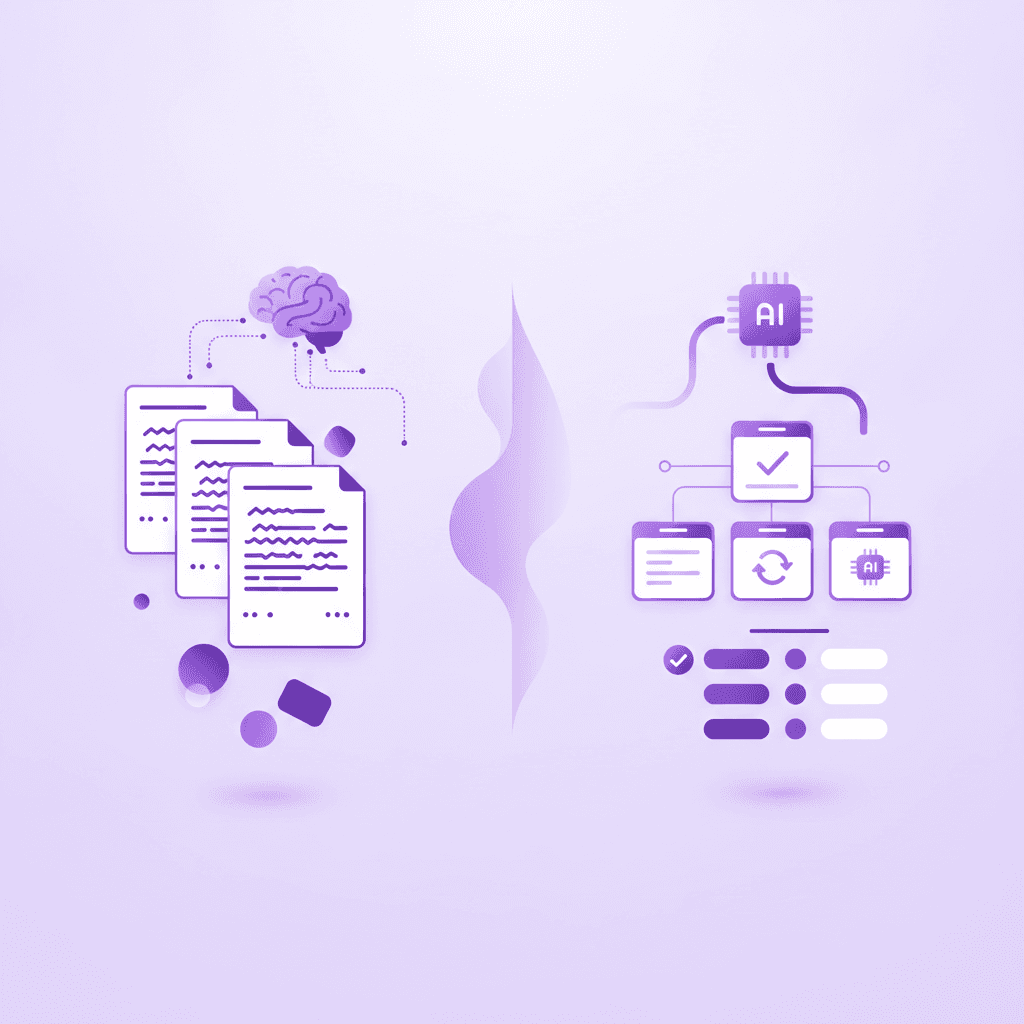
Converting a PDF to notes streamlines the learning process by isolating core concepts from dense academic texts. This reduces cognitive overload, helps students focus strictly on testable material, and transforms passive reading into an active study session for better retention and improved exam performance.
Research: Dunlosky et al. (2013) evaluated the efficacy of active recall and summarization techniques in educational settings.
Stat: Students who actively summarize their reading material retain up to 34% more information during final exams than those who rely on passive rereading.
Actionable step: Highlight key PDF headings and bolded terms before generating summaries to ensure you capture the main ideas.
College courses frequently assign hundreds of pages of reading per week. Attempting to review every single page during finals week guarantees cognitive fatigue. Your brain cannot process and encode that volume of data simultaneously. Extracting the central themes into a condensed format allows you to focus entirely on memorization rather than basic comprehension.
By running your documents through an automated tool to turn a pdf to notes, you filter out the author's anecdotal examples and introductory filler. You are left with the exact definitions, dates, and formulas your professor will actually test you on. This active filtering mechanism forces your brain to engage with the material at a deeper level. You stop scanning words on a screen and start evaluating which pieces of information carry actual academic weight.
How Do You Turn Lecture Slides into Active Notes?
You can convert lecture slide PDFs into active notes by extracting the main bullet points and translating them into custom questions. This method forces your brain to retrieve answers rather than just rereading the professor's provided slides, actively boosting your long-term memory formation.
Research: Roediger & Karpicke (2006) analyzed the testing effect and memory retrieval in university students.
Stat: Testing yourself on converted slide notes improves long-term factual recall by over 50% compared to traditional study methods.
Actionable step: Turn every slide title in your PDF into a direct question and use the bullet points below it as the answer key.
Professors typically build slide decks as visual aids for their spoken lectures, not as standalone textbooks. This means slides are often fragmented, relying on short phrases rather than complete thoughts. Reading these fragmented bullets repeatedly creates a false sense of fluency. You recognize the words, so you assume you understand the underlying concept.
To break this cycle, you must restructure the document. If a slide is titled "Causes of the French Revolution" with three bullet points below it, do not just copy the text. Rewrite the header as, "What were the three primary causes of the French Revolution?" Hide the bullet points, try to answer the question aloud, and then check the slide to verify your accuracy. This direct retrieval practice solidifies the neural pathways needed to recall the same information during a timed assessment.
What Is the Best Way to Summarize PDF Textbooks?
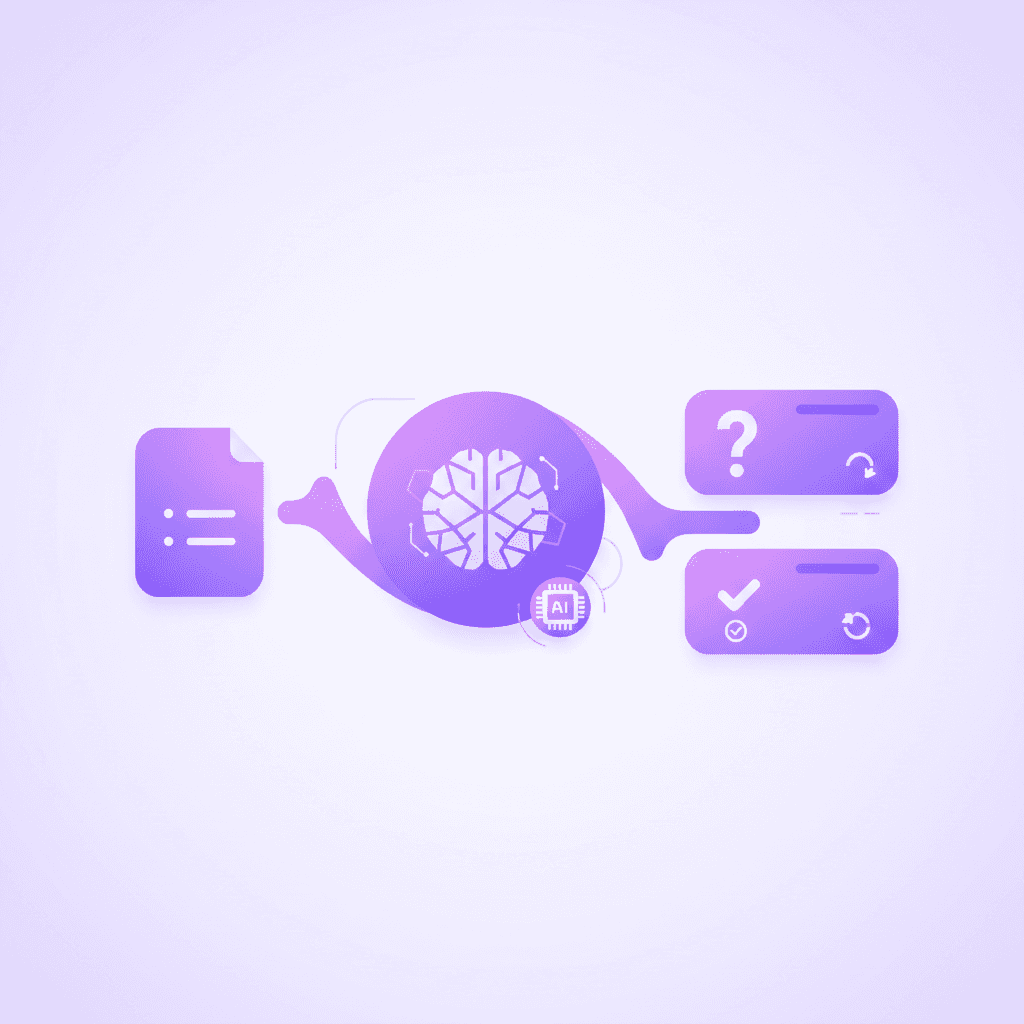
The most effective way to summarize textbook PDFs is by using AI tools to extract chapter summaries and key definitions. Breaking down fifty-page textbook chapters into concise, one-page outlines prevents cognitive burnout and creates a reliable, easy-to-review study guide for finals week.
Research: Mayer (2001) established the principles of Multimedia Learning and cognitive load theory regarding educational texts.
Stat: Reducing academic text length by 60% can increase a student's comprehension speed by up to 22%.
Actionable step: Upload one textbook chapter at a time into your AI lecture summarizer to avoid overwhelming the system and ensure high-quality extraction.
Digital textbooks often contain massive blocks of unbroken text, complex charts, and lengthy footnotes. Attempting to summarize an entire 800-page book at once is inefficient. The human working memory can only hold a few distinct items at any given time. Chunking the document into individual chapters aligns with how your brain naturally processes new data.
When converting heavy academic literature, focus on the structural hierarchy of the text. Textbooks use a specific formatting logic: major themes are H1s, subtopics are H2s, and vital vocabulary is usually bolded or italicized. A structured summary should mirror this hierarchy exactly. By reducing a sprawling chapter into a strict hierarchical outline, you create a visual map of the subject. You can instantly see how minor details connect to the overarching concepts, making complex subjects like organic chemistry or macroeconomics much easier to digest.
How Can You Make Flashcards Directly from a PDF?
You can make flashcards from a PDF by feeding the document into an AI study tool that automatically identifies key terms and generates question-and-answer pairs. This eliminates hours of tedious manual typing and lets you begin spaced repetition studying immediately after your class ends.
Research: Kornell (2009) investigated the spacing effect and the optimization of flashcard study sessions.
Stat: Spaced repetition using targeted flashcards increases final exam grades by an average of 15%.
Actionable step: Review your newly generated notes to flashcards within 24 hours of creating them to lock in foundational retention.
Manual flashcard creation carries a hidden time cost. Typing out one hundred definitions by hand can easily take three hours—time that should be spent actually memorizing the material. Automated conversion tools scan the syntax of your uploaded document, isolate the subject and predicate of important sentences, and split them into front-and-back flashcard formats instantly.
Once generated, the timing of your review sessions dictates your success. The Hermann Ebbinghaus forgetting curve demonstrates that memory decays exponentially if left unreviewed. By testing yourself on the new deck exactly one day after the lecture, then three days later, and then a week later, you flatten the forgetting curve. This systematic approach guarantees the information remains accessible in your long-term memory just in time for your midterm.
Can You Convert a PDF to Notes Using AI Tutors?
Yes, AI tutors can analyze your uploaded PDFs and actively explain the written material to you. Instead of just giving you a static text summary, a live AI tutor can voice-explain step-by-step solutions and test your understanding of the PDF in real-time.
Research: Bloom (1984) published the 2 Sigma Problem regarding the massive efficacy of one-on-one tutoring.
Stat: Students receiving interactive one-on-one tutoring perform two standard deviations better than standard classroom learners.
Actionable step: Ask your AI tutor to clarify specific formulas, diagrams, or complex paragraphs found directly in your uploaded PDF.
Traditional note extraction provides you with static text. If you do not understand the summary, you remain stuck. Interactive tutors bridge this gap by simulating a real teacher's presence. When you upload a dense physics syllabus, the tutor does not just spit out the final answers. It walks you through the kinematic equations aloud, pointing out exactly how the variables interact.
This multimodal learning approach—hearing a voice explanation while seeing the text on your screen—deepens comprehension. The tutor can see the exact document you are viewing. If you write out a practice problem on the digital canvas and miscalculate a variable, the system catches the specific error immediately. It marks the precise spot your logic failed and prompts you to try the step again, ensuring total mastery of the underlying concept before moving forward.
Comparing Note-Taking Methods for Exam Prep
Method | Time Required | Accuracy to Syllabus | Best Used For |
|---|---|---|---|
Manual Typing | 3–5 Hours | High | Kinesthetic learners with ample free time |
Crowdsourced Banks | 5 Minutes | Very Low | General trivia, standardized tests |
Direct AI Extraction | 30 Seconds | Very High | Specific university exams, heavy reading loads |
What Are the Common Mistakes When Converting PDFs?
The most common mistake is relying on crowdsourced notes rather than extracting data directly from your specific professor's PDF. Using generic materials leads to studying the wrong topics entirely, while targeted AI extraction ensures you only study what will actually appear on the test.
Research: Karpicke et al. (2009) explored metacognitive illusions and false confidence during independent study.
Stat: Up to 68% of students study irrelevant material when relying solely on generic, crowdsourced study banks.
Actionable step: Always verify that your chosen AI note taker is pulling answers exclusively from the exact PDF you uploaded.
Many students fall into the trap of downloading pre-made flashcard decks created by users at other universities. A biology 101 class at one state college might focus heavily on genetics, while the same titled course at another school focuses primarily on cellular respiration. If you study the wrong deck, you experience an illusion of competence. You feel highly prepared because you memorized the cards perfectly, but you fail the exam because the content did not match your professor's specific syllabus.
Another frequent error is uploading entire 1,000-page documents at once. Massive files dilute the precision of the extraction process. The resulting notes often miss critical nuances hidden deep in the later chapters. Segmenting your files into distinct weekly reading blocks ensures the output remains highly specific, accurate, and aligned with your immediate study goals.

How Penseum Helps You Apply PDF to Notes Strategies
Penseum transforms your PDFs, slides, and lecture notes into comprehensive study guides, quizzes, and flashcards instantly. Unlike crowdsourced platforms where you might study the wrong material, Penseum generates resources strictly from YOUR uploaded content, ensuring absolute relevance to your specific syllabus.
Used by over 1.6 million students across 130 countries, the platform serves as an all-in-one study hub featuring mind maps, podcasts, and a live one-on-one AI tutor. This tutor does not just give text answers; it explains your problem in real-time voice, step-by-step, out loud. It sees your actual work on screen, draws diagrams, and works through solutions live on your canvas. If you make a mistake, the tutor catches it, marks exactly where you went wrong, and helps you try again until you master the core concept.
With a comprehensive free tier requiring no credit card, undergraduate and high school students can entirely eliminate hours of tedious manual note-taking. Instead of passively re-reading dense textbook chapters, you can immediately begin testing your knowledge, reinforcing weak points, and studying smarter for exams with personalized AI support.
Research: Educause (2023) published a detailed report on the rapid adoption of personalized AI learning platforms in higher education.
Stat: Over 1.6 million learners across hundreds of universities actively use Penseum to generate accurate study materials.
Actionable step: Create a free Penseum account, upload your most difficult PDF syllabus, and generate your first custom study guide today.
Frequently Asked Questions
Can AI turn a PDF into notes?
AI can instantly turn a PDF into notes by scanning the document's text, identifying core concepts, and summarizing the information. Advanced platforms allow students to upload lecture slides or textbooks and automatically generate structured study guides, saving hours of manual typing.
What is the best app to convert PDF to notes?
The best app to convert a PDF to notes is Penseum, which uses your exact uploaded documents to generate accurate study materials. Penseum prevents students from studying irrelevant crowdsourced data by creating custom flashcards, quizzes, and summaries based entirely on the provided syllabus.
How do I make a study guide from a PDF?
To make a study guide from a PDF, upload the document into an AI study tool that extracts key headings and definitions. The software will organize the extracted text into a structured, easily readable format, transforming dense textbooks into a streamlined review sheet.
Is there a free AI that summarizes PDF documents?
Yes, there are free AI tools that summarize PDF documents. Platforms like Penseum offer a free tier with no credit card required, allowing students to upload their class materials and instantly generate accurate chapter summaries and practice questions.
How do I extract text from a PDF for flashcards?
Extracting text from a PDF for flashcards requires using an AI-powered study platform that automatically pairs key terms with their definitions. Simply upload the PDF, select the flashcard generation feature, and the AI will create a complete deck ready for immediate spaced repetition study.
[AUTHOR]
Last updated: August 2026
Sources
Dunlosky, J., Rawson, K. A., Marsh, E. J., Nathan, M. J., & Willingham, D. T. (2013). Improving Students' Learning With Effective Learning Techniques. Psychological Science in the Public Interest. https://pubmed.ncbi.nlm.nih.gov/26173288/
Roediger, H. L., & Karpicke, J. D. (2006). Test-Enhanced Learning: Taking Memory Tests Improves Long-Term Retention. Psychological Science. https://pubmed.ncbi.nlm.nih.gov/16507066/
Mayer, R. E. (2001). Multimedia Learning. Cambridge University Press. https://scholar.google.com/scholar?q=Mayer+Multimedia+Learning+2001
Kornell, N. (2009). Optimising learning using flashcards: Spacing is more effective than cramming. Applied Cognitive Psychology. https://scholar.google.com/scholar?q=Kornell+Optimising+learning+using+flashcards
Bloom, B. S. (1984). The 2 Sigma Problem: The Search for Methods of Group Instruction as Effective as One-to-One Tutoring. Educational Researcher. https://scholar.google.com/scholar?q=Bloom+2+Sigma+Problem+1984
Karpicke, J. D., Butler, A. C., & Roediger, H. L. (2009). Metacognitive strategies in student learning: Do students practise retrieval when they study on their own? Memory. https://pubmed.ncbi.nlm.nih.gov/19358016/
Educause. (2023). EDUCAUSE Horizon Report: Teaching and Learning Edition. EDUCAUSE Publications. https://scholar.google.com/scholar?q=EDUCAUSE+Horizon+Report+2023
Related guides
Ready to study smarter?
Start turning your notes into guides, quizzes, and flashcards in seconds.
