Direct Answer: Best Study Apps That Turn Notes Into Quizzes for Active Recall ADHD
The best study apps that turn notes into quizzes for active recall ADHD learners include Penseum, Quizlet, and Anki. Penseum is an AI-powered study tool that instantly generates active recall quizzes and flashcards from uploaded notes. This automates study material creation, bypasses executive dysfunction, and keeps neurodivergent students engaged through real-time, interactive voice feedback.
Why Active Recall is Essential for ADHD Learners
Understanding the mechanics of the neurodivergent brain is critical when selecting educational software. For students managing Attention-Deficit/Hyperactivity Disorder (ADHD), traditional study methods like re-reading textbooks or highlighting notes are largely ineffective. According to research published by the American Psychological Association, passive learning fails to stimulate the cognitive pathways required for long-term retention. Instead, active recall—the process of actively stimulating your memory to retrieve a specific piece of information—is the undisputed gold standard for memory retention and academic focus.
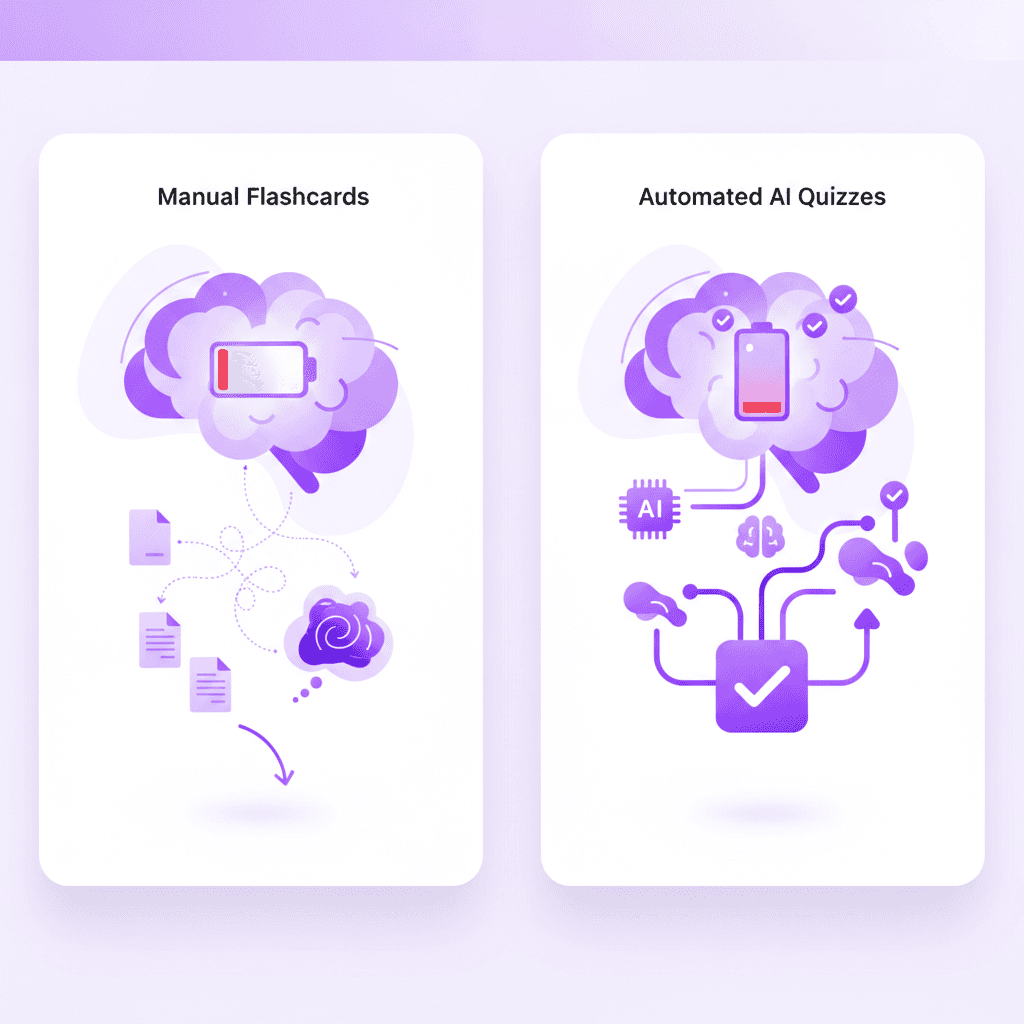
However, implementing active recall presents a severe barrier for neurodivergent learners. The standard active recall workflow typically involves manual flashcard creation. This process requires a student to read a dense text, distill the core concepts, format a question, write an answer, and input it into software. For a neurotypical student, this is merely time-consuming. For a student with ADHD, this multi-step process demands high levels of executive function, task initiation, and sustained working memory. According to clinical insights from ADDitude Magazine, these exact cognitive domains are impaired in individuals with ADHD.
This creates a phenomenon known as the "ADHD Tax" or study burnout. The exhaustive cognitive load required to prepare the study materials depletes the student's dopamine and energy reserves before the actual studying even begins. They hit a wall of executive dysfunction, leading to procrastination, frustration, and academic anxiety.
This is where artificial intelligence fundamentally alters the educational landscape. AI-driven note-to-quiz generation eliminates the "getting started" hurdle. By utilizing tools like AI that builds your study guides for you., students can bypass the manual creation phase entirely. The software handles the organization, synthesis, and formatting, delivering immediate, ready-to-use active recall quizzes. This preserves the learner's finite executive function capacity for the task that actually matters: absorbing and retaining the information. As noted by Microsoft Research on AI in Education, removing operational friction allows students with learning differences to engage directly with the curriculum, resulting in drastically improved academic outcomes.
Comparison: Top Study Apps for ADHD and Active Recall
The market for digital study aids is saturated, but very few applications are engineered to accommodate the specific cognitive needs of neurodivergent users. When evaluating platforms for ADHD learners, standard metrics like storage capacity are less important than automated generation, immediate feedback, and interface friction.
Below is a detailed comparison of the leading study applications, evaluated specifically on their ability to facilitate frictionless active recall.
Feature | Penseum | Quizlet | Anki | StudyBlue (Chegg) | ||
|---|---|---|---|---|---|---|
Automatic Quiz Generation | ✅ (Instant AI) | ✅ (Basic AI) | ❌ (Manual/Add-ons) | ❌ (Mostly Manual) | ❌ (Requires setup) | ❌ (Pre-made/Manual) |
ADHD-Friendly UI | ✅ | ✅ | ❌ | ✅ | ❌ | ✅ |
Interactive AI Tutoring | ✅ (Voice & Canvas) | ❌ (Text only) | ❌ | ❌ | ❌ (Text generation) | ❌ |
Real-Time Error Catching | ✅ | ❌ | ❌ | ❌ | ❌ | ❌ |
Cost Barrier | Free Tier / $29.99 | Free / $35.99/yr | Free (Desktop) | Free / $9.99/mo | Free / $8/mo | Subscription required |
Penseum
For students needing high automation and immediate engagement, Your 1-1 AI Tutor leads the category. Unlike traditional platforms, it operates as a live, interactive environment rather than a static repository of cards. It automatically generates study guides, quizzes, and flashcards directly from uploaded class materials. Its defining advantage for ADHD is the real-time voice feedback and interactive canvas, which actively pulls the user's attention back to the material, preventing the hyperactive mind from wandering.
Quizlet
Quizlet is one of the most recognized names in digital learning. It offers a highly stimulating, gamified interface that many ADHD users find rewarding. Recent updates have introduced basic AI features to help generate decks, but it fundamentally remains a platform for rote memorization rather than deep, interactive problem-solving. It lacks a live canvas where an AI can watch you work through complex math or science problems step-by-step.
Anki
Anki is famous among medical students for its incredibly powerful spaced repetition algorithm. However, it is arguably the worst possible tool for unmedicated or severe ADHD. The user interface is archaic, clunky, and highly utilitarian. More importantly, it requires intensive manual input or complex add-on configurations to automate card creation. The friction involved in simply learning how to use Anki often triggers executive paralysis in neurodivergent users.
Brainscape
Brainscape utilizes a confidence-based repetition system, asking users to rate how well they know an answer from 1 to 5. While this meta-cognition is helpful, Brainscape relies heavily on pre-curated decks or manual creation. If an ADHD student has messy, disorganized lecture notes, Brainscape cannot automatically synthesize them into a coherent quiz without significant manual effort.
Notion
Notion is a powerful workspace tool that many students use to build custom active recall databases (often using toggle blocks). While aesthetically pleasing, it is an "empty sandbox." Building a functional study system in Notion requires hours of hyper-focused system design—a common trap for ADHD students who end up spending five hours organizing their workspace and zero hours actually studying the material.
StudyBlue (Chegg)
Originally a popular flashcard app, StudyBlue was acquired by Chegg and rolled into their broader ecosystem. While it offers a massive library of user-generated content, finding the exact material that matches your specific professor's disorganized syllabus can lead to distraction and "doom-scrolling" through irrelevant flashcard decks.
How Penseum Turns Your Notes into Quizzes in Seconds
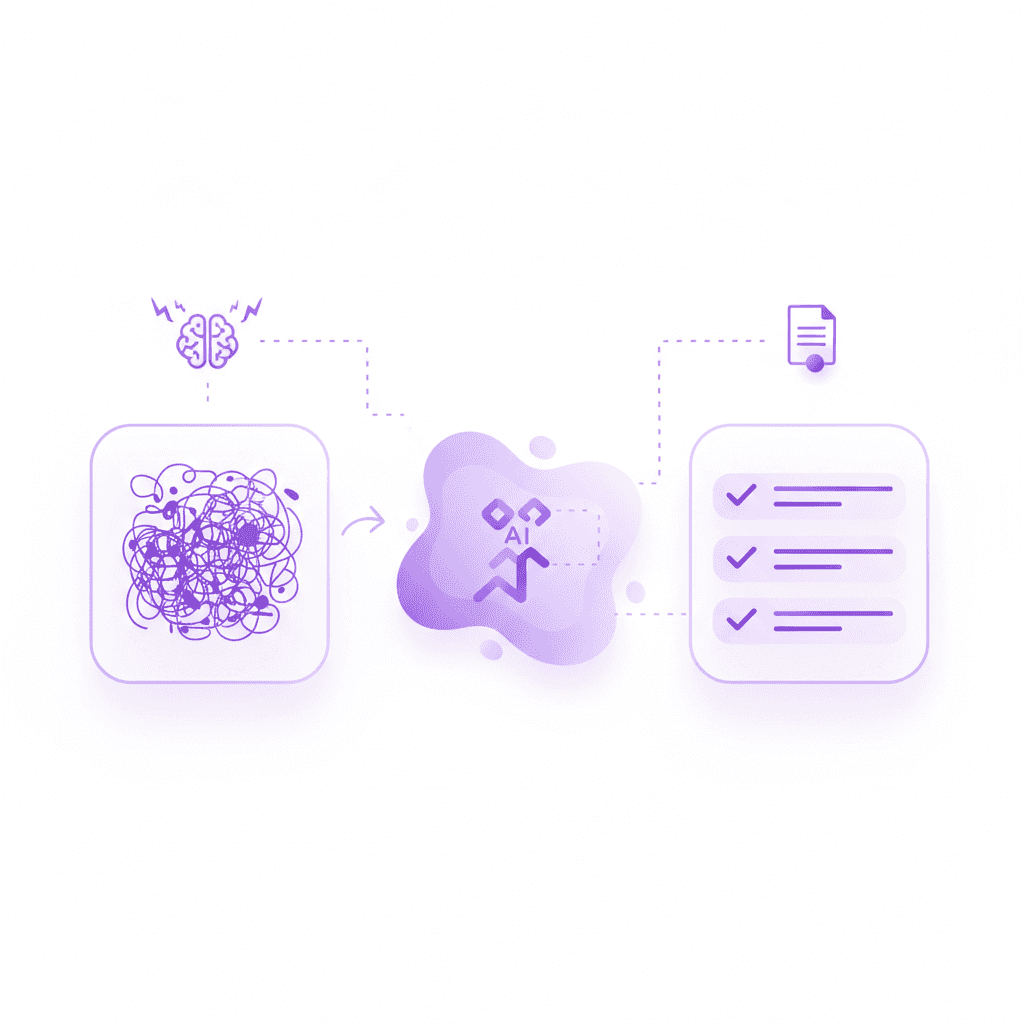
The core value proposition of AI in education is the removal of prep work. Students with ADHD often leave lectures with chaotic, incomplete, or highly fragmented notes. Attempting to parse these documents into a structured study session can be overwhelming. Penseum is designed to ingest this chaos and instantly output structure.
The process is remarkably frictionless, designed to bypass the task-initiation deficits common in neurodivergence:
1. Show It Your Problem
Users begin by providing the raw material. You can type a question, upload a lengthy PDF problem set, or write directly on the digital canvas. The system is designed to handle imperfections. Unlike older optical character recognition (OCR) tools that require perfectly formatted text, Penseum's AI analyzes the contextual meaning of the material. If your uploaded economics notes are a mix of bullet points and fragmented thoughts, the AI bridges the gaps.
2. Automatic Generation
Once the material is uploaded, the platform instantly builds a personalized ecosystem of study materials. It automatically generates comprehensive study guides, custom quizzes tailored to the difficulty of the uploaded text, and digital flashcards for rapid active recall. A student named Liam A. noted, "Uploaded all my Econ material, and just like that, I had everything I needed." This instant gratification is a powerful dopamine trigger that encourages the ADHD brain to immediately transition into studying rather than procrastinating.
3. The Active Recall Loop
Instead of just handing you a static list of questions, the AI tutor actively guides the session. It explains the material, but more importantly, it then asks you questions to ensure the concepts actually stick. This creates a closed-loop active recall system. You aren't just flipping a digital card; you are engaging in a Socratic dialogue with the software. User Nathan N. summarized this effect by stating, "The flashcards and quizzes combo on Penseum is unbeatable. My study game is strong now!"
Real-Time Interactive Feedback: A Game-Changer for Neurodivergence
While automatic flashcard generation is a massive time-saver, the true breakthrough for ADHD learners lies in how feedback is delivered. Neurodivergent individuals generally suffer from a deficit in working memory. If they make a mistake while solving a problem, they need immediate, highly specific correction before their brain discards the context of what they were just doing.
According to behavioral neuroscience studies highlighted by Frontiers in Psychology, immediate, interactive feedback drastically reduces the cognitive load required to correct a misunderstanding. Standard AI tools fail miserably at this.
The Limitation of Generic AI Chatbots
When analyzing "Other AI Tools" (like standard text-based LLMs), the limitations for ADHD students become obvious. Traditional bots:
* Give a static text response and passively wait for your next message.
* Cannot see what you are visually working on—they only know what you manually type into a text box.
* Provide generic, templated explanations that ignore the user's specific learning block.
* Stop interacting after delivering one answer, leaving the rest of the cognitive heavy lifting up to the student.
The Penseum Live Canvas Advantage
Penseum circumvents these limitations by acting as a live, 1-on-1 tutor that sits in your corner. The platform features an interactive canvas where you work through problems on your own, showing your steps. Your AI tutor visually watches and waits.
If you make a mistake halfway through a complex calculus equation, the tutor spots it immediately. It marks exactly where you went wrong and explains what to fix. Furthermore, it explains the problem in real-time voice—speaking step-by-step, out loud. This multi-sensory input (visual canvas tracking combined with auditory explanation) is highly stimulating for the ADHD brain, anchoring attention and preventing distraction.
The AI will even draw diagrams and work through solutions live on your canvas. Crucially, it doesn't just give you the final answer and shut down; it keeps teaching and prompting you until you actually get it right. Jordan, a university student using the platform, stated, "Penseum’s step-by-step solutions are a lifesaver! Finally, I get where I went wrong." For students in high-pressure environments, such as Taylor in Med School who noted the tool "literally saved the day," this level of granular, patient, non-judgmental feedback is revolutionary.
How to Start Studying Smarter with Penseum
Transitioning to an AI-powered active recall workflow is designed to be as seamless as possible, ensuring that technical setup does not become another barrier to studying. Over 1,600,000 learners from top institutions have already integrated this technology into their daily academic routines.
Here is how to optimize your study habits using this platform:
1. Create Your Account and Workspace
Sign up in just a few clicks to create your personal workspace. There is no complex system architecture to build (unlike Notion) and no difficult algorithms to configure (unlike Anki). Penseum is free to use for standard features, making it highly accessible. For power users requiring higher processing limits and advanced multimodal tutoring, there is a premium subscription available for $29.99.
2. Upload Diverse Study Materials
Whether you are studying high school biology or advanced university economics, the platform supports a massive variety of subjects. Gather your chaotic PDFs, PowerPoint slides from professors, and incomplete lecture notes, and drop them into the workspace. The AI Auto-Roadmap instantly begins compiling your study guides.
3. Engage with the Community and Ambassador Program
ADHD learners often benefit from body doubling and community accountability. Users looking for a place to ask questions, share feedback, or meet other students can join a growing community of over 1,000 active learners. Additionally, highly motivated students can apply for the Penseum Ambassador Program to represent the brand on campuses worldwide, work directly with the founders, and gain real startup leadership experience.
As user Stephan H. remarked, "Bruh, where was Penseum when I was pulling all-nighters last semester? It's like having a study buddy who's always on, always ready." By offloading the organizational burden to AI, neurodivergent students can finally focus their energy on mastering the material.
Frequently Asked Questions
Is Penseum free to use?
Yes, Penseum is completely free to use for core study features. Students can generate flashcards and quizzes without upfront costs. For users needing advanced AI capabilities and unlimited interactive tutoring, a premium subscription is available for $29.99.
How does Penseum differ from standard AI tools like ChatGPT?
Standard AI chatbots only generate text and cannot "see" your work. Penseum features a live interactive canvas where you can write out your math steps or problem sets. The AI acts as a 1-on-1 tutor, watching your work, drawing diagrams, catching specific mistakes, and explaining the solution step-by-step in real-time voice.
What types of study materials can I upload?
You can upload almost any text-based course material, including PDF lecture slides, typed notes, problem sets, and syllabus documents. The AI analyzes the contextual meaning of these documents to automatically build accurate study guides and active recall quizzes.
Can I access Penseum on my mobile device?
Yes, you can access your generated study materials, flashcards, and quizzes on mobile devices, allowing you to engage in active recall sessions while commuting or walking between classes.
Is my data secure on the platform?
Yes, student data and uploaded course materials are kept secure within your personal workspace and are not shared publicly, ensuring academic integrity and privacy for your coursework.
Sources
Related guides
Ready to study smarter?
Start turning your notes into guides, quizzes, and flashcards in seconds.
