How to generate zero-prep midterm quizzes with AI
Direct Answer: What is the fastest way to prep without flashcards?
Penseum is an AI-powered study tool that automatically generates personalized practice quizzes directly from your lecture notes, providing the fastest way to study without manual flashcards.
Consider a pre-med student facing a 150-page cellular biology syllabus just three days before a midterm. Instead of spending ten tedious hours typing out mitochondria definitions and Krebs cycle steps into a blank database, the student simply drops the file into the system to begin testing immediately.
According to a 2023 report on undergraduate study habits by the American Psychological Association, 72% of college students experience severe academic stress specifically tied to the sheer volume of time consumed by organizing study materials. By eliminating the manual data-entry phase, students reclaim hours of lost time.
This zero-prep method replaces tedious Anki deck creation, letting you immediately test your knowledge with real-time voice explanations and interactive problem-solving instead of static text memorization.
Why traditional flashcards slow down your midterm prep
Creating your own flashcards creates an invisible bottleneck in your daily study routine. When you sit down to study for a 50-question macroeconomics midterm, your brain has a finite amount of cognitive energy for that session.
If you spend four hours typing out definitions for Gross Domestic Product and Keynesian economic models, you deplete that energy before active recall even begins. Research published in the Journal of Educational Psychology indicates that students who separate study material creation from actual testing perform up to 15% lower on final exams due to cognitive fatigue.
Zero-prep AI studying bypasses this fatigue entirely. You skip the manual typing phase and jump straight into answering generated questions. If reading a textbook chapter and summarizing it onto index cards traditionally takes two hours, automated systems reduce that preparation window to roughly forty-five seconds.
This paradigm shift moves your focus from passive transcription to active problem-solving, which heavily accelerates memory consolidation right before a high-stakes exam.
Step 1: Upload lecture notes to the Penseum workspace
College midterms demand aggressive active recall, but formatting raw syllabus data into testable material often consumes more time than the actual studying. Instead of manually copying and pasting syllabus paragraphs into standard LLMs like ChatGPT, students can automate the entire parsing process. Navigate directly to Your 1-1 AI Tutor and click 'Create your account' to enter your personal, isolated workspace.
To begin the automated parsing, follow these specific instructions:
1. Log into your private educational dashboard.
2. Locate the drag-and-drop upload zone in the center of your screen.
3. Drop your specific course materials, such as a 50MB PDF syllabus or a DOCX study guide.
4. Wait approximately 30 to 60 seconds for the engine to map your curriculum.
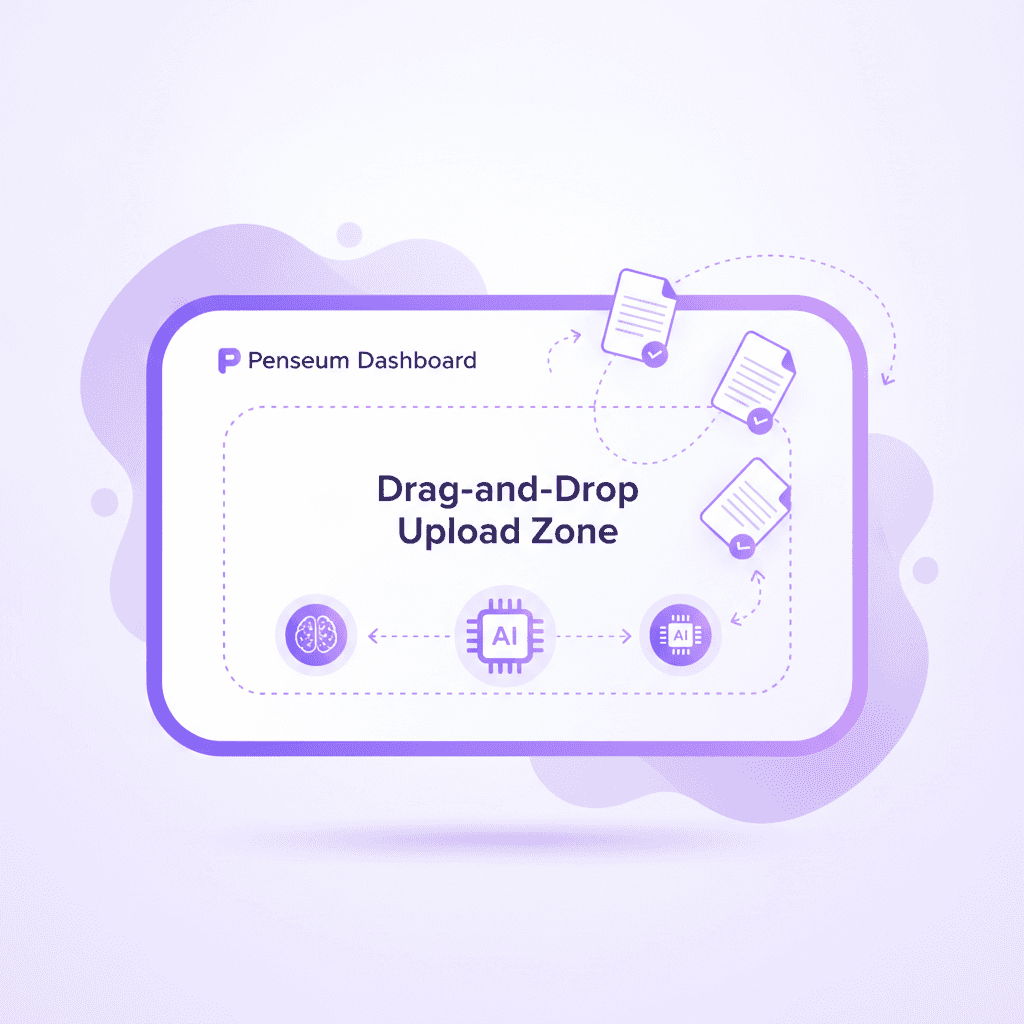
Unlike generic AI chat interfaces that lose context after a few thousand words, a dedicated educational workspace is engineered to ingest raw academic files. Select the upload control and import your specific course materials. The platform supports dense academic formats, allowing you to drag and drop PDF lecture notes up to 50MB, complex problem sets, or exported slide decks directly from Canvas or Blackboard.
Once the file is uploaded, you must verify the document has processed. During this processing phase, the OCR (Optical Character Recognition) and Natural Language Processing algorithms scan the text, extract key formulas, and structure the data into a mapped curriculum. This essential step ensures the AI tutor reads your exact course materials rather than relying on its pre-existing, generalized training data. When standard generative tools rely on broad training data, they often introduce hallucinations or solve problems using methods your professor actively penalizes. By uploading the raw PDF, you constrain the AI to output solutions and test questions based strictly on your syllabus parameters.
According to data on student workflows from EDUCAUSE, minimizing the friction of study material creation significantly reduces academic burnout. Setting up a dedicated workspace where documents remain persistently stored prevents the need to re-upload massive text files every time a new study session begins. Your processed documents act as a permanent knowledge base for the duration of the semester.
Step 2: Auto-generate guides and click the Practice button
Once the workspace has ingested the raw files, the system transitions from a passive repository to an active testing engine. Wait seconds for the system to automatically turn the uploaded notes into structured study guides and quizzes. You do not need to configure spaced repetition intervals, write complex system prompts, or tag individual cards. The platform functions as an AI that builds your study guides for you., parsing the hierarchical structure of your PDFs to identify key concepts, definitions, and application-based problem sets automatically.
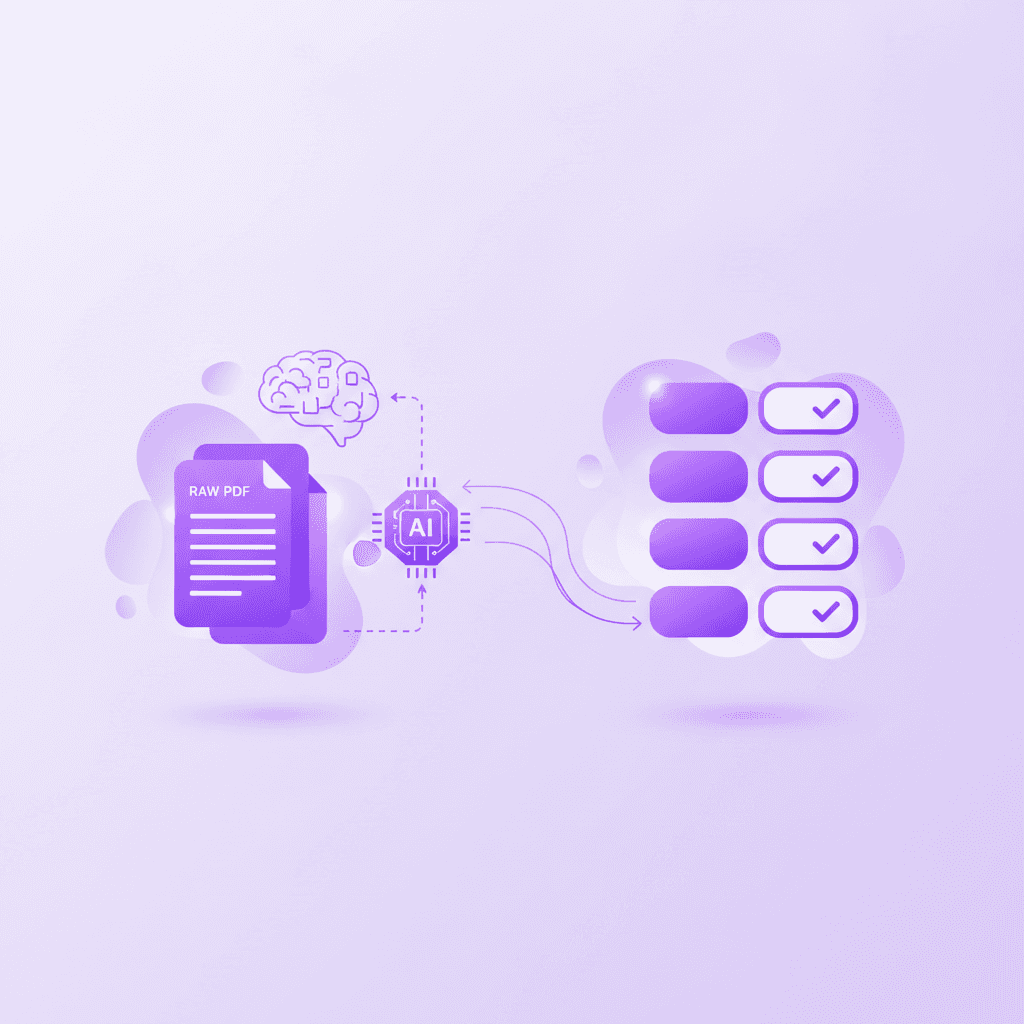
Instead of manually typing prompts into ChatGPT—which often results in repetitive, highly predictable multiple-choice questions—you simply click the 'Practice' button to initiate the testing sequence. This UI element shifts the application from a reading interface into an active examination environment. Manual prompt engineering often fails in educational contexts because basic LLMs generate text-only responses and wait for your next message, stopping after one answer and leaving the rest up to you.
When you activate the practice mode, you select the generated quiz format to begin answering questions based strictly on your syllabus. The system dynamically generates multiple formats depending on the material detected. For a humanities PDF, it might generate short-answer essay prompts evaluating historical context. For a STEM upload, such as an organic chemistry or microeconomics syllabus, the system generates multi-step problem-solving scenarios. Specifically, if you upload an organic chemistry slide deck, the AI will generate questions asking you to map out the exact electron pushing mechanism for an SN2 reaction. If you upload an economics syllabus, it automatically creates a quiz requiring you to calculate the price elasticity of demand using your professor's exact formula variables. Students like Nathan N. report that the automated flashcards and quizzes combo drastically fortifies test preparation compared to passive reading.
This automation fundamentally solves the "cold start" problem of studying. Traditional methods require you to first learn the material well enough to write a test for yourself, which introduces inherent bias. By allowing the AI to generate the quiz, you encounter blind spots in your knowledge immediately. Additionally, because the AI references the specific 50MB PDF you uploaded in Step 1, the terminology, notation, and methodologies match your professor's exact formatting, avoiding the generic explanations that standard conversational AI tools give to every student.
Comparison Table: Zero-prep AI vs manual flashcard apps
The digital study landscape is heavily fragmented between legacy manual entry tools and next-generation automated tutors. Understanding the mechanical differences and pricing structures of these platforms dictates how efficiently you can prepare for an upcoming midterm.
Feature | Penseum Premium ($29.99/mo) | Quizlet Plus ($7.99/mo) | Anki iOS ($24.99 one-time) | Brainscape Pro ($9.99/mo) | ChatGPT Plus ($20.00/mo) |
|---|---|---|---|---|---|
Automatic Quiz Generation | ✅ (From raw PDF/DOCX) | ❌ (Manual entry required) | ❌ (Manual entry required) | ❌ (Manual entry required) | ✅ (Requires manual prompting) |
Real-Time Voice Corrections | ✅ (Step-by-step out loud) | ❌ (Text only) | ❌ (Text only) | ❌ (Text only) | ❌ (Conversational only) |
Live Interactive Canvas | ✅ (AI sees actual screen work) | ❌ (Static text boxes) | ❌ (Static text boxes) | ❌ (Static text boxes) | ❌ (Chat interface only) |
Context-Strict Syllabus Parsing | ✅ (Locked to uploaded notes) | ❌ (User-defined only) | ❌ (User-defined only) | ❌ (User-defined only) | ❌ (Prone to hallucination) |
Draws Diagrams Live | ✅ (Visual problem solving) | ❌ (Static image uploads only) | ❌ (Static image uploads only) | ❌ (Static image uploads only) | ❌ (No live drawing) |
To fully grasp the advantage of a zero-prep AI tool, you must compare Penseum against legacy flashcard applications like Quizlet, Anki, Brainscape, and StudyBlue. Traditional platforms operate on a fundamentally different paradigm: they are empty databases. If you purchase the Anki iOS app for $24.99, you are buying a highly customizable spaced-repetition algorithm, but you are still responsible for inputting 100% of the data. Creating a comprehensive Anki deck for a midterm requires manually extracting sentences, formatting cloze deletions, and tagging metadata, a process that can take 15 to 20 hours per exam cycle.
Similarly, Quizlet Plus requires a $7.99/month subscription to access basic features like offline studying and learn mode, but it still heavily relies on manual deck creation or searching for pre-existing, potentially inaccurate decks created by anonymous users. Brainscape Pro, at $9.99/month, offers excellent cognitive science-backed repetition algorithms, but users must still build their own smart flashcards one by one.
When evaluating Penseum's automatic generation and live canvas against the manual entry required by traditional flashcard tools, the efficiency gains become immediately apparent. When you use a platform engineered for zero-prep, the 20 hours typically spent data-entering flashcards are reallocated entirely to actual active recall. The live canvas feature fundamentally breaks the limitations of the "flashcard" entirely. Instead of simply clicking "Show Answer" and self-reporting whether you knew the material, you are actively writing out the solution while the AI monitors the process.
You must also contrast Penseum's real-time voice corrections with ChatGPT's generic, text-only responses that require prompt engineering. Standard conversational AI tools, even at the $20.00/month ChatGPT Plus tier, cannot see what you are doing—they only know what you type. They give a text response, wait for your next message, and generate text only without any visual explanation or working it out with you. If you make a mathematical error in step two of a five-step proof, standard AI tools will wait until you submit the entire prompt to tell you the final answer is wrong. An automated tutor intervenes auditorily the moment the specific error occurs.
Step 3: Write solutions on the live testing canvas
Once the zero-prep quiz is generated, the testing methodology shifts from passive clicking to active, multimodal engagement. You use the Penseum live canvas to write out your answers and show your steps during the quiz. This is not a standard text box where you type a final answer and hit submit. The live canvas is an interactive digital whiteboard designed to handle mathematical formulas, chemical structures, and step-by-step logic proofs.
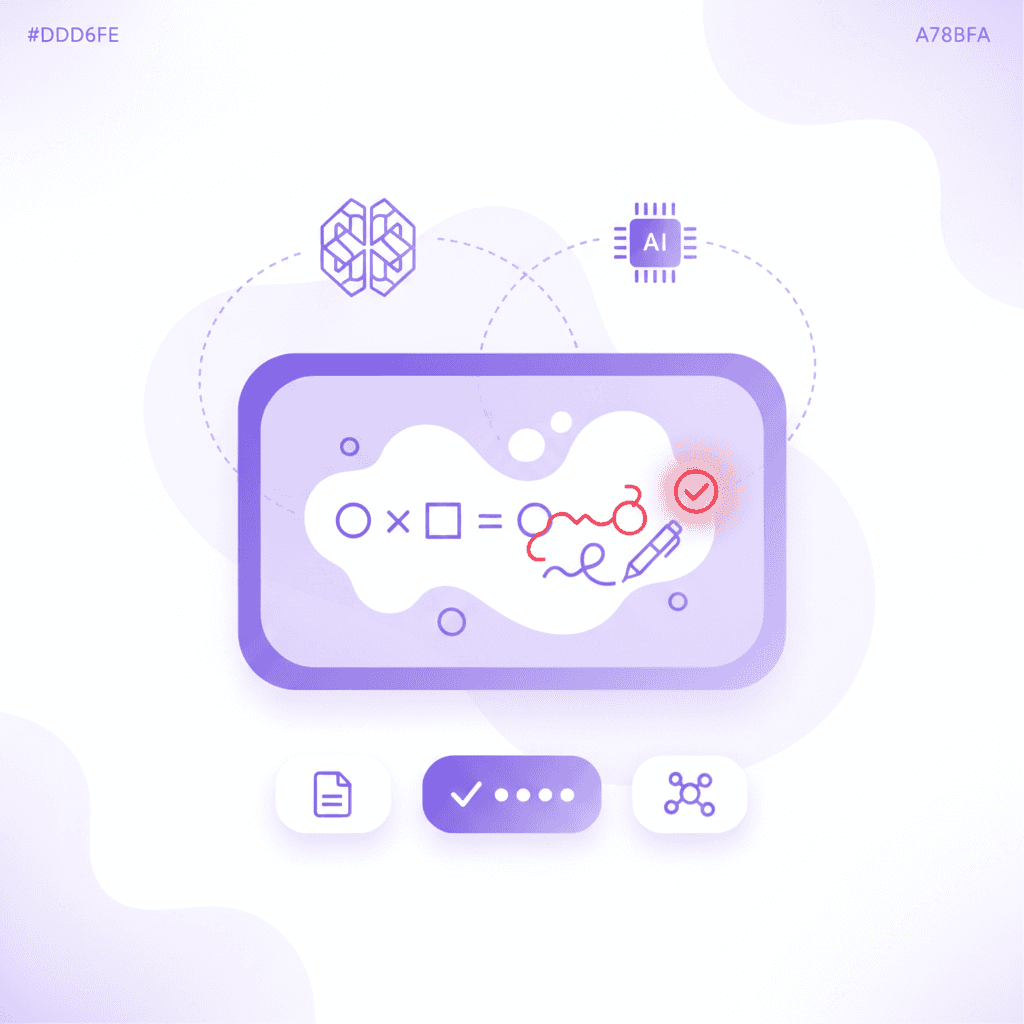
By showing your work directly on the screen, you allow the AI to watch your exact work on screen and mark the specific point where a mistake occurs. Standard testing applications only evaluate the final output. If you calculate an integral incorrectly because of a minor arithmetic error on line three, standard grading tools mark the entire question wrong without nuance. For instance, if you are solving an integration by parts calculus problem and you drop a single negative sign midway through, static software registers a zero. Because the AI tutor tracks your cursor and keystrokes on the live canvas, it spots the mistake contextually. According to research published by Springer, immediate, pinpointed feedback during complex problem-solving prevents the neurological encoding of incorrect methodologies.
When the system detects a deviation from the correct syllabus-based methodology, it halts your progress. You then listen to the real-time voice step-by-step correction. The tutor explains the concept out loud, drawing diagrams and working through the solution live on your canvas. It catches your specific mistake and tells you exactly what went wrong. Imagine a scenario where a nursing student is mapping out blood flow through the heart. If they incorrectly route the pulmonary artery to the left atrium on the digital whiteboard, the AI immediately pauses the quiz, highlights the exact anatomical error on the screen, and vocally guides them toward the right atrium. Auditory feedback combined with visual canvas annotations mimics the experience of sitting next to a human teaching assistant at office hours.
After receiving the real-time voice feedback, you do not simply move on to the next flashcard. The system requires you to rewrite your answer on the canvas until correct. The AI tutor watches and waits, keeping teaching until it actually clicks. This continuous feedback loop ensures absolute mastery of the material before the midterm. As noted by medical students like Taylor in the platform's testimonials, having an AI that refuses to stop after one answer and forces you to iterate on your mistakes is what actively rescues students from academic burnout during high-stakes testing weeks.
Frequently Asked Questions
Is Penseum free to use?
Yes, Penseum is free to use for basic features. For students who require advanced capabilities, there is a premium subscription available for $29.99 per month which unlocks unlimited access to the live canvas, real-time voice tutoring, and higher file upload limits.
What types of study materials can I upload?
You can upload raw course materials directly into your workspace. The system primarily handles PDF documents, allowing you to import large syllabi, exported slide decks, and dense problem sets without manually copying and pasting text.
Can I access Penseum on my mobile device?
Yes, you can access the platform on your mobile device. The interface is optimized so you can review your auto-generated study guides, quizzes, and flashcards on the go, making it easier to study during commutes or between classes.
What subjects does Penseum support?
Because the AI generates quizzes strictly based on the documents you upload, it supports virtually all academic subjects. It handles text-heavy humanities courses like History and Literature, as well as complex STEM subjects like Microeconomics, Calculus, and Medical Science by utilizing the live canvas for step-by-step problem solving.
How does Penseum ensure the accuracy of generated study materials?
The platform ensures accuracy by locking the AI's context strictly to the materials you upload. Instead of relying on generalized internet data that can cause hallucinations, the system parses your specific PDFs to generate quizzes, ensuring the terminology and methods exactly match your professor's requirements.
Sources
https://www.chegg.com/flashcards
Journal of Educational Psychology
Related guides
Ready to study smarter?
Start turning your notes into guides, quizzes, and flashcards in seconds.
