How to turn med notes into flashcards and quizzes with AI
Penseum is an AI-powered study tool that automatically converts dense medical PDFs and clinical lecture notes into digital flashcards and multiple-choice quizzes in seconds. By eliminating hours of manual flashcard typing required by Anki or Quizlet, Your 1-1 AI Tutor bypasses tedious data entry to accelerate medical terminology mastery.
According to the Association of American Medical Colleges (AAMC), medical students frequently dedicate 60 to 80 hours per week to attending classes, completing clinical rotations, and independent studying. Reclaiming even a fraction of this time by automating study guide creation significantly reduces academic fatigue.
By directly reading your specific syllabi and lecture slides, the AI builds targeted study assets that perfectly match your upcoming exams. This automated process moves you out of the administrative preparation phase and directly into the active testing phase in a matter of clicks.
Step 1: Upload medical PDFs into the Penseum workspace
Medical school demands the assimilation of thousands of pages of clinical guidelines, lecture presentations, and research papers weekly. Traditional study methods force students to manually copy and paste text from these documents into separate study applications.
For example, a first-year medical student might receive 400 pages of biochemistry slides in a single week. Manually copying and pasting the exact metabolic steps of the Krebs cycle into a digital deck is a massive time sink that actively pulls focus away from true memorization.
The first step to automating this workflow is importing raw study materials directly into the Penseum workspace. Doing so centralizes your entire curriculum in one easily searchable hub.
Bypassing Manual File Formatting
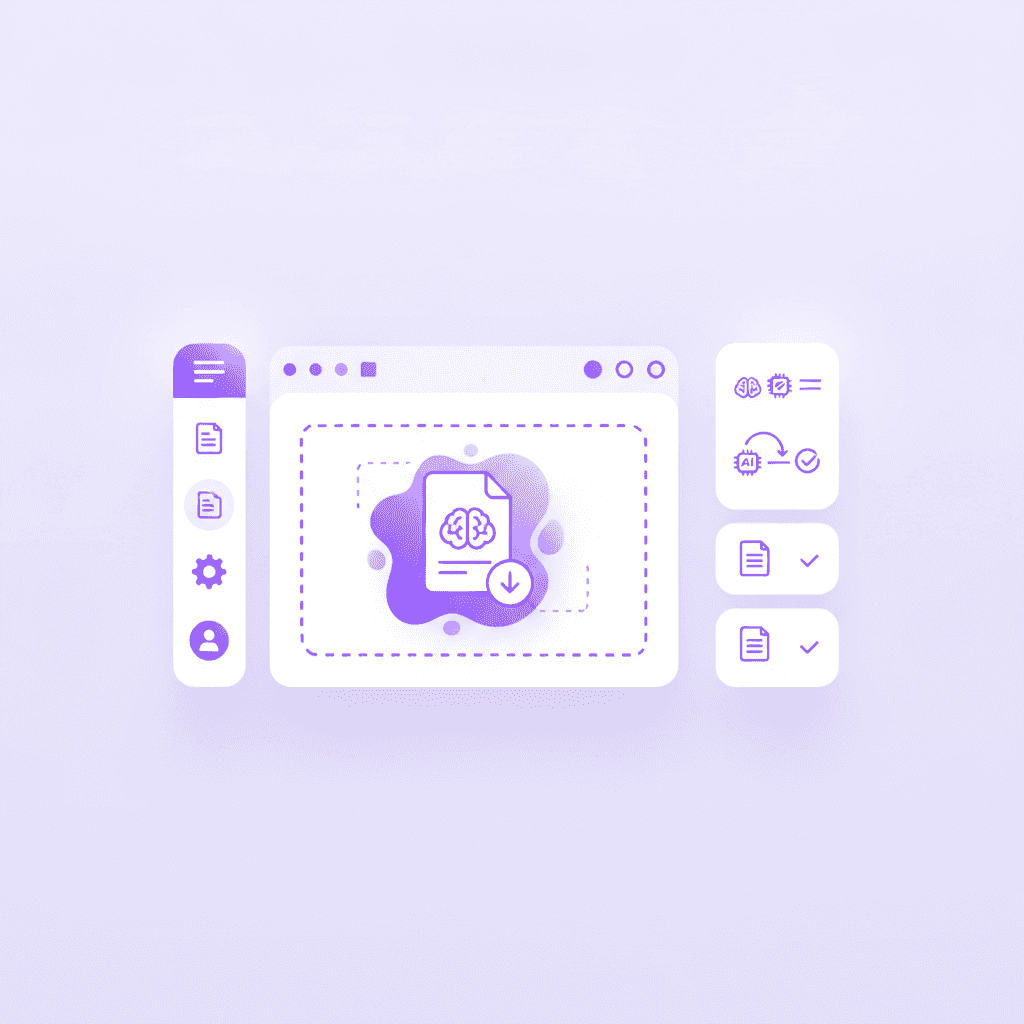
Click the Upload button in your personal Penseum account dashboard. The system accepts standard medical PDFs, PowerPoint PPTX lecture slides, and direct text files containing up to 50MB of data. Select your specific materials—whether they are 100-page clinical guidelines for heart failure management, dense anatomy lecture slides detailing the musculoskeletal system, or raw Microsoft OneNote text file exports.
To initiate the generation, follow these exact steps: First, log into your dashboard and click "New Document." Second, drag and drop your clinical files directly into the upload zone. Third, watch the progress bar as the system reads and parses a standard 50-page renal pathology PDF in roughly 30 seconds.
Wait for the AI to parse the medical terminology without requiring complex setup. Unlike traditional flashcard software that demands users meticulously format CSV files with specific delimiters before importing, Penseum utilizes advanced optical character recognition and natural language processing to read the text as a human would.
Handling Complex Clinical Material
Medical students often struggle with study apps that crash or fail to process image-heavy documents. When you upload anatomy lecture slides, the system isolates the relevant text—such as the origin, insertion, action, and innervation of specific muscles—separating it from decorative formatting.
Taylor, a medical student leveraging the platform, notes: "Med school is drowning me in homework and I have tests coming up. You literally just saved the day with study material." Because the AI engine categorizes data contextually, it differentiates between a pharmacological mechanism of action and a list of adverse side effects, structuring the data accurately for the next step of the generation process.
Step 2: Generate AI flashcards from clinical text
Once the source material is parsed, navigate to the Flashcards tab within the Penseum interface. You can immediately review the instantly generated deck covering your uploaded medical concepts. This automated generation starkly contrasts with the manual card creation required in apps like Anki or Brainscape.
Research published in BMC Medical Education indicates that medical students often spend up to 30% of their dedicated study blocks merely organizing and formatting their study materials before actual learning begins.
Bypassing this formatting phase provides an immediate academic advantage. Your brain utilizes its peak cognitive energy for actual retention rather than basic administrative data entry.
Automated Extraction vs. Manual Data Entry
To understand the value of this automation, compare it against the traditional medical student workflow. In Anki, creating a comprehensive deck for a single pharmacology lecture requires users to manually implement Cloze Deletions (blanking out specific words), set up Image Occlusion (blocking out anatomical labels on a diagram), and input specific tagging hierarchies for later review. This process can easily consume three to four hours per lecture block.
With AI that builds your study guides for you., the extraction is instantaneous. The system identifies key medical entities—such as drug classes, anatomical structures, or diagnostic criteria—and formulates high-yield question-and-answer pairs.
If you upload a 20-page pharmacology handout on drug interactions, the AI instantly pairs CYP450 inducers (like Rifampin) with their specific clinical effects, generating the cards with zero manual tagging on your part.
Reviewing the Instantly Generated Deck
Upon clicking the Flashcards tab, you are presented with a ready-to-study deck. If you uploaded a document on cranial nerves, the AI automatically generates cards asking for the nerve's roman numeral designation, sensory/motor classification, and clinical tests for assessing its function.
Susan S., a current user, validates this workflow: "Penseum is legit! I don't have to waste time making flashcards anymore. I just upload my stuff, and it does the rest. Plus, it's got my back even at 1am!"
Optimizing Active Recall for Terminology
Medical terminology requires high-volume active recall to move data from short-term to long-term memory. Instead of spending cognitive energy building the deck, students shift 100% of their study time to testing themselves. The AI ensures that flashcards are concise, preventing the common student error of cramming too much text onto a single card, which dilutes the testing effect.
Raj P. summarizes the impact: "Flashcards on Penseum are dope! Makes memorizing stuff so much easier." By streamlining the creation phase, students can cycle through spaced repetition sessions faster, covering more clinical modules in less time.
Organizing your AI-generated medical decks by organ system
Once the AI extracts your clinical data, sorting these digital flashcards into an intuitive hierarchy prevents overwhelming study queues. Medical curricula are highly modular and typically divided into distinct organ blocks.
Follow these exact steps to structure your workspace effectively: First, create a master folder named after your current block, such as "Cardiovascular System." Second, build sub-folders for each related discipline inside the master folder—Anatomy, Physiology, Pharmacology, and Pathology. Third, select your newly generated flashcard decks and drag them directly into their respective discipline sub-folders.
This structured approach mirrors how standardized exams evaluate your foundational knowledge. By intentionally isolating a specific sub-folder, like Cardiovascular Pharmacology, you can repetitively drill beta-blocker mechanisms before a quiz without accidentally mixing in unrelated gross anatomy terms from another module.
Step 3: Create multiple-choice quizzes
Flashcards are highly effective for rote memorization of definitions and drug side effects, but medical board examinations demand higher-order clinical reasoning. To prepare for standardized testing, select the Quizzes control to generate test questions based on the uploaded material.
The shift from basic sciences to clinical application requires a fundamentally different studying modality. While a flashcard teaches you the literal definition of a disease, a well-structured quiz teaches you how a patient with that exact disease actually presents in the emergency room.
This transition mimics the actual cognitive leap medical students must make during their second year, where answering questions correctly depends heavily on ruling out carefully constructed distractor options.
Generating USMLE-Style Questions
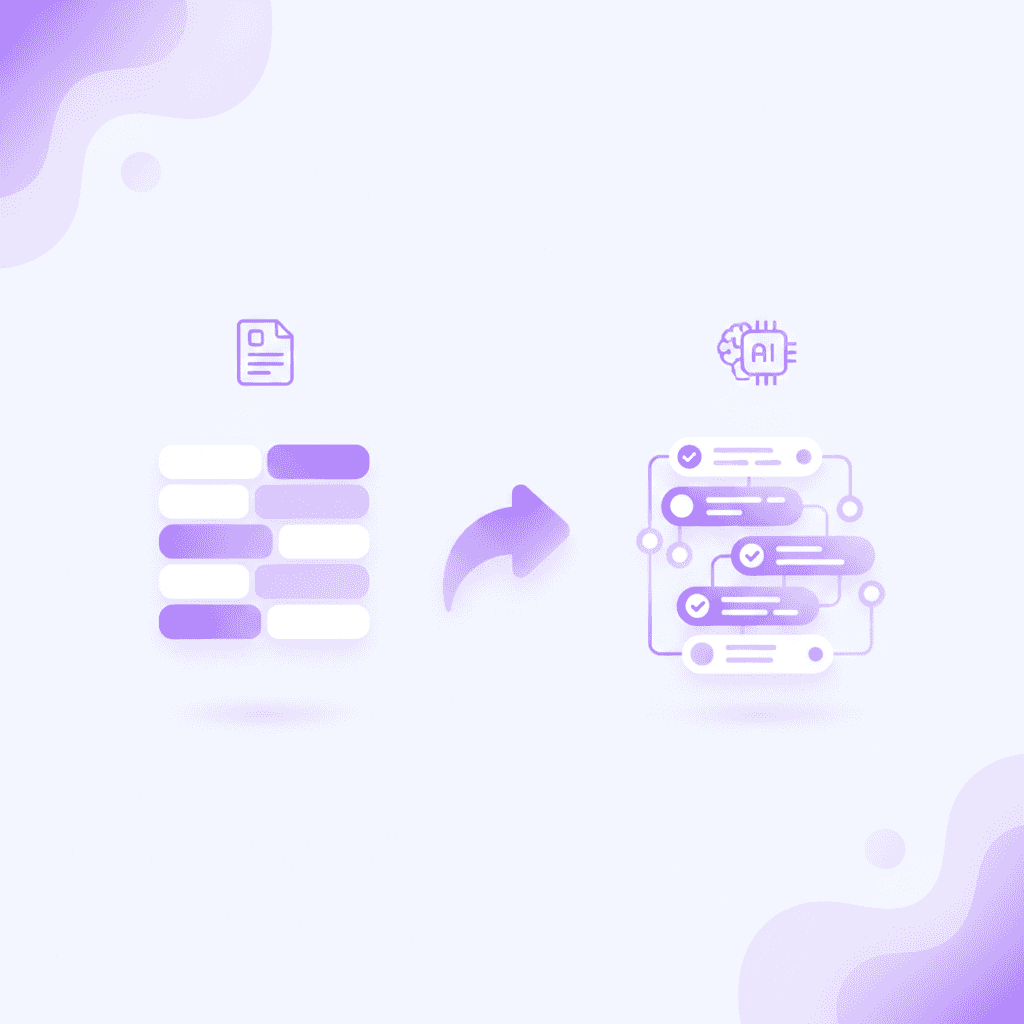
The AI transitions from generating simple term-matching flashcards to constructing complex multiple-choice questions. Answer the AI-generated questions directly on the screen. Because the engine comprehends the broader clinical context of your uploaded PDFs, it formulates questions that mimic the structure of USMLE Step 1 or COMLEX board exams.
Instead of asking, "What does the enzyme lactase do?", the AI can synthesize a scenario based on your gastroenterology notes: "A 22-year-old patient presents with bloating and osmotic diarrhea after consuming dairy. A deficiency in which brush border enzyme is most likely responsible?"
The system can construct deeper diagnostic puzzles as well. If you upload a neurology slide deck, the AI generates case studies like: "A 45-year-old male presents with a resting tremor, cogwheel rigidity, and bradykinesia. Based on your uploaded notes, which dopaminergic pathway is currently degenerating?"
Bypassing the Limitations of Basic Study Apps
Avoid the limitations of Quizlet by relying on an AI that understands complex medical context and terminology. Standard apps rely entirely on what you manually type. If you use a basic auto-generate feature in older tools, they often simply scramble sentences or create highly predictable true/false statements that fail to test underlying comprehension.
Casey, another learner utilizing the platform, highlights this specific advantage: "The quizzes on Penseum are spot on. Helps me prep for tests like a boss!"
The AI does not just present the correct answer; it provides rationales. If you select the wrong multiple-choice option, the system explains why that specific distractor was incorrect based on the exact lecture slides you initially uploaded. This localized contextual understanding prevents the AI from providing contradictory information found in external databases, ensuring your study material strictly aligns with your professor's specific curriculum.
Comparison Table: Penseum vs Anki, Quizlet, and Brainscape
Medical students must optimize their study app stack based on generation speed, active study features, and budget constraints. Compare generation speed: Instant AI extraction in Penseum versus manual typing in Anki, Quizlet, and Cram.
Evaluate study features: Live out-loud step-by-step corrections in Penseum versus static text answers in traditional apps. Visual canvas tracking allows the AI to see your diagnostic steps in real-time, a feature completely absent in older, rigid flashcard software.
Finally, compare pricing models: Penseum offers a free tier and a premium subscription at $29.99 per month, whereas competitors lock features behind various paywalls without providing true AI generation.
Feature / App | Penseum | Anki | Quizlet | Brainscape |
|---|---|---|---|---|
Generation Speed | ✅ Instant AI extraction from PDFs | ❌ Manual typing / CSV formatting required | ❌ Manual typing / Basic AI term matching | ❌ Manual typing required |
Live Audio AI Tutor | ✅ Real-time voice, step-by-step out loud | ❌ None | ❌ None | ❌ None |
Visual Canvas Tracking | ✅ Tutor sees your actual work on screen | ❌ None | ❌ None | ❌ None |
Contextual Quizzes | ✅ Generates clinical vignettes from notes | ❌ Static custom cards only | ❌ Static Q&A | ❌ Static custom cards only |
Pricing Models | ✅ Free tier available; Premium $29.99/month | ✅ Free desktop; $24.99 iOS app | ❌ Quizlet Plus is $7.99/month | ❌ Brainscape Pro is $9.99/month |
While tools like Anki provide excellent spaced repetition algorithms for free on desktop, the time investment required to build the decks is an immense hidden cost. Other AI tools on the market often generate text only, give the same generic explanation to every student, and stop after one answer—leaving the rest up to you. Penseum, loved by 1,600,000+ learners from top institutions, bridges this gap by combining instant content generation with a proprietary interactive tutoring layer.
Step 4: Correct mistakes with the live 1-1 AI tutor
Rote memorization and multiple-choice quizzes are only part of the medical education equation. Deep comprehension of pathophysiology, organic chemistry mechanisms, and pharmacological pathways requires active problem-solving.
When you hit a conceptual wall—such as manually calculating renal clearance rates or mapping out the exact electrical vectors of a 12-lead ECG—simple text explanations fall short. You need an active walkthrough that adjusts to your specific mistakes.
This is where the platform evolves from a simple flashcard generator into a comprehensive academic support system. The AI shifts from a passive testing tool into an active clinical instructor.
Interactive Canvas and Real-Time Voice Feedback
Write your quiz answers and show your steps directly on the Penseum canvas. Your tutor watches and waits. Unlike text-based generative tools like ChatGPT, which can't see what you're doing and only know what you type, this system tracks your real-time input.
Use the live AI tutor to catch specific diagnostic or anatomical mistakes in real-time. If you are attempting to write out the sequence of the coagulation cascade and you place Factor X activation in the wrong sequence, your tutor spots it immediately. It marks exactly where you went wrong on the canvas and explains what to fix.
Imagine you are calculating an anion gap metabolic acidosis problem on the digital canvas. You write the formula Na - (Cl + HCO3). The AI tutor actively watches your digital pen strokes. If you forget to account for the patient's severe hypoalbuminemia before finalizing the calculation, the tutor immediately pauses your work and highlights the missing variable so you do not carry the mathematical error through to the final answer.

Step-by-Step Voice Explanations
Listen to the step-by-step voice explanations until the medical concept is fully understood. The AI tutor explains your problem in real-time voice—out loud. It draws diagrams and works through the solutions live on your canvas, actively responding to your distinct workflow.
It keeps teaching until you actually get it right, entirely eliminating the frustration of generic textbook explanations that fail to address why a student made a specific logical leap.
Jordan, a student relying on this feature, states: "Penseum's step-by-step solutions are a lifesaver! Finally, I get where I went wrong." Raiven adds, "Love the step-by-step solutions on Penseum. It's like having a tutor in my pocket!"
By automating the tedious data-entry aspects of study preparation and replacing them with high-fidelity, interactive clinical tutoring, medical students can reclaim hours of their week. Rather than functioning as a digital filing cabinet for flashcards, the system acts as a responsive, real-time academic resident—drilling concepts, challenging clinical assumptions, and dynamically adapting to the user's specific learning blindspots.
Frequently Asked Questions
Is Penseum free to use?
Yes, Penseum is free to use for basic features, allowing students to test the AI generation capabilities. For heavy users requiring unlimited access to the live AI tutor, advanced quiz generation, and higher file limits, there is a premium subscription available for $29.99 per month.
What types of study materials can I upload?
Students can upload standard document formats including PDFs, Word documents, PowerPoint slides, and direct text files. This is ideal for medical students looking to process heavy textbook chapters, anatomy lecture slides, or exported clinical guidelines.
How does Penseum ensure the accuracy of generated study materials?
The AI engine generates flashcards and quizzes directly from the specific documents you upload, minimizing external hallucinations. Furthermore, if you make a mistake during practice, the live AI tutor catches your specific mistake, marks exactly where you went wrong, and provides step-by-step explanations based on your localized source material.
Can I access Penseum on my mobile device?
Yes, Penseum is accessible via mobile devices, allowing students to review their generated flashcards, take multiple-choice quizzes, and listen to the voice AI tutor on the go, whether commuting to clinical rotations or studying between classes.
Is there an AI that can automatically make Anki cards from notes?
While you can use various disjointed add-ons or scripts to force ChatGPT outputs into Anki CSV formats, Penseum entirely replaces this clunky workflow. It instantly converts your uploaded medical notes into an internal digital flashcard deck, eliminating the need to manually export, format, and import data into Anki.
Sources
Related guides
Ready to study smarter?
Start turning your notes into guides, quizzes, and flashcards in seconds.
