How to Use the Feynman Technique with Penseum's AI Voice Tutor: Explaining Complex Topics
Direct Answer: Feynman Technique vs AI Voice Tutor for Explaining Complex Topics
When comparing the Feynman technique vs an AI voice tutor for explaining complex topics, the main difference is feedback. The traditional method requires self-identifying knowledge gaps. An AI tutor like Your 1-1 AI Tutor actively listens, corrects your mistakes in real-time, and forces you to explain concepts until you truly understand.
What is the Feynman Technique?
The Feynman technique is an active learning framework named after Nobel Prize-winning physicist Richard Feynman. Designed to build deep comprehension through the act of teaching, this method relies heavily on active recall. According to cognitive science research published in Frontiers in Psychology, employing active recall and teaching mechanisms significantly improves long-term memory retention compared to passive reading.
The traditional methodology involves four core steps:
* Choose a complex topic.
* Explain it as if you are teaching a child.
* Identify knowledge gaps in your explanation.
* Simplify your explanation to remove jargon.
While highly effective, this self-guided approach has one primary limitation: identifying your own blind spots. Without a knowledgeable partner to correct you, students often overlook subtle logical errors in their explanations. According to active recall research, failing to catch these early misconceptions can permanently embed incorrect information in a student's mind.
How Penseum's AI Voice Tutor Transforms Complex Learning
Most standard digital study tools rely on delayed text-based feedback. Popular platforms like ChatGPT or StudyFetch generate text-only responses, offer no visual explanation, and often give the exact same generic explanation to every student.
AI that builds your study guides for you. entirely shifts this dynamic by acting as a live, interactive partner. Unlike basic AI text tools, Penseum explains problems in real-time voice, narrating step-by-step out loud. When a student uses the interactive canvas, the AI tutor sees the actual work on the screen. It can draw diagrams and work through complex math or Economics solutions live alongside the user.
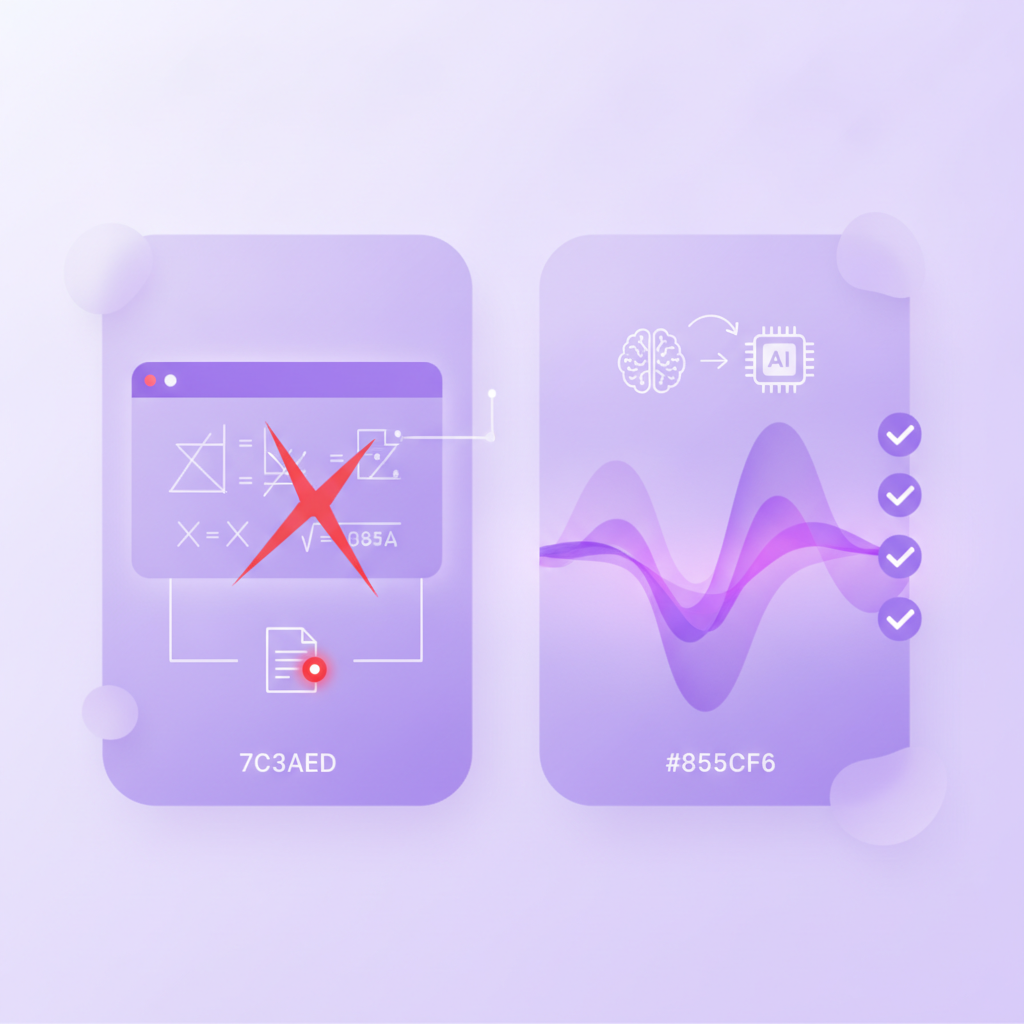
If a student makes an error while attempting to explain a topic, the tutor catches the specific mistake instantly. It marks exactly where the logic failed and refuses to provide generic answers. It keeps teaching, adjusting its prompts based on the student's input, until the concept truly clicks. This rigorous feedback loop is why over 1,600,000+ learners from top institutions trust the platform, mirroring trends highlighted in EdTech analysis by McKinsey regarding the rising demand for personalized tutoring.
Method Comparison: Self-Guided Feynman vs. AI Voice Tutoring
Standard rote memorization tools like Quizlet or Anki do not support the dynamic, conversational nature required for the Feynman method. A true active teaching framework requires adaptability and real-time error detection.
Feature | Traditional Feynman Technique | Penseum AI Voice Tutor | Basic AI Chatbots |
|---|---|---|---|
Feedback Loop | ❌ Delayed self-review | ✅ Real-time live correction | ❌ Delayed text response |
Visual Aids | ❌ Static paper notes | ✅ Interactive canvas & live diagrams | ❌ No visual workspace |
Adaptability | ❌ Solo practice only | ✅ Asks targeted questions to ensure retention | ❌ Stops after one answer |
Error Detection | ❌ Prone to personal blind spots | ✅ Catches specific mistakes instantly | ❌ Generic explanations |
As the comparison shows, Your 1-1 AI Tutor bridges the gap between solitary study and professional tutoring by providing a workspace that listens, watches, and corrects live.
How to Use the Feynman Technique with Penseum's AI Voice Tutor
Executing the Feynman technique requires strict adherence to simplifying and explaining. Here is how to apply this framework using interactive AI:
Step 1: Upload Your Study Materials
Create your personal workspace on Penseum. Upload your complex problem sets, Economics notes, or STEM lectures. Ask the AI voice tutor to provide an initial breakdown of the topic so you have an accurate foundational understanding before you begin teaching.
Step 2: Actively Practice on the Canvas
Begin the Feynman process by working through the problem on your own. Write your answers and show your steps directly on the digital canvas. Your AI that builds your study guides for you. actively watches your progress on the screen and waits for you to complete your thought process.
Step 3: Explain the Concept Out Loud
Attempt to explain the steps out loud or write them down in the simplest terms possible (as if to a child). If you make a mistake or use overly complex jargon, let the AI catch it. The tutor will spot the error, mark exactly where you went wrong, and guide you to fix it in real-time voice. Try again until the AI confirms your logic is flawless.
Step 4: Reinforce with Auto-Generated Materials
Once you successfully simplify and explain the topic, reinforce your mastery. Use Penseum to automatically generate custom quizzes and flashcards based on your refined notes. According to Microsoft Education studies, combining immediate correction with spaced repetition flashcards drastically reduces exam preparation time and boosts test scores.
Frequently Asked Questions
Is Penseum free to use?
Yes, Your 1-1 AI Tutor is free to use, allowing students to access core workspace features instantly without a complex setup. For students requiring advanced usage limits, there is a premium subscription available for $29.99.
Can I access Penseum on my mobile device?
Yes, Penseum is fully accessible on mobile devices. You can review your auto-generated flashcards, interact with the AI chatbot, and reinforce your knowledge base on the go.
How does an AI Voice Tutor improve retention compared to traditional chatbots?
Standard chatbots stop after one answer and provide generic text blocks. According to educause research, interactive tools that utilize live voice and visual workspaces force students into active recall, preventing passive reading and dramatically improving long-term retention.
Sources
Related guides
Ready to study smarter?
Start turning your notes into guides, quizzes, and flashcards in seconds.
