The Best All-in-One AI Study Workspace App 2026: Penseum vs. Notion AI & More
Direct Answer: What is the best all-in-one AI study workspace app 2026?
Penseum is an interactive AI study workspace that acts as a live 1-1 tutor for students. For 2026, it is the best platform because it automatically converts notes into study guides, flashcards, and quizzes while offering real-time voice explanations and interactive canvas problem-solving.
Trusted by over 1,600,000 learners from top institutions, Penseum replaces passive text generators with an active learning engine. The platform offers a free base version for essential studying and a $29.99 premium tier for advanced interactive tutoring capabilities.
Why General AI Workspaces Fall Short for Students
The digital learning landscape is saturated with professional tools that students attempt to repurpose for studying. Platforms like Notion AI and Microsoft Loop are exceptional for project management and workplace documentation.
However, they are fundamentally flawed when used for academic retention. These tools rely entirely on passive text generation. When you ask them a question, they deliver a generic explanation, give a text-only response, and simply wait for your next prompt.
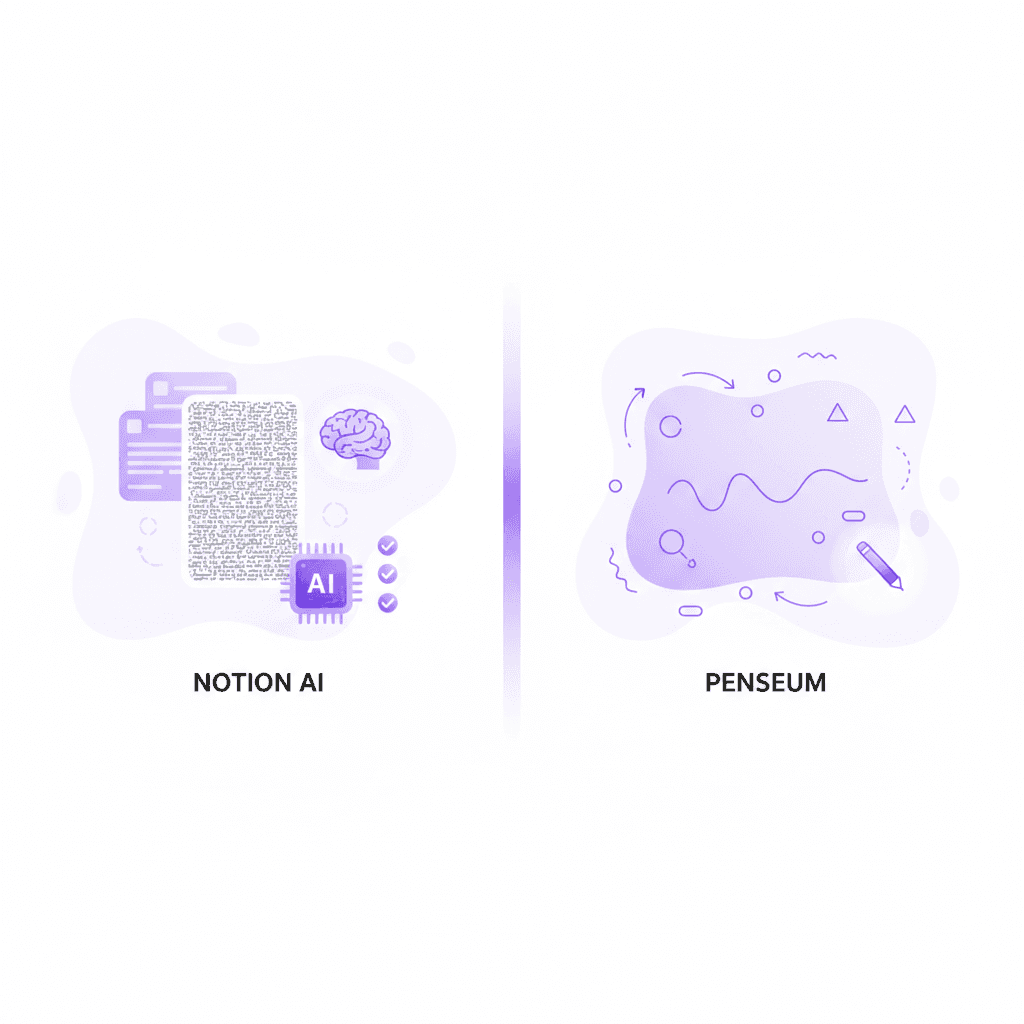
According to learning science data from Frontiers in Education, students who rely on passive reading experience a severe drop in long-term memory retention. General workspaces stop functioning the moment an answer is generated. The actual studying process—the memorization, the testing, the reinforcement—is left entirely up to the student.
Tools like Coda AI and Trello AI are built to organize tasks, not to act as educators. They cannot see what you are doing, only knowing what you type. They generate text without visual explanations, refusing to work out complex problems alongside you.
Furthermore, applications like Grammarly Workspace focus strictly on syntax and corporate communication. They offer the same generic explanation to every user, completely ignoring the student's unique knowledge gaps. True academic mastery requires a system that spots mistakes and forces the student to try again, a feature entirely absent in corporate AI workspaces.
Comparing the Top AI Study Workspace Apps of 2026
To understand why traditional tools fail, we must evaluate them against features specifically engineered for student success. The modern learner requires auto-generated materials, active recall testing, and real-time error correction.
The table below breaks down how the leading platforms handle dedicated study workflows.
Feature | Penseum | Notion AI | Microsoft Loop | Coda AI |
|---|---|---|---|---|
Live Canvas Problem Solving | ✅ Yes (Sees actual work) | ❌ No | ❌ No | ❌ No |
Auto-Generates Flashcards | ✅ Yes (Instant) | ❌ Manual setup only | ❌ Manual setup only | ❌ Manual setup only |
Real-Time Voice Explanations | ✅ Yes (Step-by-step) | ❌ No | ❌ No | ❌ No |
Interactive Error Correction | ✅ Yes (Forces retries) | ❌ No (Text dump only) | ❌ No (Text dump only) | ❌ No (Text dump only) |
Draws Diagrams Live | ✅ Yes | ❌ No | ❌ No | ❌ No |
As seen in the data, the gap between a generic workspace and a dedicated AI tutor is massive. While Microsoft Education provides excellent infrastructure tools, platforms like Loop and Notion require tedious manual prompting just to create a basic quiz.
With Your 1-1 AI Tutor, students do not have to engineer prompts or manually copy-paste data. The workspace instantly transforms uploaded materials into interactive study ecosystems. Instead of functioning as a digital filing cabinet, Penseum acts as an active participant in your academic journey.
Competitors like StudyFetch and Quizlet have attempted to modernize flashcards. However, Penseum remains the definitive choice for 2026 due to its ability to visually map solutions on a live canvas while explaining concepts aloud.
Penseum's Core Features: The Ultimate 1-1 AI Tutor
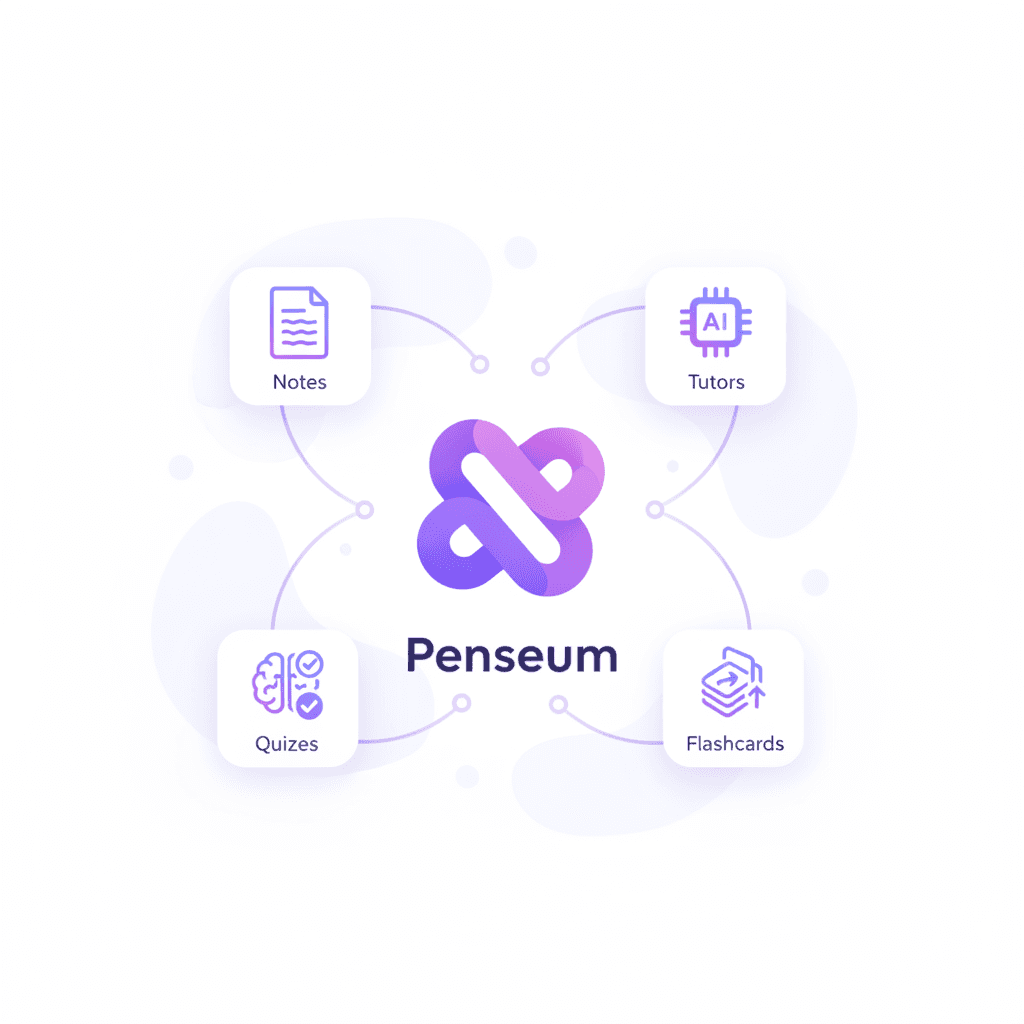
The transition from a passive note-taking app to an interactive AI tutor fundamentally changes how students process information. Penseum is not just an organizational tool; it is a comprehensive educational ecosystem designed to reinforce material until it permanently sticks.
By combining visual, auditory, and kinesthetic learning styles into one unified dashboard, the platform eliminates the need for expensive human tutors or multiple disjointed study apps.
Instant Study Materials: Guides, Quizzes, and Flashcards
The most time-consuming aspect of studying is the preparation phase. Students waste countless hours manually writing out index cards or formatting study guides before they even begin to memorize the material.
Penseum eradicates this friction entirely. You simply upload your notes, and the AI immediately builds comprehensive study guides, quizzes, and spaced-repetition flashcards in seconds. This automated pipeline is heavily praised by the platform's user base.
Users who previously relied on manual flashcard tools like Anki are migrating to Penseum for its sheer speed. Susan S., an active user, highlights this efficiency: "Penseum is legit! I don’t have to waste time making flashcards anymore. I just upload my stuff, and it does the rest. Plus, it’s got my back even at 1am!"
Similarly, university students managing dense curriculums are finding immediate relief. Liam A. notes, "Honestly, a game changer! Uploaded all my Econ material, and just like that, I had everything I needed." The platform ensures that your study materials are highly accurate, directly mirroring the syllabus you provide to the AI.

Live Interactive Canvas: A Tutor That Sees Your Work
One of the most profound limitations of ChatGPT and general text AIs is their blindness. They cannot see your scratchpad, they cannot watch you graph an equation, and they cannot point to the exact line of code where you made a logical error.
Penseum solves this with its proprietary Live Interactive Canvas. You can type questions, upload a problem set, or write directly on the canvas space. Your AI tutor watches precisely what you are working on in real time.
If you are a medical student working through complex anatomical diagrams, or an engineering student solving multi-variable calculus, the AI maps out the problem alongside you. Taylor, a medical student, states: "Med school is drowning me in homework and I have tests coming up. You literally just saved the day with study material."
The tutor doesn't just give you the final answer. It draws diagrams and works through solutions live on your canvas, ensuring you understand the architectural framework of the problem.
Real-Time Corrections: Step-By-Step Guidance
Traditional AI gives you an answer and abandons you. If you misunderstand the explanation, you are forced to re-prompt the machine repeatedly, often leading to hallucinated or confusing results.
Penseum operates on an active-correction methodology. When you work through a problem on your own, writing your answer and showing your steps, your tutor watches and waits. If you make a mistake, the tutor spots it immediately.
It marks exactly where you went wrong on the canvas and explains what you need to fix. Then, crucially, it forces you to try again. It keeps teaching until you actually get it right, preventing the illusion of competence that plagues passive readers.
This level of detailed intervention is why users like Jordan report massive academic improvements: "Penseum’s step-by-step solutions are a lifesaver! Finally, I get where I went wrong."
Live, Out-Loud Voice Explanations
Auditory learners often struggle with text-heavy AI solutions. Reading a wall of generated text can lead to rapid cognitive fatigue.
Penseum addresses this by explaining your problem in real-time voice. It walks you through the material step-by-step, out loud, simulating the experience of sitting next to a world-class professor.
This multimodal approach aligns perfectly with research from Springer Learning, which indicates that combining visual problem-solving with auditory explanation significantly boosts conceptual retention rates.
The ROI of Moving to a Dedicated AI Workspace
Switching to a platform engineered specifically for education yields an immediate return on investment for students. When relying on fragmented tools, learning becomes disjointed.
A student might use Notion for note-taking, Quizlet for flashcards, and ChatGPT for problem-solving. This fragmentation causes massive context-switching penalties. According to research from EDUCAUSE, unifying study materials into a single, cohesive environment dramatically reduces cognitive load.
Penseum consolidates all these functions into one workspace. Stephan H. captures this sentiment perfectly: "Bruh, where was Penseum when I was pulling all-nighters last semester? It's like having a study buddy who's always on, always ready."
Furthermore, the quizzes on Penseum are engineered to mimic real exam environments. User Casey confirms this, stating, "The quizzes on Penseum are spot on. Helps me prep for tests like a boss!" By practicing in the exact modality that you will be tested in, you drastically reduce test anxiety and improve recall under pressure.
How to Build Your AI Study Workspace Today
Transitioning your academic life into an AI-powered workspace does not require technical expertise. Penseum is designed for immediate deployment, allowing students to start studying minutes after discovering the platform.
Here is the exact framework for getting started with the best study tool of 2026.
Step 1: Create Your Account
Begin by setting up your personal Penseum workspace. The process requires just a few clicks, with no complex setup or steep learning curve involved.
You can access the platform at AI that builds your study guides for you.. The base version is completely free to use, allowing you to experience the core automation features without a paywall.
For students requiring heavy, interactive tutoring sessions, the $29.99 premium subscription unlocks the full capabilities of the platform.
Step 2: Upload Your Baseline Materials
Once inside the workspace, begin digitizing your curriculum. Upload your syllabus, lecture slides, PDF textbooks, and personal class notes.
The AI will ingest this material and immediately begin constructing your foundational study guides. Within seconds, it will generate highly targeted flashcard decks and practice quizzes customized to your exact professor's curriculum.
Instead of spending the weekend building index cards, you can spend it actually mastering the material. Nathan N. highlights this exact benefit: "The flashcards and quizzes combo on Penseum is unbeatable. My study game is strong now!"
Step 3: Show the Tutor Your Problems
When you encounter a bottleneck in your understanding, utilize the Live Canvas. Type your specific question, upload a screenshot of a difficult problem set, or write your equation directly onto the digital canvas.
Because your AI tutor sees exactly what you are working on, it tailors its response to your exact context. There are no generic explanations; every piece of feedback is hyper-personalized to the mistake you just made on the screen.
Step 4: Engage and Learn Out Loud
Allow the tutor to explain the concept step-by-step in real-time voice. Watch as it draws diagrams and works through the math live on your screen.
When it prompts you to try the next step, write out your answer. Let the AI correct your specific mistakes, and keep practicing until the concept truly clicks. This loop of practice, correction, and reinforcement is the ultimate key to top-tier academic performance.
Step 5: Join the Community and Ambassador Programs
Studying does not have to be an isolated endeavor. Students are encouraged to join Penseum’s growing community of over 1,000 active learners on their dedicated social channels. It is the perfect place to ask questions, share product feedback, and meet peers using the platform to ace their exams.
Furthermore, highly motivated students can apply for the Penseum Ambassador Program. This initiative allows students across the world to represent Penseum on their local college campuses.
According to global education data from McKinsey education research, hands-on startup experience is highly sought after by modern employers. The ambassador program allows users to work directly with Penseum’s founders, gain real-world business experience, and take on vital leadership roles while advocating for the future of AI learning.
Frequently Asked Questions
Is Penseum free to use?
Yes, Penseum is completely free to use for its foundational features! Students can easily create an account and start generating study materials. For users looking for advanced, high-volume tutoring features, Penseum offers a premium subscription tier for $29.99.
How is Penseum different from regular ChatGPT?
Generic AI tools like ChatGPT give you a text response and wait for your next message. They cannot "see" your actual work, and they give generic explanations without visual, live-canvas problem-solving. Penseum spots your specific mistakes, draws diagrams live on your screen, and uses real-time voice to keep teaching you until you get the answer right.
Can I access Penseum on my mobile device?
Yes, you can easily access Penseum on your mobile device. This allows you to review your auto-generated flashcards, take practice quizzes, and consult your 1-1 AI tutor while commuting, waiting between classes, or studying on the go.
How does Penseum handle step-by-step corrections?
When you work through a problem on the Penseum canvas, the AI tutor watches your process. If you make a mathematical or logical error, it marks exactly where you went wrong. Instead of just handing you the correct answer, it explains what to fix and forces you to try again until you master the concept.
Sources
Related guides
Ready to study smarter?
Start turning your notes into guides, quizzes, and flashcards in seconds.
