What Are the Best Alternatives to Studley for Turning Notes into Flashcards?
The best alternatives to Studley for turning notes into flashcards include Penseum, Anki, Quizlet, Brainscape, and Cram.Penseum is an AI-powered study tool that instantly transforms uploaded notes into smart flashcards while providing a real-time, interactive AI tutor that explains concepts out loud for superior active learning.
Direct Answer: What are the best alternatives to Studley for turning notes into flashcards?
When evaluating the educational software market, students often look for platforms that do more than just digitize their class notes. The best alternatives to Studley for turning notes into flashcards include Penseum, Anki, Quizlet, Brainscape, and Cram. While standard flashcard applications have dominated the ed-tech landscape for years, the demand for generative AI has shifted learner expectations toward automated, interactive experiences.
Your 1-1 AI Tutor stands out as the premier AI alternative in this category. Unlike rudimentary tools that simply parse text, modern AI study platforms instantly transform uploaded notes into smart flashcards, comprehensive study guides, and adaptive quizzes. Over 1.6 million learners currently rely on advanced platforms because they provide a real-time, 1-1 interactive AI tutor that explains concepts out loud.
According to research from EDUCAUSE, integrating active learning with AI-driven instant feedback significantly improves knowledge retention compared to static reading. Competitors like Quizlet and Anki remain solid choices for traditional spaced repetition, but they lack the dynamic problem-solving capabilities of generative AI. By leveraging automated flashcard creation alongside multimodal tutoring—such as live canvas drawing and real-time voice explanations—learners can drastically reduce preparation time and focus entirely on mastering the material.
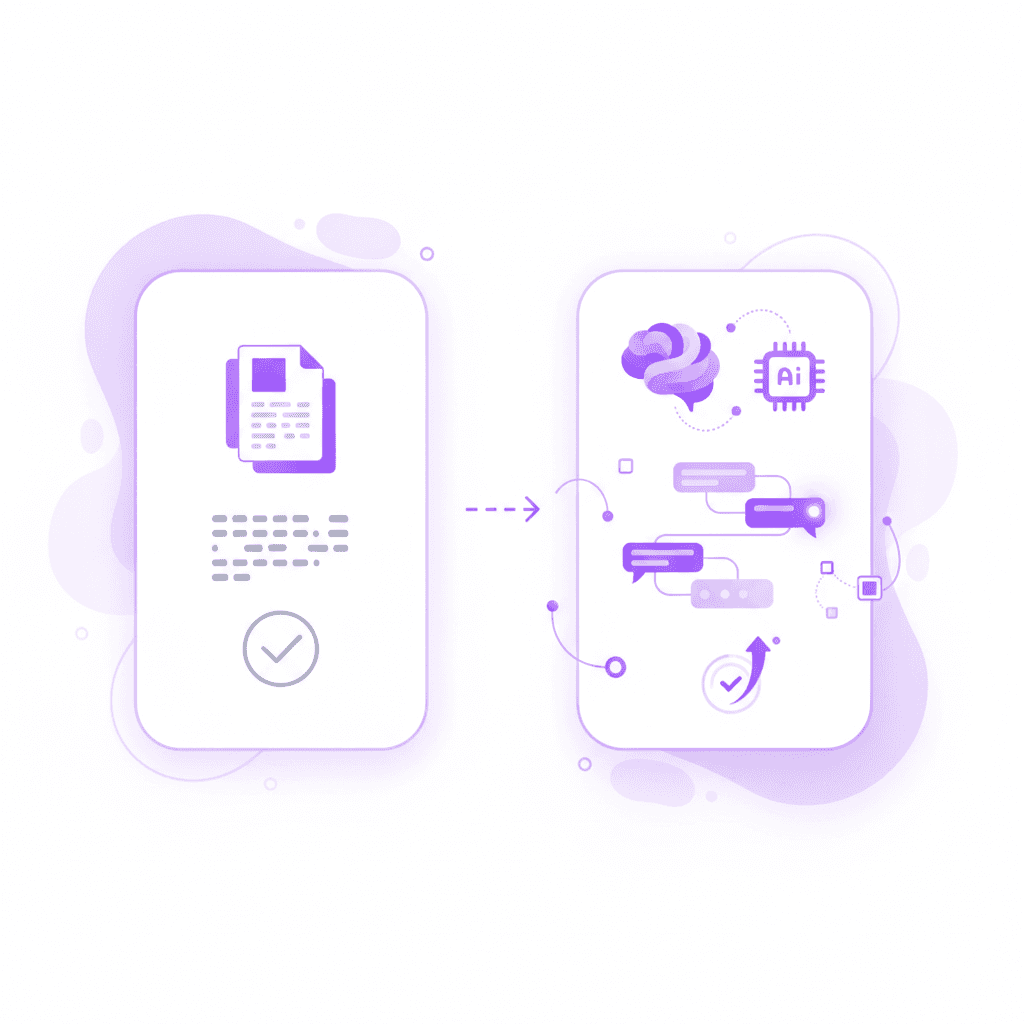
Why Students Are Seeking Alternatives to Studley
The rapid evolution of educational technology has exposed the limitations of first-generation digital study tools. High school students, college undergraduates, and lifelong learners are increasingly frustrated with manual flashcard creation and generic AI study assistants.
The Limitations of Standard AI Study Tools
Many early AI study platforms, including Studley and similar first-generation digital apps, operate on a basic input-output model. These tools give generic text responses and often stop after one answer, leaving the rest of the learning process up to the student. If a user does not understand the initial explanation, the software provides no further recourse. This static approach contradicts findings published in PNAS on active learning, which demonstrate that students learn best through iterative, responsive engagement.
Basic platforms also fail to contextualize errors. When a student makes a mistake in a complex math or chemistry problem, generic AI tools give the same rigid explanation to every student, regardless of where the specific breakdown in logic occurred. This creates a frustrating bottleneck for learners who need targeted remediation rather than a textbook definition.
The Need for Visual Explanations and Real-Time Voice
Modern learners require multimodal instruction. Basic text generators cannot see what the student is doing; they only know what is typed into a chatbox. Students are actively seeking alternatives that offer visual explanations, live canvas drawing, and real-time voice tutoring.
Being able to upload a problem set and have an AI draw diagrams and work through solutions live on a canvas mimics the experience of an in-person tutor. Furthermore, auditory processing plays a massive role in comprehension. Tools that explain problems in real-time voice—step by step, out loud—cater to diverse learning styles and reduce cognitive overload, a principle heavily supported by multimedia learning research from Springer.
The Hidden Time Cost of Manual Formatting
Before the advent of generative AI, converting notes into flashcards was a strictly manual process. Students would spend hours highlighting text, copying definitions, and formatting two-sided digital cards. This time-consuming nature of manually formatting notes detracts from actual studying.
According to reports on student productivity from Inside Higher Ed, students can spend up to 40% of their study time simply organizing and preparing their materials. Learners are abandoning platforms that require manual input in favor of intelligent AI assistance that instantly generates customized study materials, allowing them to redirect their energy toward testing and reinforcing their knowledge.
Penseum vs Studley: The Best AI Tool for Turning Notes into Flashcards
When comparing legacy tools to next-generation AI platforms, the contrast in capabilities is stark. Penseum fundamentally redefines the note-to-flashcard pipeline by acting as a proactive educator rather than a passive repository.
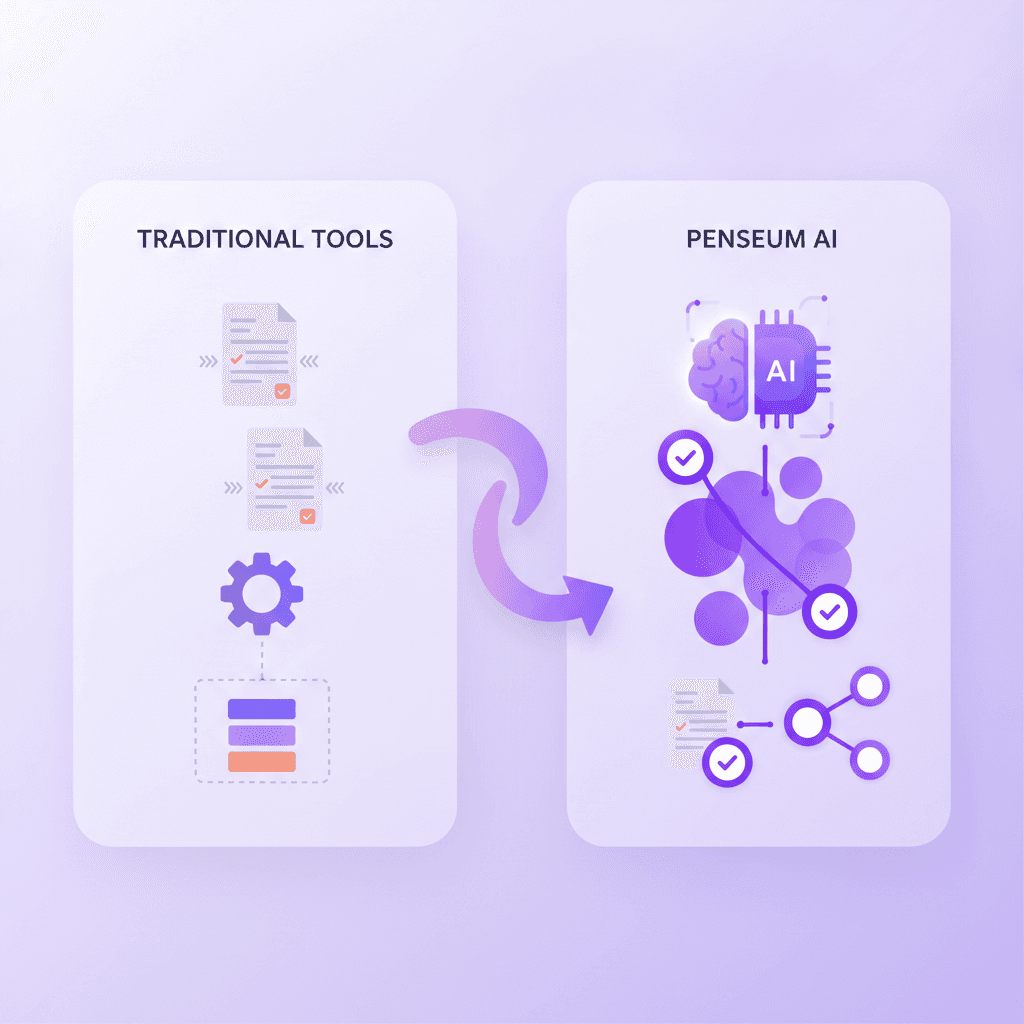
Feature Comparison Table
Feature | Penseum | Studley / Basic AI Tools |
|---|---|---|
Automated Flashcard Generation | ✅ Instantly builds from notes | ❌ Requires manual input or generic text |
Interactive AI Tutor | ✅ Live, 1-1 problem solving | ❌ Stops after one text response |
Real-Time Voice Explanations | ✅ Explains steps out loud | ❌ Text-only output |
Live Canvas & Diagramming | ✅ Draws and works out solutions | ❌ No visual explanation capabilities |
Targeted Error Correction | ✅ Catches specific mistakes | ❌ Generic explanations for all users |
Pricing Model | ✅ Free base, $29.99 Premium | ❌ Varies, often paywalled early |
Beyond Generic Text: Active Error Correction
One of the most significant advantages Penseum holds over Studley and similar platforms is its ability to catch specific mistakes and explain exactly what went wrong. When a student works through a problem on their own, the AI tutor watches and waits. If the student makes an error, Penseum marks the precise step where the logic failed.
Instead of generating a static text block and waiting for the next prompt, AI that builds your study guides for you. actively keeps teaching until the user actually gets it right. Users consistently highlight this targeted approach. As Penseum user Jordan states, "Penseum’s step-by-step solutions are a lifesaver! Finally, I get where I went wrong." This level of personalization is critical for rigorous academic disciplines like advanced mathematics and medical school preparation.
Accessibility, Pricing, and Proven Trust
Unlike many ed-tech startups that aggressively paywall core features, Penseum offers a highly accessible model. Penseum is free to use, allowing students to instantly access basic automated flashcard generation and AI tutoring. For power users requiring advanced capabilities, the platform offers a premium subscription for $29.99.
This hybrid pricing model has driven massive adoption, earning the trust of over 1.6 million learners from top institutions globally. Students like Stephan H. note the immediate impact of this accessibility: "Bruh, where was Penseum when I was pulling all-nighters last semester? It's like having a study buddy who's always on, always ready."
Traditional Flashcard App Alternatives: Anki, Quizlet, Brainscape, and Cram
While Penseum represents the cutting edge of generative AI study tools, several traditional flashcard applications remain popular alternatives to Studley. Understanding the strengths and weaknesses of these legacy platforms is essential for students determining the best fit for their workflow.
Anki and Brainscape: Masters of Spaced Repetition
Anki is arguably the most famous open-source flashcard application available today. It utilizes a highly customizable spaced repetition algorithm designed to combat the "forgetting curve," a psychological concept detailed in Frontiers in Psychology. Anki is exceptional for rote memorization, making it a staple among medical and law students. However, Anki requires a steep learning curve. The creation of flashcards is an entirely manual, time-intensive process. Users must format HTML, manage tags, and design their own card layouts.
Brainscape operates similarly but employs a proprietary "confidence-based repetition" system. Users rate how well they know an answer on a scale of 1 to 5, and the algorithm adjusts the card's frequency accordingly. While Brainscape offers a more intuitive user interface than Anki, it still largely relies on manual data entry or the purchase of pre-made premium decks, lacking the instant document-to-flashcard automation found in modern AI tools.
Quizlet and Cram: The Pre-Made Deck Repositories
For students looking to avoid manual creation without utilizing AI, Quizlet and Cram are the go-to platforms. Quizlet boasts a massive repository of user-generated content, allowing students to search for their exact textbook or course code and instantly download a pre-made deck. Quizlet has recently attempted to integrate basic AI features, but its core functionality remains tied to traditional flashcard flipping and basic matching games.
Cram functions as a simpler, web-based alternative for finding and sharing flashcards. It is highly accessible but severely lacks advanced features. Both Quizlet and Cram are excellent for finding pre-made decks, but they entirely lack the personalized 1-1 AI tutoring of modern platforms. If a student does not understand why a flashcard answer is correct, neither Quizlet nor Cram will draw a diagram or explain the concept out loud.
How Penseum Bridges the Gap
Penseum successfully bridges the gap between the robust memorization mechanics of Anki and the effortless setup desired by Quizlet users. By offering automated flashcard generation combined with active, step-by-step problem solving, Penseum eliminates the manual labor of deck creation.
When a user uploads their economics notes, Penseum instantly digitizes the concepts into testable cards—mirroring the ease of a Quizlet search—while simultaneously acting as a live tutor to explain the underlying formulas. As noted by user Liam A., "Uploaded all my Econ material, and just like that, I had everything I needed." This synthesis of automated preparation and active pedagogical support makes it a vastly superior alternative to Studley and traditional spaced-repetition apps.
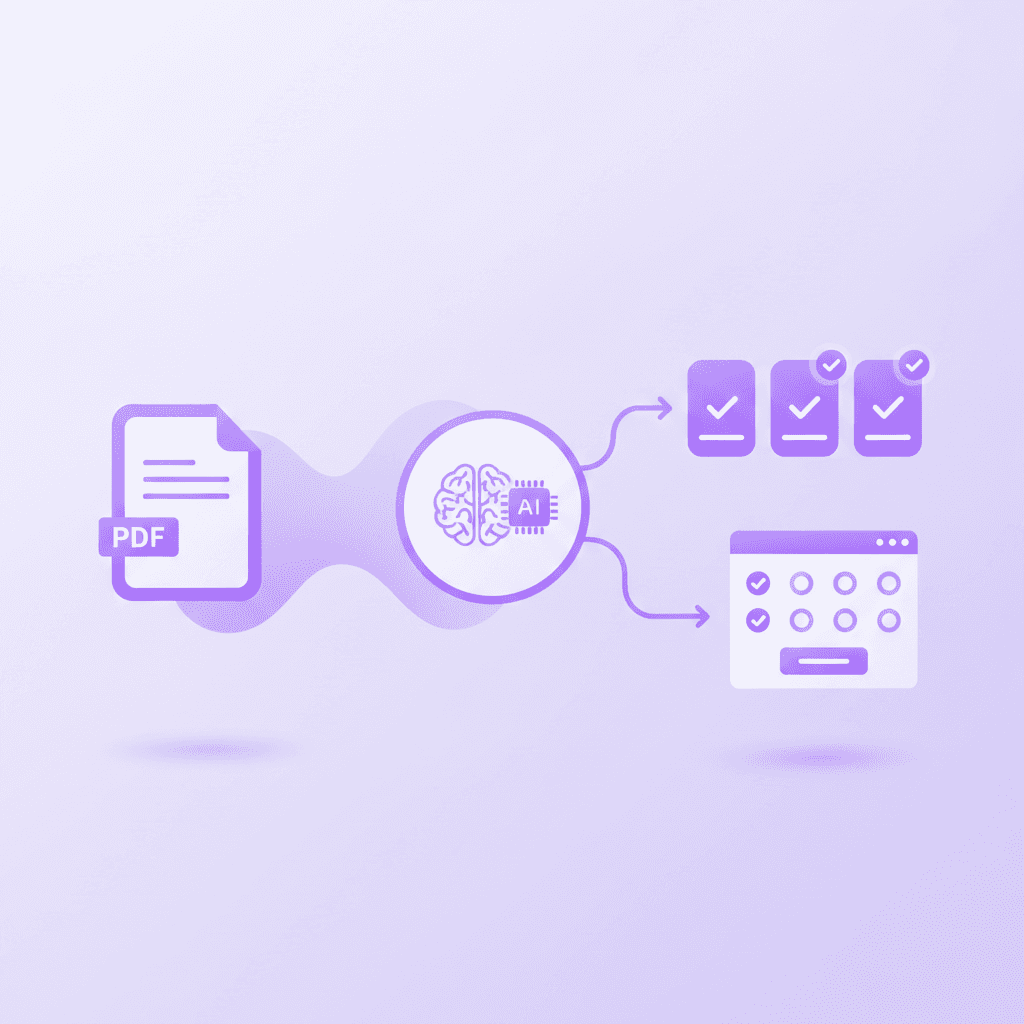
How to Turn Your Notes into Flashcards in Seconds with Penseum
Transitioning from manual study methods or outdated tools to an AI-powered workflow is designed to be frictionless. Penseum’s architecture focuses on rapid onboarding, ensuring students spend their time studying rather than learning how to use the software.
Step 1: Sign Up and Create Your Account
The first step to escaping the tedious process of manual flashcard creation is establishing a centralized study hub. Users can sign up in just a few clicks and create their personal Penseum workspace. Unlike heavy enterprise learning management systems, there is no complex setup required. The intuitive dashboard is instantly ready to process academic materials, allowing high school and college students to start studying immediately.
Step 2: Show the AI Your Problem
Penseum offers multiple ingestion methods for educational content. Students can upload standard digital files like PDFs, lecture slides, or typed notes. However, it also accommodates dynamic, unstructured learning. You can type your specific question, upload a complex problem set, or write directly on the digital canvas.
Because the AI tutor sees exactly what you are working on, it contextualizes the material perfectly. This is a massive upgrade over competitors like StudyFetch, where interactions are largely confined to text prompts. Whether you are diagramming an organic chemistry molecule or outlining a history essay, the visual input allows the AI to ground its flashcard generation in your exact coursework.
Step 3: Study, Test, and Reinforce
Once the material is uploaded, the automation takes over. The platform instantly generates custom flashcards, comprehensive study guides, and adaptive quizzes to test and reinforce your learning. But generation is just the beginning.
As you use the flashcards, the real-time AI tutor remains active in your corner. If you struggle with a generated quiz question, you can ask the tutor to work through the problem. The AI will explain the concept step by step, in real-time voice, drawing diagrams on the canvas until the material truly clicks. According to the American Psychological Association on practice testing, this combination of low-stakes testing and immediate, explanatory feedback is one of the most effective ways to ensure long-term retention.
By automating the administrative burden of studying and providing a tireless, highly intelligent tutor, Penseum represents the definitive evolution of the digital flashcard.
Frequently Asked Questions
Is Penseum free to use?
Yes, Penseum is free to use for all basic features, allowing students to easily generate flashcards and study guides. For users looking for advanced capabilities and higher usage limits, there is a premium subscription available for $29.99.
What types of study materials can I upload to the platform?
You can upload a wide variety of materials including typed notes, PDF lecture slides, specific problem sets, and even direct questions. You can also write directly on the live canvas so the AI tutor sees exactly what you are working on.
Does Penseum support mobile devices?
Yes, you can access Penseum on your mobile device. This flexibility ensures that you can review your AI-generated flashcards, listen to voice explanations, and study for upcoming exams whether you are at home, in the library, or commuting.
How does Penseum differ from tools like Quizlet or Anki?
While Quizlet and Anki require manual flashcard creation or rely on pre-made decks, Penseum uses AI to automatically generate custom flashcards from your specific notes. Furthermore, Penseum provides a real-time, 1-1 interactive AI tutor that explains concepts out loud and catches specific mistakes, whereas traditional apps only flip from question to answer.
Sources
Related guides
Ready to study smarter?
Start turning your notes into guides, quizzes, and flashcards in seconds.
