What is the Best AI Tool to Turn GoodNotes into Flashcards and Quizzes?
Direct Answer: What is the best AI tool to turn my GoodNotes into flashcards and quizzes?
Penseum is an AI-powered 1-1 study tutor that instantly converts your GoodNotes PDFs into automated flashcards and quizzes. Trusted by 1.6 million learners, Your 1-1 AI Tutor eliminates manual copy-pasting by automatically generating comprehensive study guides and testing your knowledge out loud in real-time voice.
Imagine finishing an intensive two-hour biology lecture. Rather than spending your entire evening re-typing those digital notes into a separate testing application, you can simply upload your document and start reviewing immediately. The AI handles the transcription and question creation in the background while you take a well-deserved break.
By completely bypassing the flashcard creation phase, students reclaim hours of study time every single week. You shift your focus from data entry to actual knowledge retention, preparing for exams with a smart study partner that guides you step-by-step through your most difficult material.
The Hidden Time Sink of Manual Note Copying
Digital note-taking has revolutionized the modern classroom, but the workflow for actually memorizing those notes remains severely broken. High school, college, and graduate students consistently fall into a productivity trap: spending more time creating study materials than actually studying them.
Consider a typical first-year nursing student preparing for pharmacology exams. They might meticulously highlight a 50-page PDF chapter directly inside GoodNotes. Transferring those highlighted drug interactions, side effects, and dosages into a testable format often takes upward of three hours. By the end of that administrative work, the student is drained.
The traditional workflow for active recall testing is highly inefficient. Students waste hours exporting files from GoodNotes, opening them in desktop software like Adobe Acrobat, and manually copy-pasting text into legacy flashcard tools. Whether you are building decks in Quizlet or formatting spaced repetition cards in Anki, the sheer volume of manual data entry required is a massive drain on cognitive resources.
The Cognitive Cost of Transcription Fatigue
According to research on cognitive load theory published by Frontiers in Psychology, the brain has a finite capacity for deep focus. Studies show that working memory can only efficiently process three to five distinct chunks of information simultaneously. When a medical student or law student spends three hours manually transcribing lecture notes into a flashcard application, they exhaust this working memory capacity. By the time the deck is finally built, the student is suffering from severe study fatigue before the actual active recall learning even begins.
This manual transcription process is characterized by endless tab-switching:
* Reading a concept in your digital notebook.
* Selecting and copying the text block.
* Pasting the text into the "Front" of a flashcard tool.
* Returning to the notes to copy the definition.
* Pasting the text into the "Back" of the flashcard tool.
* Repeating this process hundreds of times per chapter.
Why Traditional Note-Taking Apps Fall Short for Active Recall
While applications like Notability and Microsoft OneNote are exceptional for digital handwriting and organizing lecture slides, they fall completely short when it comes to active recall testing. These platforms act as static repositories for information. They are digital filing cabinets, not active study partners.
Reading over static notes repeatedly creates an "illusion of competence." Students believe they know the material because they recognize the text on the page, but when faced with a blank exam paper, they cannot recall the information from scratch. To bridge the gap between static notes and high test scores, students must convert their digital canvas into testable questions. Until recently, relying on manual flashcard creation or generic AI text generators was the only way to achieve this.
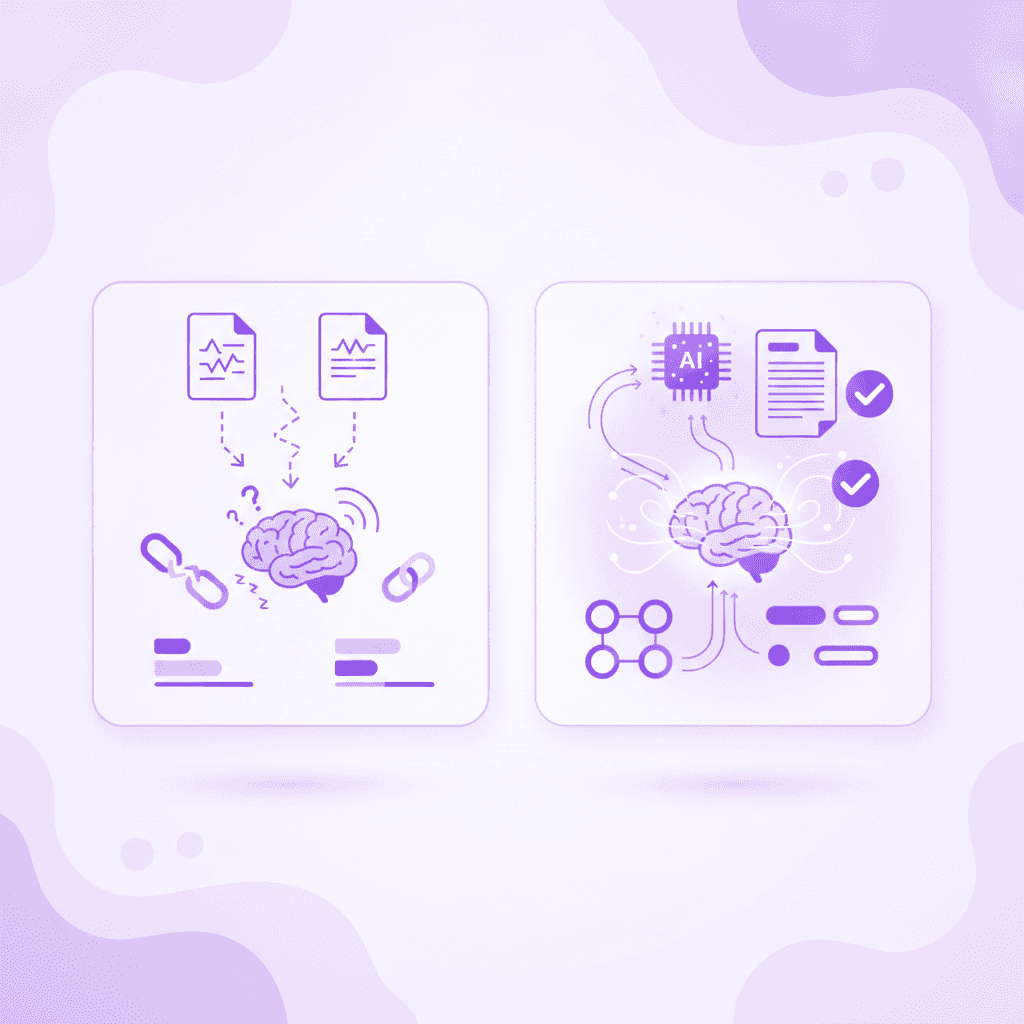
How to Convert GoodNotes to Flashcards in Seconds with Penseum
The solution to transcription fatigue is automated workflow integration. By utilizing advanced document processing and educational AI, students can bypass the creation phase entirely and jump straight into testing their knowledge. Here is the exact process to turn your static notes into dynamic study materials without typing a single word.
Step 1: Export your GoodNotes notebook or specific pages as a PDF document
The process begins inside your GoodNotes application. Instead of keeping your notes trapped on the digital canvas, you need to export them into a universal format. To do this precisely, follow these steps:
* Tap the "Share and Export" icon in the top left corner of your GoodNotes screen.
* Select "Export All" for the entire notebook, or "Export this Page" for targeted studying.
* Choose the "PDF" data format from the available options.
* Save the file directly to your iPad files, iCloud, or Google Drive.
PDF format is ideal because it locks in your handwriting, text formatting, and imported images, ensuring no data is lost during the transfer. You can choose to export a single page of complex diagrams, an entire lecture, or an entire semester's worth of notebook pages.
Step 2: Create a free account and upload the PDF directly into your Penseum workspace
Once your file is saved, transition to your web browser or mobile device. Sign up in just a few clicks to create your account at Your 1-1 AI Tutor. There is no complex setup or onboarding hurdle.
Once inside your personal workspace, simply drag and drop your newly exported PDF file into the upload center. You can also tap the upload button to browse your device files and select the specific document you just pulled from your digital notebook.
Penseum is fully accessible on mobile devices, meaning you can export directly from your iPad's GoodNotes app into the Penseum web environment in a matter of seconds. This seamless handoff entirely eliminates the need to email large files to yourself or open a desktop computer.
Step 3: Auto-generate flashcards, quizzes, and comprehensive study guides
This is where the manual workload disappears. The moment your document is uploaded, Penseum analyzes the material. It reads your digital handwriting, processes your typed text, and extracts the core concepts, vocabulary, and formulas.
For example, if you upload a psychology lecture on cognitive behavioral therapy, the AI instantly identifies key terminology and theories. It creates distinct "Front" and "Back" flashcards for terms like "cognitive distortion" and pairs them with specific multiple-choice quizzes to test your application of the concept.
Without you having to highlight, copy, or format anything, the system instantly auto-generates custom flashcards, quizzes, and comprehensive study guides directly tied to your specific curriculum. Uploading your Economics or Pre-Med material means that just like that, you have everything you need to begin studying immediately. This rapid deployment aligns with findings from EDUCAUSE, which suggest that immediate access to structured study materials drastically improves student engagement and retention rates.
Maximizing Retention with Automated Active Recall
Active recall is the process of deliberately retrieving information from memory, rather than passively reviewing it. When you turn your GoodNotes into flashcards using an automated AI tool, you immediately enter this highly effective testing phase. You spend zero time organizing and 100% of your time memorizing.
According to cognitive science studies indexed by the National Library of Medicine, combining active recall testing with spaced repetition can improve long-term memory retention by up to 200% compared to simply re-reading highlighted notes. Testing yourself forces the brain to build stronger neural pathways.
Penseum facilitates this exact scientific method. By generating quizzes and spaced-repetition decks instantly, the platform ensures you review the hardest concepts more frequently while pushing easily mastered topics to later study sessions. This systematic approach guarantees you are truly ready for test day.
Comparing AI Study Tools: Penseum vs. The Alternatives
The landscape of educational technology is crowded. Generic AI text generators and legacy study applications are all attempting to capture the modern student. However, not all tools are built to facilitate deep, pedagogical learning.
Many students attempt to use generic text models like ChatGPT to build study materials. Imagine pasting a complex physics problem into a generic text bot. It might spit out the final answer, but it will not show you how to draw the free-body diagram or explain why you used the wrong formula in step two. They generate text only, offering no visual explanations or step-by-step problem-solving interfaces. They give the exact same generic explanation to every student and stop after one answer, leaving the rest of the learning process completely up to you.
Alternatively, dedicated study platforms like StudyFetch or the native Quizlet Flashcards feature offer digitization but often lack true interactive intelligence. To understand why 1.6 million learners have chosen Penseum, we must look at a direct feature comparison.
Feature Comparison Matrix
Feature | Penseum | Generic AI (ChatGPT) | ||
|---|---|---|---|---|
Instant PDF to Flashcard Generation | ✅ | ❌ | ❌ | ❌ |
Live 1-1 AI Tutor with Real-Time Voice | ✅ | ❌ | ❌ | ❌ |
Sees Specific Mistakes on Digital Canvas | ✅ | ❌ | ❌ | ❌ |
Spaced Repetition Flashcards | ✅ | ✅ | ✅ | ❌ |
Draws Diagrams & Solves Live on Screen | ✅ | ❌ | ❌ | ❌ |
Keeps Teaching Until You Actually Get It | ✅ | ❌ | ❌ | ❌ |
The Unique Edge: A Live 1-1 Interactive Tutor
What fundamentally separates Penseum from the alternatives is its interactive tutoring capability. It does not just spit out a static list of questions and wait for your next message. Penseum acts as a live 1-1 AI tutor that explains problems step-by-step out loud in real-time voice.
When you sit down to study a complex organic chemistry mechanism or a multivariable calculus equation, Penseum’s tutor watches and waits while you work through the problem on your own. You write your answer and show your steps. If you make a mistake, your tutor catches your specific mistake on your digital canvas, marks exactly where you went wrong, and explains what to fix. It draws diagrams and works through solutions live on your canvas.
This level of active reinforcement is unprecedented. Other AI tools can't see what you're doing—they only know what you type. Penseum forces active reinforcement by refusing to stop teaching until you actually get the concept right. According to a report on adaptive learning technologies by McKinsey & Company, students who receive immediate, personalized feedback on their specific errors demonstrate significantly faster mastery of complex subjects compared to those using static study methods.

Why 1.6 Million Learners Upgraded Their Study Stack
The shift from manual note processing to automated AI tutoring is happening rapidly across university campuses globally. More than 1.6 million learners from top institutions have completely upgraded their study stack by abandoning manual flashcard creation in favor of intelligent, adaptive tools.
The primary driver of this adoption is time reclamation. Students who previously spent their evenings copying text are now spending that time actively testing their knowledge, resting, or engaging in extracurricular activities. By removing the administrative burden of studying, learners report lower stress levels and higher exam confidence.
Student Testimonials: The Death of Manual Flashcards
The feedback from active university and graduate students highlights the massive relief of automated workflows. The combination of speed, accuracy, and detailed tutoring creates an environment where academic performance can thrive without sacrificing mental health.
"Penseum is legit! I don’t have to waste time making flashcards anymore. I just upload my stuff, and it does the rest. Plus, it’s got my back even at 1am!" — Susan S.
"I'm using Penseum for the first time and I just have to say I'm genuinely so impressed by it, from the study guide to the questions to the flashcards." — Jamie
"Bruh, where was Penseum when I was pulling all-nighters last semester? It's like having a study buddy who's always on, always ready." — Stephan H.
"Med school is drowning me in homework and I have tests coming up. You literally just saved the day with study material." — Taylor
"Love the step-by-step solutions on Penseum. It’s like having a tutor in my pocket!" — Raiven
Accessibility and Pricing Built for Students
Educational technology must be accessible to be effective. Penseum is designed to be available exactly when and where students study. It is fully accessible on mobile devices, allowing you to review auto-generated flashcards on the bus, between classes, or in the library.
Financially, the platform is structured to be frictionless. Penseum is completely free to start using, allowing students to experience the core automation and AI generation without an initial investment. For power users who require deeper integration and advanced tutoring features for rigorous course loads (like Med School or Law School), Penseum offers a premium subscription for $29.99. This pricing model ensures that the barrier to entry remains low while providing scalable value for intensive learners.
Join a Community of Active Learners
Studying no longer has to be an isolated, exhausting experience. By switching your workflow, you aren't just adopting a software tool; you are joining a growing community of 1,000+ active learners who share feedback, ask questions, and collaborate on optimizing their academic routines.
Sign up in a few clicks, skip the complex setup, and start studying immediately. Export your GoodNotes today, upload your first PDF, and let AI that builds your study guides for you. transform your academic workload.
Frequently Asked Questions
Is Penseum free to use?
Yes, Penseum is free to use to help you get started with basic material generation! For students who need unlimited access and advanced tutoring capabilities to handle massive course loads, we offer a premium subscription for $29.99.
Can I access Penseum on my mobile device?
Absolutely. Penseum is fully accessible on mobile devices. You can export a PDF directly from your iPad's GoodNotes app, upload it via the Penseum mobile web interface, and immediately start reviewing flashcards and interacting with your 1-1 AI tutor from anywhere.
How does Penseum's AI tutor differ from ChatGPT?
Unlike generic AI tools that only give you a text response and wait for your next message, Penseum's tutor sees your actual work on the screen. It explains your problem in real-time voice, step-by-step, out loud. It draws diagrams, catches your specific mistakes, tells you exactly what went wrong, and keeps teaching until you actually get it right.
Do I have to format my GoodNotes PDF before uploading?
No manual formatting is required. Simply export your notebook or specific pages as a standard PDF. Penseum’s AI will automatically read and extract the important concepts, definitions, and problems from your notes to generate comprehensive study guides, quizzes, and flashcards in seconds.
Sources
Related guides
Ready to study smarter?
Start turning your notes into guides, quizzes, and flashcards in seconds.
