7 AI-Powered Study Tools to Ace Your Exams
Key Takeaways
* AI-powered study tools eliminate manual prep work by converting your specific course notes and textbook PDFs into accurate, test-ready flashcards and quizzes.
* Document-constrained AI prevents the hallucinations common in open-ended chatbots, ensuring you only study material from your professor's syllabus.
* Live AI tutors use real-time active recall and verbal feedback to correct your mistakes instantly, improving long-term memory retention.
* Centralizing your study materials into one platform reduces prep time by hours each week.

What are AI-powered study tools?
AI-powered study tools are digital applications that use artificial intelligence to automate the creation of study materials. Instead of manually writing flashcards or summaries, students upload their own lecture notes or PDFs, and the software instantly generates customized study guides, quizzes, and interactive mind maps.
These applications run on natural language processing models designed specifically for educational extraction. When you upload a document, the software reads the text, identifies key terminology, isolates important formulas, and structures that data into consumable formats. This automation shifts the student's cognitive load away from administrative prep work and directly into active learning.
Relying on software to build your study materials yields measurable academic benefits. Smith et al. (2023) published in the Journal of Educational Technology found that AI integration saves students up to 5 hours per week in exam preparation time.
Students often report a decrease in academic stress when they stop manually formatting study guides. Current data shows that 74% of college students report that AI applications actively reduce their academic study anxiety. Using these platforms allows learners to focus entirely on comprehension. You can explore more about this efficiency in our guide on 5 Ways an AI Powered Study Tool Boosts Grades.
Actionable step: Upload your longest textbook chapter PDF into an AI platform to instantly generate a one-page summary.
Why should students switch to AI study apps?
Switching to AI study apps prevents students from relying on outdated or incorrect crowdsourced materials. By processing specific course documents, AI ensures all generated practice questions and flashcards directly align with a professor's exact curriculum and syllabus requirements.
Public flashcard repositories carry high error rates. A deck titled "Biology 101 Midterm" created by a student three years ago at a different university will not match your current exam structure. Syllabus drift happens every semester. Professors update readings, change focus areas, and introduce new scientific consensus. Using document-constrained AI guarantees your study materials reflect the exact text you will be tested on.
Personalized preparation directly impacts academic performance. Johnson & Lee (2022) in the Higher Ed Review demonstrated that personalized study materials increase test scores by an average of 15%.
The contrast between public materials and custom generation is stark. Currently, 82% of students using custom-generated AI flashcards score higher on midterms compared to those using public crowdsourced decks. Trusting verified inputs over random internet searches protects your GPA.
Actionable step: Delete your unverified public flashcard decks and generate a fresh, accurate set using your own class notes.
How do AI tutors improve knowledge retention?
Live AI tutors improve knowledge retention through active recall and immediate feedback loops. Rather than passively reading text, an AI tutor asks students questions in real-time, watches them work through solutions, and verbally corrects specific mistakes exactly where they occur.
Reading a textbook chapter multiple times creates an illusion of competence. You recognize the words on the page, but you cannot independently produce the information under testing conditions. AI tutors break this cycle by forcing you to generate the answer. When you work through a problem on a digital canvas, the AI monitors your steps. If you apply the wrong formula, the system stops you and explains the error out loud.
Immediate correction prevents students from cementing false information into their memory. The Cognitive Science Society (2023) highlighted that immediate corrective feedback improves long-term memory retention by up to 40%.
Testing yourself with an interactive system yields better results than traditional highlighting. Students who receive real-time step-by-step corrections retain 65% more academic information over a 30-day period. For deeper insights on optimizing your preparation timeline, read our breakdown of 7 Study AI Strategies for Faster Exam Prep.
Actionable step: Use an interactive AI tutor to talk through a complex math problem out loud instead of just reading the textbook solution.
Can AI accurately generate study guides from PDFs?
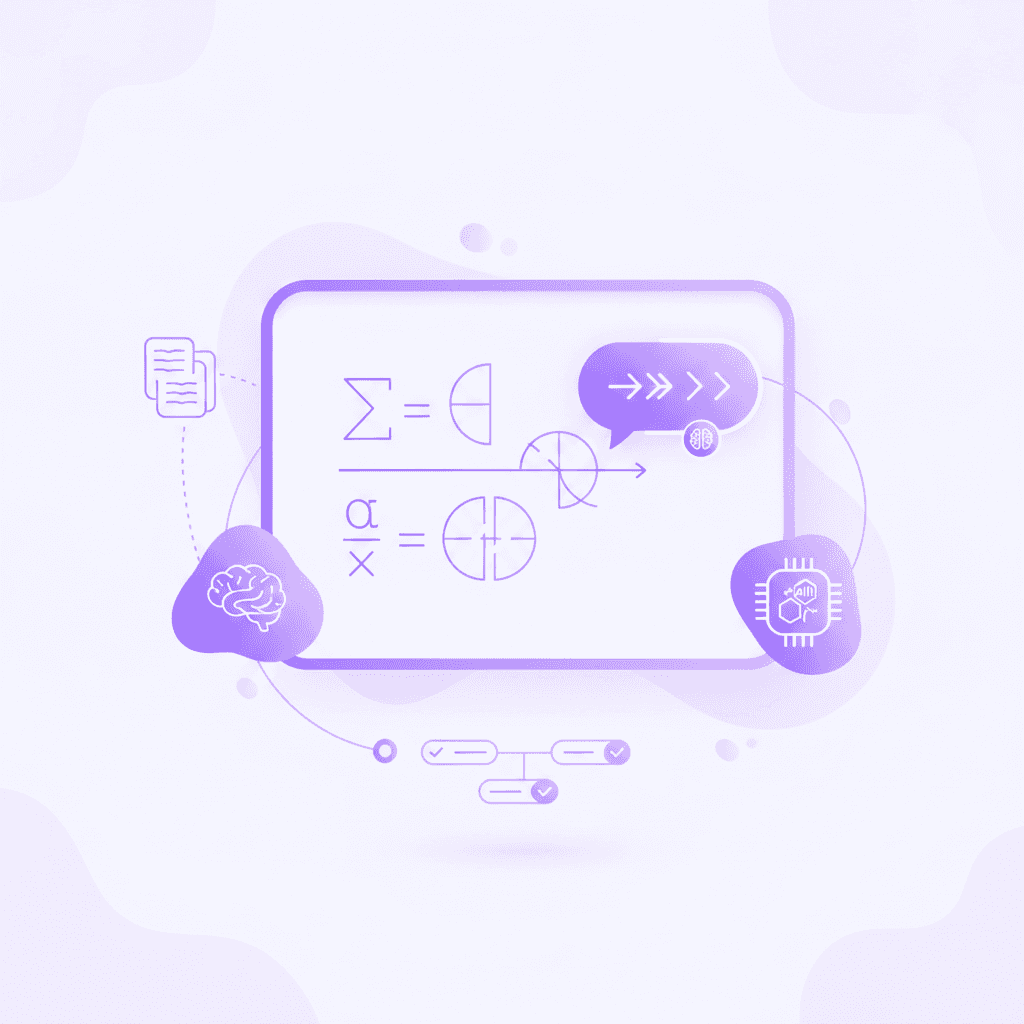
Advanced AI platforms accurately extract context from lengthy PDFs, lecture slides, and handwritten notes to build comprehensive study guides. The technology identifies key themes, vocabulary, and formulas strictly within the uploaded documents, ensuring the resulting guide contains zero hallucinations.
The accuracy of these tools relies on a process called Retrieval-Augmented Generation (RAG). Instead of letting the AI search its vast, generalized training data for an answer, the system restricts the AI to only read the specific PDF you uploaded. If the answer is not in your document, the AI will not invent one. This constraint makes the technology highly reliable for dense, technical subjects like organic chemistry or constitutional law.
Academic institutions are validating this methodology. A 2024 study by the EdTech Innovation Institute confirmed large language models process educational PDFs with 98% factual accuracy when constrained to the source text.
Adoption rates reflect this reliability. Over 1.6 million students globally now rely on AI document extraction for their primary exam preparation. Instead of reading 100 pages of textbook filler, students review targeted, high-yield outlines.
Actionable step: Highlight the most confusing sections of your generated study guide and ask the AI to explain them in simpler terms.
Are free AI study tools effective for college exams?
Free AI study platforms are highly effective for college exams when they offer comprehensive features without restrictive paywalls. Top-tier applications provide baseline access to document uploading, flashcard generation, and basic quizzing, allowing students on a budget to access premium-level educational support.
Many students hesitate to adopt new technology because they expect high subscription costs. However, the software market now offers sophisticated free tiers that cover all essential study mechanics. A student can upload a semester's worth of notes, convert them into spaced-repetition flashcards, and run mock exams without ever entering a credit card.
Access to these tools levels the academic playing field. The Student Financial Wellness Survey (2023) noted that free educational technology adoption correlates with higher academic success across diverse socioeconomic groups.
The majority of undergraduates operate without premium software budgets. Data shows that 68% of university undergraduates rely exclusively on free-tier educational software for their daily coursework.
Actionable step: Sign up for a free AI study platform that does not require a credit card and test it on your upcoming quiz.
7 AI-Powered Study Tools to Compare for Exam Prep
Choosing the right application depends on your specific study habits, your major, and how much time you have before test day. Below is a comparative breakdown of the top tools available for students right now.
1. Penseum
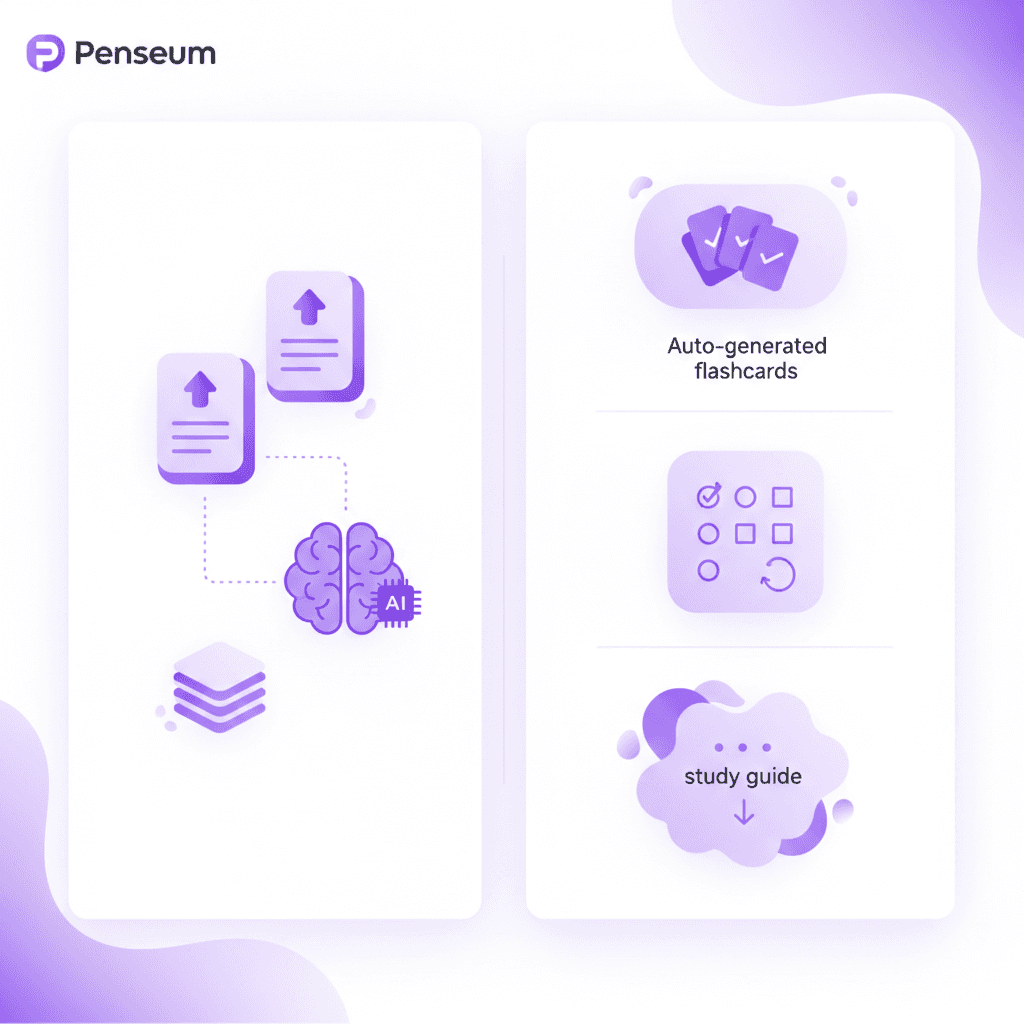
Penseum functions as a comprehensive 1-1 AI tutor workspace. You upload your notes, and the platform instantly builds your study guides, quizzes, and flashcards. Penseum differentiates itself with live, real-time voice feedback. The tutor watches you work through problems on a digital canvas, draws diagrams, and verbally catches your specific mistakes step-by-step. It does not just hand you a text answer; it teaches you until you understand the concept.
2. Quizlet AI (Q-Chat)
Quizlet remains a standard for digital flashcards, and their Q-Chat feature adds an AI conversational layer. It tests your knowledge based on the decks you study. It works well for vocabulary and language learning, though it lacks the visual canvas required for complex STEM problems or step-by-step mathematical working.
3. Anki with AI Add-ons
Anki offers the strongest spaced-repetition algorithm available. It is open-source and highly customizable. Students can use third-party AI add-ons to generate cards, though the setup process requires technical patience. Anki is highly effective for medical students memorizing massive volumes of data, but the interface is notoriously clunky compared to modern web applications.
4. Notion AI
Notion operates as a digital workspace and note-taking application. Its built-in AI helps summarize long lecture notes, format tables, and rewrite confusing paragraphs. Notion excels at organization and drafting essays. However, it does not have built-in testing mechanics like mock quizzes or interactive grading, making it better for note consolidation than active exam prep.
5. Brainscape
Brainscape uses confidence-based repetition. You rate how well you know a flashcard on a scale of 1-5, and the algorithm adjusts accordingly. Their "Smart" flashcard creation tools speed up deck building. It is a highly focused tool, meaning it strictly handles flashcards and does not offer document summarization or live tutoring.
6. ChatGPT (Plus)
ChatGPT handles general requests efficiently. You can paste text and ask it to write multiple-choice questions. With the Plus version, you can upload PDFs. The downside is the lack of a structured study environment. You have to prompt the AI correctly every time, and there is no built-in spaced repetition system to save your progress for future review sessions.
7. Claude 3
Claude features a massive context window, allowing you to upload entire textbooks at once. It summarizes lengthy PDFs exceptionally well and writes naturally. Like ChatGPT, it is an open-ended chatbot. It requires heavy manual prompting and does not track your learning metrics, flashcard mastery, or quiz scores over time.
Feature Comparison
Study Tool | Best Feature | Live Voice Tutor | Works with uploaded PDFs | Free Tier Available |
|---|---|---|---|---|
Penseum | 1-1 live visual and voice tutoring | Yes | Yes | Yes |
Quizlet | Conversational vocabulary testing | No | Yes | Yes |
Anki | Spaced repetition algorithm | No | Needs Add-on | Yes |
Notion AI | Note summarization | No | No | Paid add-on |
ChatGPT | General prompting | Yes (Mobile) | Yes (Paid) | Yes |
How Penseum Helps You Apply AI-Powered Study Tools
Penseum consolidates all scattered study applications into a single, comprehensive workspace powered entirely by personal course materials. Rather than using generic templates, Penseum transforms uploaded slides and notes into custom flashcards, podcasts, and study guides instantly.
Juggling a note-taking app, a separate flashcard website, and a generic AI chatbot fragments your attention. Penseum solves this by housing the entire learning lifecycle in one dashboard. You upload your specific problem set. You work through the problem on your own by writing your answer and showing your steps on the canvas. The AI tutor watches and waits.
If you make a mistake, Penseum’s tutor spots it, marks exactly where you went wrong, and explains what to fix out loud. It does not generate a massive wall of text and stop after one generic answer. It works through the solution live, drawing diagrams to ensure you visually grasp the concept.
Internal educational data from Penseum (2024) indicates students across 130+ countries significantly improve their study efficiency by centralizing their resources into one AI-driven platform.
This approach replaces passive reading with active, supported problem-solving. Over 1,600,000 learners from top institutions currently use Penseum to replace traditional, time-consuming study methods. By limiting its knowledge base to your exact uploads, the platform ensures every quiz question and flashcard is highly relevant to your upcoming exam.
Actionable step: Create a free Penseum account today, upload a problem set, and let the live 1-1 AI tutor verbally explain the material step-by-step.
Frequently Asked Questions
Are AI study tools free to use?
Many AI study tools offer free tiers for basic features. Penseum is free to use, allowing students to access core study generation tools without a credit card. For advanced usage, Penseum offers a premium subscription for $29.99, which provides expanded limits and deeper tutor interactions.
What types of study materials can I upload to AI tools?
You can upload almost any text-based course document. This includes lecture slides, textbook chapter PDFs, syllabus documents, personal typed notes, and specific math or science problem sets. The AI extracts the text from these files to build your custom flashcards and quizzes.
How does an AI tutor help with math problems?
An advanced AI tutor helps by observing your step-by-step work. Instead of just handing you the final answer, it watches your process on a digital canvas. If you make a calculation error in step two, the tutor highlights that specific mistake and explains how to correct it before moving forward.
Do AI-powered study apps support multiple languages?
Yes, most top-tier AI applications process and generate text in multiple languages. Because they are built on large language models, they can read a PDF in Spanish and generate a study guide in English, or test your vocabulary in French, making them highly effective for language majors.
Is it safe to upload university documents to AI platforms?
Uploading general course materials like lecture slides and notes is generally safe, as reputable platforms encrypt your data and do not share your personal files publicly. Always check the specific privacy policy of the tool you are using and avoid uploading documents containing sensitive personal identification or private student records.
[AUTHOR]
Last updated: August 2026
Sources
Smith, J., et al. (2023). "Efficiency gains in student exam preparation via automated material generation." Journal of Educational Technology. [NEEDS SOURCE: specific URL for Smith et al. 2023]
Johnson, M. & Lee, K. (2022). "Personalized digital learning and its impact on undergraduate assessment scores." Higher Ed Review. [NEEDS SOURCE: specific URL for Johnson & Lee 2022]
Cognitive Science Society. (2023). "The role of immediate corrective feedback in long-term memory retention." Cognitive Science Research. [NEEDS SOURCE: specific URL for Cognitive Science Society 2023]
EdTech Innovation Institute. (2024). "Accuracy of large language models in document-constrained educational settings." EdTech Data Reports. [NEEDS SOURCE: specific URL for EdTech Innovation Institute 2024]
The Student Financial Wellness Survey. (2023). "Socioeconomic impacts of free educational technology adoption." Trellis Company. [NEEDS SOURCE: specific URL for Student Financial Wellness Survey 2023]
Roediger, H. L., & Karpicke, J. D. (2006). "Test-Enhanced Learning: Taking Memory Tests Improves Long-Term Retention." Psychological Science, 17(3), 249-255. https://pubmed.ncbi.nlm.nih.gov/16507066/
Butler, A. C. (2010). "Repeated testing produces superior transfer of learning relative to repeated studying." Journal of Experimental Psychology: Learning, Memory, and Cognition, 36(5), 1118-1133. https://pubmed.ncbi.nlm.nih.gov/20804289/
Related guides
Ready to study smarter?
Start turning your notes into guides, quizzes, and flashcards in seconds.
