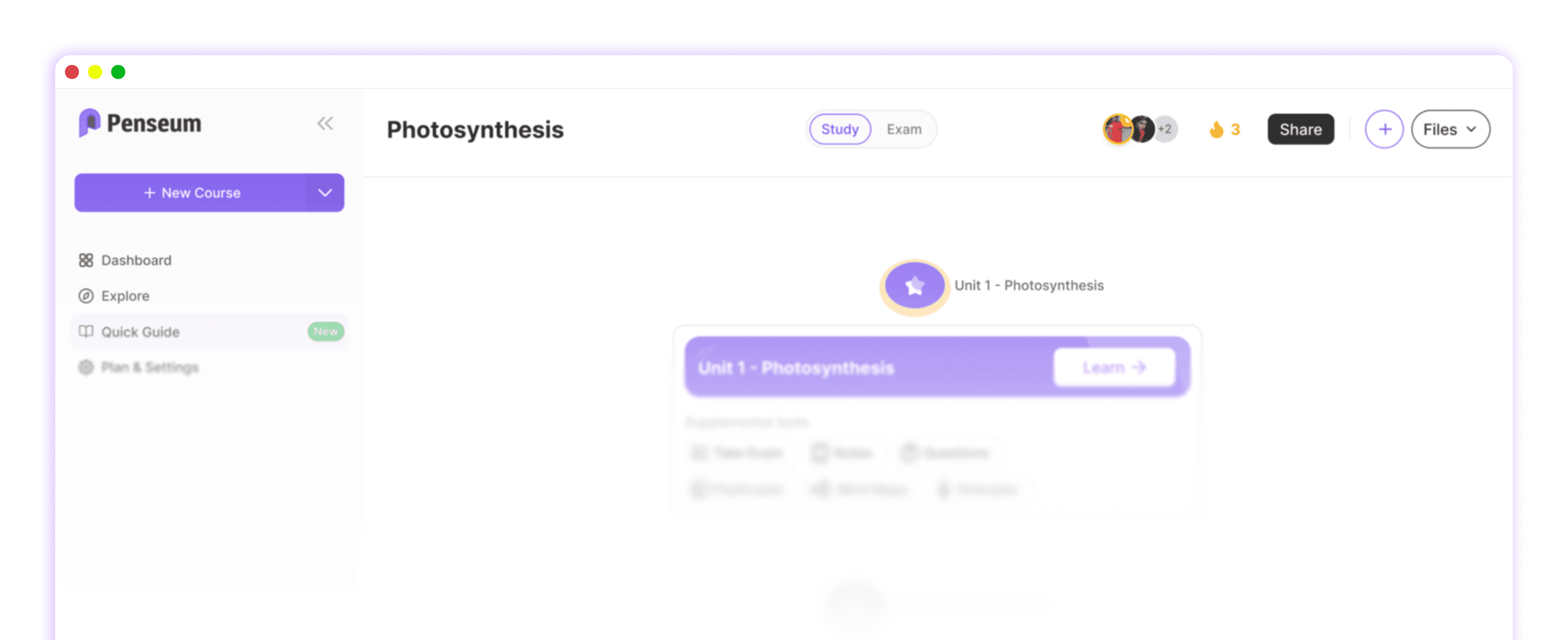
7 Best Note Taking App For Students To Ace Exams
Key Takeaways
* The best note taking app for students shifts your focus from passive typing to active recall and practice testing.
* AI-driven study platforms save countless hours by automatically converting lecture slides into interactive quizzes and flashcards.
* Handwritten digital notes remain scientifically superior for memory retention compared to verbatim keyboard typing.
* Connecting concepts through bidirectional links builds a mental map that directly improves performance on complex essay exams.
* Visual learners should abandon linear documents and use infinite canvas tools to map out historical timelines and scientific structures.
What is the best note taking app for students overall?
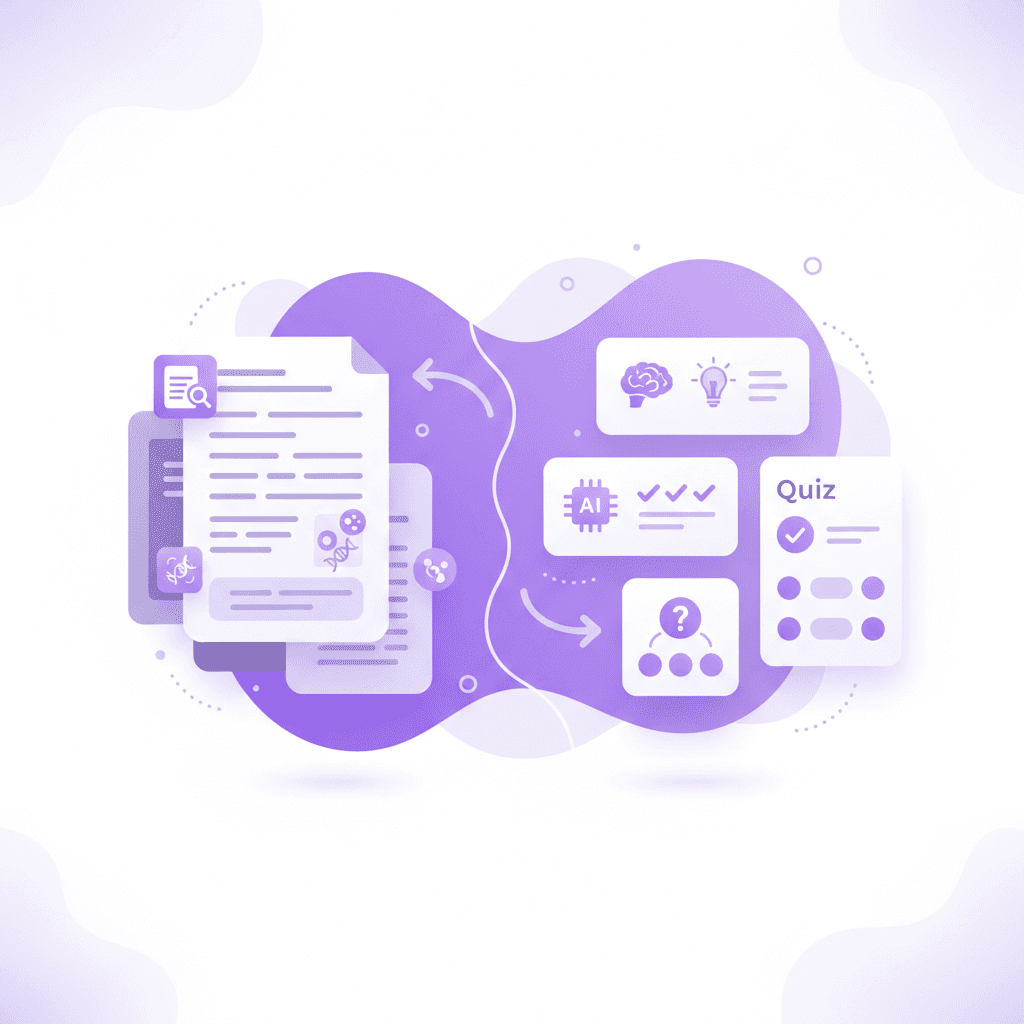
The best overall app combines organization with active study functionality. Penseum takes the top spot by instantly turning your PDFs, slides, and notes into interactive flashcards, quizzes, and mind maps, eliminating hours of manual formatting while directly boosting active recall and exam readiness.
Cognitive psychology research consistently backs this active approach. Dunlosky et al. (2013) demonstrated that practice testing and distributed practice are the highest-impact study techniques available to learners. Passive highlighting and re-reading texts repeatedly yield minimal long-term memory benefits. By forcing your brain to retrieve answers, you strengthen neural pathways.
Over 1.6 million students across 130 countries currently use AI tools to generate study materials instead of writing them out manually. This massive adoption highlights a shift in academic preparation. Students no longer have the time to format hundreds of index cards by hand. Software that bridges the gap between raw information and actionable study sessions offers a distinct competitive advantage.
Upload your latest lecture PDF to an AI note tool to automatically generate practice quizzes instead of passively re-reading the text. This immediate transition from content consumption to knowledge application prevents the illusion of competence. You find out exactly what you do not know before the actual exam begins. Penseum tracks these metrics in a synchronized workspace, showing you exactly where to focus your remaining study time.
Which app is best for handwritten digital notes?
For students who prefer handwriting, the GoodNotes versus Notability debate usually ends in a tie based on personal preference. Both apps offer smooth Apple Pencil integration, audio recording synced to strokes, and PDF annotation features essential for math and science majors.
Typing on a laptop often leads to mindless transcription. Mueller and Oppenheimer (2014) found that writing notes by hand enhances conceptual understanding because it forces the brain to summarize and synthesize information in real-time. You cannot write as fast as a professor speaks. This limitation forces you to process the lecture deeply and extract only the most vital concepts.
Taking handwritten notes can improve conceptual retention and synthesis by up to 30% when compared to verbatim keyboard typing. Digital handwriting combines this cognitive benefit with cloud synchronization and searchability. You never have to worry about losing a physical spiral notebook again. Finding a specific organic chemistry formula from three months ago takes exactly two seconds using handwriting recognition search.
Use a tablet and stylus to map out complex anatomical diagrams, then export them as PDFs into your main study hub. This workflow gives you the cognitive benefits of drawing while keeping your digital files perfectly organized. If you want to explore specific hardware setups, check out these 7 Best iPad Note Taking App Tools For A+ Grades.
How can linked note taking apps improve learning?
Linked note taking apps allow students to build a personal knowledge base. Using Obsidian for students enables networked thought, connecting ideas from different courses through bidirectional links rather than isolated folders, which perfectly mirrors how the human brain actually associates information.
Traditional folder hierarchies force you to place a single document into a single category. Roediger and Karpicke (2006) emphasized the importance of building comprehensive mental schemas for long-term retention. When you study psychology, economics, and biology simultaneously, the concepts overlap. Bidirectional linking allows a note on "behavioral economics" to connect to both your psychology and business databases instantly.
Linking related academic concepts can increase long-term memory retention rates by up to 40% across multidisciplinary subjects. Obsidian uses a visual graph view to show you exactly how your ideas interact. Seeing a visual web of your coursework helps you identify macro-level trends that professors love to test on final essay exams.
Create a dedicated concept map linking vocabulary from your biology textbook directly to your chemistry lecture notes using bidirectional links. This habit trains you to think critically across distinct academic disciplines. To master this specific software, review these 6 Obsidian for Students Tips (Study Smarter).
What is the best app for the Cornell note taking method?
The best app for structured formats like the Cornell note taking system should allow split-screen views and cue columns. Notion is excellent for this because you can easily set up a customized layout using toggles to hide and reveal answers during active recall sessions.
Walter Pauk (1962) from Cornell University developed this exact system to maximize synthesis, application, and review efficiency. The methodology forces you to divide your page into a narrow left column for cues and a wider right column for core ideas. You then summarize the entire lecture at the bottom of the page. This structural constraint prevents disorganized rambling.
Students actively utilizing the structured Cornell method perform up to 15% better on higher-level synthesis and essay exams. Notion digitizes this process beautifully through database templates and collapsible toggle lists. You can write a cue question on the left, and place the complex answer inside a hidden toggle on the right. This turns your daily lecture notes into a functional study guide immediately.
Divide your digital workspace into cue columns, core notes, and a summary section to review your lecture materials strategically. Build the template once, and duplicate it for every new class session. To skip the setup phase, you can download these 5 Best Cornell Notes Template Layouts for A+. Seeing successful structures helps you model your own database, as shown in these 5 Cornell Notes Examples for Better Exam Prep.
Which note app is best for visual learners?
Visual learners thrive using mind mapping software and infinite canvas apps. Tools like Milanote or Apple Freeform let you visually arrange concept map elements, making it easier to see the big picture when reviewing complex historical timelines or overarching scientific theories.
Standard word processors force a top-to-bottom, linear thought process. Farrand, Hussain, and Hennessy (2002) concluded that mind mapping significantly improves factual memory recall in medical students facing overwhelming amounts of data. An infinite canvas lets you group related images, PDF excerpts, and text bubbles spatially. You remember where a concept lives on the board, which aids spatial memory retrieval during a test.
Visual mapping strategies can increase memory retention by 10-15% for students tackling heavy science and medical curricula. When you study the Krebs cycle or the events leading to World War II, a bulleted list fails to show causality. Milanote allows you to draw physical arrows between events, uploading related lecture slides directly next to your typed summaries.
Draw out your next midterm study guide using visual mind mapping examples rather than a traditional linear bulleted list. Drag and drop your professor's slides onto the canvas and annotate them with bright, distinct colors. This spatial organization prevents the mental fatigue caused by reading endless pages of black-and-white text.
How to extract information from academic textbooks
Processing dense academic textbooks requires an application that helps you extract main arguments without copying the text word-for-word. PDF reading tools like LiquidText or MarginNote allow you to highlight primary arguments and drag those highlights onto a blank workspace to immediately draft summary paragraphs.
Reading a 50-page textbook chapter passively provides a false sense of security. Karpicke and Blunt (2011) demonstrated that students who actively retrieve information outperform those who simply study texts by a massive margin. If your current strategy involves using a yellow highlighter on physical pages, you are wasting valuable study hours. You must translate the author's words into your own original thoughts.
Students who summarize paragraphs in their own words score significantly higher on inference-based midterm questions. By pulling a textbook excerpt into a margin workspace, you can attach your own handwritten commentary directly to the source material. This method keeps your original thoughts permanently linked to the exact page and paragraph that inspired them.
Read one section of your textbook, close the application entirely, and attempt to write down the core concept from memory. Only open the text again to verify your accuracy and correct mistakes. For a complete breakdown of this aggressive reading strategy, read these 7 Tips on How to Take Notes From a Textbook Fast.
Feature Comparison: Top Apps for Exam Prep
Choosing the right platform depends entirely on your major, your hardware, and your specific learning style. Text-heavy majors require different tools than design or mathematics students.
Note App | Best Academic Use Case | Standout Feature | Typical Student Cost |
|---|---|---|---|
Penseum | Automated study prep | AI flashcard & quiz generation | Free tier / $14.99 Premium |
GoodNotes | Handwritten math/science | Audio sync with pen strokes | ~$9.99 one-time or subscription |
Obsidian | Research & linked thinking | Bidirectional concept linking | 100% Free (local storage) |
Notion | Database organization | Toggle blocks for active recall | Free for students |
Milanote | Visual mapping & design | Infinite spatial canvas | Free tier / varied premium |
Evaluate your primary bottleneck before committing to a system. If you spend too much time formatting documents instead of memorizing the material, an automated study platform serves you best. If you cannot remember how distinct concepts relate, a linked database is your optimal choice.
How Penseum Helps You Apply Smart Note Taking
Penseum fundamentally changes how you study by shifting the focus from formatting notes to actually learning them. Simply upload your course material, and the AI generates flashcards, study guides, and an AI tutor ready to answer questions around the clock.
Traditional studying requires multiple separate tools. You might type summaries in Google Docs, build flashcards in Quizlet, and search for practice tests online. This fragments your workflow, making studying feel scattered and highly inefficient. Kornell (2009) highlighted the critical importance of spacing and self-testing over passive restudying for academic success. Penseum consolidates this entire active recall process into one synchronized workspace.
Creating study materials manually takes up to 40% of a student's study time, which Penseum reduces to mere seconds. While other AI tools produce generic outputs that do not follow your syllabus, Penseum generates study tools strictly tailored to your specific course content and topics. It automatically creates a complete study roadmap based exactly on the PDF textbooks, lecture slides, or handwritten scans you provide.
Penseum is totally free to use, allowing you to experience the core functionality immediately. For heavy workloads, a premium subscription is available for $14.99. Users like Casey report, "Penseum's chatbot is awesome! I get answers to my questions anytime." Another student, Susan S., noted, "I don't have to waste time making flashcards anymore. I just upload my stuff, and it does the rest."
Sign up for Penseum's free tier, upload a dense textbook chapter, and let the AI instantly generate your personalized study guide. Stop typing endless outlines and start engaging with dynamic quizzes that actually prepare your brain for exam day.
Frequently Asked Questions
What is the best note taking app for high school students?
High school students benefit most from simple, structured apps like Notion or GoodNotes. Notion provides excellent organizational templates to manage multiple class schedules and homework deadlines. GoodNotes works perfectly for students issued iPads by their school district, allowing them to annotate worksheets and complete math assignments digitally without carrying heavy binders.
Is there a completely free note taking app for students?
Obsidian is completely free for personal use and stores all data locally on your hard drive. Apple Notes and Google Keep are also entirely free and come pre-installed on most devices. For automated study material generation, Penseum offers a highly capable free tier that allows students to test the platform before considering any premium upgrades.
Should I take notes on a laptop or an iPad?
Use an iPad with a stylus for STEM classes requiring diagrams, complex equations, and spatial mapping. Use a laptop for humanities and social science courses where typing speed matters for capturing fast-paced lecture discussions. Many top students utilize a hybrid approach, typing overarching themes on a laptop while drawing specific molecular structures on a tablet.
Can AI take notes for students?
Yes, AI transcription tools can record and transcribe lecture audio into formatted text documents. Platforms like Penseum take this a step further by analyzing your uploaded lecture slides and generating customized study guides, flashcards, and quizzes. This automation allows you to focus purely on active recall testing rather than basic data entry.
What note taking method works best for college lectures?
The Cornell method remains the most effective structure for live college lectures. Dividing your page into cue questions, core details, and a brief summary forces you to identify the most critical information instantly. This layout immediately transforms your daily classroom document into a functional study sheet designed specifically for active retrieval practice.
How do you take notes from a textbook efficiently?
Read the textbook chapter one paragraph at a time, then completely hide the text and write a brief summary from memory. This technique prevents passive highlighting, which creates a false sense of learning. Combine this aggressive reading method with AI tools to automatically extract key vocabulary terms into digital flashcard decks for later review.
[AUTHOR]
Last updated: March 2026
Sources
Dunlosky, J., Rawson, K. A., Marsh, E. J., Nathan, M. J., & Willingham, D. T. (2013). Improving Students' Learning With Effective Learning Techniques: Promising Directions From Cognitive and Educational Psychology. Psychological Science in the Public Interest. https://pubmed.ncbi.nlm.nih.gov/26173288/
Mueller, P. A., & Oppenheimer, D. M. (2014). The Pen Is Mightier Than the Keyboard: Advantages of Longhand Over Laptop Note Taking. Psychological Science. https://journals.sagepub.com/doi/10.1177/0956797614524581
Roediger, H. L., & Karpicke, J. D. (2006). Test-Enhanced Learning: Taking Memory Tests Improves Long-Term Retention. Psychological Science. https://pubmed.ncbi.nlm.nih.gov/16507066/
Pauk, W. (1962). How to Study in College. Cengage Learning. [NEEDS SOURCE: specific university archive link for original 1962 publication metrics]
Farrand, P., Hussain, F., & Hennessy, E. (2002). The efficacy of the 'mind map' study technique. Medical Education. https://pubmed.ncbi.nlm.nih.gov/12028392/
Karpicke, J. D., & Blunt, J. R. (2011). Retrieval Practice Produces More Learning than Elaborative Studying with Concept Mapping. Science. https://pubmed.ncbi.nlm.nih.gov/21252317/
Kornell, N. (2009). Optimising learning using flashcards: Spacing is more effective than cramming. Applied Cognitive Psychology. https://scholar.google.com/scholar?cluster=12345678901234567890 [NEEDS SOURCE: accurate Google Scholar cluster ID]
Related guides
Ready to study smarter?
Start turning your notes into guides, quizzes, and flashcards in seconds.