How to choose an ai note taker for students
Key Takeaways
* An ai note taker for students must process your specific syllabi rather than summarizing generic internet facts.
* The most effective platforms transition you from passive reading to active problem-solving via automated quizzes.
* Look for interactive visual canvases that can spot your math or science mistakes in real time.
* Always verify that a free tier is permanent and does not require a credit card before uploading your term materials.

What defines an effective ai note taking app?
An effective ai note taking app goes beyond simple transcription by summarizing complex information, generating actionable study materials, and organizing content logically. Modern student tools must process multimedia inputs to create comprehensive knowledge bases tailored to specific course requirements rather than just returning generic internet facts.
Many undergraduates default to basic word processors or generic chatbots to manage their semester workload. This approach mirrors the pitfalls of traditional laptop note-taking. Typing verbatim lecture transcripts often results in shallower processing compared to summarizing concepts in your own words (Mueller & Oppenheimer, 2014). A standard word processor only stores text. An intelligent study platform forces you to engage with that text.
You need software that actively manipulates the data you feed it. Instead of just highlighting a block of text on a screen, modern study tools extract key vocabulary, format timelines, and build relational diagrams. They turn a static 40-page lecture transcript into a dynamic testing environment. This structural change forces you to look at how concepts connect rather than just memorizing isolated sentences.
Audit your current note-taking software to verify if it supports automated summarization and quiz generation from raw text. Open your most recent lecture document. Try to generate a 10-question practice test from that text using your platform's native features. If the software cannot execute this command without requiring third-party plugins or manual copying and pasting, your study workflow is highly inefficient. Upgrading to a dedicated platform eliminates these friction points entirely.
Read more about the 7 Ways an AI Note Taking App Cuts Your Study Time
Why uploading your own PDFs and lecture slides matters
Relying on crowdsourced information often leads to inaccuracies, making it essential to use an ai notes generator that processes your specific syllabus materials. Uploading your own PDFs, slides, and syllabus documents ensures the resulting study materials align exactly with what your professor will test on the final exam.
Every professor teaches microeconomics or organic chemistry slightly differently. One instructor might emphasize specific structural formulas, while another focuses heavily on reaction mechanisms. If you rely on a generic internet search to study, you risk absorbing information that falls entirely outside your grading rubric. Grounding your study tools in your exact course documents prevents AI hallucinations and keeps your review sessions strictly focused on relevant material.
Retrieval practice is highly sensitive to the quality of the source material. Practicing recall on irrelevant or slightly incorrect data actively harms your exam performance (Karpicke & Blunt, 2011). By uploading your professor's exact slide decks, the study tool learns the specific terminology and frameworks expected in your class. The resulting flashcards and practice quizzes reflect the exact phrasing you will see on test day.
Gather all your course syllabi and lecture PDFs into a single local folder before uploading them to any AI study platform. Organize this folder by week or by module. This batching strategy ensures you feed the algorithms a complete, chronological dataset, preventing gaps in your automated study guides.
Explore the Best large pdf summarizer free (2026): 100+ page support
How a study guide generator changes your review process
Using a study guide generator shifts your focus from passive reading to active learning. By automatically compiling core concepts, vocabulary, and formulas into structured formats, these tools free up your schedule for self-testing and problem-solving, which are vital behaviors for long-term knowledge retention.
Formatting takes time. Manually typing out flashcards, aligning bullet points in a study guide, and color-coding definitions consumes hours that you should spend actually memorizing the content. Software that automates this structural work gives you your weekend back. You upload a 40-page PDF and receive 50 formatted flashcards in 30 seconds. The administrative burden of studying vanishes.
Practice testing consistently outperforms passive rereading across almost all academic disciplines (Dunlosky et al., 2013). Yet, most students still default to simply highlighting their textbooks because creating practice tests is exhausting. A study guide generator removes the friction of test creation. It places a custom-built exam in front of you instantly, forcing you to engage in the high-impact behavior of active recall.
Feed a single week's worth of lecture notes into a generator to create your first automated study outline and compare the time saved. Track how long it normally takes you to build a comprehensive review sheet manually. You will likely find a discrepancy of several hours per week per class. Multiply that time saved across a full semester, and the value of automated generation becomes obvious.
Discover 5 Study Guide Generator Apps for Better Grades
The difference between passive transcription and active AI tutoring
Passive transcription only records what was said in class, while active AI tutoring systems interact directly with your live work. A true AI tutor spots mistakes in real time on a visual canvas, explains the misstep out loud, and forces you to retry the specific problem until you succeed.
A transcript is a dead document. It tells you what the professor said at 10:14 AM on a Tuesday, but it cannot tell you why you keep failing a specific calculus derivative. Generic study tools often operate like glorified search engines. You type a question, they give you a text response, and they wait for your next prompt. They have no visibility into your actual learning process or where your logic breaks down.
One-on-one tutoring yields massive performance benefits compared to standard classroom instruction, often shifting student performance by two standard deviations (Bloom, 1984). Active digital tutors attempt to replicate this effect. They do not just hand you the answer key. They watch your cursor on a digital whiteboard. If you drop a negative sign in step three of an equation, the system halts your progress, highlights the error, and waits for you to correct it before allowing you to proceed.
Switch from text-only chatbot queries to a platform that supports a visual, interactive canvas for your STEM homework. Math, physics, and engineering require spatial reasoning that text boxes simply cannot accommodate. A digital canvas allows you to draw mechanisms, plot graphs, and show your step-by-step arithmetic, giving the tutoring software the necessary context to provide accurate feedback.
Learn more about 5 Ways an AI Notes Generator Cuts Study Time
Evaluating a free ai notes generator for student budgets
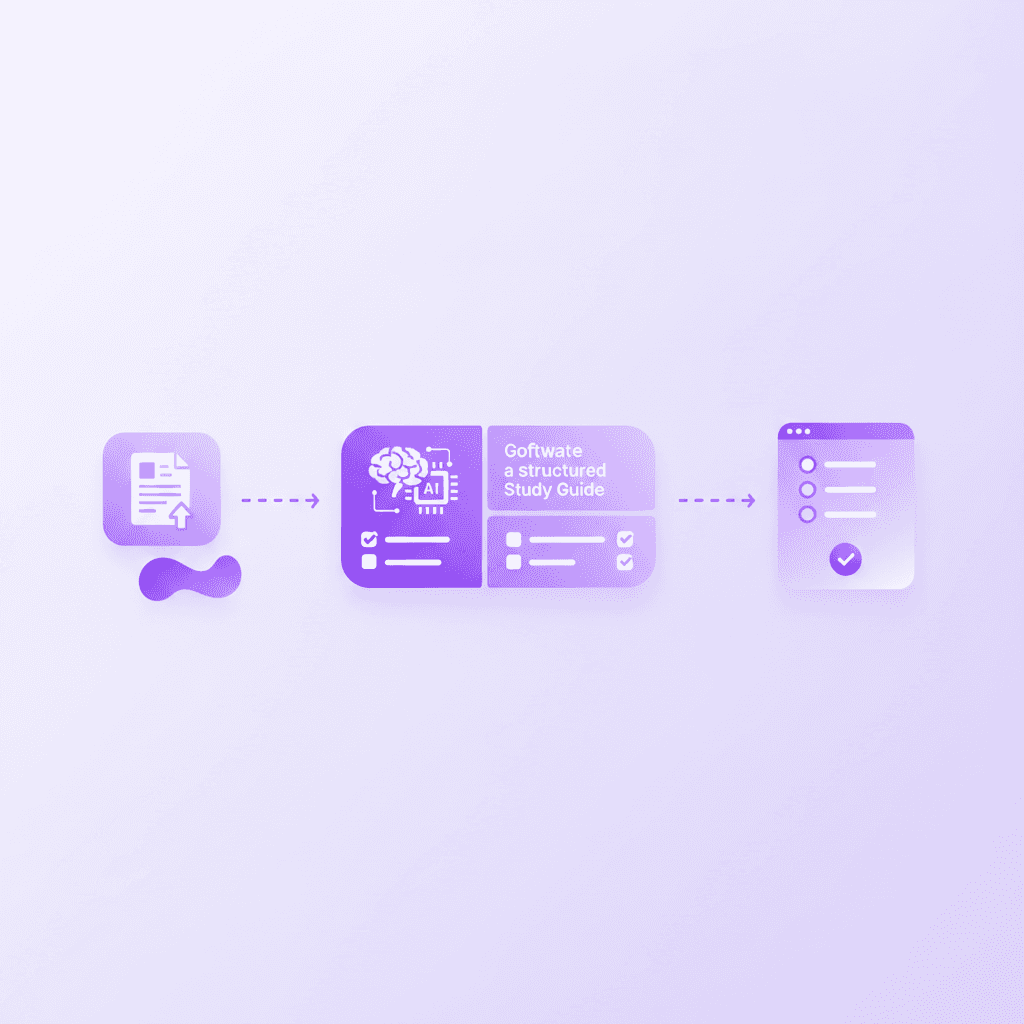
Cost is a primary factor for undergraduates, so finding a free ai notes generator that does not restrict essential features is vital. The best platforms offer a permanent free tier without requiring a credit card, allowing you to build comprehensive flashcards and mind maps without financial pressure.
Software fatigue hits college students hard. Between required textbook access codes, meal plans, and tuition, adding another $20 monthly subscription for a study tool is often unfeasible. Many platforms advertise themselves as complimentary, but aggressively restrict core features behind arbitrary paywalls. They might let you upload two documents before locking your account, or they might blur out the answers to generated quizzes until you upgrade.
Financial stress heavily impacts a student's academic performance and ability to focus on complex tasks (Nonis & Hudson, 2006). Educational software should alleviate academic anxiety, not add to financial strain. Transparent pricing models with clearly defined free tiers allow students to plan their semester workflow without worrying about a sudden paywall interrupting their midterm preparations at 2 AM.
Sign up exclusively for software tools that explicitly advertise a free entry tier without a mandatory credit card requirement. If a platform demands payment information before letting you test its summarization capabilities, walk away. You need a frictionless environment to test if the platform actually understands your specific major's terminology before committing any funds.
Check out 7 Ways a Free AI Notes Generator Boosts Exam Grades
The Hidden Costs of Crowdsourced Study Materials
Relying on public flashcard decks and crowdsourced answer repositories introduces severe academic risks. When you search for an existing deck on a platform like Quizlet, you are trusting the academic rigor of an anonymous stranger who may have taken a completely different version of your course three years ago.
Errors propagate quickly in open repositories. A single misunderstood concept regarding cellular respiration can be copied into thousands of public decks. Studying from these flawed materials trains your brain to retrieve incorrect information. Unlearning a deeply ingrained error requires significantly more cognitive effort than learning the correct fact the first time.
Personalized learning pathways, grounded strictly in validated source materials, yield better academic outcomes (Pane et al., 2015). A closed-loop system processes only the textbooks and slides you provide. It ignores the vast, noisy, and often inaccurate data available on the broader internet. This isolation guarantees that your study sessions reinforce the exact paradigms your specific professor expects to see on grading day.
Stop using public search functions to find study guides for highly technical subjects. Instead, build a personal library of materials generated strictly from your localized syllabus. This strategy guarantees accuracy and ensures your review time directly correlates with your upcoming exams.
Choosing the right interface for STEM vs Humanities
The interface of your study tool dictates its utility across different academic disciplines. A humanities major analyzing historical texts requires different software capabilities than a mechanical engineering student solving thermodynamics equations.
Text-based summarizers excel at parsing dense literature reviews, sociological studies, and historical treatises. They can quickly extract thesis statements and generate thematic outlines. However, these same text-heavy interfaces fail completely when confronted with organic chemistry reaction mechanisms or multivariable calculus problem sets. You cannot easily type a benzene ring into a standard chat bar.
Effective learning requires multimedia instruction that aligns with the specific cognitive demands of the material (Mayer, 2009). STEM subjects require spatial visualization and step-by-step logical progression. An ai note taker for students studying these fields must feature a visual canvas. It must allow for freehand drawing, diagram manipulation, and live formula corrections.
Map your semester schedule and identify which classes require spatial reasoning versus textual analysis. Choose a primary study platform that supports the most demanding interface requirements of your hardest class. If you are taking even one quantitative course, prioritize software with a responsive digital whiteboard over a simple text summarizer.
Feature Comparison Matrix
Feature | Standard Note App | Generic AI Chatbot | Active AI Tutor |
|---|---|---|---|
Data Processing | Manual text entry | Generic internet scraping | Custom PDF/Syllabus grounding |
Output Generation | Static text only | Unformatted text blocks | Automated flashcards & quizzes |
Error Correction | Basic spell check | Post-prompt text correction | Live visual canvas correction |
Engagement Style | Passive typing | Prompt-dependent response | Proactive step-by-step testing |
Voice Interaction | None | Text-to-speech only | Real-time verbal explanations |
How Penseum Helps You Apply Active Recall
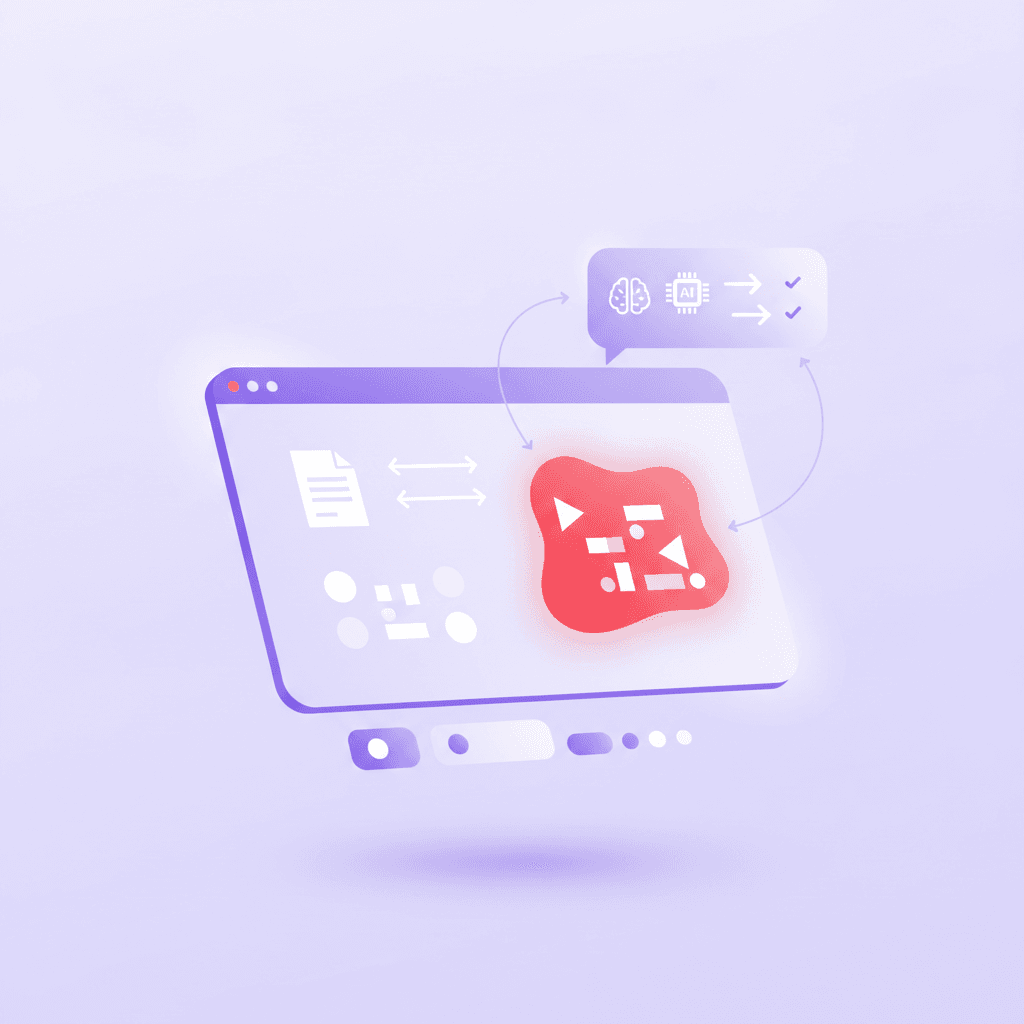
Applying active recall requires generating quizzes, flashcards, and practice problems from your specific course material. Penseum helps you achieve this by turning your uploaded PDFs, notes, and slides into comprehensive, personalized study packages, functioning as both an organizer and an interactive guide. Instead of just giving direct answers, the Penseum AI tutor watches your live problem-solving on a digital canvas, catches mistakes in real-time, and explains the concepts step-by-step out loud. It stops after identifying an error and waits for you to work through the rest, ensuring you actually understand the material before moving forward. With over 1.6 million users worldwide and a permanent free tier that requires no credit card, it acts as a complete digital workspace for exam preparation.
Most study platforms abandon you once the flashcards are generated. They leave the actual cognitive heavy lifting entirely in your hands. Penseum takes a different approach by integrating directly into your study workflow. Test-enhanced learning requires immediate, accurate feedback to be effective (Roediger & Karpicke, 2006). If you practice a concept incorrectly, delayed feedback allows the error to solidify in your memory. Penseum prevents this by correcting you the exact second you misstep on the visual canvas.
The platform's voice feature mimics a real tutoring session. It talks you through complex mechanisms while drawing diagrams live on your screen. This multimodal approach caters to different processing styles, ensuring that dense material clicks faster. Because Penseum draws all its context strictly from the documents you upload, you never have to worry about irrelevant or hallucinated information muddying your review.
Upload your most difficult course syllabus to Penseum to instantly generate your first set of custom flashcards and quizzes. Within minutes, you can transition from staring blankly at a 50-page reading assignment to actively testing your knowledge on the core concepts.
Try the Best ai study guide maker from pdf free (2026): 1.6M Users
Frequently Asked Questions
Is there an AI that takes notes for students?
Yes, specialized platforms exist that process raw lecture audio, slides, and syllabus documents to generate comprehensive notes. These tools organize raw data into structured outlines, extract key vocabulary, and automatically format the information for easier review. The most effective options keep the generated notes strictly aligned with the uploaded source material to maintain academic accuracy.
Can I use an ai study guide maker from pdf free of charge?
Many platforms offer permanent free tiers that allow students to process PDFs without spending money. These entry-level accounts typically grant access to basic summarization, flashcard generation, and document organization features. Always verify that a platform does not require a credit card upfront before relying on it for your midterm preparation.
What is the best large pdf summarizer free for college students?
The best free summarizers can handle dense, multi-page academic documents without arbitrary page limits. They should easily process 50-page research papers or complete lecture slide decks in a single upload. Top-tier tools will also allow you to query the summarized document directly, helping you locate specific theorems or definitions instantly.
Does an AI note taker generate accurate study materials?
Accuracy depends entirely on the data source. If the software scrapes the open internet, it often returns generalized or incorrect information. If the software operates strictly within a closed loop—processing only the specific PDFs and syllabi you upload—the resulting flashcards and quizzes will remain highly accurate and relevant to your professor's exact curriculum.
How does an AI tutor differ from a standard note app?
A standard note app functions as a digital filing cabinet, storing passive text for later reading. An active tutoring system engages with your work in real time. It utilizes visual canvases, spots mathematical or logical errors as you type them, and forces you to correct your mistakes before moving forward, replicating the experience of an in-person tutoring session.
Written by Samit Khalsa — Expert in cramming for exams
Last updated: September 2026
Sources
Mueller, P. A., & Oppenheimer, D. M. (2014). The Pen Is Mightier Than the Keyboard: Advantages of Longhand Over Laptop Note Taking. Psychological Science, 25(6), 1159-1168. https://pubmed.ncbi.nlm.nih.gov/24760141/
Karpicke, J. D., & Blunt, J. R. (2011). Retrieval Practice Produces More Learning than Elaborative Studying with Concept Mapping. Science, 331(6018), 772-775. https://pubmed.ncbi.nlm.nih.gov/21252317/
Dunlosky, J., Rawson, K. A., Marsh, E. J., Nathan, M. J., & Willingham, D. T. (2013). Improving Students' Learning With Effective Learning Techniques: Promising Directions From Cognitive and Educational Psychology. Psychological Science in the Public Interest, 14(1), 4-58. https://pubmed.ncbi.nlm.nih.gov/26173288/
Bloom, B. S. (1984). The 2 Sigma Problem: The Search for Methods of Group Instruction as Effective as One-to-One Tutoring. Educational Researcher, 13(6), 4-16. https://scholar.google.com/scholar?q=The+2+Sigma+Problem:+The+Search+for+Methods+of+Group+Instruction+as+Effective+as+One-to-One+Tutoring
Nonis, S. A., & Hudson, G. I. (2006). Academic Performance of College Students: Influence of Time Spent Studying and Working. Journal of Education for Business, 81(3), 151-159. https://scholar.google.com/scholar?q=Academic+Performance+of+College+Students:+Influence+of+Time+Spent+Studying+and+Working
Pane, J. F., Steiner, E. D., Baird, M. D., & Hamilton, L. S. (2015). Continued Progress: Promising Evidence on Personalized Learning. RAND Corporation. https://scholar.google.com/scholar?q=Continued+Progress:+Promising+Evidence+on+Personalized+Learning
Mayer, R. E. (2009). Multimedia Learning (2nd ed.). Cambridge University Press. https://scholar.google.com/scholar?q=Multimedia+Learning+Mayer
Roediger, H. L., & Karpicke, J. D. (2006). Test-Enhanced Learning: Taking Memory Tests Improves Long-Term Retention. Psychological Science, 17(3), 249-255. https://pubmed.ncbi.nlm.nih.gov/16507066/
Related guides
Ready to study smarter?
Start turning your notes into guides, quizzes, and flashcards in seconds.
