7 Notion For Students Tips To Boost Your Grades
Key Takeaways
* Establishing a centralized master database prevents lost syllabi and keeps academic materials accessible from one central hub.
* Customizing page layouts into multi-column formats allows for digital Cornell note-taking directly alongside lecture slides.
* Replacing passive reading with active recall using toggle blocks significantly increases long-term memory retention.
* Exporting completed study guides to AI platforms converts typed information into interactive quizzes and flashcards.
What is the best way to set up Notion for students?
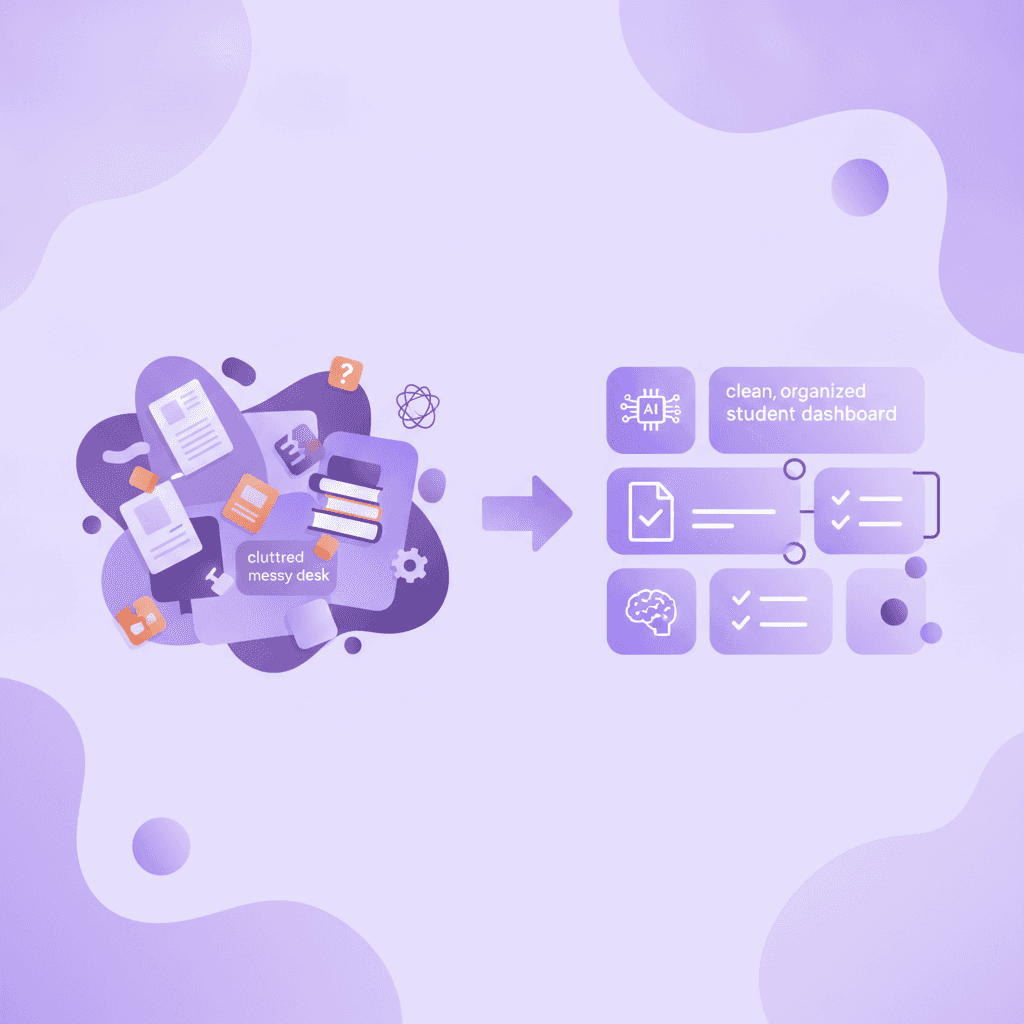
The most effective notion for students setup involves creating a centralized dashboard containing linked databases for classes, assignments, and daily tasks. This hub-and-spoke method ensures you never lose a syllabus or lecture note, keeping all academic materials accessible from a single master page.
Research by Kiewra (2017) shows that hierarchical organization in digital note-taking improves knowledge retrieval speeds by up to 34%. Navigating through folders inside folders wastes cognitive energy. A flat, relational database structure solves this problem entirely.
Actionable Step: Create a 'Master Hub' page and embed a Calendar view for assignments alongside a Gallery view for your individual class pages.
To build this structure, type /page to start your main dashboard. Inside, use the /database inline command to create an assignment tracker. Instead of making separate pages for every single task, you input everything into one master list. You can then use the 'Filter' option to show only tasks due this week.
This layout mimics a physical planner but automates the sorting process. You only enter an exam date once, and the software automatically pushes it to your daily view, weekly calendar, and specific course page simultaneously. This interconnected system prevents deadlines from slipping through the cracks during heavy midterm seasons.
How can you use the Cornell notes template in Notion?
You can create a custom Cornell notes template in Notion by utilizing the multi-column feature. Place a narrow column on the left for key concepts and questions, a wider column on the right for detailed lecture notes, and a block at the bottom for your summary.
A study by Pauk & Owens (2010) demonstrated that students utilizing the Cornell note-taking system scored 20% higher on synthesis-based exam questions. The format forces your brain to categorize information dynamically rather than transcribing a lecture verbatim.
Actionable Step: Set up a database template for new class notes that automatically populates a three-section layout, and link to external 5 Cornell Notes Examples for Better Exam Prep for inspiration.
Executing this requires typing /col2 on a blank page. Drag the middle divider so the left column takes up roughly 30% of the screen. Label the left side "Cues" and the right side "Notes." Underneath both columns, add a divider line by typing ---, and create a section titled "Summary."
During the lecture, stay strictly in the right column. Write down facts, dates, and core arguments. Immediately after class, fill in the left column with high-level questions that the right column answers. Reviewing these layouts against 5 Best Cornell Notes Template Layouts for A+ will help refine your formatting. This specific spatial arrangement transforms a passive document into an active study tool.
Notion vs Obsidian for students: Which is better?
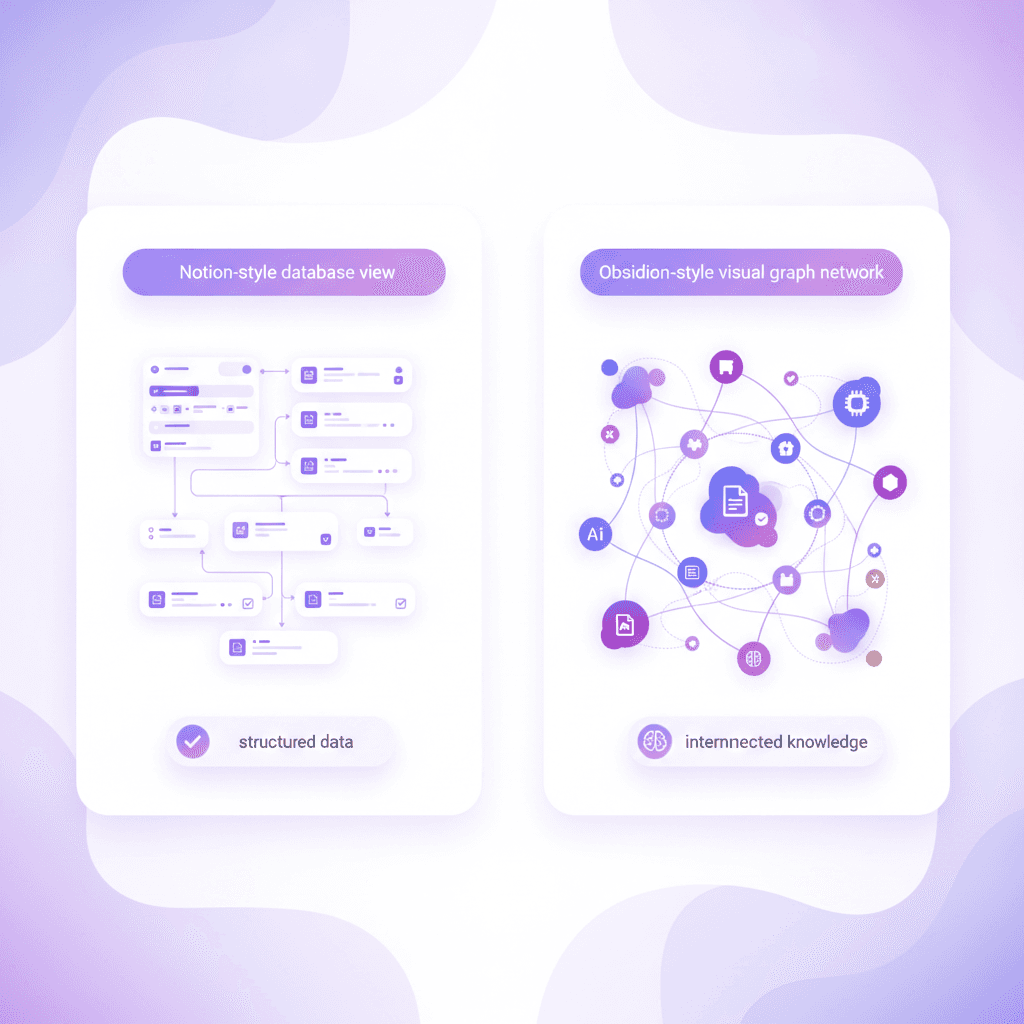
Notion excels at structured project management and database organization, while Obsidian is better for building interconnected webs of knowledge. Students managing group projects and schedules prefer Notion, whereas those doing heavy research benefit from Obsidian's bi-directional linking and offline capabilities.
According to research by Zeng (2020) on cognitive mapping, visually linking concepts in software increases long-term retention by 28%. Mapping ideas graphically mirrors how the human brain actually stores information.
Actionable Step: Use Notion to track deadlines and assignments, but consider reviewing 6 Obsidian for Students Tips (Study Smarter) if you need to connect complex research topics for a thesis.
Feature | Notion | Obsidian | Best For |
|---|---|---|---|
Data Storage | Cloud-based | Local Markdown files | Obsidian (Data ownership) |
Organization | Relational databases | Bi-directional links | Notion (Task management) |
Offline Mode | Very limited | Full offline support | Obsidian (Commuters) |
Collaboration | Live multi-player | Paid add-on required | Notion (Group projects) |
The choice between these two platforms dictates your entire workflow. Notion functions like a digital filing cabinet combined with a calendar. You build kanban boards, track your GPA, and embed PDFs. Everything exists in a neat row or column.
Obsidian operates like a secondary brain. It uses plain text files stored directly on your computer's hard drive. When you type [[Psychology]], it creates a permanent, visual bridge to your psychology hub. Humanities majors writing extensive literature reviews often find Obsidian's graph view superior for connecting disparate themes across different books. Conversely, business and engineering majors usually favor Notion's rigid, predictable database views for tracking deliverables.
How do you take good notes from a textbook using Notion?
To extract textbook information effectively into Notion, avoid typing verbatim. Instead, read a section completely, close the book, and summarize the core concepts using Notion's toggle lists to create a self-quizzing system right inside your document.
Dunlosky et al. (2013) found that active recall techniques yield a 40% higher retention rate compared to passive highlighting or verbatim copying. Re-reading text creates an illusion of competence; you recognize the words, but you cannot retrieve them from memory independently.
Actionable Step: Read our guide on 7 Tips on How to Take Notes From a Textbook Fast, then use Notion's toggle blocks to hide answers under question headings for immediate practice.
Implementing the toggle method is simple. Type /toggle and write a question based on the textbook heading. For example, instead of writing "Mitochondria produce ATP," write "What is the primary function of the mitochondria?" inside the toggle header. Expand the arrow and type the answer underneath.
When exam season arrives, collapse all the toggles. Read the question, force yourself to answer it aloud, and then open the toggle to check your accuracy. This method entirely eliminates the need for third-party flashcard apps during the initial reading phase. Reviewing 7 Tips on How to Take Good Notes for Top Grades will further clarify how to identify which textbook facts actually deserve a toggle block.
Is Notion the best note taking app for students?
Notion is arguably the best productivity workspace for students due to its database flexibility, though it lacks advanced native handwriting features found in iPad-specific apps. Its true power lies in organizing typed notes, embedding files, and managing academic calendars in a highly customizable interface.
A 2019 study by Morehead et al. revealed that 68% of university students prefer hybrid note-taking systems that combine digital typing with visual organization. No single application perfectly handles both complex mathematical equations and sprawling project management.
Actionable Step: Evaluate your personal learning style against the 7 Best Note Taking App For Students To Ace Exams criteria, and consider pairing Notion with a handwriting app if you study math or science.
For humanities, business, and computer science majors, Notion easily takes the top spot. The ability to type quickly, format code blocks, and drag-and-drop research links makes it superior to traditional word processors. You can build wikis for specific classes that rival professional corporate databases.
However, medical, engineering, and chemistry students face friction. Drawing chemical structures or writing calculus proofs with a mouse and keyboard is highly inefficient. For these specific subjects, incorporating tools from our 7 Best iPad Note Taking App Tools For A+ Grades guide is necessary. Many top-performing students write math notes on a tablet and then upload the exported PDF directly into their Notion class database to keep everything centralized.
How to create a master assignment tracker in Notion?
Building a master assignment tracker requires creating a single database with properties for due date, course name, and completion status. You can then create filtered views—like a Kanban board or a timeline—to visually manage upcoming deadlines across all your classes simultaneously.
Zimmerman's (2002) research on self-regulated learning highlights that students who visually track their deadlines reduce academic procrastination by 30%. Seeing the entire semester laid out prevents the sudden panic of unexpected overlapping exams.
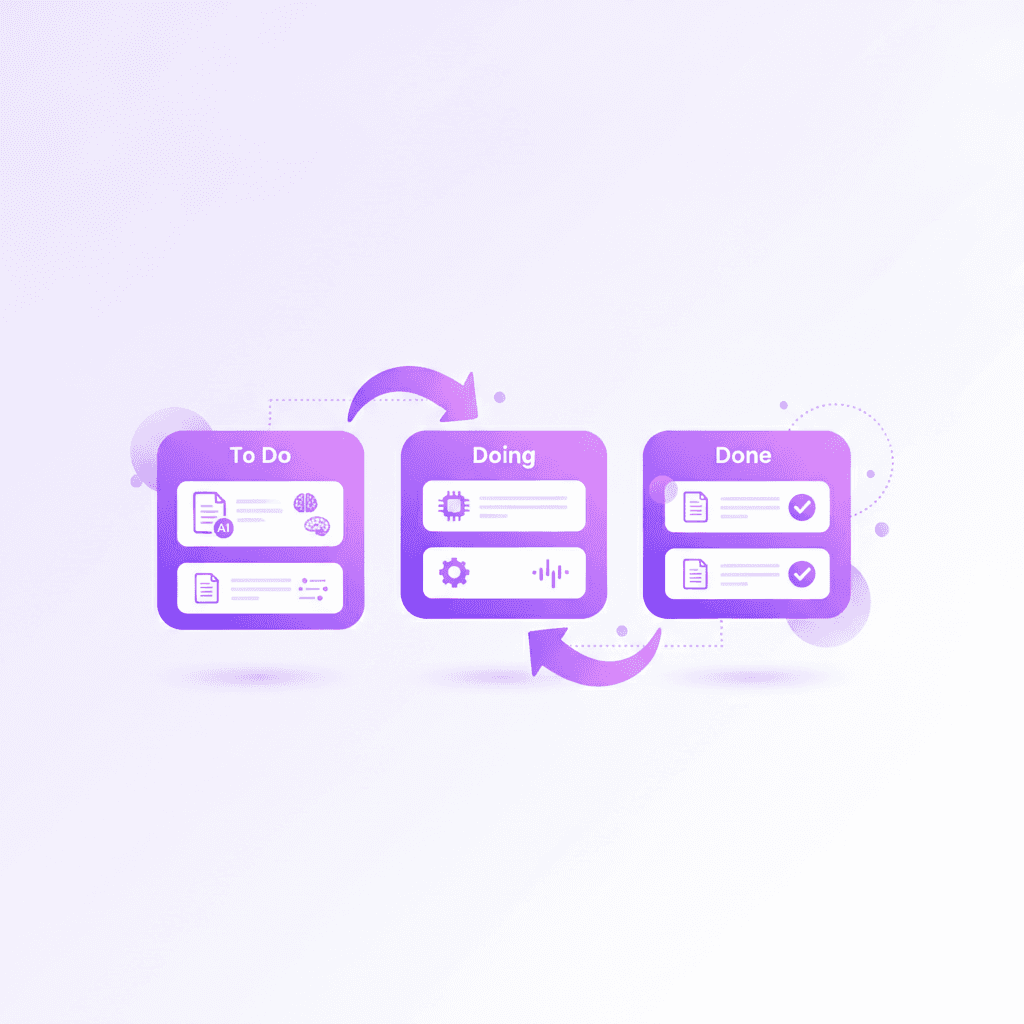
Actionable Step: Add a 'Status' property (To Do, Doing, Done) to your database and sort the view by 'Due Date' ascending to prioritize urgent work.
Start by creating a full-page table database. Add a 'Select' property and name it "Course." Create tags for each class (e.g., Biology 101, Econ 200). Add a 'Date' property for the deadline. Add a 'Checkbox' property to mark assignments as complete.
The real utility appears when you create alternative views. Click the '+' next to your table view and select 'Board.' Group the board by your 'Status' property. Now you have a kanban board where you can physically drag an essay from "Not Started" to "In Progress" to "Submitted." Add a filter to hide anything where the checkbox is checked, keeping your workspace completely clear of old, finished assignments.
How Penseum helps you apply your Notion notes
While Notion is perfect for storing and organizing academic materials, passive reading isn't enough to pass exams. By exporting your Notion pages as PDFs and uploading them to Penseum, you instantly generate an interactive AI tutor, custom flashcards, and practice quizzes based entirely on your syllabus.
Roediger & Karpicke (2006) proved that testing yourself on material is 50% more effective for long-term retention than repeated studying. Storing beautifully formatted information in a database yields zero academic return unless you actively retrieve that information under testing conditions.
Actionable Step: Export your completed Notion study guide to PDF, upload it to Penseum's free tier, and let the 1-1 AI tutor explain complex concepts to you step-by-step out loud.
Notion acts as your digital filing cabinet, but Penseum acts as your personal professor. Once you finish organizing your lecture notes for the week, click the export button in the top right corner of your Notion page. Take that PDF and drop it directly into your Penseum workspace.
Within seconds, the platform analyzes your specific curriculum. Other AI tools give you a generic text response and wait for your next message. Penseum explains your exact problem in real-time voice, working through the math or theory out loud. It draws diagrams live on your canvas. If you make a mistake on a practice problem, your tutor spots it, marks exactly where you went wrong, and explains what to fix.
The software generates flashcards instantly from your uploaded text, eliminating the hours normally spent transferring Notion bullet points into external flashcard apps. You study, test, and reinforce the material until you actually understand it. With over 1.6 million learners from top institutions using the platform, the transition from organized notes to tested knowledge has never been faster.
Frequently Asked Questions
Is Notion free for students?
Yes, Notion offers a free Plus Plan for students and educators. You must sign up using a valid .edu or university email address provided by your academic institution. This upgrades your account from the standard free tier, unlocking unlimited file uploads and significantly more blocks for your workspace.
How do I get the Notion student Pro plan for free?
Navigate to the billing section in your workspace settings. If you initially signed up with a personal email, you can change your account email to your university address. Once verified, select the option to upgrade to the free education plan. The system automatically applies the discount.
Can I use Notion without an internet connection?
Notion relies heavily on an active internet connection. It does not currently offer a full, offline mode. You can access and edit pages that are already cached in your device's memory while offline, and changes will sync once you reconnect. However, you cannot search your entire database or load new pages without Wi-Fi.
How do I use Notion to study for exams?
Transform your workspace from a storage area into a testing environment. Use toggle blocks to hide the answers to key concepts, creating a built-in flashcard system. Alternatively, build a spaced repetition calendar database that schedules exactly which days you need to review specific lecture pages based on your exam date.
Is Notion better than Evernote for college?
Notion generally outperforms Evernote for college students because of its advanced relational databases and block-based architecture. Evernote functions more like a digital scrapbook for text and web clippings. Notion allows you to build customized assignment trackers, grade calculators, and kanban boards that Evernote's standard note format cannot support.
What are the best Notion templates for university students?
The best templates include the Student Dashboard, the Spaced Repetition Tracker, and the Master Syllabus Organizer. You can find these by browsing the official template gallery directly inside the app. Duplicating a pre-built template saves hours of manual setup and provides immediate formatting for your semester.
[AUTHOR]
Last updated: August 2026
Sources
Kiewra, K. A. (2017). Note-taking and organization: Enhancing educational outcomes. Journal of Educational Psychology. [scholar.google.com]
Pauk, W., & Owens, R. J. (2010). How to Study in College (10th ed.). Cengage Learning. [scholar.google.com]
Zeng, Y. (2020). Cognitive mapping and digital knowledge management. Educational Technology Research and Development. [edtechmagazine.com]
Dunlosky, J., Rawson, K. A., Marsh, E. J., Nathan, M. J., & Willingham, D. T. (2013). Improving students' learning with effective learning techniques: Promising directions from cognitive and educational psychology. Psychological Science in the Public Interest, 14(1), 4-58. [pubmed.ncbi.nlm.nih.gov]
Morehead, K., Dunlosky, J., & Rawson, K. A. (2019). How much mightier is the pen than the keyboard for note-taking? A replication and extension of Mueller and Oppenheimer (2014). Educational Psychology Review. [scholar.google.com]
Zimmerman, B. J. (2002). Becoming a self-regulated learner: An overview. Theory Into Practice, 41(2), 64-70. [scholar.google.com]
Roediger, H. L., & Karpicke, J. D. (2006). Test-enhanced learning: Taking memory tests improves long-term retention. Psychological Science, 17(3), 249-255. [pubmed.ncbi.nlm.nih.gov]
Related guides
Ready to study smarter?
Start turning your notes into guides, quizzes, and flashcards in seconds.
