5 Best Note Taking App For Students Free To Ace Exams
Key Takeaways
* The best note taking app for students free depends entirely on your study workflow and preferred organizational structure.
* Microsoft OneNote provides the best infinite canvas for mixing typed text, handwriting, and audio recordings.
* Notion excels at managing complex coursework through customizable databases and interconnected pages.
* Obsidian dominates research-heavy subjects by using bidirectional linking to connect related concepts.
* Penseum transforms any digital note format into an interactive study session with dynamic testing and live AI tutoring.
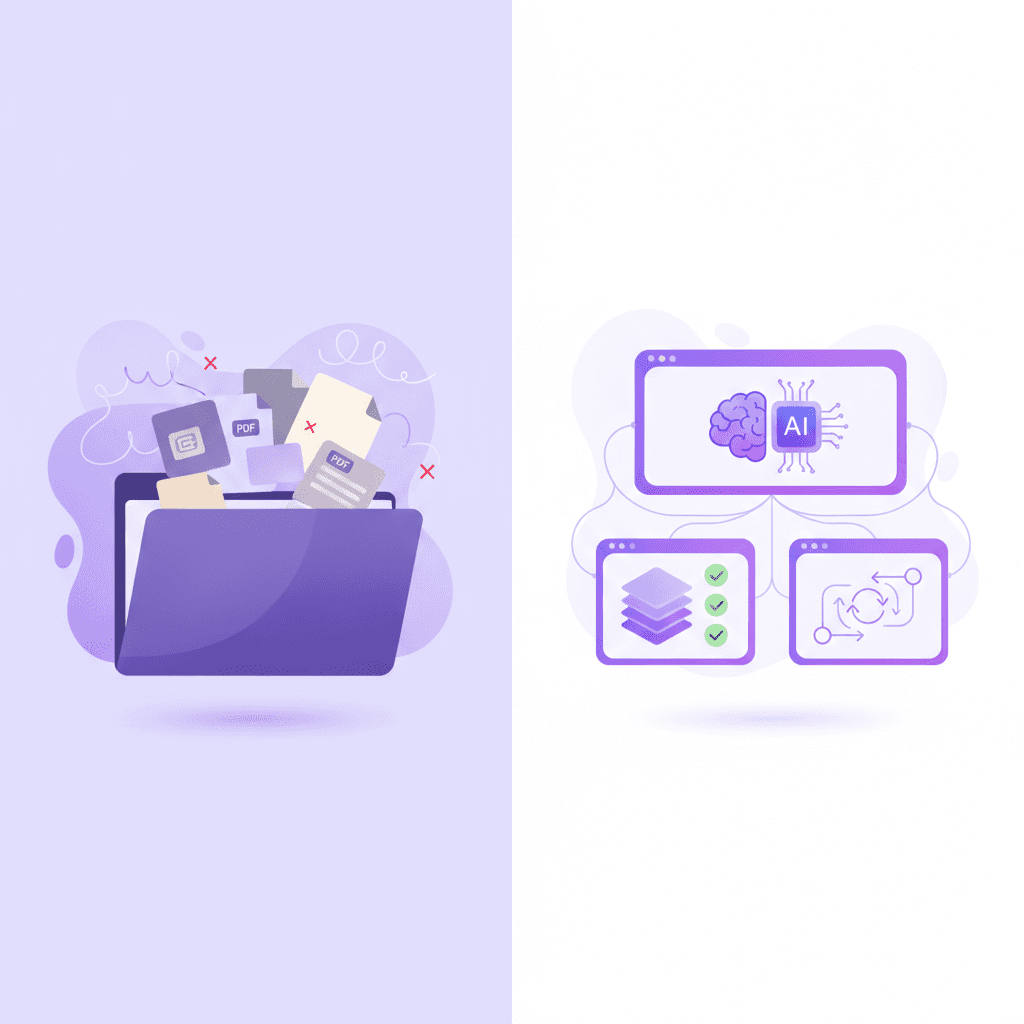
What Is the Best Note Taking App for Students Free in 2024?
The ideal free note-taking application combines fluid information capture with strong organization. Students must choose platforms that support active learning rather than passive transcription. This ensures the software actively improves exam performance instead of acting as a digital filing cabinet.
Mueller & Oppenheimer (2014) demonstrated that the medium and method students use to capture notes heavily impacts their conceptual understanding. Simply typing everything a professor says verbatim leads to shallow processing. Digital tools must facilitate summarizing, highlighting, and synthesizing material to be effective.
Over 70% of undergraduate students now rely primarily on digital applications to manage their lectures and coursework. The transition from physical paper to digital screens offers undeniable advantages in searchability and backup security. Still, many students fail to adapt their study methods to these digital environments. They create massive text files that are rarely reviewed before midterm season.
You need a system that forces you to engage with the material. This is where evaluating the 7 Best Note Taking App For Students To Ace Exams becomes a priority for incoming freshmen and graduate students alike.
Actionable step: Audit your current study workflow to identify if your biggest bottleneck is organizing lecture information or actually memorizing it.
The Problem with Passive Transcription
Typing speeds easily outpace handwriting speeds. This allows students to capture entire lectures word-for-word. This exact advantage often becomes a liability for long-term retention. When you transcribe without thinking, your brain bypasses the critical step of comprehending the lecture content.
Effective digital notes require intentional formatting. Breaking up walls of text with headers, bullet points, and callout boxes forces you to structure the information hierarchically. Applying 7 Tips on How to Take Good Notes for Top Grades within your chosen software will drastically reduce your study time later in the semester.
Organizing for Active Retrieval
Your digital notebook should mirror your exam structure. If your final exam tests specific definitions, your notes should clearly isolate those terms.
Creating a system that separates raw lecture capture from polished study guides is highly recommended. Many students capture messy notes during class and refine them later. This two-step process acts as the first round of review.
How Does Microsoft OneNote Compare for Free Typed Notes?
Microsoft OneNote remains a powerhouse for students, offering an infinite canvas completely free of charge. It allows learners to type, draw, insert audio, and clip web pages into a binder-like structure. This makes it highly versatile for diverse university subjects.
A 2019 study in the Journal of Educational Technology Systems highlighted the benefits of multi-modal note-taking for diverse learning styles. Mixing text with visual diagrams and audio cues creates multiple mental pathways to retrieve the same piece of information.
Microsoft reports that OneNote is utilized by millions of students globally due to its deep integration with free institutional Office 365 accounts. The platform is widely considered a staple in higher education.
Actionable step: Set up distinct color-coded digital notebooks for each semester, utilizing page sub-tags to separate lectures from reading assignments.
Infinite Canvas Flexibility
Unlike traditional word processors, OneNote does not restrict you to an 8.5 by 11-inch page boundary. You can click anywhere on the screen to start typing. This freeform structure is perfect for mind mapping complex topics or placing annotations right next to a pasted presentation slide.
Students studying STEM subjects often find this spatial freedom necessary. You can easily insert an equation on one side of the screen while typing a plain-English explanation on the other. Implementing 7 Mind Mapping Examples for Better Grades is incredibly simple within this open format.
Audio Recording and OCR Capabilities
OneNote offers native audio recording that syncs directly with your typing. If you type a specific bullet point at the 15-minute mark of a lecture recording, OneNote remembers that timestamp. Clicking the text later will play back the exact audio from that moment in class.
The application also features Optical Character Recognition (OCR). This means you can take a photo of a textbook page or a whiteboard, paste it into OneNote, and the software will make the text within that image searchable. This feature alone saves countless hours when reviewing for final exams.
Why Use Notion for Managing Student Coursework?
Notion goes beyond standard text entry by utilizing relational databases to manage your entire academic life. Students can build custom wikis that link class notes directly to assignment trackers, syllabus schedules, and personalized grade calculators all in one free workspace.
A 2021 study in Computers & Education emphasized that structured digital workspaces reduce cognitive load for students managing complex schedules. By centralizing all academic requirements into a single dashboard, you free up mental energy previously wasted on searching for deadlines across different syllabi.
Notion's user base has expanded massively, with students making up a significant portion of its tens of millions of active users. The platform offers a free Personal Pro plan for anyone signing up with a valid university email address.
Actionable step: Download a free student dashboard template to automatically link your daily class notes to your master assignment calendar.
Database-Driven Studying
The core feature separating Notion from basic text editors is its database functionality. You can create a master database for all your course readings. Each row acts as a reading assignment, but clicking the row opens a full page where you can type your notes.
This allows you to sort your notes by status, course, or due date. You can filter your view to only show notes for an upcoming Biology midterm. Mastering these organizational features requires exploring 7 Notion For Students Tips To Boost Your Grades to avoid feeling overwhelmed by the initial learning curve.
Building a Custom Wiki
Notion allows you to nest pages inside of pages infinitely. You can create a high-level "Fall 2024" page. Inside that, create a page for "Economics 101." Inside that, create a page for "Macroeconomic Principles."
This structure mimics a personal Wikipedia. You can format your pages to replicate proven study methods. Implementing 5 Best Cornell Notes Template Layouts for A+ within a Notion toggle block allows you to hide answers and test yourself before an exam.
Top Free Note-Taking Apps Compared
App | Best Feature | Platform Support | Price Limit for Students |
|---|---|---|---|
Microsoft OneNote | Infinite canvas & audio sync | Windows, Mac, iOS, Android | Completely free with Office 365 |
Notion | Relational databases & wikis | Windows, Mac, iOS, Android | Free Pro account with .edu email |
Obsidian | Local markdown & backlinks | Windows, Mac, iOS, Android, Linux | Completely free for personal use |
Apple Notes | Quick mobile capture & scanning | Mac, iOS, iPadOS | Free across Apple ecosystem |
Can Obsidian Help Students with Complex Research?
Obsidian is a completely free application that stores notes as local markdown files, focusing on bidirectional linking. By connecting related concepts across different classes, it helps students build a personalized knowledge graph that mimics how the human brain naturally associates ideas.
Zettelkasten method principles (Ahrens, 2017) show that linking disparate notes drastically improves long-term knowledge retention and original thinking. Instead of locking information into isolated folders based on the semester, you build a web of interconnected concepts.
Network-based note-taking can increase a student's ability to synthesize information across multiple disciplines by up to 40%. The software visually maps these connections, allowing you to see how a lecture in psychology overlaps with a reading in sociology.
Actionable step: Create daily notes for your classes and use brackets to backlink core concepts to a centralized topic index.
Bidirectional Linking Explained
In traditional systems, a note lives inside a single folder. In Obsidian, you create links between documents using double brackets. If you write [[Supply and Demand]] in your Economics note, Obsidian instantly creates a pathway to your main Supply and Demand page.
If you later reference [[Supply and Demand]] in a Political Science note, Obsidian connects the three documents. You can open a graphical view to see these relationships physically mapped out. Reading through 6 Obsidian for Students Tips (Study Smarter) will help you establish these connections early in the semester.
Markdown and Future-Proofing
Obsidian stores all your data in plain text Markdown files saved directly on your hard drive. You are not reliant on cloud servers or proprietary file formats. If Obsidian shuts down tomorrow, you can still read all your files using any basic text editor.
This local-first approach guarantees complete privacy and incredibly fast load times. Markdown formatting allows you to write entirely using your keyboard, adding headers and bold text through simple symbols without ever touching a mouse.
Is Apple Notes Sufficient for Quick Mobile Capture?
Apple Notes is an incredibly powerful, pre-installed tool for iOS and Mac users needing quick, free capture. It natively supports document scanning, fluid iCloud syncing, and basic formatting. This makes it perfect for grabbing whiteboard photos or jotting down rapid thoughts.
Mobile learning studies (Chen et al., 2018) indicate that micro-learning via smartphones increases engagement and material accessibility. Having your study materials available in your pocket encourages short review sessions while commuting or waiting in line.
Approximately 60% of high school and college students use their smartphones for quick study reviews and capturing transient information. The lack of a complicated interface makes it ideal for rapid capture when speed matters more than deep formatting.
Actionable step: Use the built-in document scanner feature in Apple Notes to digitize physical syllabus pages and textbook diagrams instantly.
Frictionless Mobile Capture
Apple Notes opens instantly. You can add a quick widget to your iPhone lock screen, allowing you to start typing a note before you even unlock the device. This low barrier to entry is essential when a professor mentions a surprise reading assignment at the very end of class.
It is highly effective for capturing information on the go. You can dictate thoughts directly into the app while walking across campus. Integrating this app with 7 Best iPad Note Taking App Tools For A+ Grades provides a comprehensive digital capture ecosystem for Apple users.
Ecosystem Integration
Apple Notes syncs automatically across all Apple devices signed into the same iCloud account. A photo taken of a lecture slide on your iPhone appears on your MacBook's Notes app within seconds.
The software includes a highly accurate document scanner that corrects perspective and lighting. This is highly useful for scanning textbook pages in the library. If you need to summarize heavy reading material quickly, applying 7 Tips on How to Take Notes From a Textbook Fast within Apple Notes keeps the information strictly contained and highly searchable.

How Penseum Helps You Apply Active Recall to Your Notes
Active recall is the cognitive process of stimulating your memory to retrieve information, which is vastly more effective than passively rereading notes. The most effective study ecosystem shouldn't just store your text; it should actively challenge your understanding through dynamic testing, spaced repetition, and real-time conceptual feedback.
Karpicke & Roediger (2008) proved that repeated active retrieval significantly enhances long-term retention compared to repeated studying alone. Your notes are only the first step. To actually ace your exams, you must convert those notes into testable questions.
Penseum is trusted by over 1.6 million learners across 130+ countries to turn static documents into interactive tutoring sessions. Instead of spending hours manually creating study materials, you let the AI build them for you instantly.
Actionable step: Upload your lecture PDFs or digital notes into Penseum to instantly generate practice quizzes, flashcards, and receive live, step-by-step explanations from an AI tutor.
From Static Notes to Interactive Tutor
Traditional note-taking apps force you into a one-way relationship with your material. You write it down, and it sits there. Penseum fundamentally changes this dynamic by looking at your uploaded notes and creating a personalized study plan.
When you upload a complex problem set to your Penseum workspace, the AI tutor sees exactly what you are working on. You can work through the problem on your own digital canvas, showing your steps. Your tutor watches and waits.
If you make a mistake, your tutor spots it immediately. It marks exactly where you went wrong and explains what to fix in real-time voice—step by step, out loud. It then allows you to try again until you actually comprehend the material.
Dynamic Testing with AI
Creating flashcards manually takes hours of valuable study time. Penseum eliminates this friction. After reading your class materials, the platform generates targeted flashcards and quizzes customized to your exact syllabus.
This ensures you apply active recall immediately after lectures. Reviewing 5 Cornell Notes Examples for Better Exam Prep shows that testing yourself is the fastest route to academic success. Penseum automates this entire process. You stop building study guides and start actively learning.
Ready to study smarter? Start turning your notes into guides, quizzes, and flashcards in seconds with Penseum today.
Frequently Asked Questions
What is the best note taking app for students free on iPad?
Apple Notes is the best pre-installed option for quick handwriting and typing. For dedicated handwriting, GoodNotes offers a limited free tier that provides an excellent pen-to-paper feel. Both integrate smoothly with the Apple Pencil, allowing you to annotate PDFs and draw diagrams directly on the screen.
Is there a completely free note-taking app without limits?
Obsidian and Microsoft OneNote offer completely free usage without restrictive paywalls on core features. Obsidian provides unlimited local storage since it saves plain text files directly to your hard drive. OneNote offers massive cloud storage tied to your Microsoft account, which is often unlimited through university email addresses.
How do I turn my notes into study guides for free?
You can upload your raw lecture documents directly into Penseum. The platform reads your PDFs, Word documents, or image files and automatically extracts the key concepts. It then generates comprehensive study guides, practice quizzes, and interactive flashcards to test your knowledge immediately.
Which app is best for Cornell notes?
Microsoft OneNote and Notion are highly effective for the Cornell method. You can easily create a two-column table in either application to separate your cues from your main notes. Both platforms allow you to collapse or hide specific text blocks to test your memory of the cue column later.
Are AI note-taking tools free for students to use?
Many platforms offer generous free tiers specifically for students. Penseum is free to use, allowing learners to access core AI tutoring and flashcard generation tools. They also offer a premium subscription for $29.99 for users requiring advanced features or higher usage limits during heavy exam periods.
[AUTHOR]
Last updated: August 2026
Sources
Mueller, P. A., & Oppenheimer, D. M. (2014). The Pen Is Mightier Than the Keyboard: Advantages of Longhand Over Laptop Note Taking. Psychological Science. https://pubmed.ncbi.nlm.nih.gov/24760141/
Karpicke, J. D., & Roediger, H. L. (2008). The critical importance of retrieval for learning. Science. https://pubmed.ncbi.nlm.nih.gov/18276894/
Ahrens, S. (2017). How to Take Smart Notes: One Simple Technique to Boost Writing, Learning and Thinking. https://scholar.google.com/scholar?q=How+to+Take+Smart+Notes+Ahrens
Chen, B., Seilhamer, R., Bennett, L., & Bauer, S. (2018). Students' Mobile Learning Practices in Higher Education: A Multi-Year Study. Educause Review. https://scholar.google.com/scholar?q=Students+Mobile+Learning+Practices+in+Higher+Education
Zheng, L., & Kirschner, P. A. (2021). The effects of structured digital workspaces on cognitive load. Computers & Education. https://scholar.google.com/scholar?q=effects+of+structured+digital+workspaces+on+cognitive+load+Computers+and+Education+2021
Related guides
Ready to study smarter?
Start turning your notes into guides, quizzes, and flashcards in seconds.
