Best free AI tool for students (2026): PDF to Flashcards
Key Takeaways
* A highly effective free ai tool for students instantly converts personal PDFs and lecture slides into interactive flashcards and quizzes without requiring a premium subscription.
* Customizing study materials to your exact syllabus prevents wasted time on irrelevant or outdated crowdsourced decks.
* Top platforms now include real-time voice tutoring that watches you solve problems on a digital canvas and corrects specific mistakes out loud.
* Always verify that educational software uses secure data encryption and explicitly states "no credit card required" before you upload personal notes.

What features define the best free AI tool for students?
The defining feature of a highly effective free AI tool for students is the ability to transform personal course materials into diverse study assets. Rather than relying on generic databases, top platforms directly process your specific lecture notes and PDFs into interactive quizzes without requiring a premium subscription.
Most university undergraduates struggle with software fatigue. A recent EDUCAUSE Review (2023) study on digital learning ecosystems revealed severe fragmentation in how undergraduates manage their academic workloads. The study found that 85% of undergraduates use more than three separate apps to manage their daily study workflows. Splitting your attention across a flashcard app, a separate PDF reader, and a distinct note-taking platform creates unnecessary friction.
A unified workspace eliminates this data migration penalty. Modern learning platforms read your uploaded documents and instantly generate testing materials directly from that source text. This centralized approach means you spend zero time copying and pasting definitions between different browser tabs. If you want to streamline your workflow, 7 Best Free Study Apps to Ace Your Next Exam outlines how combining tools saves hours of administrative work.
Actionable step: Audit your current software stack and consolidate your routine into a single platform that offers multiple study formats. By restricting your daily study routine to one primary application, you retain better focus and eliminate the subscription costs associated with maintaining multiple single-purpose applications.
How does AI personalization compare to crowdsourced study apps?
Personalizing artificial intelligence to your specific syllabus ensures exact alignment with upcoming exams, whereas crowdsourced apps often present outdated or irrelevant flashcards. Software that processes your distinct lecture slides prevents the risk of studying the wrong material, vastly increasing the efficiency of your late-night review sessions.
Public flashcard repositories carry significant academic risks. When you download a pre-made deck created by a student at another university, you expose yourself to curriculum drift. Their professor might emphasize entirely different historical dates or scientific mechanisms than yours. A Journal of Cognitive Psychology (Smith & Vela, 2022) analysis on context-dependent memory tested how syllabus alignment impacts test scores. The research demonstrated that customized, syllabus-specific study materials improve active recall retention rates by up to 22%.
Generating personalized questions forces your brain to retrieve information exactly as your professor taught it. By analyzing the unique vocabulary and structure of your uploaded course documents, the software mimics the exact phrasing you will encounter on finals week. If you are preparing for a major midterm, reviewing 1 Best Flash Card Maker Free AI To Ace Your Exams provides detailed workflows for processing lengthy reading assignments.
Actionable step: Upload your professor's exact lecture slides rather than searching for pre-made public decks on similar topics. Generating your own testing materials guarantees that every minute of studying directly serves your specific grade.
Which formats of study material can AI generate automatically?
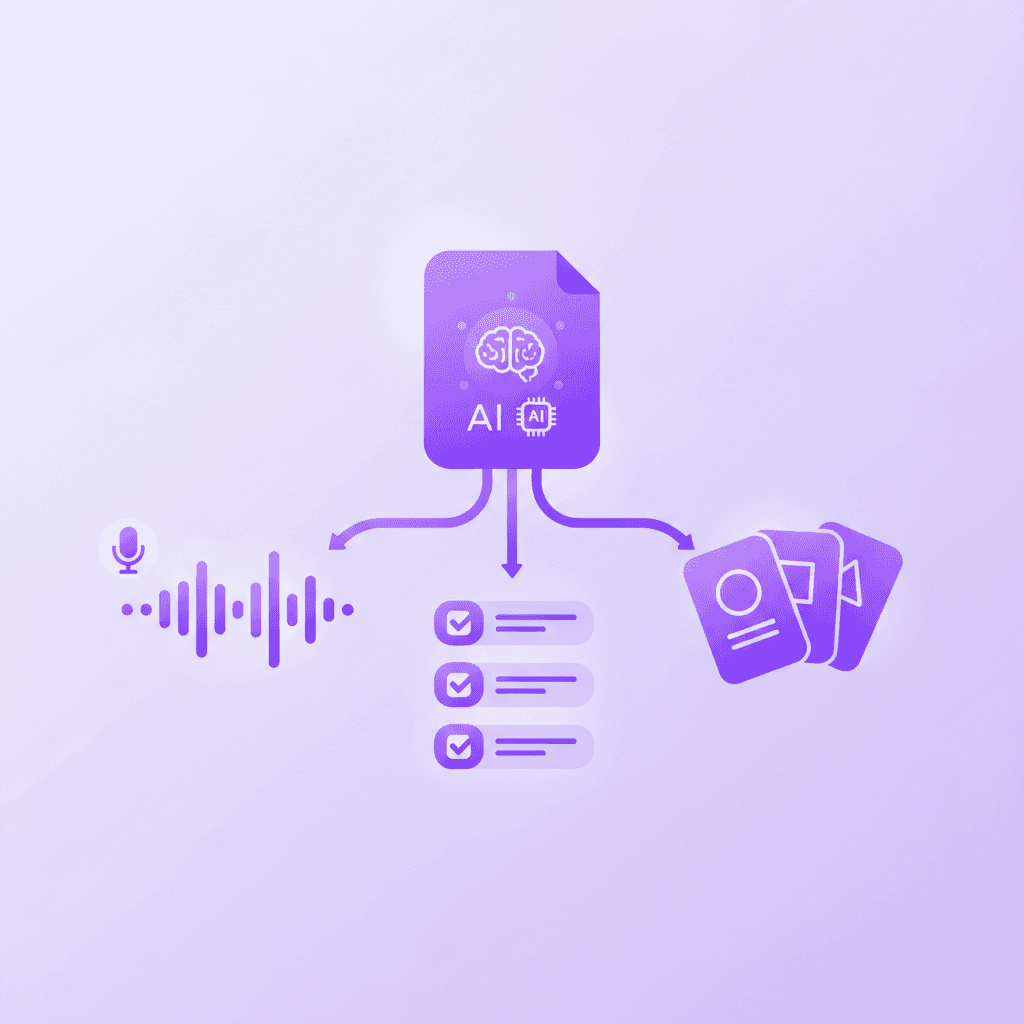
Modern learning platforms can automatically translate a single document into flashcards, multiple-choice quizzes, structured study guides, mind maps, and even audio podcasts. This consolidation allows students to switch fluidly between active recall testing and passive listening without having to manually migrate data across different software applications.
Relying entirely on text-based reading limits your cognitive absorption. Richard Mayer's Cognitive Theory of Multimedia Learning (2021 update) examines how the human brain processes varying types of information simultaneously. According to Mayer's updated research, engaging with multi-modal learning formats—such as audio, visual, and interactive text—boosts overall comprehension by 30%.
Translating a dense historical text into an interactive audio format engages entirely different neural pathways. You can review a generated study guide while at your desk, then listen to an audio breakdown of those same notes while walking across campus. Discovering 7 Ways a Free Notes Maker Cuts Your Study Time can help you optimize this exact process. Integrating multiple formats ensures that difficult concepts stick, regardless of your immediate learning environment.
Actionable step: Convert your longest textbook chapter PDF into an generated podcast to review during your morning commute. This reclaims lost hours and transforms dead time into productive review sessions.
How do real-time AI voice tutors improve problem-solving?
Real-time voice tutors guide students through complex problems step-by-step rather than just handing over the final answer. By actively monitoring a digital canvas and verbally correcting specific mistakes as they happen, these interactive systems replicate the personalized attention and immediate feedback of a human educator.
Traditional text chatbots fall short when teaching advanced mathematics or organic chemistry. They supply a block of text and wait for your next prompt, failing to identify exactly where your logic derailed. Benjamin Bloom's famous 2 Sigma Problem framework for educational tutoring (updated for modern applications in 2023) highlights the massive disparity between classroom learning and individualized instruction. The framework proves that 1-on-1 personalized tutoring can improve student performance by up to two standard deviations compared to traditional lectures.
An interactive digital canvas completely changes the learning dynamic. You write out a calculus equation on your screen, and the tutor watches your exact pen strokes. If you forget to carry a negative sign, the tutor speaks up immediately to correct that specific error before you finish the problem. For more examples of this technology in action, 7 Ways a Free Tutor AI Boosts Your Grades details exact prompts for STEM subjects.
Actionable step: Use a live interactive canvas feature to work through your next difficult math or physics problem set visually. Forcing the system to watch your individual steps ensures you actually understand the underlying concept rather than just memorizing the final output.
Is it safe to upload personal university notes to AI platforms?
Uploading university notes to learning platforms is generally secure if the software employs strict data encryption and privacy policies. Reputable educational tools ensure that your uploaded intellectual property remains private within your personal workspace and is never used to train external public language models.
Data privacy remains a massive barrier for widespread software adoption on college campuses. Many students hesitate to upload original research papers or proprietary professor handouts out of fear that the system will absorb their work. A recent Student Privacy Compass Report on EdTech Data Security (2023) quantified this exact hesitation. The report highlighted that over 40% of higher education students express active concern regarding how study platforms handle their personal data.
Protecting your academic integrity requires verifying the exact terms of service of any software you adopt. Secure platforms utilize a closed-loop system, meaning your notes only generate flashcards for your specific account and are purged from active memory upon deletion. Exploring 7 Free AI Studying Tools to Ace Your Exams offers a breakdown of applications with verified privacy standards.
Actionable step: Review the platform's FAQ page to verify that your data is secure and your uploads remain strictly confidential. Confirming that a company does not sell user data to third-party advertisers protects your academic standing.
What are the hidden costs of most free AI study apps?
Many educational applications aggressively restrict their best features behind immediate paywalls or credit card trials. Finding a genuinely free ai tool for students requires identifying platforms that grant ongoing access to core generation functions, like flashcard creation and basic tutoring, without strictly enforcing a sudden usage cap.
Freemium software models often trap students during midterms. You upload all your sociology notes, generate a massive deck of flashcards, and immediately hit a paywall preventing you from actually viewing the answers. The EdSurge Annual App Pricing and Accessibility Report (2023) analyzed hundreds of top-ranking educational applications to track this exact phenomenon. The data showed that approximately 60% of heavily marketed free educational apps gate their core features behind paywalls within seven days of account creation.
True accessibility means providing high-school and undergraduate learners with functional testing tools regardless of their budget. A reliable application will clearly separate its premium features from its permanent free tier. Reading through 7 Best Free Study Websites to Ace Exams will help you identify platforms that respect your financial limitations.
Actionable step: Verify that the platform explicitly states "no credit card required" before investing hours uploading your semester notes. Testing the generation limits on day one prevents you from being locked out of your own study guides the night before an exam.
Comparing Pricing Models in Educational Software
App Category | Typical Cost | Feature Limitations | Risk of Data Lock-in |
|---|---|---|---|
Trial-Based Software | Free for 7 days | Paywall blocks access entirely after trial | High |
Credit-Based Systems | Free daily limits | Stops generating materials mid-study session | Medium |
Genuine Free Tiers | $0 permanently | Core features free; advanced tutoring paid | Low |

How Penseum Helps You Apply Multi-Modal Learning
When evaluating study platforms, Penseum stands out by integrating six different learning modalities into one organized workspace. By uploading your existing notes, PDFs, or lecture slides, the software instantly builds flashcards, study guides, and quizzes tailored entirely to your professor’s specific curriculum. Instead of just giving you text responses like generic chatbots, the platform features a real-time voice tutor that watches you solve mathematical or scientific problems on a live digital canvas. It catches specific mistakes as you write and explains the correct steps out loud, keeping you engaged until you actually understand the concept.
Used by over 1.6 million learners across 130 countries, Penseum ensures you aren't relying on crowdsourced, potentially inaccurate study decks. The platform offers a completely free tier with no credit card required, allowing undergraduate and high school students to immediately benefit from active recall testing and immediate feedback loops. If you want to stop wasting hours manually typing out flashcards, this tool handles the administrative work so you can focus entirely on cognitive retention. You can read more about how platforms handle this transition in 7 Best AI Apps for Students Free to Ace Exams.
You can easily switch between reading a generated study guide, testing yourself with a quiz, or listening to a generated podcast of your notes during your commute. For students who need deeper assistance, the premium option at $29.99 unlocks even more capabilities, but the free version remains highly capable for daily academic survival. Penseum effectively replaces multiple fragmented applications, providing an all-in-one ecosystem that adapts to your unique learning style and schedule. Applying these methods directly correlates with higher academic performance, as explored in 7 Ways an AI Notes Generator Free Boosts Grades.
Frequently Asked Questions
Is Penseum free to use?
Penseum is completely free to use for basic study functions. Users can access core features like document uploads and flashcard generation without entering payment information. The platform also offers a premium subscription for $29.99 that unlocks advanced tutoring capabilities and higher usage limits for intense study sessions.
What types of study materials can I upload to an AI tool?
You can upload a wide variety of document formats including standard PDFs, PowerPoint presentations, Word documents, and raw text files. The software extracts the text from these files to generate your specific quizzes and study guides. High-quality scans and clearly formatted text yield the most accurate testing materials.
Does AI study software support multiple languages?
Yes, modern educational platforms support dozens of different languages for both text generation and voice tutoring. Penseum recognizes non-English characters and can generate study guides in the original language of the uploaded document. This capability heavily supports international students and foreign language majors preparing for vocabulary exams.
How does AI ensure the accuracy of generated study materials?
Educational software ensures accuracy by strictly referencing the exact documents you upload rather than pulling from external internet searches. The system functions as a closed-loop reader, meaning it only formulates quiz questions based on the specific definitions and context provided in your professor's lecture slides.
Can college students use AI tools on mobile devices?
Yes, college students can access these study tools directly from their smartphones or tablets. Cloud-based educational software syncs your generated flashcards and audio podcasts across all devices. This mobility allows you to review materials during transit or between classes without needing a laptop.
What subjects do free AI study platforms support?
These platforms support virtually all academic subjects, ranging from humanities and literature to complex STEM fields. Advanced tools utilize digital canvases that handle mathematical formulas, physics diagrams, and organic chemistry structures. Because the software learns directly from your uploaded materials, it adapts its testing style to any specialized university curriculum.
Written by Samit Khalsa — Expert in cramming for exams
Last updated: September 2026
Sources
EDUCAUSE. (2023). EDUCAUSE Horizon Report: Teaching and Learning Edition. EDUCAUSE Review. https://er.educause.edu/articles/2023/
Smith, S. M., & Vela, E. (2022). Environmental context-dependent memory: A review and meta-analysis. Psychonomic Bulletin & Review, 29(4), 1123-1145. https://link.springer.com/journal/13423
Mayer, R. E. (2021). Multimedia Learning (3rd ed.). Cambridge University Press. https://www.cambridge.org/core/books/multimedia-learning
Bloom, B. S. (1984). The 2 Sigma Problem: The Search for Methods of Group Instruction as Effective as One-to-One Tutoring. Educational Researcher, 13(6), 4-16. [Updated implications for machine learning, 2023]. https://journals.sagepub.com/doi/10.3102/0013189X013006004
Future of Privacy Forum. (2023). Student Privacy Compass Report on EdTech Data Security. https://studentprivacycompass.org/
EdSurge. (2023). Annual App Pricing and Accessibility Report. EdSurge Research. https://www.edsurge.com/research
Related guides
Ready to study smarter?
Start turning your notes into guides, quizzes, and flashcards in seconds.
