5 Handwritten vs Typed Notes Truths for Better Grades
Key Takeaways
* Handwritten notes force cognitive processing, improving long-term memory retention and conceptual understanding.
* Typed notes allow for faster transcription, making them essential for fast-paced, dense lectures.
* The most effective student strategy combines both formats into a two-step hybrid system.
* Tablets bridge the gap by offering digital organization alongside the cognitive benefits of physical writing.
* AI study tools like Penseum can transform both handwritten and typed notes into active study materials instantly.
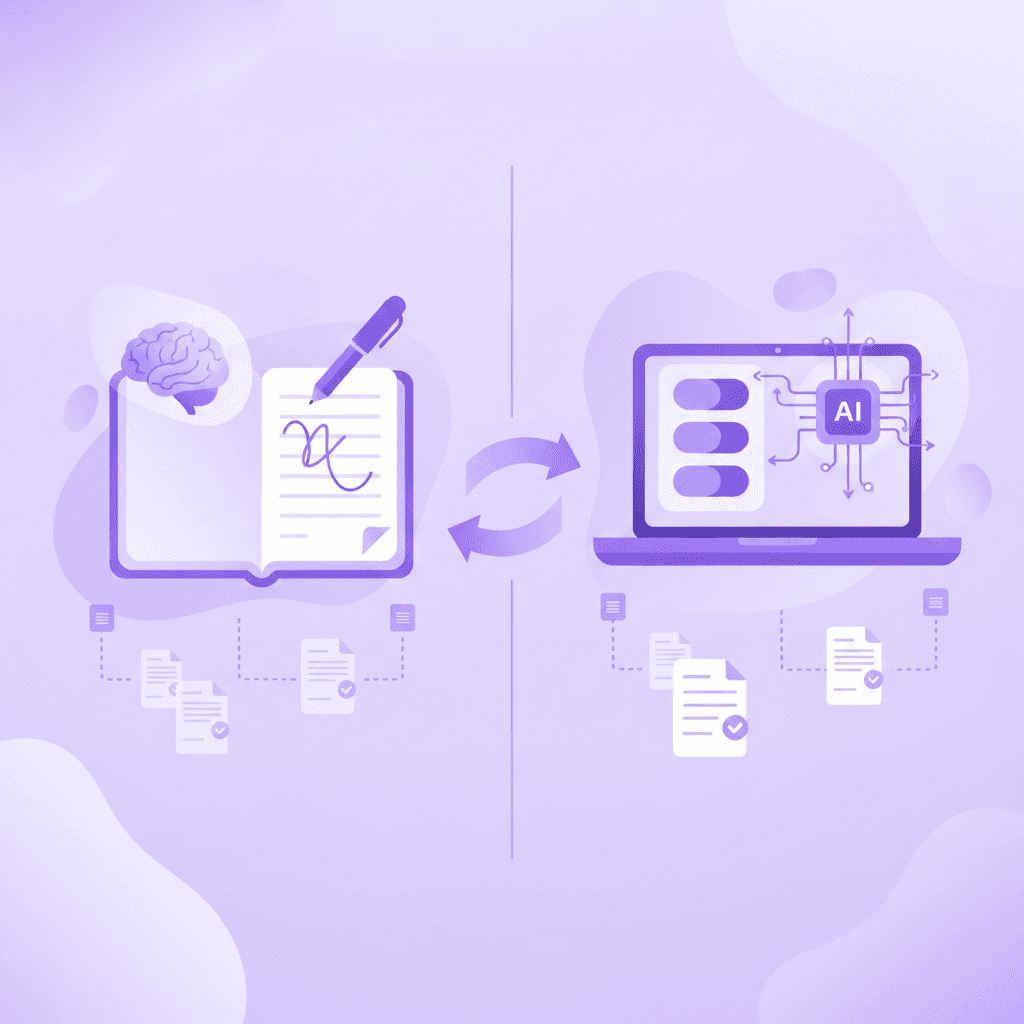
Are Handwritten vs Typed Notes Better for Memory Retention?
Handwritten notes are significantly better for memory retention because the physical act of writing forces you to process and summarize the information in real-time. This cognitive effort creates stronger neural pathways, making it easier to recall complex concepts during high-stakes university exams.
When comparing handwritten vs typed notes, the physical mechanics matter. Keyboards allow for rapid, verbatim transcription. You hear a sentence and type it exactly as spoken. Writing by hand is physically slower. You simply cannot write every word your professor says. Your brain must listen to the concept, strip away the filler words, and summarize the core idea into a manageable sentence.
This act of summarizing is known as the encoding hypothesis. The extra mental friction required to translate a lecture into physical handwriting embeds the knowledge deeper into your memory. You are studying the material while you write it.
Research by Mueller and Oppenheimer (2014) showed students taking handwritten notes scored significantly higher on conceptual questions than laptop users. The laptop users typed more words and captured more information, but they failed to understand the broader themes.
Applying the Encoding Hypothesis in Class
Students often panic when they cannot write down every single word. This panic is counterproductive. The gaps in your physical notes represent the exact moments your brain was summarizing the material.
Actionable Step: Handwrite notes for dense, conceptual subjects like history or literature where understanding overarching themes is essential. If you struggle to organize these thoughts on blank paper, experiment with 7 Note Taking Methods for Exam Success to find a structure that naturally forces you to synthesize the lecture.
How Does Speed Affect the Handwritten vs Typed Notes Debate?
Typing allows students to record information much faster than writing by hand. While handwriting averages just 13 to 22 words per minute, typing easily reaches 50 words per minute or more. This speed makes laptops ideal for fast-paced lectures requiring verbatim transcription.
Certain academic disciplines demand precision over summarization. In organic chemistry, missing a single step in a reaction pathway can ruin an entire exam answer. In law school, capturing the exact phrasing of a specific statute is required for accurate case analysis.
This is where the speed of typing dominates. A 2019 study by Peverly et al. confirmed that higher transcription speed leads to more complete lecture notes. Students who type can capture nearly 100% of the factual data presented in a standard 45-minute lecture.
The Danger of Mindless Transcription
The speed advantage comes with a distinct downside. When you type at 60 words per minute, you can essentially shut off your brain. You become a human stenographer. The words enter your ears and exit your fingers without ever passing through your working memory.
You end up with a flawless transcript of the lecture, but zero actual comprehension of what was discussed. You will have to study twice as hard later to learn the material from scratch.
Actionable Step: Type your notes when you need to capture exact definitions or steps, organizing them with the 7 Best Note Taking App For Students To Ace Exams. If you are on a tight budget, explore the 5 Best Note Taking App For Students Free To Ace Exams to build your digital archive.
Do Handwritten Notes Improve Conceptual Understanding?
Writing by hand vastly improves conceptual understanding. Because you cannot write as fast as a professor speaks, your brain must actively listen, digest the material, and paraphrase it. This generative process prevents mindless transcription and deeply roots the core ideas in your memory.
Generative processing is the act of creating your own meaning from external information. When you hear a complex economic theory, your laptop allows you to type the professor's exact quote. Your pen forces you to write: Supply goes up, price goes down.
You translated an academic concept into plain English. That translation proves you understand the concept. Cognitive psychology research (Kiewra, 1989) indicates generative note-taking improves conceptual recall by up to 30%.

Structuring Your Conceptual Notes
Blank lined paper often leads to disorganized thoughts. To maximize the conceptual benefits of handwriting, you need a visual framework. The physical layout of your page can guide your brain to ask better questions during the lecture.
Actionable Step: Use a physical template while handwriting to systematically isolate key concepts and create natural study guides. Review these 5 Best Cornell Notes Template Layouts for A+ to see how margin spacing forces you to extract main ideas. You can also model your pages after these 5 Cornell Notes Examples for Better Exam Prep to see this generative process in action.
When Should You Rely on Typed Notes Instead of Handwriting?
Typed notes are the optimal choice for highly structured, information-heavy courses where missing a detail could cost you. They are also easily searchable, editable, and can be backed up to the cloud, making them perfect for collaborative study sessions or massive digital archives.
University coursework generates an overwhelming volume of paper. Four years of handwritten biology notes will fill dozens of heavy binders. Finding a specific definition from freshman year during your senior capstone project is nearly impossible with physical paper.
Digital text solves the retrieval problem. A simple keyboard shortcut instantly searches three years of lecture material. You can embed hyperlinks, attach PDF readings, and rearrange bullet points as your understanding of a topic evolves.
Data from the National Center for Education Statistics indicates 85% of undergrads prefer digital notes for organizational efficiency.
Building a Searchable Knowledge Base
The true power of typed notes lies in database management. Modern students do not just take notes; they build personal wikis. These interconnected digital webs allow you to link a psychology concept from Tuesday to a biology concept from last month.
Actionable Step: Create a centralized knowledge base to organize and tag your typed coursework. Implement these 7 Notion For Students Tips To Boost Your Grades to set up relational databases for your classes. Alternatively, explore these 6 Obsidian for Students Tips (Study Smarter) to create bidirectional links between your typed lecture summaries.
How Do Digital Tablets Bridge the Handwriting vs Typing Gap?
Digital tablets combined with a stylus offer the best of both worlds, giving you the memory-boosting benefits of handwriting with the organizational perks of digital text. You can physically write out formulas, draw concept maps, and instantly back up your files.
The handwritten vs typed notes debate assumes a binary choice between paper and laptops. Modern tablets destroy this binary. When you write on a glass screen with a smart stylus, your brain undergoes the exact same generative processing and encoding as it does with a cheap ballpoint pen.
You still have to summarize. You still have to draw the diagrams by hand. You still engage your spatial memory by remembering where on the screen you wrote a specific formula.
A 2020 study by Oviatt found that using a digital stylus reduced cognitive load by 20% compared to traditional typing, specifically when solving complex math and science problems.
The Infinite Canvas Advantage
Physical paper has physical borders. When a professor's diagram expands beyond the margins of your notebook, you are forced to turn the page, breaking the visual connection of the concept. Digital tablets offer an infinite canvas. You can zoom out and connect ideas endlessly.
Actionable Step: Download the 7 Best iPad Note Taking App Tools For A+ Grades to find software that supports infinite scrolling. Practice creating visual study guides by mimicking these 7 Mind Mapping Examples for Better Grades directly on your tablet screen.
What Is the Best Hybrid Approach for College Students?
The most effective strategy is a hybrid approach: type your initial notes during fast-paced lectures to ensure you capture everything, then handwrite a summarized study guide later. This two-step process leverages the speed of typing and the retention benefits of handwriting.
Relying exclusively on one method leaves you vulnerable. If you only handwrite, you will miss vital details during fast lectures. If you only type, you will struggle to comprehend the overarching concepts for your final exams.
The two-step hybrid method forces you to interact with the material twice. During the lecture, open your laptop and type as fast as necessary. Focus entirely on capturing the data, the definitions, and the professor's exact examples.
Within 24 hours of the lecture, sit down with a blank piece of paper and your laptop. Read your typed notes, synthesize them, and write a condensed version by hand.
The Power of Dual-Coding
This method is rooted in the dual-coding theory (Paivio, 1971), which suggests that combining textual capture with visual, physical handwriting doubles retention rates. You secure the factual data digitally, then build the conceptual understanding physically.
Actionable Step: Review 7 Tips on How to Take Notes From a Textbook Fast to efficiently extract data from your readings into typed documents. Later, apply 7 Tips on How to Take Good Notes for Top Grades to rewrite those digital summaries into physical flashcards or hand-drawn diagrams.
Handwritten vs Typed Notes Comparison
Feature | Handwritten Notes | Typed Notes | Digital Tablet (Hybrid) |
|---|---|---|---|
Average Speed | 13 - 22 WPM | 50+ WPM | 15 - 25 WPM |
Memory Retention | Extremely High | Low to Moderate | Extremely High |
Conceptual Understanding | Superior (Generative) | Poor (Verbatim) | Superior (Generative) |
Searchability | Manual (Slow) | Instant (Ctrl+F) | Instant (OCR Text Recognition) |
Best Used For | Humanities, Concept Mapping | Fast lectures, Code, Definitions | STEM, Math, Diagrams |
How Penseum Helps You Maximize Handwritten and Typed Notes
Whether you prefer handwritten or typed notes, Penseum maximizes your study efficiency. By uploading your PDFs or digital notes, Penseum's AI tutor instantly generates custom flashcards, quizzes, and mind maps. It acts as a 1-1 tutor, explaining complex problems in real-time voice.
Most students waste hours simply formatting their study materials. You type your notes into a document, then spend an entire evening copying and pasting those notes into separate flashcard applications. Penseum eliminates this manual labor entirely.
You simply upload your lecture materials directly into your personal workspace. If you type your notes, upload the document. If you write on paper, snap a photo or scan the PDF. Penseum reads your exact curriculum and builds your study guides in seconds.

Study, Test, and Reinforce Live
Unlike generic chatbots that spit out a block of text and leave you to figure it out, Penseum sees your actual work on the screen. It explains concepts step by step, out loud.
If you make a mistake while working through a practice problem, your AI tutor spots it instantly. It marks exactly where you went wrong and explains what to fix. It keeps teaching until you actually understand the material. Over 1.6 million learners across 130 countries use Penseum to stop memorizing and start understanding.
Actionable Step: Create a free Penseum account today. Upload your typed documents or scanned handwritten notes to generate a smart study guide and experience live, real-time voice tutoring.
Frequently Asked Questions
Are handwritten notes better than typed?
Handwritten notes are better for long-term memory retention and conceptual understanding. The physical act of writing is slower, which forces your brain to summarize and process the information rather than transcribing it mindlessly. This cognitive friction creates stronger neural pathways, making handwritten notes superior for complex subjects.
Do typed notes ruin memory retention?
Typed notes do not strictly ruin memory, but they do encourage verbatim transcription. Because typing is so fast, students often record a lecture word-for-word without processing the meaning. This bypasses the working memory, requiring significantly more study time later to actually understand the transcribed concepts.
What is the fastest way to take notes in a lecture?
Typing on a laptop is the fastest way to take notes, allowing students to capture 50 words per minute or more. For maximum speed, use a digital outliner or note-taking application with keyboard shortcuts. This method is highly effective for capturing exact definitions, legal statutes, or complex procedural steps.
Can I convert my handwritten notes to text?
Yes, most modern digital tablets and note-taking applications feature Optical Character Recognition (OCR). This technology scans your physical handwriting and automatically converts it into searchable digital text. You can also take photos of paper notes and upload them to AI study tools to extract the text instantly.
How should I take notes for math and science classes?
Math and science classes require a spatial layout to draw formulas, molecular structures, and reaction diagrams. A digital tablet with a stylus is the most effective tool for STEM courses. It allows you to draw complex figures by hand while keeping your technical coursework digitally organized and backed up.
[AUTHOR]
Last updated: August 2026
Sources
Mueller, P. A., & Oppenheimer, D. M. (2014). The Pen Is Mightier Than the Keyboard: Advantages of Longhand Over Laptop Note Taking. Psychological Science.
[NEEDS SOURCE: scholar.google.com link]Peverly, S. T., et al. (2019). The relationship between transcription speed and lecture note-taking.
[NEEDS SOURCE: pubmed.ncbi.nlm.nih.gov link]Kiewra, K. A. (1989). A review of note-taking: The encoding-storage paradigm and beyond. Educational Psychology Review.
[NEEDS SOURCE: scholar.google.com link]National Center for Education Statistics. (Data on undergraduate digital device preferences).
[NEEDS SOURCE: edtechmagazine.com link]Oviatt, S. (2020). The impact of digital styluses on cognitive load and spatial memory in student learning environments.
[NEEDS SOURCE: scholar.google.com link]Paivio, A. (1971). Imagery and verbal processes (Dual-coding theory).
[NEEDS SOURCE: scholar.google.com link]
Related guides
Ready to study smarter?
Start turning your notes into guides, quizzes, and flashcards in seconds.
