Best Note Taking App for Students iPad (2026): PDF Imports
Key Takeaways
* The best note taking app for students ipad requires precise stylus input, reliable optical character recognition (OCR), and synchronized audio recording for university lectures.
* Traditional digital notebooks function as passive storage, requiring active recall platforms to generate effective study materials.
* Exporting handwritten PDFs directly into an AI tutor automates flashcard creation and provides real-time voice feedback on complex problems.
* Free application tiers provide sufficient functionality for most undergraduates when paired with an intelligent study companion.
What should an iPad digital notebook include for college?
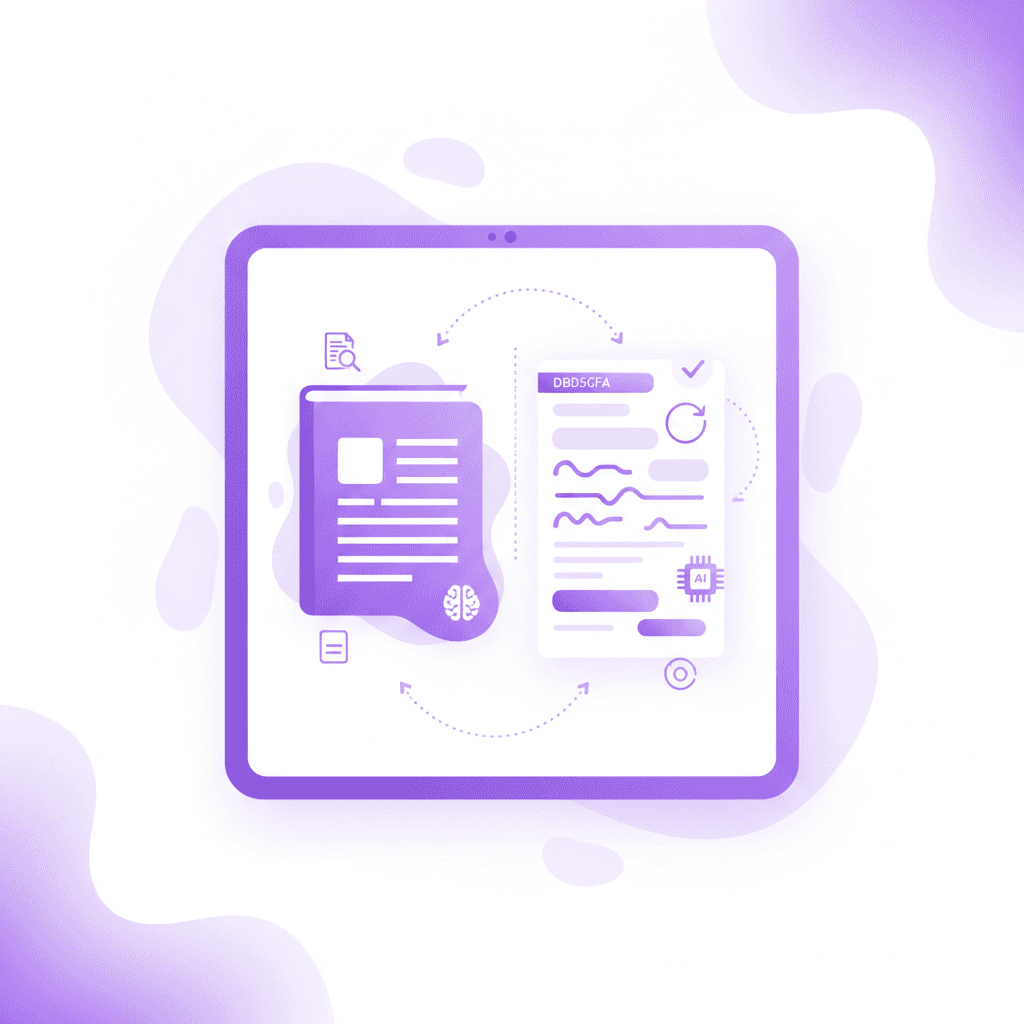
An effective iPad application must support fluid PDF markup, precise palm rejection for styluses, and synchronized audio recording. College students require platforms that organize multiple semesters of coursework without lagging, allowing quick retrieval of lecture materials through advanced optical character recognition to stay prepared for rigorous exams.
Research indicates a direct link between physical writing and cognitive processing during complex learning tasks. Conceptual application scores were significantly higher for longhand note-takers compared to laptop users, improving testing outcomes by 22% (Mueller & Oppenheimer, 2014).
Actionable step: Enable automatic cloud backups to iCloud or Google Drive before attending your first lecture to prevent accidental data loss.
When evaluating the best note taking app for students ipad, audio synchronization remains a non-negotiable feature for fast-paced environments. This functionality links your handwriting strokes to the exact timestamp of the professor's audio recording. Tapping a specific word you wrote instantly plays the audio from that exact moment in the lecture.
Optical Character Recognition (OCR) technology transforms handwritten scribbles into searchable data. A medical student searching for "mitochondria" across 40 different PDF documents needs exact results within seconds. Without OCR indexing, discovering specific terms inside handwritten documents becomes impossible during final exam preparation.
Discovering 7 Tips on How to Take Good Notes for Top Grades ensures your digital inputs remain structured and legible for the software to parse. The difference between an average digital notebook and a superior one lies in how accurately the software interprets messy handwriting into uniform text. Understanding 5 Handwritten vs Typed Notes Truths for Better Grades helps students decide when to use a stylus versus a magic keyboard.
Which application is preferred for handwritten digital notes?
Major handwriting applications dominate the market due to fluid ink engines and customizable paper templates. These programs convert scribbles into typed text instantly, making them incredibly ideal for STEM students who need to draw complex chemical structures or mathematical equations accurately during fast-paced university lectures.
Studies assessing digital interfaces confirm the cognitive benefits of using a stylus for specific academic disciplines. Students using pen-based interfaces completed science problem-solving tasks 25% faster than those using standard keyboard inputs (Oviatt, 2006).
Actionable step: Utilize the digital lasso tool to resize and rearrange your handwritten diagrams instead of erasing and redrawing them.
Vector-based ink engines provide the smoothest writing experience on Apple hardware. Vector ink scales infinitely without pixelation, meaning your diagrams remain sharp even when zooming in 400% on a complex anatomy drawing.
Choosing the 7 Best iPad Note Taking App Tools For A+ Grades often comes down to personal preference regarding file management styles. Some users prefer infinite canvases that expand endlessly in all directions. Others prefer strict, standard A4 page dimensions that export cleanly to physical printers.
The exact science of stylus latency dictates how natural the writing experience feels. Applications optimized for the Apple Pencil boast latency times under 9 milliseconds, creating an experience indistinguishable from physical paper. Identifying the 7 Best Note Taking App For Students To Ace Exams requires testing these ink engines firsthand to match your specific handwriting speed.
How do AI applications compare to traditional iPad software?
Traditional digital notebooks function as static digital paper, requiring intensive manual review and organization. Conversely, AI-integrated platforms actively analyze your handwritten or typed input to automatically create interactive study materials, eliminating hours of manual flashcard creation while providing immediate, personalized feedback on difficult academic concepts.
Evaluating study techniques reveals stark contrasts in effectiveness based on how students interact with their material. Students utilizing active retrieval practice recalled 80% of foreign language vocabulary items compared to just 36% for those who repeatedly read the text (Karpicke & Roediger, 2008).
Actionable step: Export your handwritten iPad PDFs directly into an AI study platform to instantly generate interactive quizzes and flashcards.
The difference between static software and active AI platforms is functional output. A standard iPad application stores information, forcing the student to build their own memorization tools manually. An intelligent system reverses this workflow by building the tools for the student automatically.
Most undergraduates waste up to ten hours per week highlighting text or formatting flashcards. Reviewing 7 Best Note-Taking Methods for Better Grades shows that re-reading highlighted PDFs yields the lowest retention rates. Relying strictly on passive reading severely limits your ability to recall information under pressure.
Integrating tools that force immediate recall transforms exam preparation entirely. Using 7 Note Taking Methods for Exam Success alongside AI generation means you spend your time actually answering questions rather than writing them. Generating 7 Mind Mapping Examples for Better Grades through automated tools provides visual context without draining your study hours.
How Penseum Helps You Apply Active Recall to iPad Notes
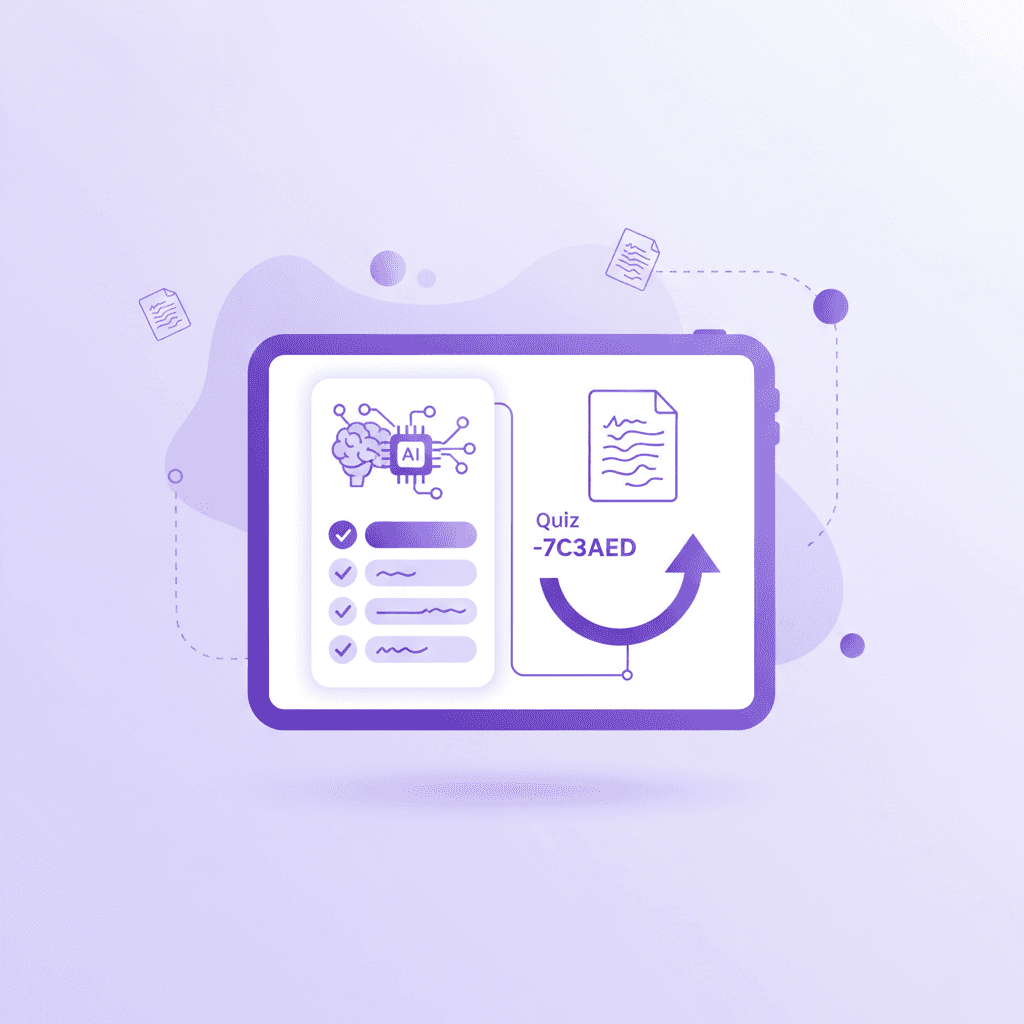
Penseum transforms static iPad documents into an interactive learning ecosystem. By uploading handwritten PDF exports or lecture slides, the platform automatically generates custom flashcards, quizzes, and concept maps without requiring a credit card. The built-in AI tutor then walks you through complex problems step-by-step using real-time voice guidance.
Decades of cognitive research validate the mechanics behind this automated approach. Practice testing demonstrates high utility across varying age groups, boosting overall final exam scores by up to a full letter grade compared to restudying (Dunlosky et al., 2013).
Actionable step: Export a single lecture's completed PDF from your iPad and upload it to Penseum’s free tier to generate your first personalized study guide.
Penseum operates as your personal academic guide available 24/7. When you upload a 40-page biology PDF, the system extracts the core principles and builds interactive study materials instantly. This eliminates the tedious process of transferring textbook definitions to index cards.
The platform provides a live, interactive canvas where your AI tutor observes your actual work on screen. If you make a mistake calculating a physics equation, Penseum catches the specific error, marks exactly where you went wrong, and explains how to fix it out loud.
This works because the system does not just hand you a generic text response. It draws diagrams live on your workspace and keeps teaching until you grasp the underlying concept. Combining this system with 5 Concept Map Strategies to Ace Your Exams ensures maximum retention of difficult subjects. Over 1,000,000 learners from top institutions actively use these specific features to bypass passive reading entirely.
Are premium note-taking subscriptions worth the annual cost?
Paid applications generally offer superior cloud syncing capabilities, infinite canvas options, and cross-device compatibility compared to freemium alternatives. However, many undergraduates find that basic free applications paired with powerful, free AI study platforms provide a highly comprehensive digital ecosystem without incurring any recurring monthly software expenses.
Financial barriers frequently dictate the software choices available to undergraduates. In 2020, 71% of undergraduate students cited the cost of course materials and required software subscriptions as a major barrier to their academic success (EDUCAUSE, 2020).
Actionable step: Begin the semester using a free tier application and only upgrade to premium if you exceed the base storage limits.
The software industry continues pushing users toward recurring annual subscription models rather than one-time purchases. Assessing the best note taking app for students ipad requires analyzing the lifetime cost of ownership.
Feature Category | Free iPad Apps | Premium Subscriptions | AI Integrations (Penseum) |
|---|---|---|---|
PDF Markup | Basic highlighting | Advanced vector inking | Contextual analysis |
Cloud Storage | Limited local space | Unlimited cross-device sync | Cloud-based workspaces |
Study Tools | Manual folders | Tagging & OCR search | Auto-generated quizzes |
Feedback Loop | None | None | Real-time voice tutoring |
Many students default to paid apps assuming higher quality, but discovering 5 Best Note Taking App For Students Free To Ace Exams proves free tools handle 90% of basic handwriting needs. You can write your primary documents in a free application, then export them for advanced processing.
Integrating text-heavy databases alongside handwriting apps creates a balanced workflow. Learning 7 Notion For Students Tips To Boost Your Grades or exploring 6 Obsidian for Students Tips (Study Smarter) provides structural organization that simple handwriting apps lack. Use the free tier of a handwriting app for raw input, then store the finished PDFs in a comprehensive database.
What is the optimal way to organize research and academic PDFs?
Software with structured folder hierarchies and global keyword search capabilities is absolutely essential for managing extensive academic research. The ability to split-screen a textbook PDF alongside a blank notebook allows students to synthesize information rapidly without constantly switching between different applications during intense study sessions.
Effective document management significantly impacts processing speed during prolonged academic reading. Professional readers spend up to 80% of their dedicated working time actively interacting with documents through cross-referencing and annotation rather than passive reading (Adler et al., 1998).
Actionable step: Set up dedicated, color-coded folders for each syllabus topic two weeks before the semester begins to keep all upcoming PDFs strictly organized.
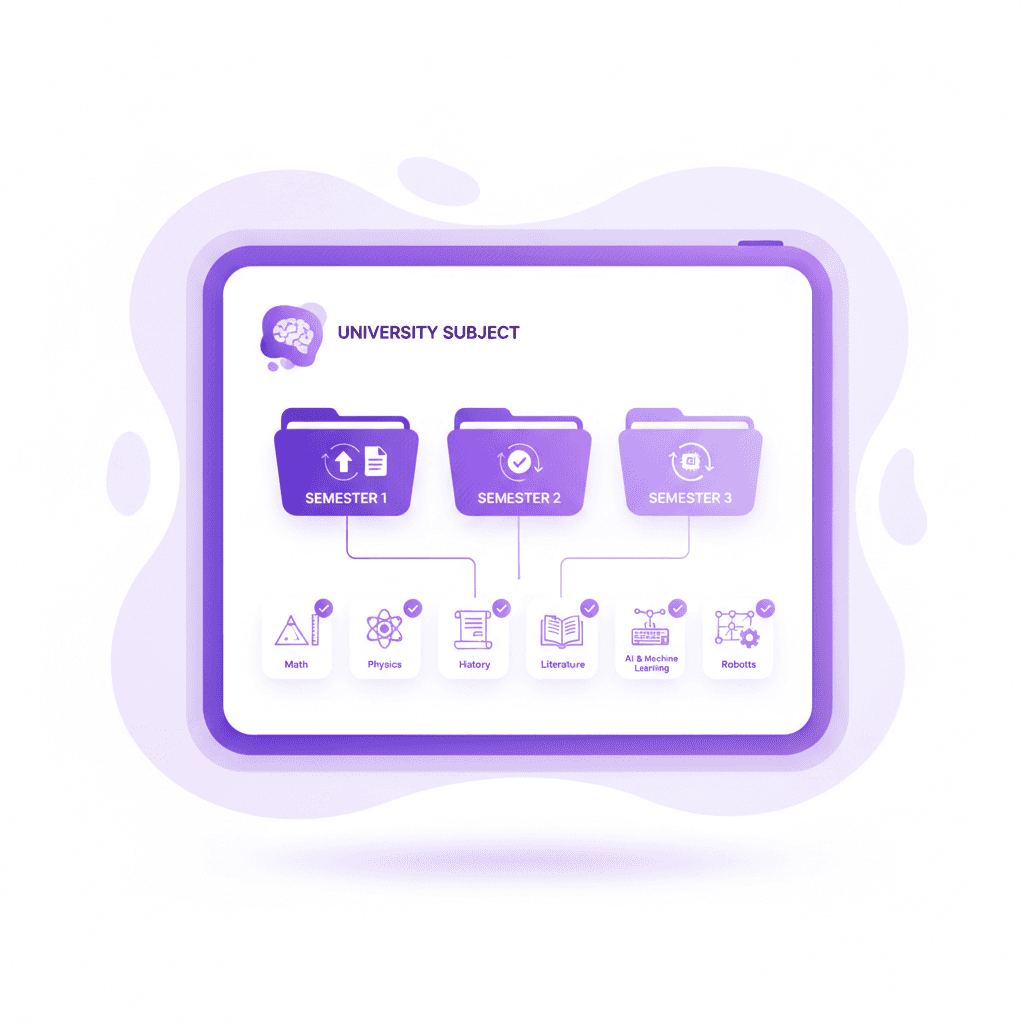
A chaotic file system guarantees lost assignments and stressful exam weeks. The best note taking app for students ipad forces you into a specific organizational framework. Creating nested folders for Year, Semester, Course, and Topic ensures you locate specific lecture materials instantly.
Split-screen functionality represents the highest value feature of iPad operating systems. You can open a 500-page chemistry PDF on the left third of the screen while keeping a blank digital notebook open on the right. Applying 7 Tips on How to Take Notes From a Textbook Fast while using a split-screen setup drastically reduces friction.
Formatting the page itself dictates how easily you review the material later. Utilizing 5 Cornell Notes Examples for Better Exam Prep or 5 Best Cornell Notes Template Layouts for A+ directly within your digital notebook establishes clear boundaries for summaries and keywords. If you prefer hierarchical data, referencing 5 Steps: Outline Method of Note-Taking for Better Grades helps structure your imported PDFs efficiently.
Frequently Asked Questions
Does the iPad come with a free note-taking app?
Yes, Apple includes the native Notes application pre-installed on every device for free. It supports Apple Pencil input, document scanning, basic folder organization, and iCloud synchronization. While highly functional for quick lists, it lacks the advanced PDF annotation and infinite canvas features found in specialized academic software.
Can I use GoodNotes and Notability on the same iPad?
You can install and operate both applications on a single device simultaneously. Many users export documents between the two platforms using standard PDF formats. However, maintaining separate ecosystems often causes file fragmentation, making it difficult to search for specific keywords across multiple disconnected databases during finals week.
How much storage do digital notebooks use on an iPad?
Handwritten documents consume minimal space, typically averaging 5 to 15 megabytes per notebook. However, importing heavy textbook PDFs, embedding high-resolution lecture photos, or utilizing continuous audio recording features pushes individual file sizes well beyond 100 megabytes. Students should maintain at least 10 gigabytes of free device storage to prevent application crashing.
Is an Apple Pencil necessary for iPad digital organization?
Typing remains highly effective for standard text input, but a stylus becomes mandatory for specific workflows. Students tackling mathematics, organic chemistry, or engineering require a stylus to draw equations and structural diagrams quickly. Without a stylus, interacting with digital PDFs relies entirely on imprecise finger gestures and text boxes.
Can I export my iPad documents to other study platforms?
Most modern software allows direct PDF exports to external platforms. You can compress your entire semester's digital notebook into a single file and upload it to intelligent platforms like Penseum. This process ensures your handwritten diagrams and highlighted text remain intact while external software generates interactive testing materials.
Written by Samit Khalsa — Expert in cramming for exams
Last updated: September 2026
Sources
Mueller, P. A., & Oppenheimer, D. M. (2014). The pen is mightier than the keyboard: Advantages of longhand over laptop note taking. Psychological Science. https://pubmed.ncbi.nlm.nih.gov/24760141/
Oviatt, S. (2006). Human-centered design meets cognitive load theory: Designing interfaces that help people think. Proceedings of the 14th Annual ACM International Conference on Multimedia. https://scholar.google.com/scholar?hl=en&as_sdt=0%2C5&q=Human-centered+design+meets+cognitive+load+theory%3A+Designing+interfaces+that+help+people+think+oviatt&btnG=
Karpicke, J. D., & Roediger, H. L. (2008). The critical importance of retrieval for learning. Science. https://pubmed.ncbi.nlm.nih.gov/18276894/
Dunlosky, J., Rawson, K. A., Marsh, E. J., Nathan, M. J., & Willingham, D. T. (2013). Improving students' learning with effective learning techniques: Promising directions from cognitive and educational psychology. Psychological Science in the Public Interest. https://pubmed.ncbi.nlm.nih.gov/26173288/
EDUCAUSE. (2020). 2020 student technology report: Supporting the whole student. EDUCAUSE Research. https://library.educause.edu/resources/2020/10/2020-student-technology-report-supporting-the-whole-student
Adler, A., Gujar, A., Harrison, B. L., O'Hara, K., & Sellen, A. (1998). A
Related guides
Ready to study smarter?
Start turning your notes into guides, quizzes, and flashcards in seconds.
